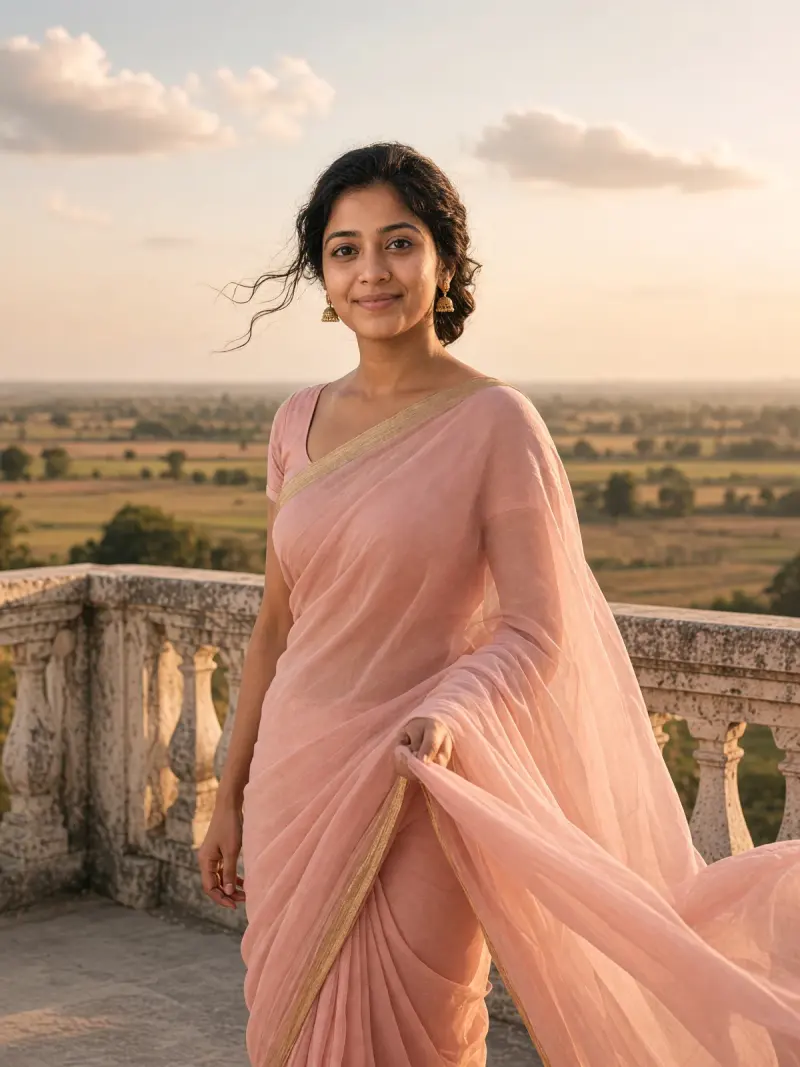
 Real example
Pastel chiffon saree at golden hour
Your photo as a soft vintage portrait in a flowing pastel chiffon saree, lit by low golden-hour sun.
Make it yours
Viral trend
The saree trend turns an ordinary photo of you into a vintage, cinematic saree portrait. Think golden-hour light, soft film grain and flowing pastel or chiffon fabric, with your face kept as it is.
Real exampleYour photo as a soft vintage portrait in a flowing pastel chiffon saree, lit by low golden-hour sun.
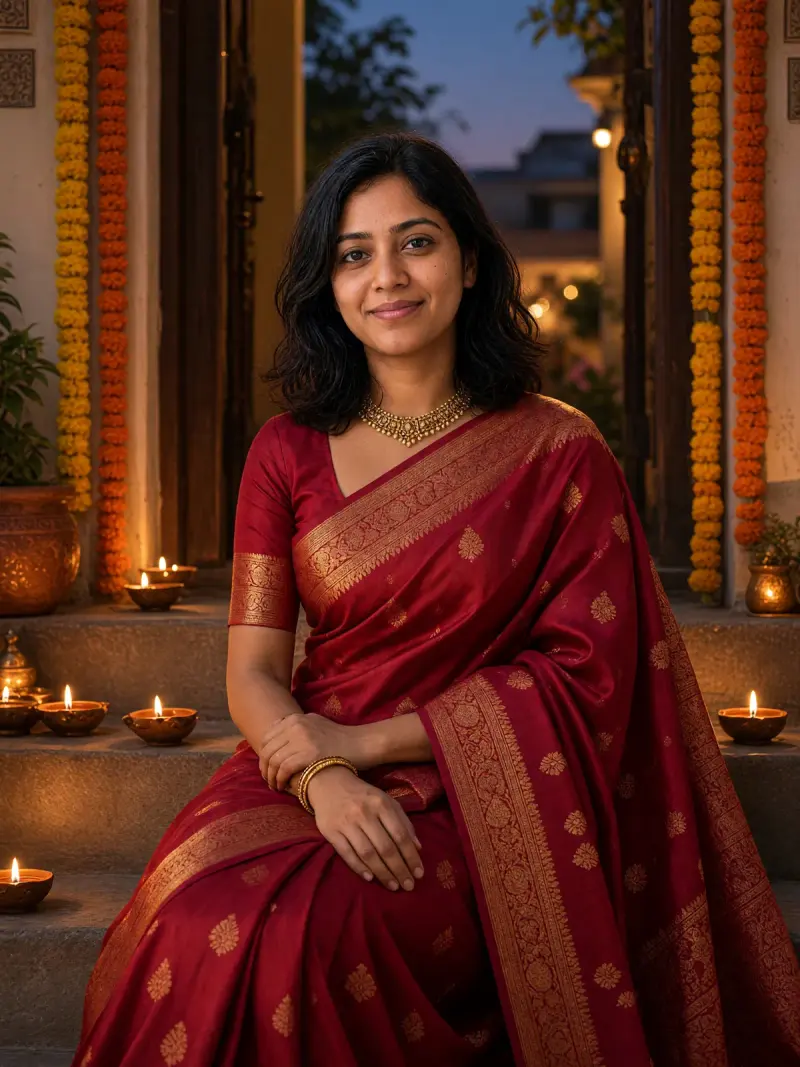 Real example
Your photo as a rich festive portrait in a deep red woven silk saree, glowing in diya light at dusk.
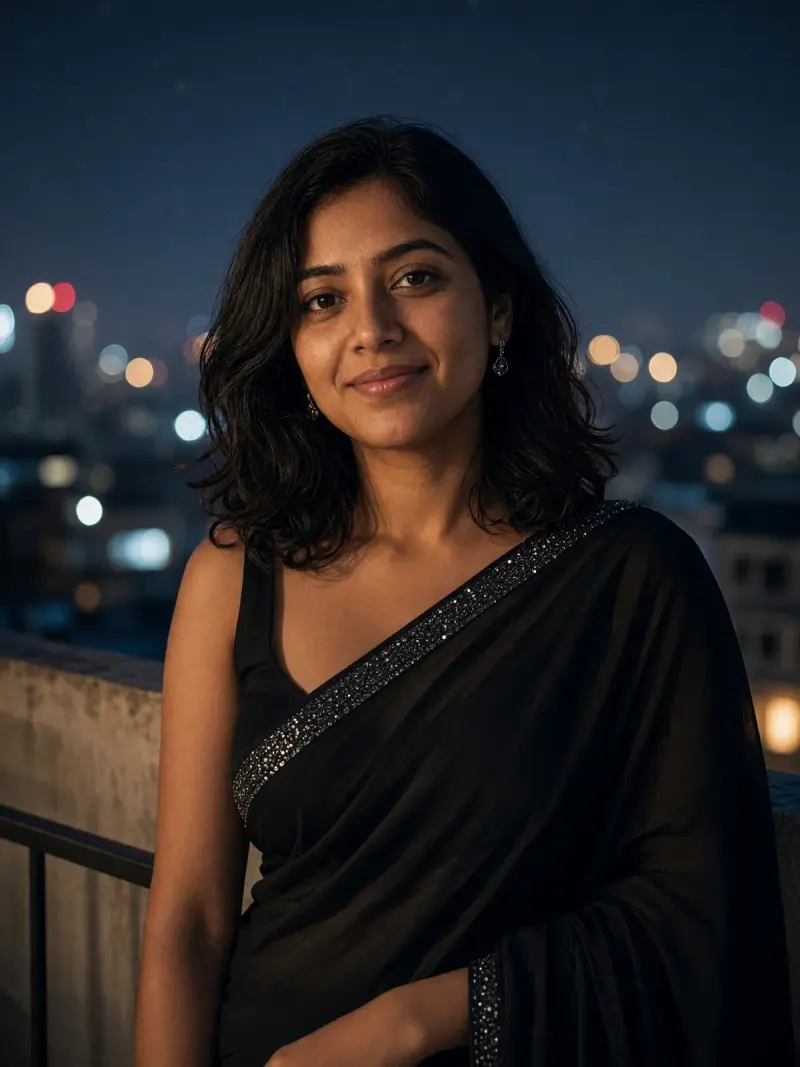 Real example
Your photo as a moody retro night portrait in a plain black georgette saree against soft city lights.
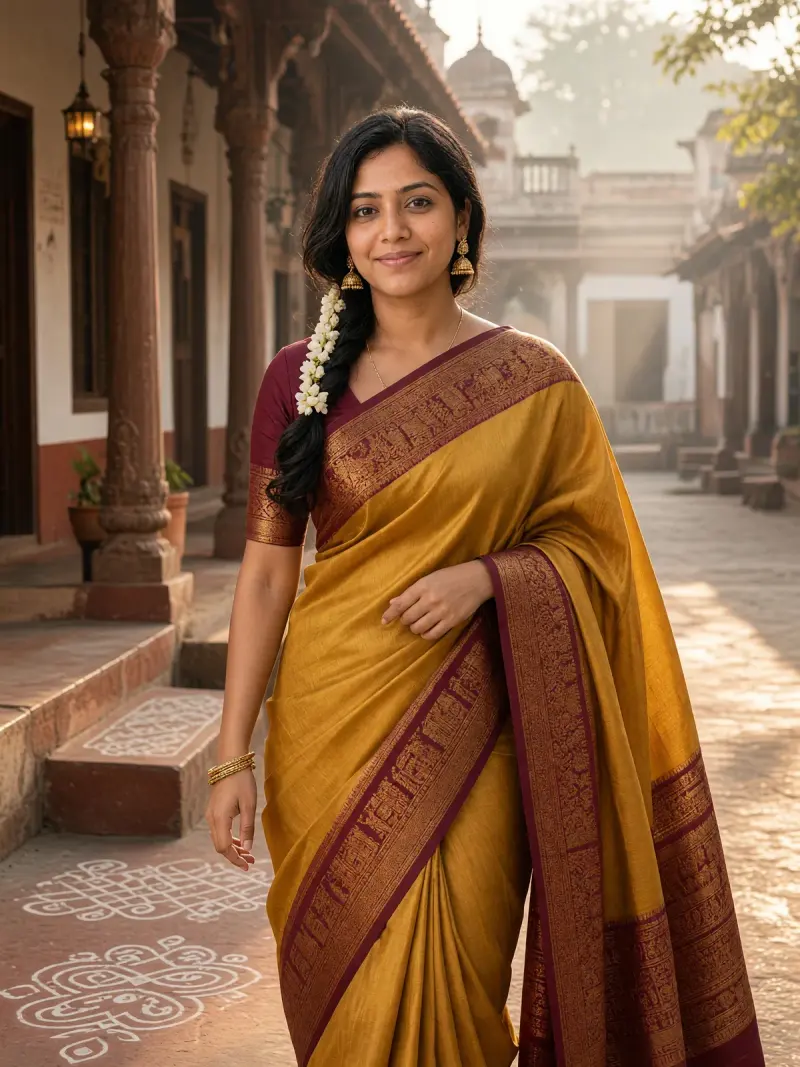 Real example
Your photo as a warm morning portrait in a heavy silk saree with a contrast border and jasmine in the braid.
 Real example
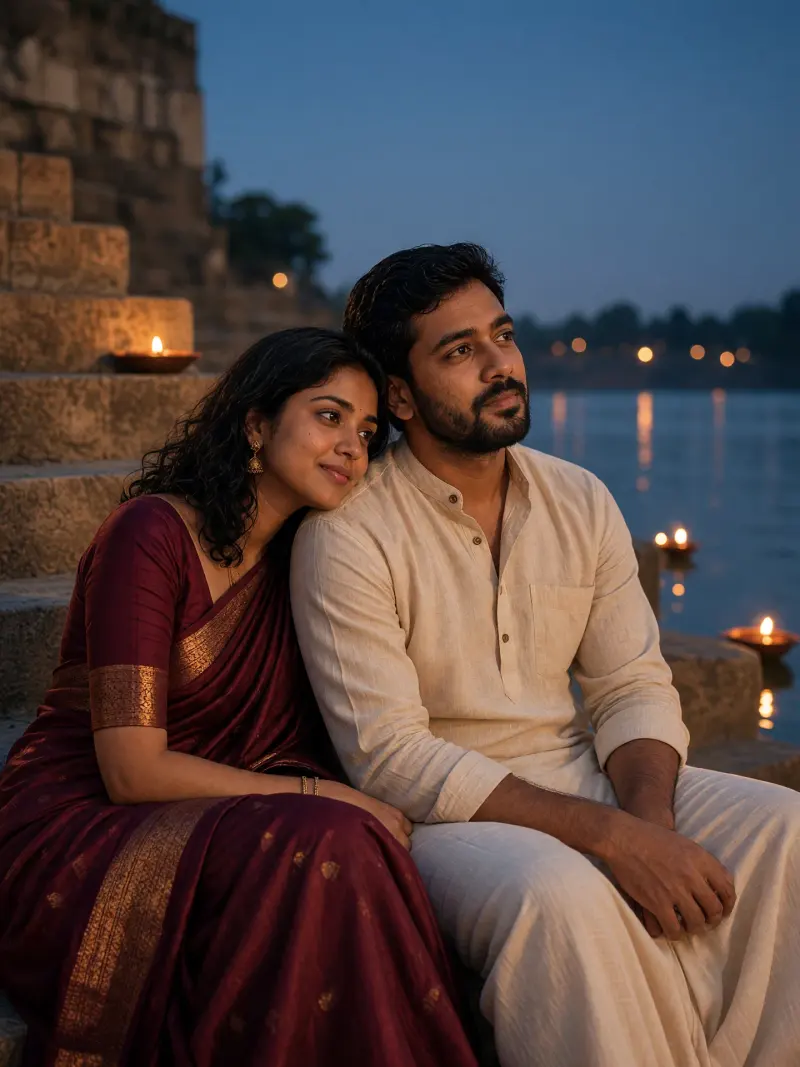
A vintage-style portrait of you in a saree with your partner, on old ghat steps at blue hour.
It gives a studio-style saree portrait from a photo you already have, with no shoot or styling needed. The look spread in India as a photo-edit trend.
Use only your own photo, or one you have clear permission to edit. Results vary between runs and apps, so check the face before you share it.
No. The trend is named after one app, but these prompts are written for ChatGPT, Gemini and Grok. Any of them that accepts a photo upload can try it.
The prompt asks the model to keep your face, skin tone and hairline, but no tool guarantees it. Compare the result with your photo and regenerate if it drifts.
These prompts are written for one person. A clear solo photo works best.