 Real example
90s studio portrait on a mottled backdrop
Your photo as a classic 90s studio portrait on a mottled backdrop, with faded colour and soft film grain.
Make it yours
Viral trend
The 90s trend gives your photo the look of an old studio or film print. Expect film grain, faded colours and classic backdrops, while your face stays the way it is.
Real exampleYour photo as a classic 90s studio portrait on a mottled backdrop, with faded colour and soft film grain.
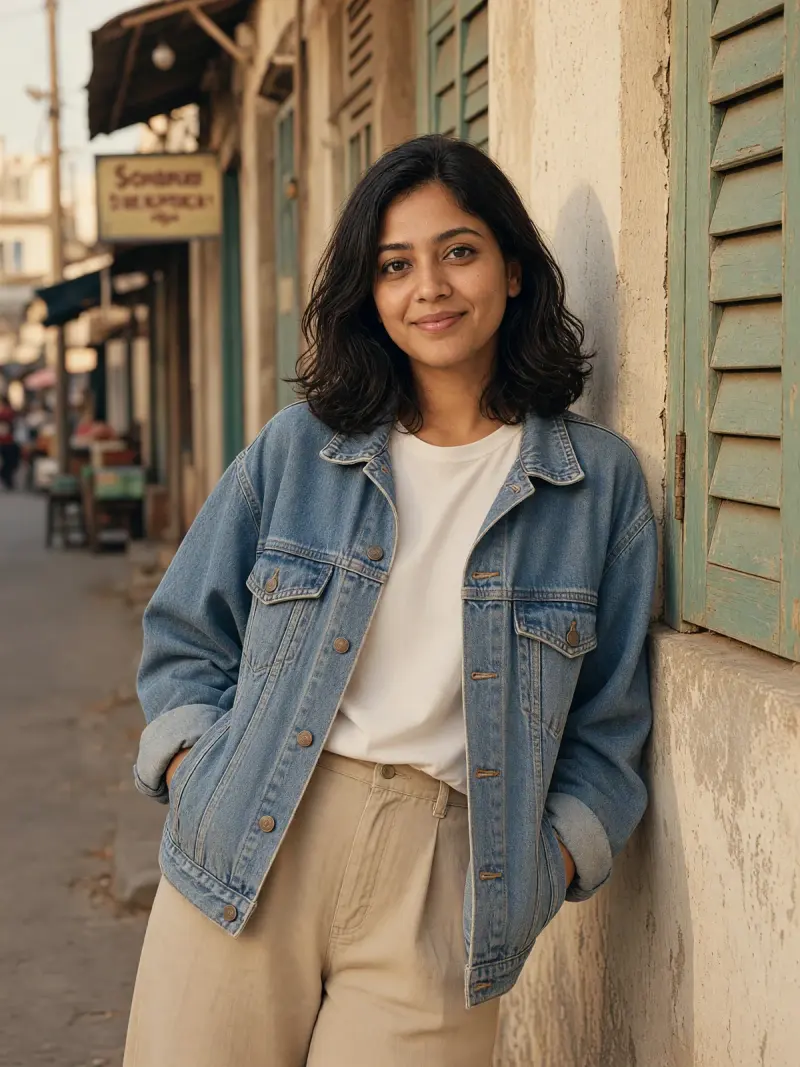 Real example
Your photo as a 90s street-style shot in an oversized denim jacket, with warm faded colour and grain.
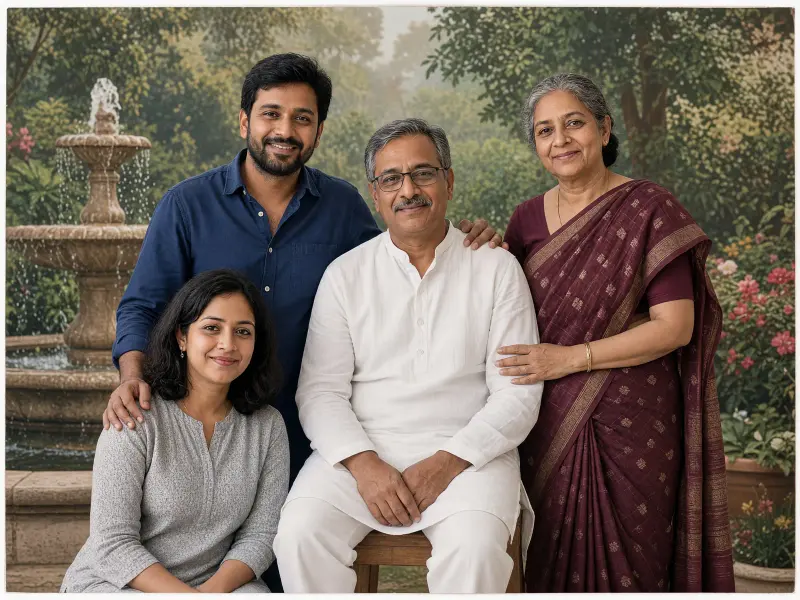 Real example
Your family photo as a 90s studio portrait in front of a painted garden backdrop, with soft faded colour.
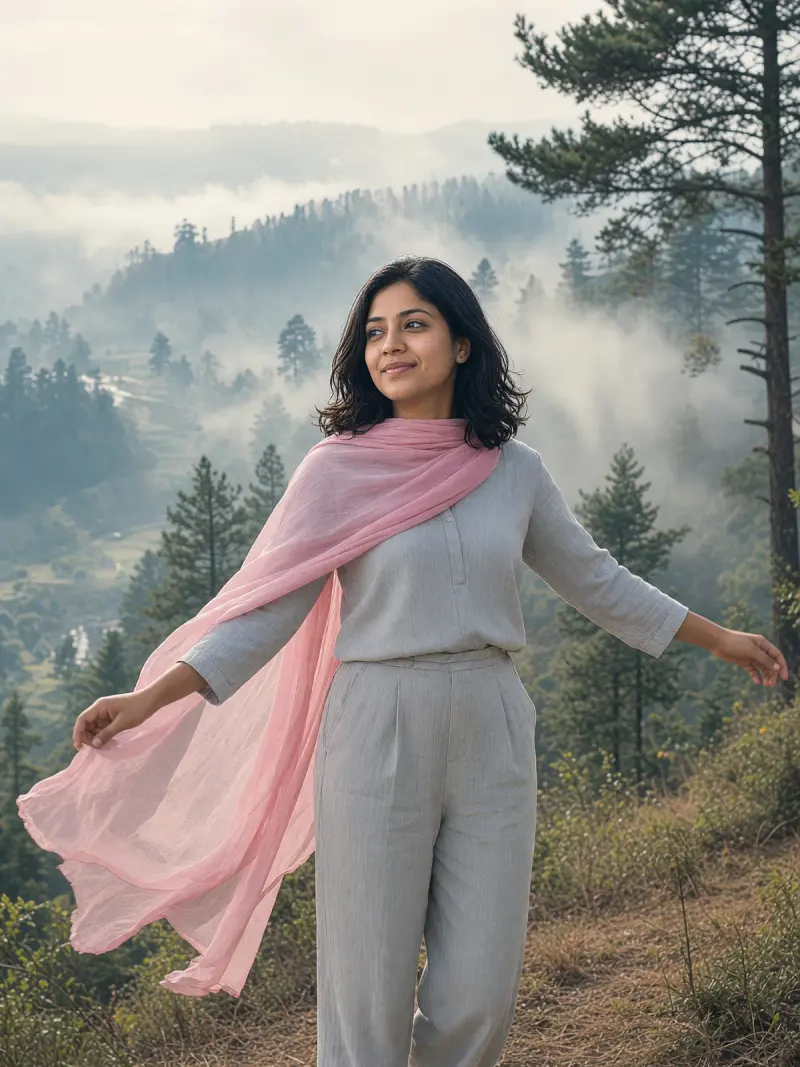 Real example
Your photo as a dreamy 90s hill-station portrait with a flowing chiffon dupatta, mist and soft film colour.
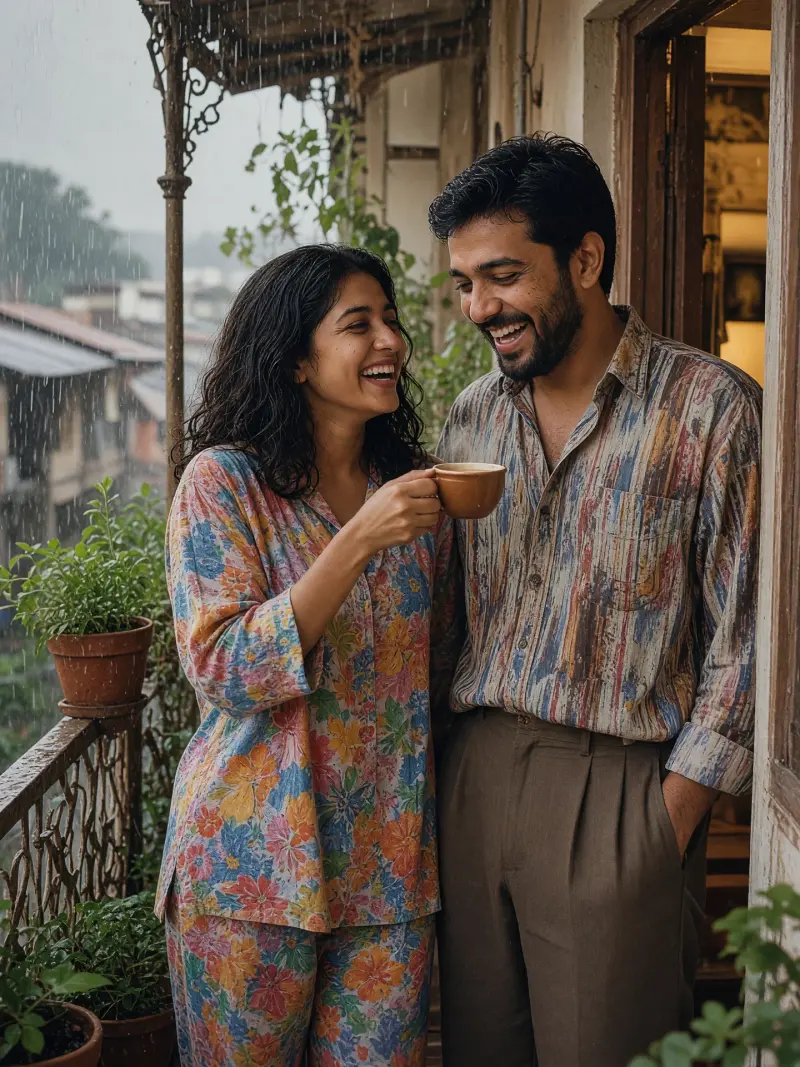 Real example
You and your partner on a rainy balcony in a warm 90s film-photo look.
It recreates the feel of family albums and old studio prints. People enjoy seeing a current photo with that familiar faded look.
Use your own photos or ones you have permission to edit. Retro filters can change skin tone, so compare the result with the original.
The prompts ask for grain, faded colour and soft edges, which feel like an old print. The exact look varies by app and run.
Some models smooth skin for a retro look. Ask the model to keep your natural skin texture.
The prompts leave it out because models often write random numbers. You can add your own date later in a photo app.