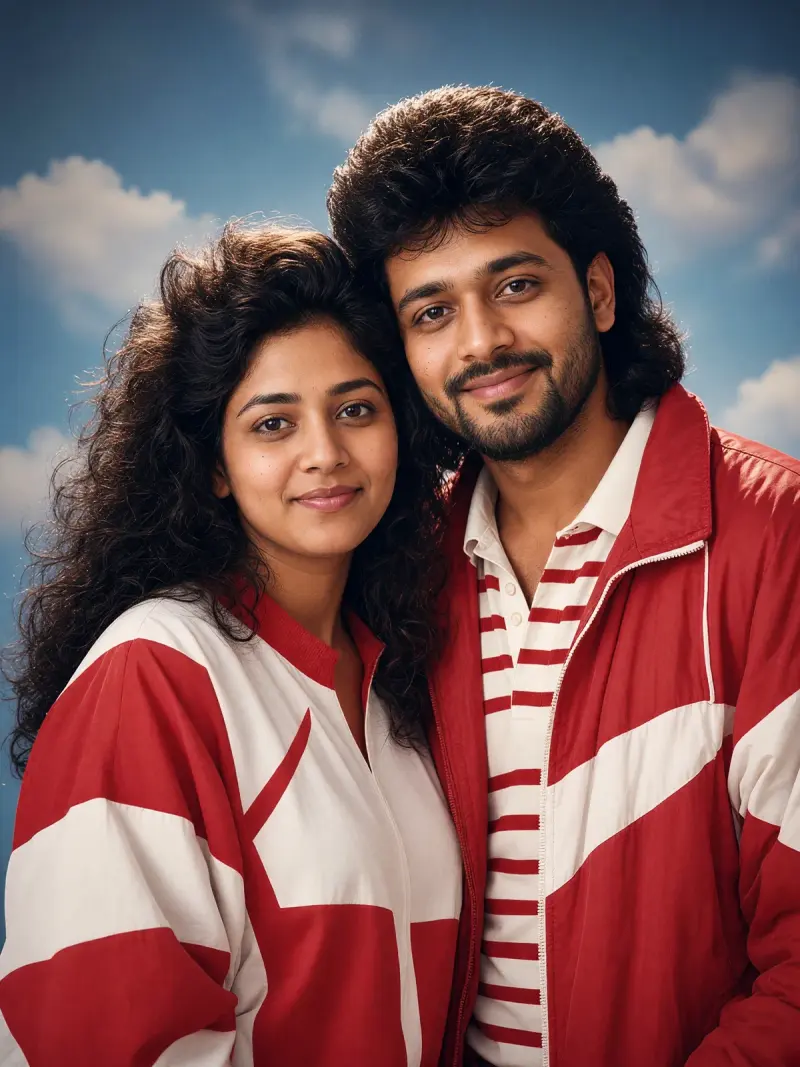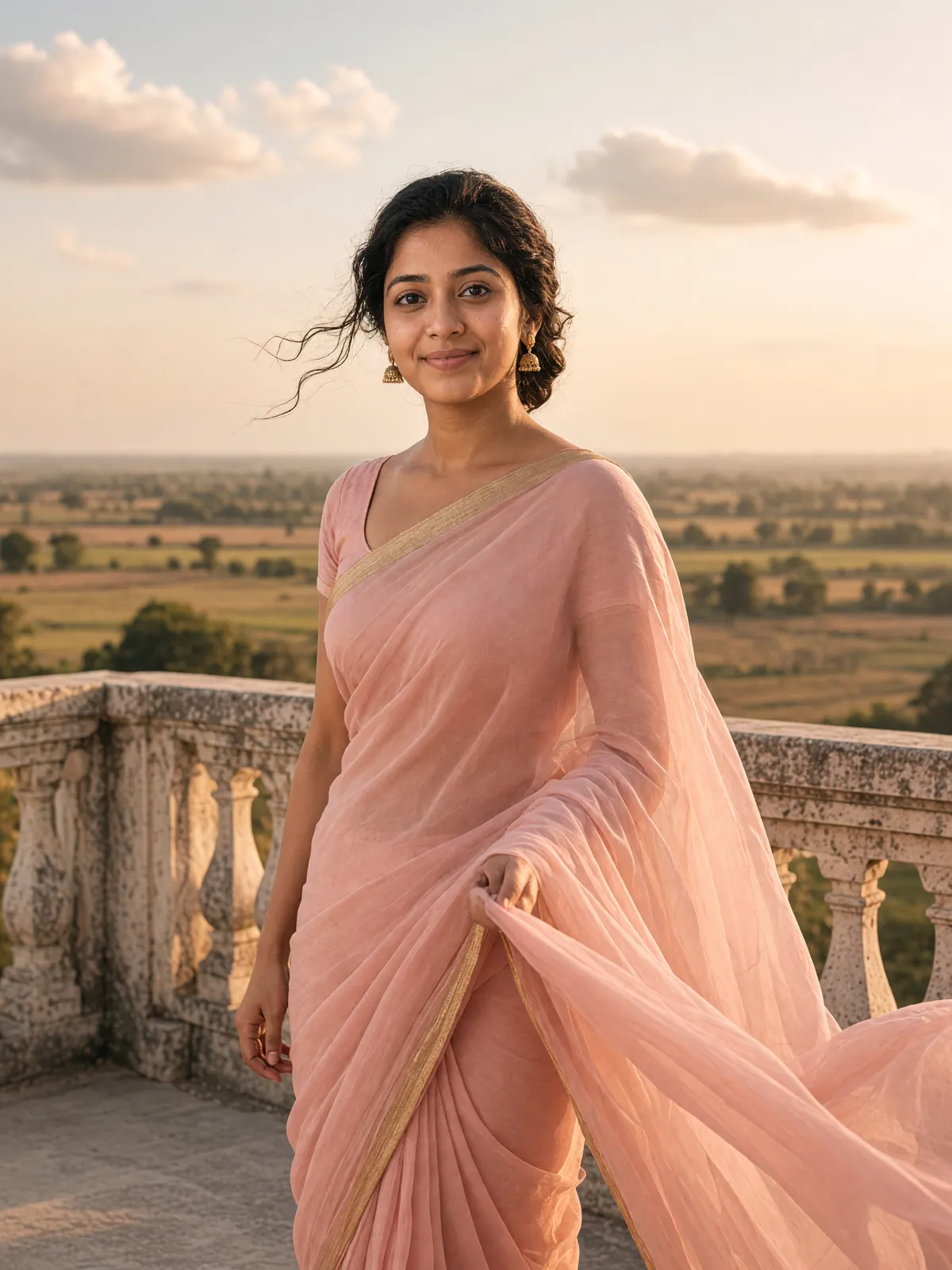
Pastel chiffon saree at golden hour
Your photo as a soft vintage portrait in a flowing pastel chiffon saree, lit by low golden-hour sun. Upload a clear photo, paste this prompt into ChatGPT, Gemini or Grok, change the parts in brackets to suit you, and generate.
Part of the Gemini saree trend
- Written for
- ChatGPT, Gemini, Grok
- You'll need
- A clear photo to upload
- Status
- Tested 19 Oct 2026 in grok-imagine-image-2.0
- Test settings
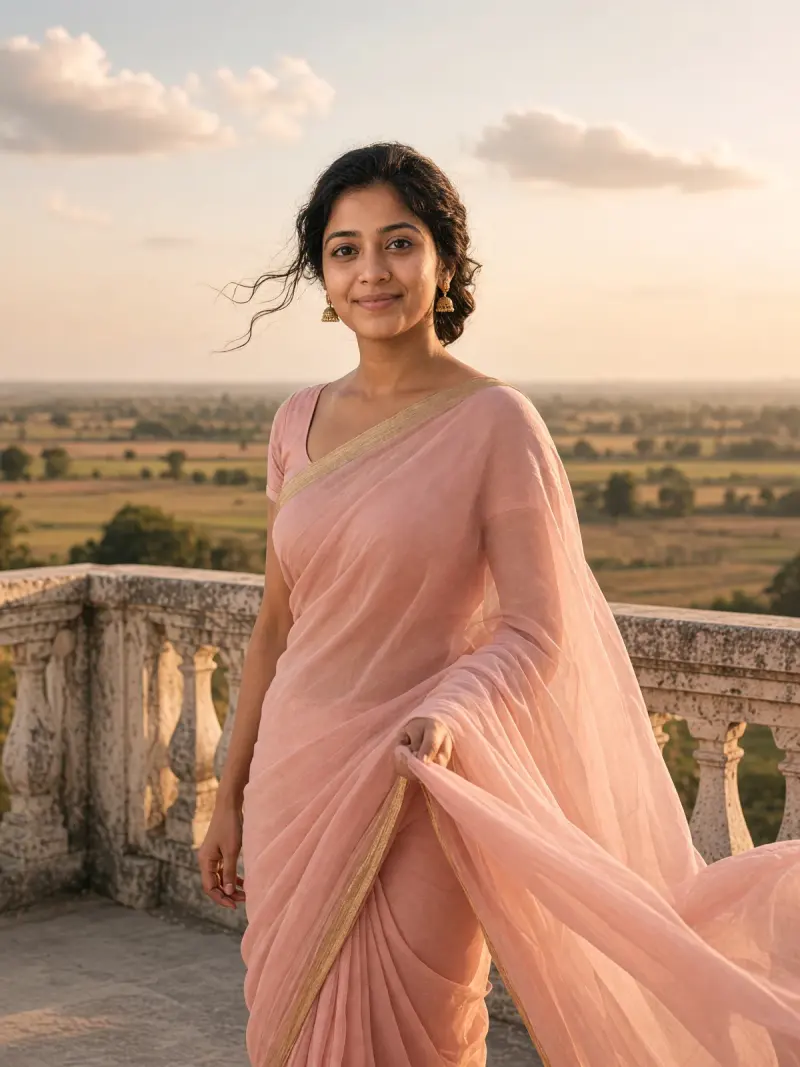
- Reference photo: an AI-generated picture of a fictional woman (not a real person), made in Grok for this test at 3:4 because the image API has no 4:5 preset. Uploaded with the default copy text unchanged. The edit also used aspect_ratio 3:4 (no 4:5 preset). First result used; resized to 1200x1600 and converted to WebP.
- Variability
- Faces, poses and small details vary between runs; always compare the result with your own photo.
Prompt
Use the uploaded photo as the reference for the person. Preserve their recognisable face, natural skin tone, hairline and body proportions as closely as the model permits; check the result against the reference.
Scene: an old stone terrace with a carved balustrade overlooking open fields, open sky with a few soft clouds.
Pose: standing three-quarter to the camera, one hand lightly holding the pallu as it lifts in the breeze, soft closed-mouth smile.
Clothing: a flowing pastel peach chiffon saree with a thin gold border, simple matching blouse, small gold jhumkas; keep the hair colour and hairline from the photo, loosely tied back with a few strands free.
Light: low golden-hour sun behind and to one side, warm rim light on the hair and fabric, soft fill on the face.
Style: vintage cinematic portrait, gentle film grain, slightly lifted shadows, warm muted tones, shallow depth of field.
Format: vertical 4:5
Avoid: changing the face or identity, skin lightening, heavy beauty filters, extra fingers, text, logos, watermarks.
Customise
For example: an old stone terrace with a carved balustrade overlooking open fields.
For example: your own saree colour.
For example: 4:5.
Fields start with illustrative values; replace them with your own facts. The prompt updates as you type. Copy prompt copies your version.
How to use it
- Open an external image tool listed above. The tested model, if any, is named in Status.
- Upload a clear reference photo of the subject. If it includes identifiable people, get their consent and check each face.
- Customise the fields, copy your version, paste it with the photo and generate.
- Compare the result with the reference. If a face, pose or detail changes, ask for one correction or try again; an exact match is not guaranteed.
How to use this prompt
- This prompt changes your own photo. Choose a clear reference photo, and get permission from people who can be identified.
- Upload the photo in the external AI app you chose. Fill Customise, press Copy prompt and paste the prompt with the photo.
- Compare the new picture with the original. Face, hands, clothes and pose can change. An exact likeness is not guaranteed.
Good to know
- Fine chiffon folds and the border can blur or repeat; regenerate or ask for one fix at a time. Keep checking that the face still matches your photo.
- Use reference photos you have the right to use; get consent from identifiable people.