 Real example
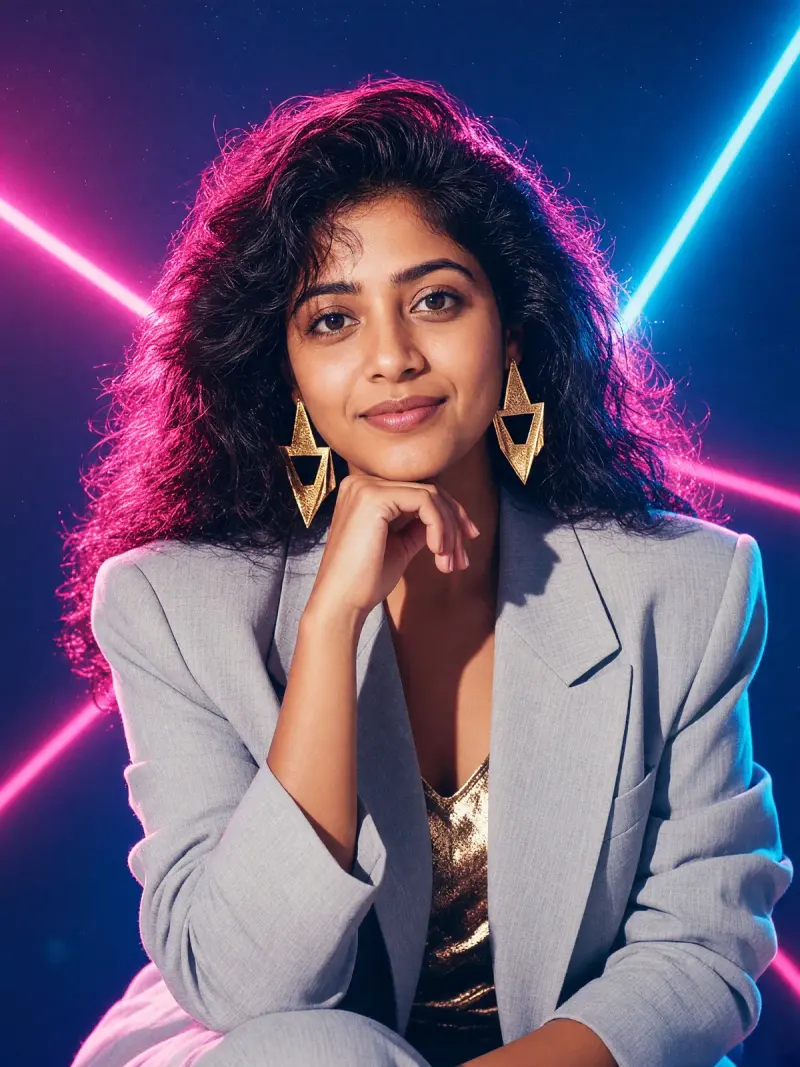
80s studio portrait with a laser backdrop
Your photo as an 80s studio portrait with big hair, padded shoulders and a laser-beam backdrop.
Make it yours
Viral trend
The 80s trend turns your photo into a bold studio portrait. Big hair, statement jewellery, vintage backdrops and film grain set the mood, and your face stays recognisable.
Real exampleYour photo as an 80s studio portrait with big hair, padded shoulders and a laser-beam backdrop.
 Real example
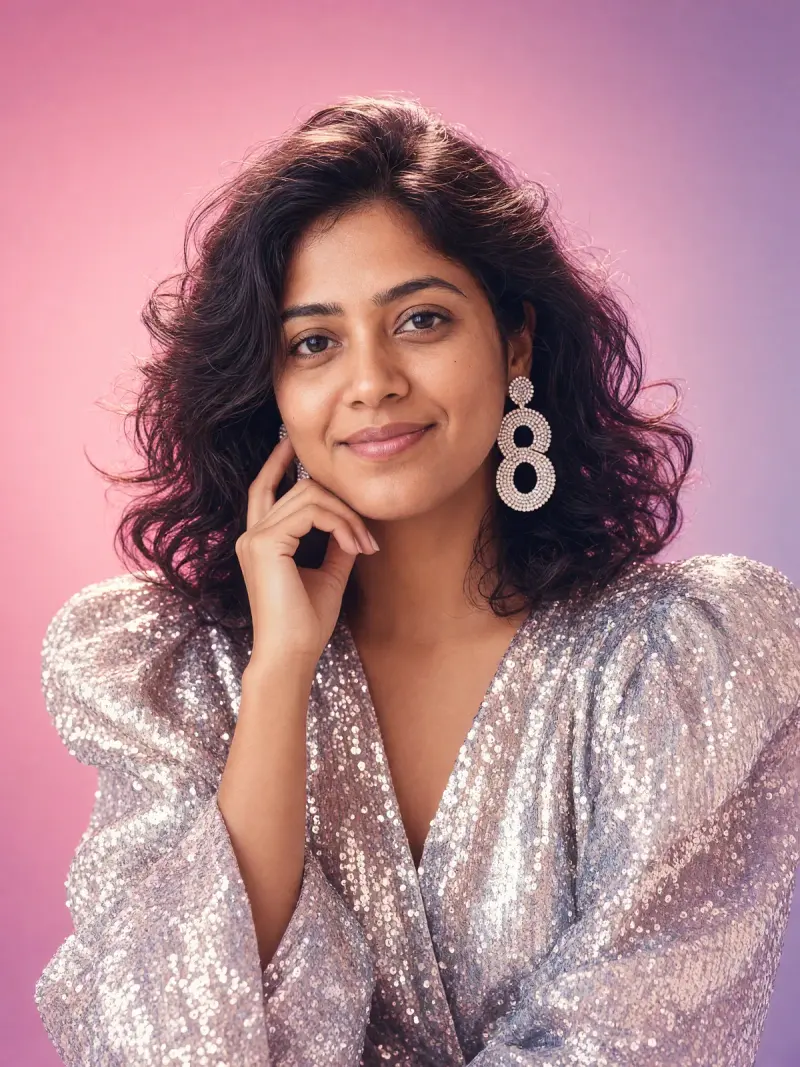
Your photo as a soft-focus 80s glamour portrait with a pastel gradient backdrop and statement earrings.
 Real example
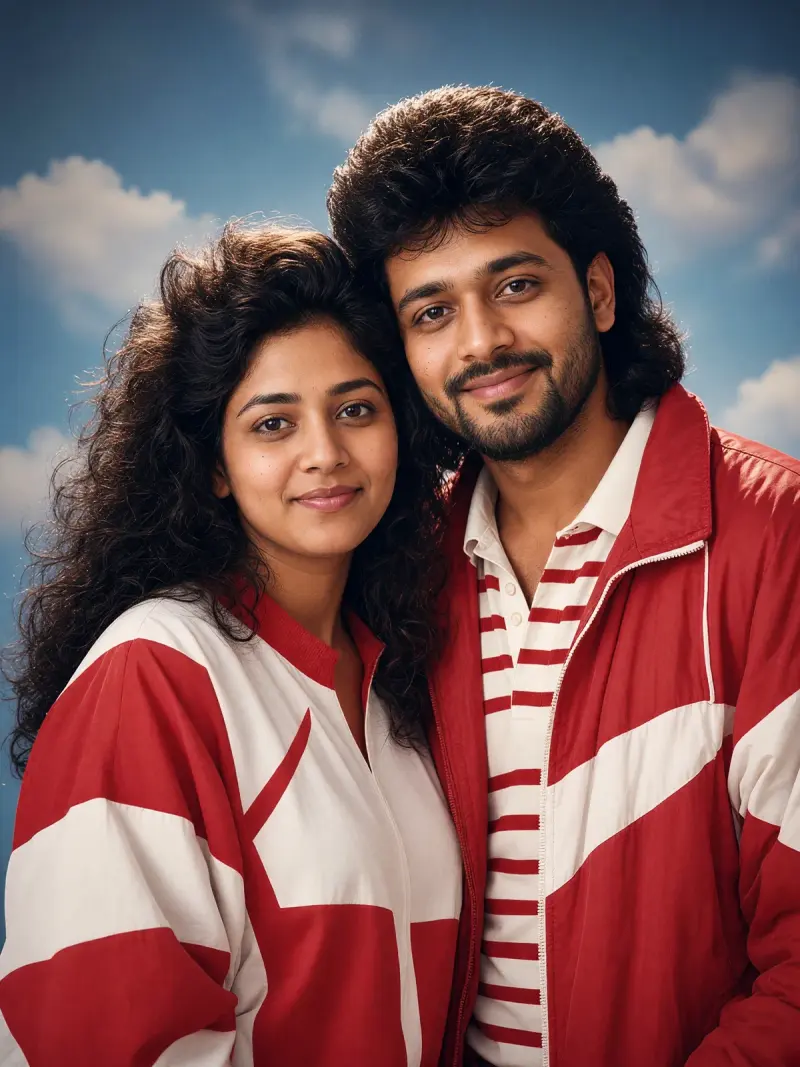
Your couple photo as an 80s studio portrait in coordinated outfits against a painted sky-and-clouds backdrop.
 Real example
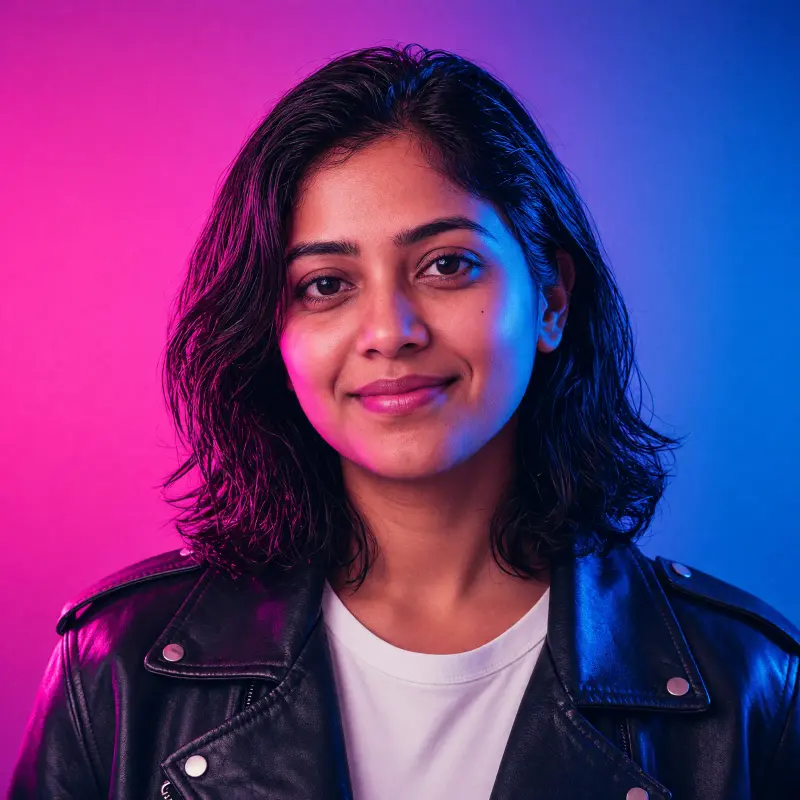
Your photo as a bold 80s headshot on a neon gradient, with wet-look hair and strong coloured light.
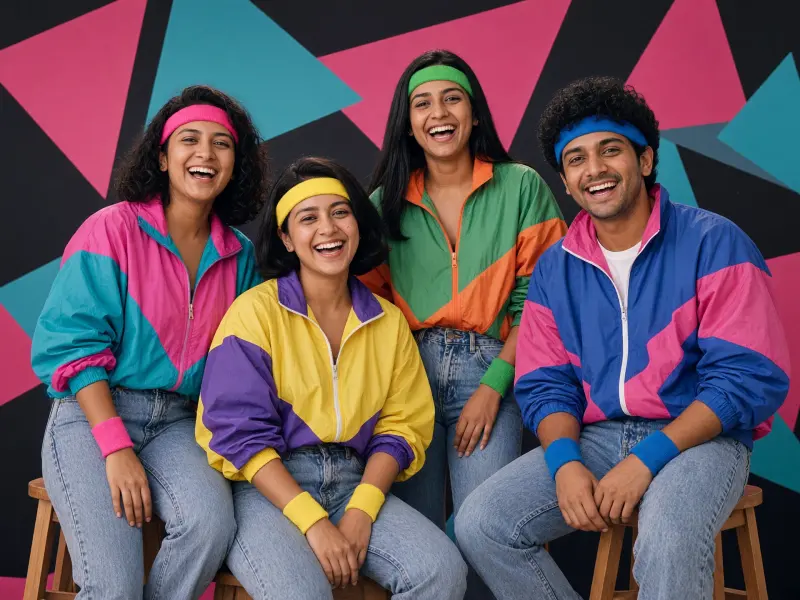 Real example
You and your friends in a loud, fun 80s studio portrait with bold geometric shapes.
The look is loud, fun and instantly retro. It works for solo and couple photos without any real styling.
Use only your own photos or ones you have permission to edit. Results vary, so check that the face is still yours before sharing.
Big hair, padded shoulders, statement jewellery, painted or laser backdrops and soft grain. The prompts name these details for you.
Yes, the style asks for big hair. The prompts ask the model to keep your hair colour and hairline.
Yes. Use the couple prompt with a photo of you both that you both agree to edit.