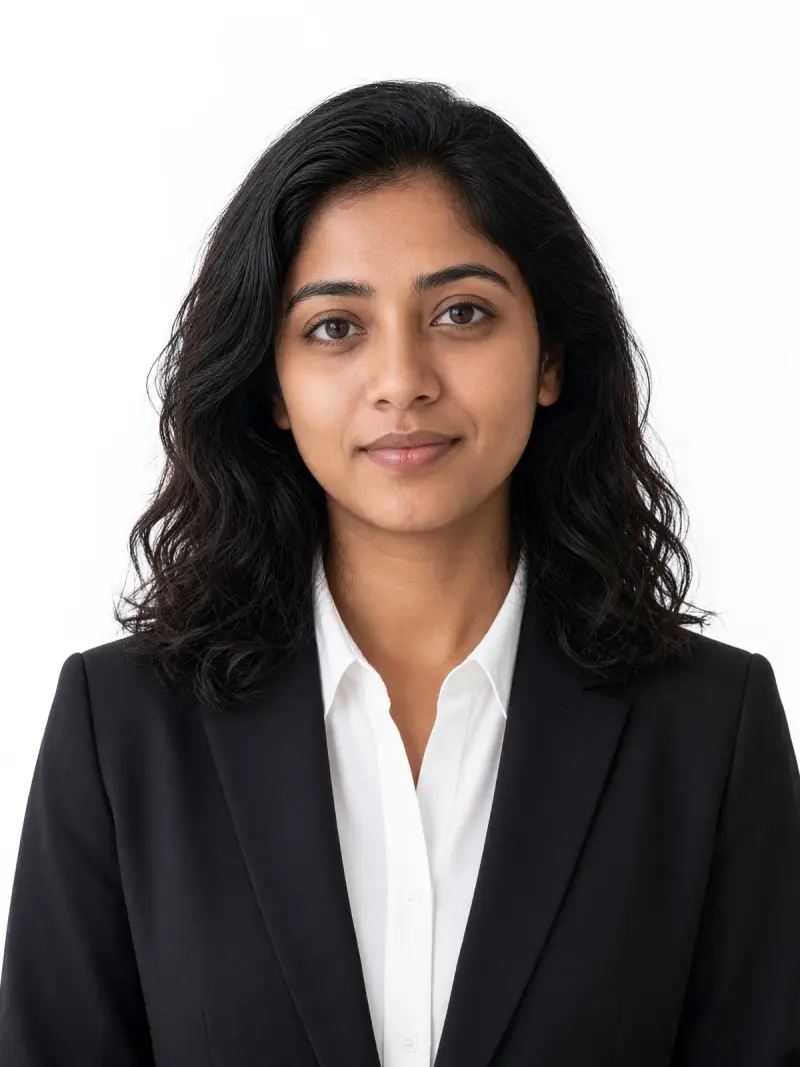
 Real example
Formal headshot on a plain white background
Your photo as a clean front-facing formal headshot on a plain white background, with your face unchanged.
Make it yours
Viral trend
This trend turns a casual photo into a clean, formal headshot on a plain background. AI-edited photos may be rejected for passports, visas and ID cards. For official documents, follow the issuing office's photo rules and use an unedited photo.
Real exampleYour photo as a clean front-facing formal headshot on a plain white background, with your face unchanged.
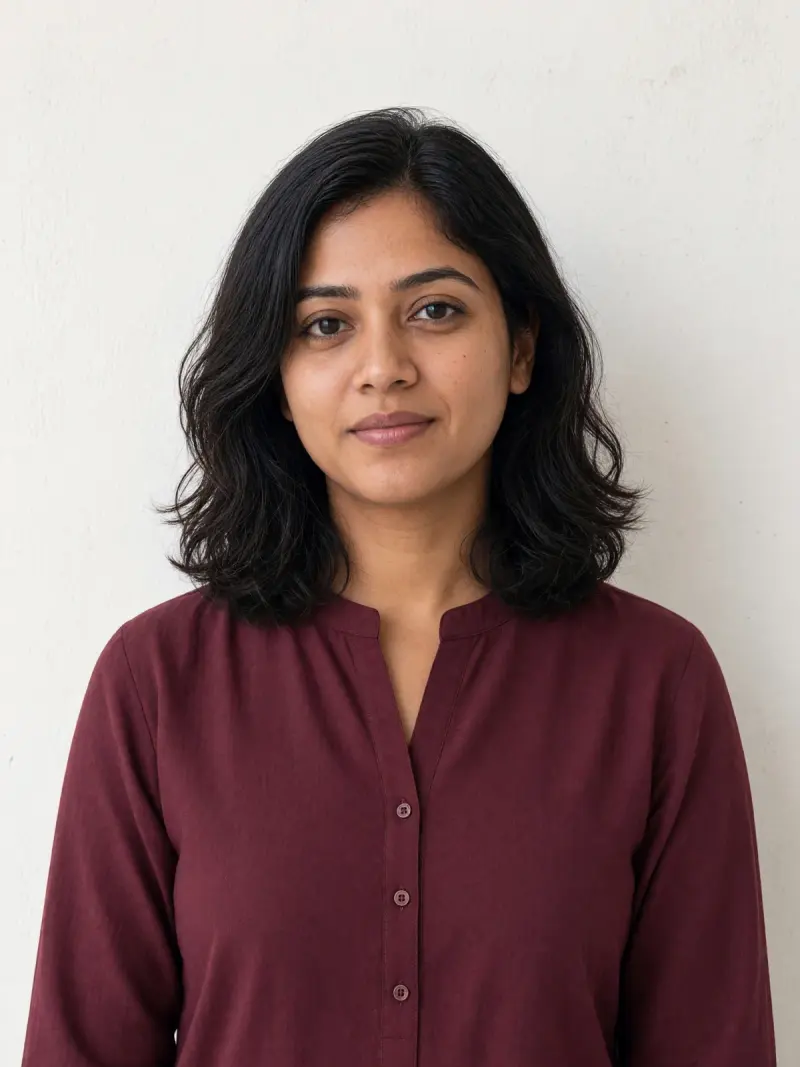 Real example
Your photo as a neat front-facing headshot in simple ethnic formal wear on a plain off-white background.
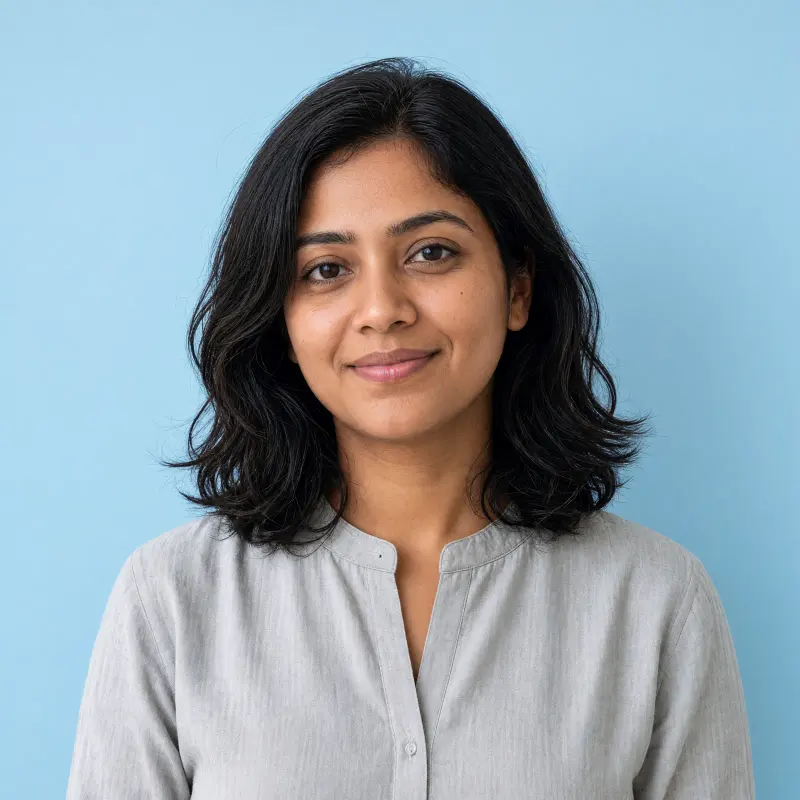 Real example
Your photo as a friendly, front-facing profile headshot on a soft light blue background for work profiles.
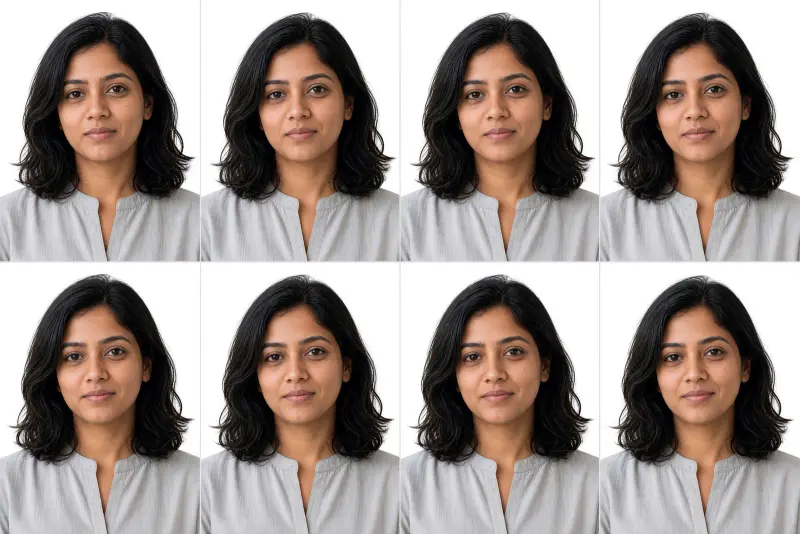 Real example
Your formal headshot repeated as identical copies on one printable sheet with thin cut lines.
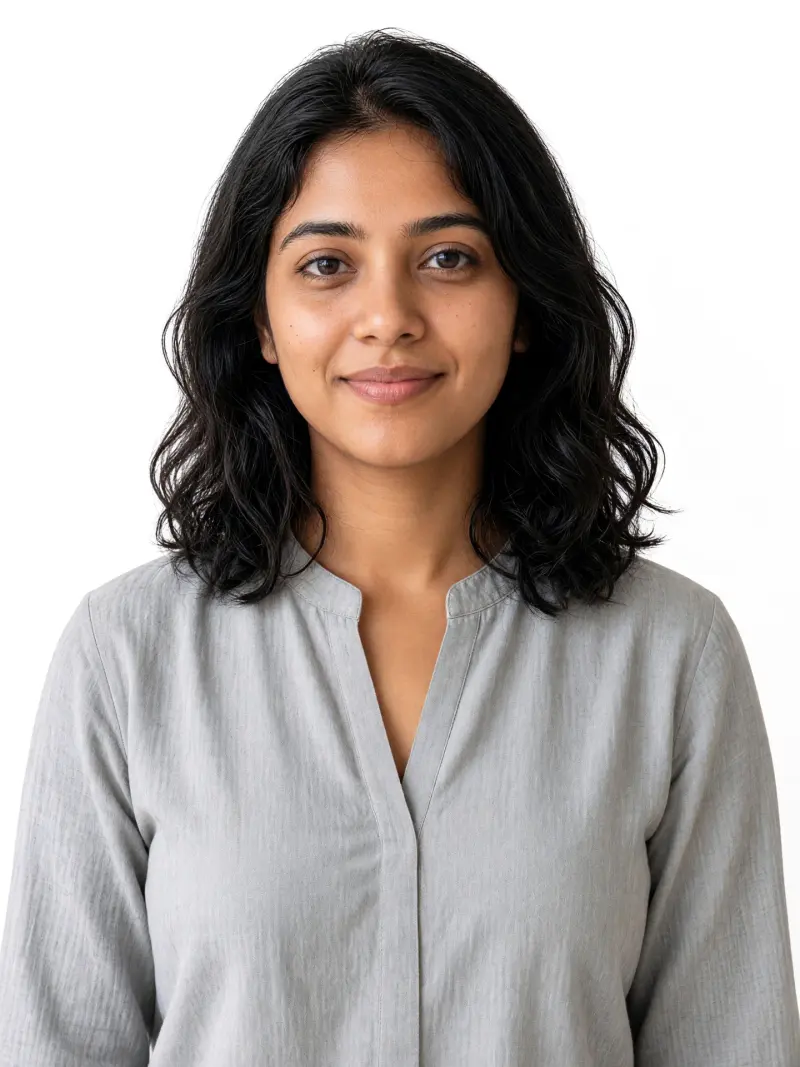 Real example
Your home photo with the cluttered background replaced by plain white, face untouched.
People want a neat formal headshot for profiles and forms without visiting a studio. The prompts keep your face unchanged and only tidy the background, light and clothes.
Use only your own photo. AI-edited photos may be rejected for passports, visas and ID cards. For official documents, follow the issuing office's photo rules and use an unedited photo.
Not safely. AI-edited photos may be rejected for passports, visas and ID cards. Follow the issuing office's photo rules and use an unedited photo for official documents.
A clean headshot for work profiles, résumés or informal forms where an edited photo is acceptable.
The prompts tell the model not to smooth, reshape or retouch your face, but always compare the result with your original.