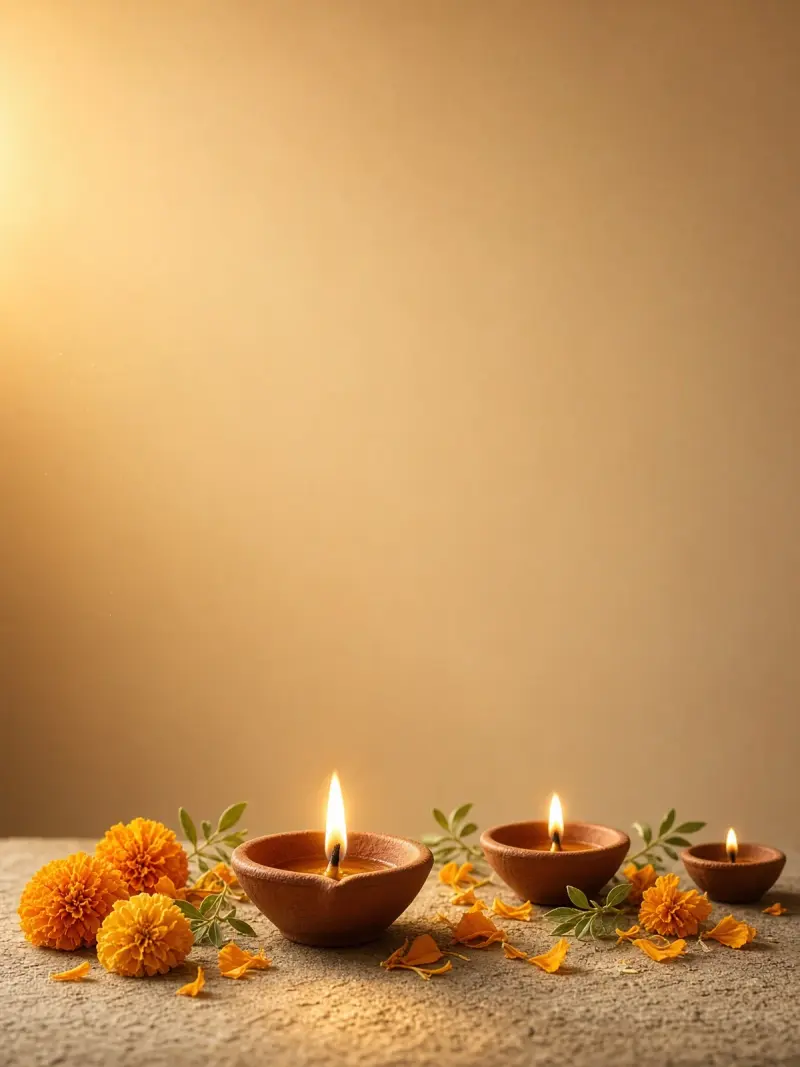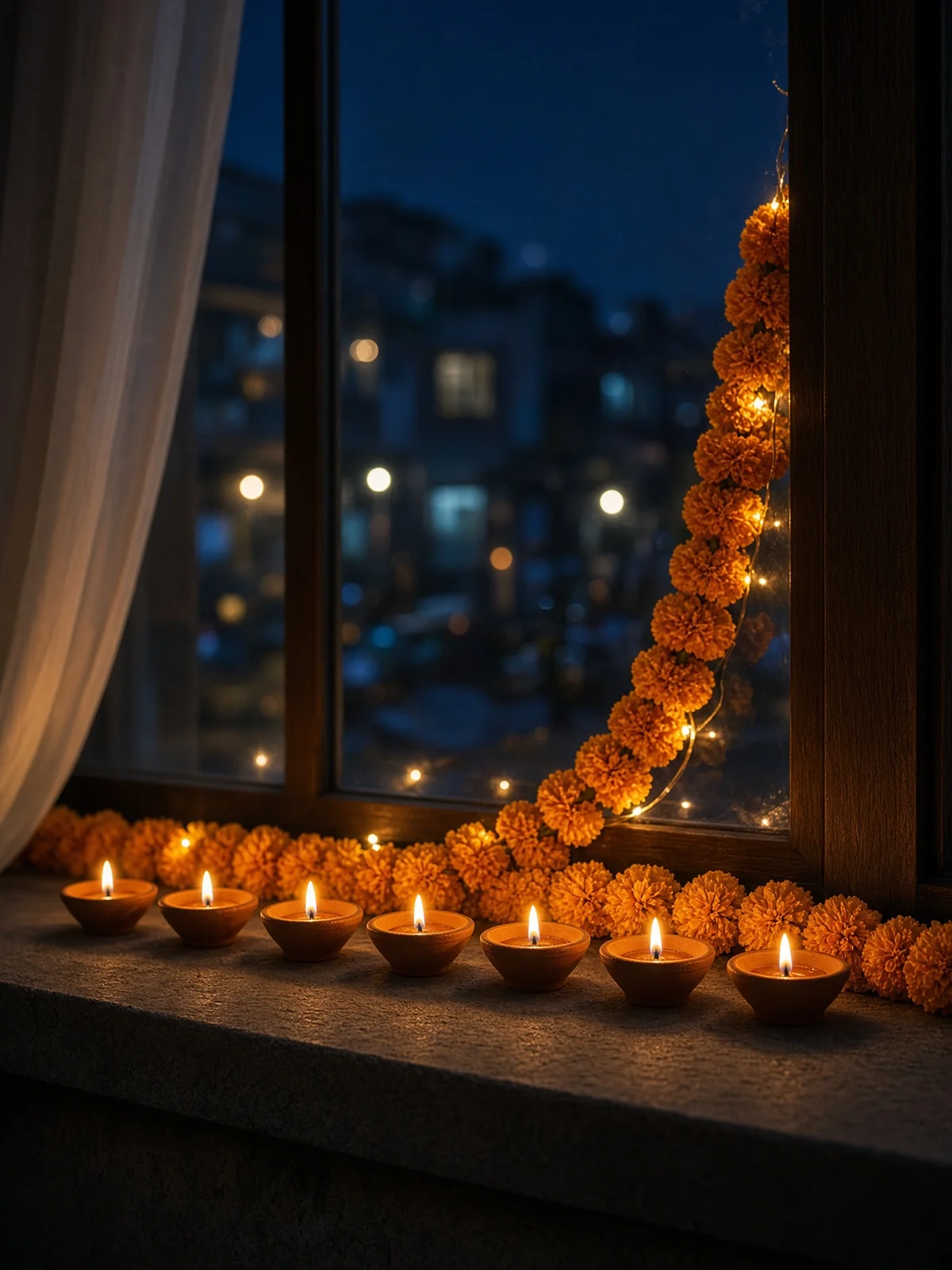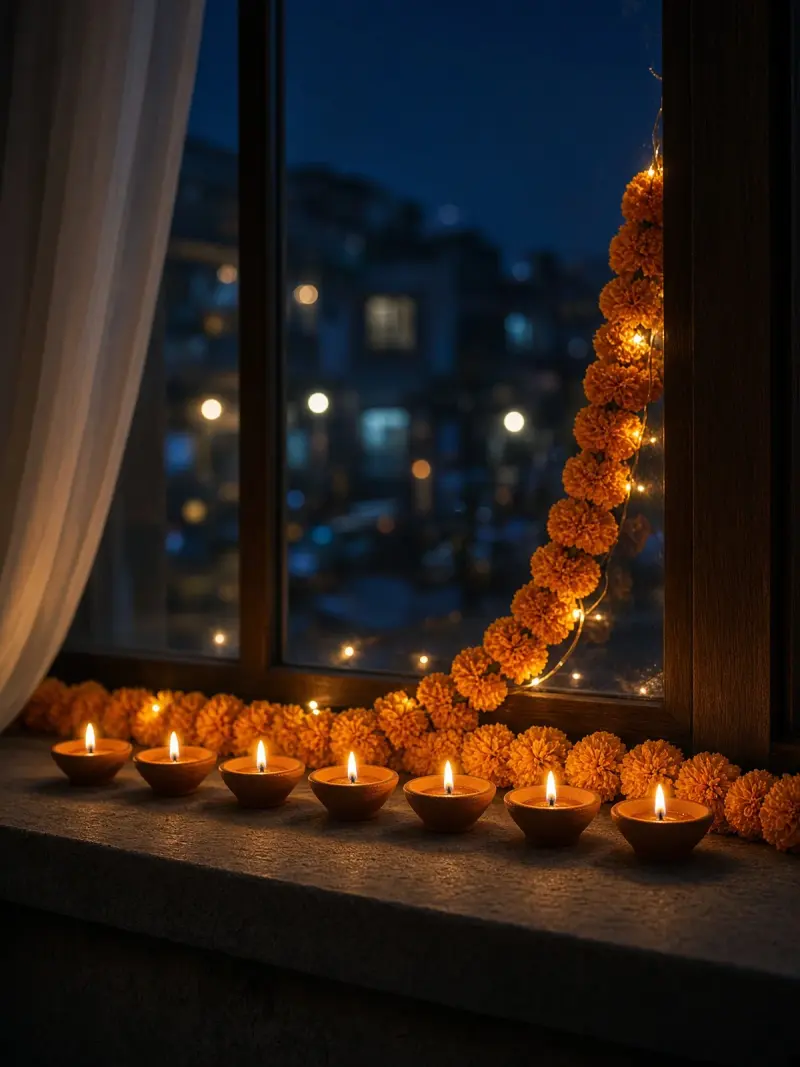
Gurpurab diyas on a window sill
A calm night image of glowing diyas and marigolds on a home window sill, with no people. Paste this prompt into ChatGPT, Gemini or Grok, change the parts in brackets to suit you, and generate.
- Written for
- ChatGPT, Gemini, Grok
- Occasion
- Guru Nanak Jayanti & Dev Deepawali · 24 Nov
- Status
- Tested 8 Nov 2026 in Grok Imagine
- Test settings
- No reference image. Default copy text unchanged. Aspect ratio 3:4, the closest available frame to vertical 4:5. First result used; only converted to WebP at 1200×1600, not upscaled.
- Variability
- Layout, colours and small details vary between runs.
Prompt
Scene: a home window decorated for Guru Nanak Gurpurab at night, seven clay diyas in a neat row on a stone window sill, fresh marigold garlands and a few soft fairy lights; flames small and well away from flowers and curtains; a softly blurred imagined street outside.
Moment or Pose: a still life with no people or animals.
Light: warm diya glow against a deep-blue night outside, gentle reflections on the glass.
Camera: 50mm, f/2.8, close-to-medium framing, shallow depth of field.
Style: photorealistic festive photography, natural materials and textures.
Format: vertical 4:5.
Avoid: people, hands, Sikh Guru portraits or depictions, depictions of Guru Granth Sahib Ji, Gurmukhi or any other writing, text, logos, watermarks, burning curtains or flowers, heavy smoke, fake-looking fire, brands.
Customise
For example: seven.
For example: vertical 4:5.
Fields start with illustrative values; replace them with your own facts. The prompt updates as you type. Copy prompt copies your version.
How to use it
- Open an external image tool named above. Check Status for the provider actually tested.
- Paste the prompt. Replace anything in [BRACKETS] first, or use Customise.
- Send, then ask for small changes in follow-up messages.
How to use this prompt
- This prompt makes a new picture. Check the AI app named above and the real test recorded in Status.
- Fill Customise with what you want, or replace [BRACKETS] with the right details. Press Copy prompt and paste it into the image app you chose.
- When the picture is ready, check objects, hands, faces, writing and any detail that matters. Ask for one clear correction if something is missing.
Good to know
- The number of diyas may not match, and flames or reflections can look unreal; regenerate for a cleaner result.