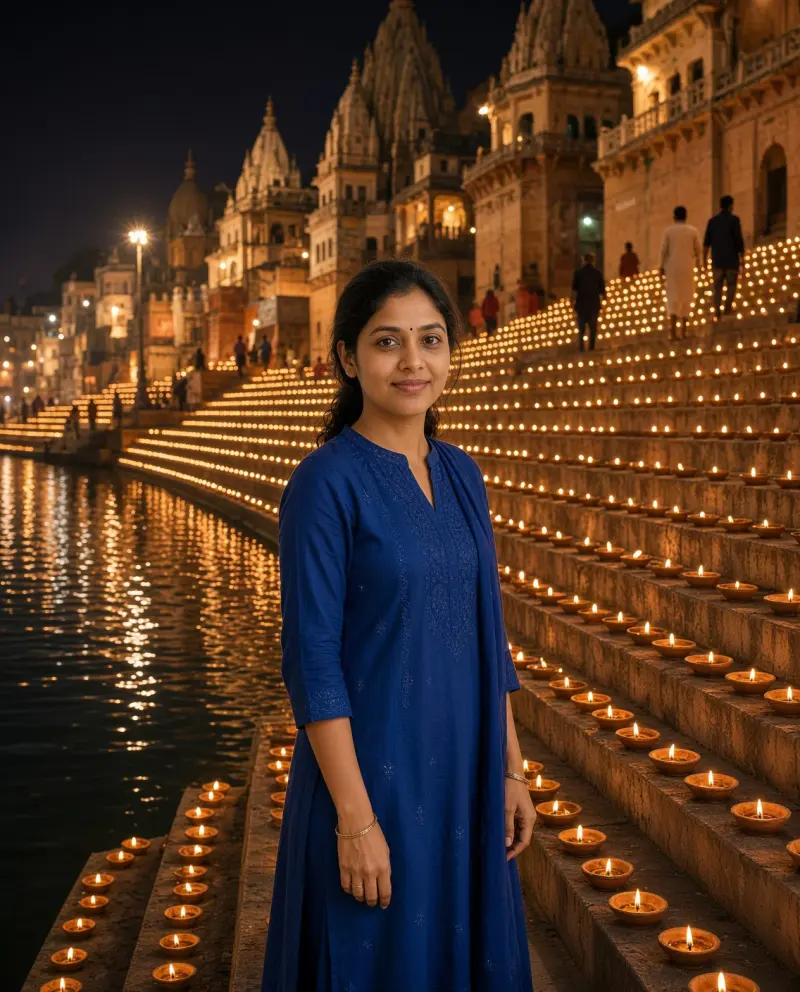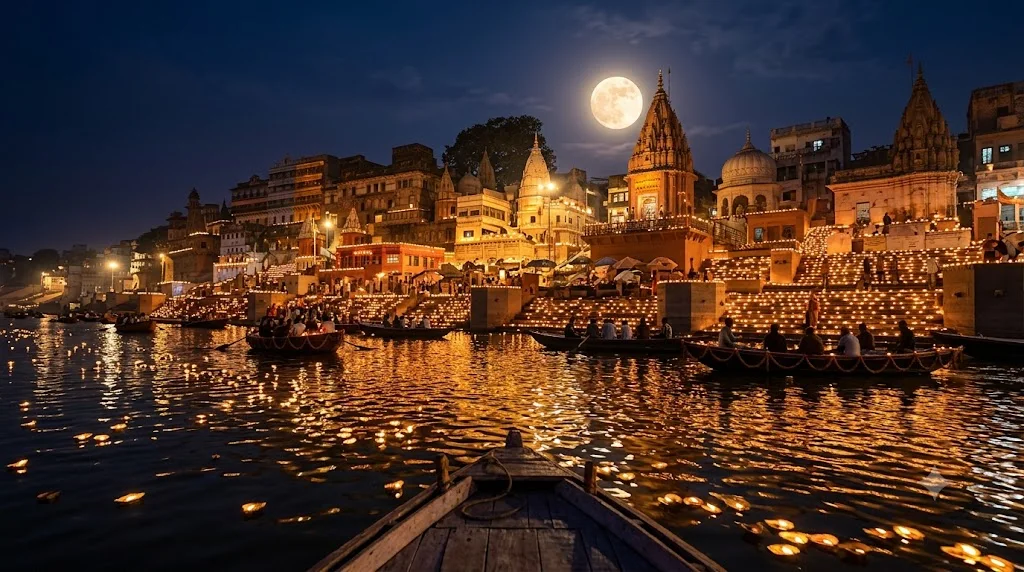
Dev Deepawali ghats lit with lamps
A wide night view of river ghats covered in thousands of lamps under the full moon. Paste this prompt into ChatGPT, Gemini or Grok, change the parts in brackets to suit you, and generate.
- Written for
- ChatGPT, Gemini, Grok
- Occasion
- Guru Nanak Jayanti & Dev Deepawali · 24 Nov
- Status
- Tested 29 Sep 2026 in Gemini app (web), Flash mode with built-in image generation
- Test settings
- Default copy text pasted unchanged into a new Gemini chat. No reference image. First result used; only converted to WebP.
- Variability
- Layout, colours and small details change between runs. Gemini adds a small sparkle watermark in the corner.
Prompt
Scene: the curved stone ghats of Varanasi on Kartik Purnima night, every step lined with thousands of small clay lamps, temple spires and old buildings above, boats on the river carrying people watching, floating leaf lamps drifting on the water.
Moment or Pose: wide view from a boat mid-river, the lamp lines reflected as golden streaks in the dark water, a full moon rising above.
Light: warm lamp glow everywhere, deep blue night sky, soft reflections.
Camera: 24mm, f/2.8, slight long exposure feel so the water is smooth, boats sharp.
Style: cinematic travel photograph, calm and grand, true-to-life colour.
Format: horizontal 16:9.
Avoid: crowds of identifiable faces, fireworks covering the lamps, two moons, text, logos, watermarks.
Customise
For example: Varanasi.
Fields start with illustrative values; replace them with your own facts. The prompt updates as you type. Copy prompt copies your version.
How to use it
- Open an external image tool named above. Check Status for the provider actually tested.
- Paste the prompt. Replace anything in [BRACKETS] first, or use Customise.
- Send, then ask for small changes in follow-up messages.
How to use this prompt
- This prompt makes a new picture. Check the AI app named above and the real test recorded in Status.
- Fill Customise with what you want, or replace [BRACKETS] with the right details. Press Copy prompt and paste it into the image app you chose.
- When the picture is ready, check objects, hands, faces, writing and any detail that matters. Ask for one clear correction if something is missing.
Good to know
- Architecture is AI-imagined and will not match real ghats exactly; do not present it as a real photo of a specific place.