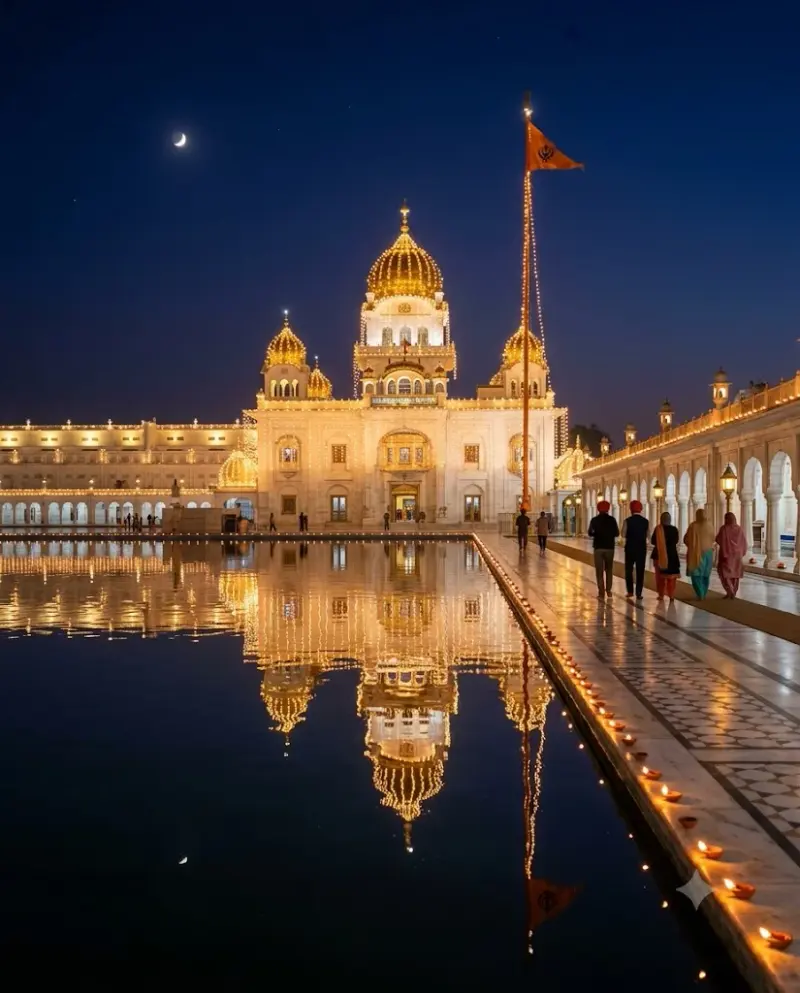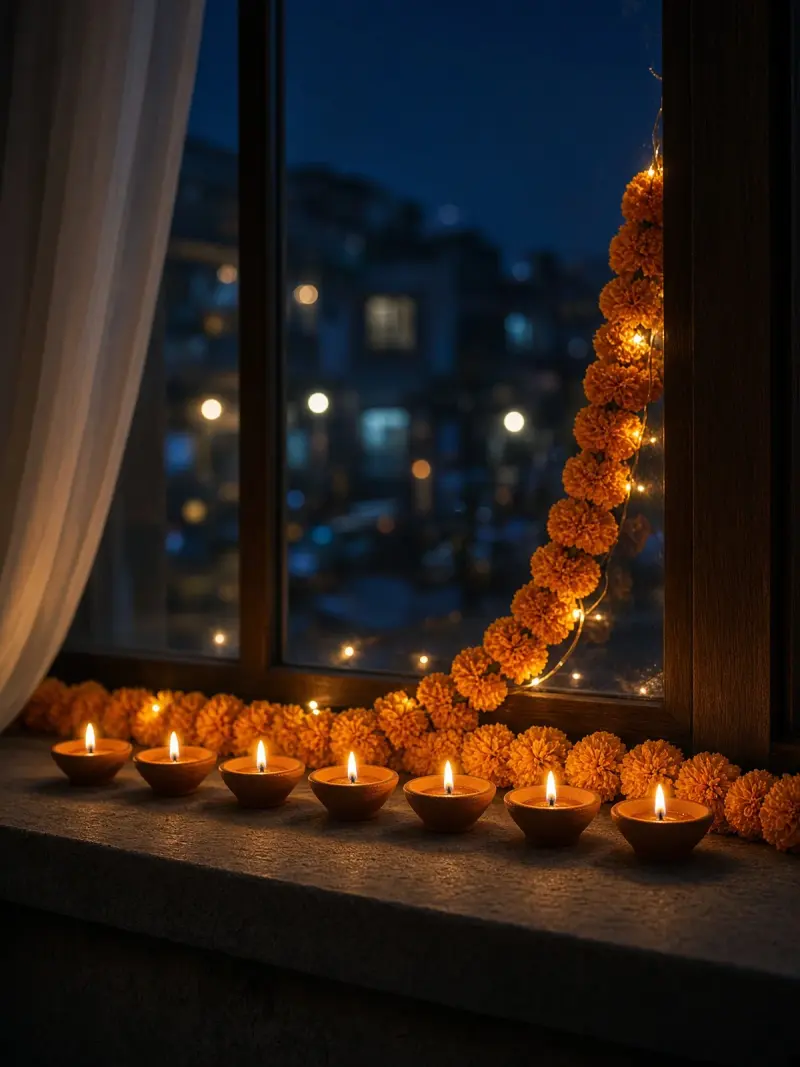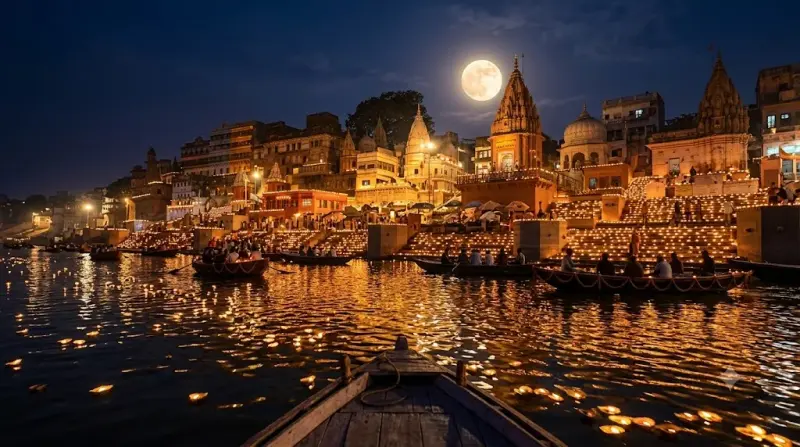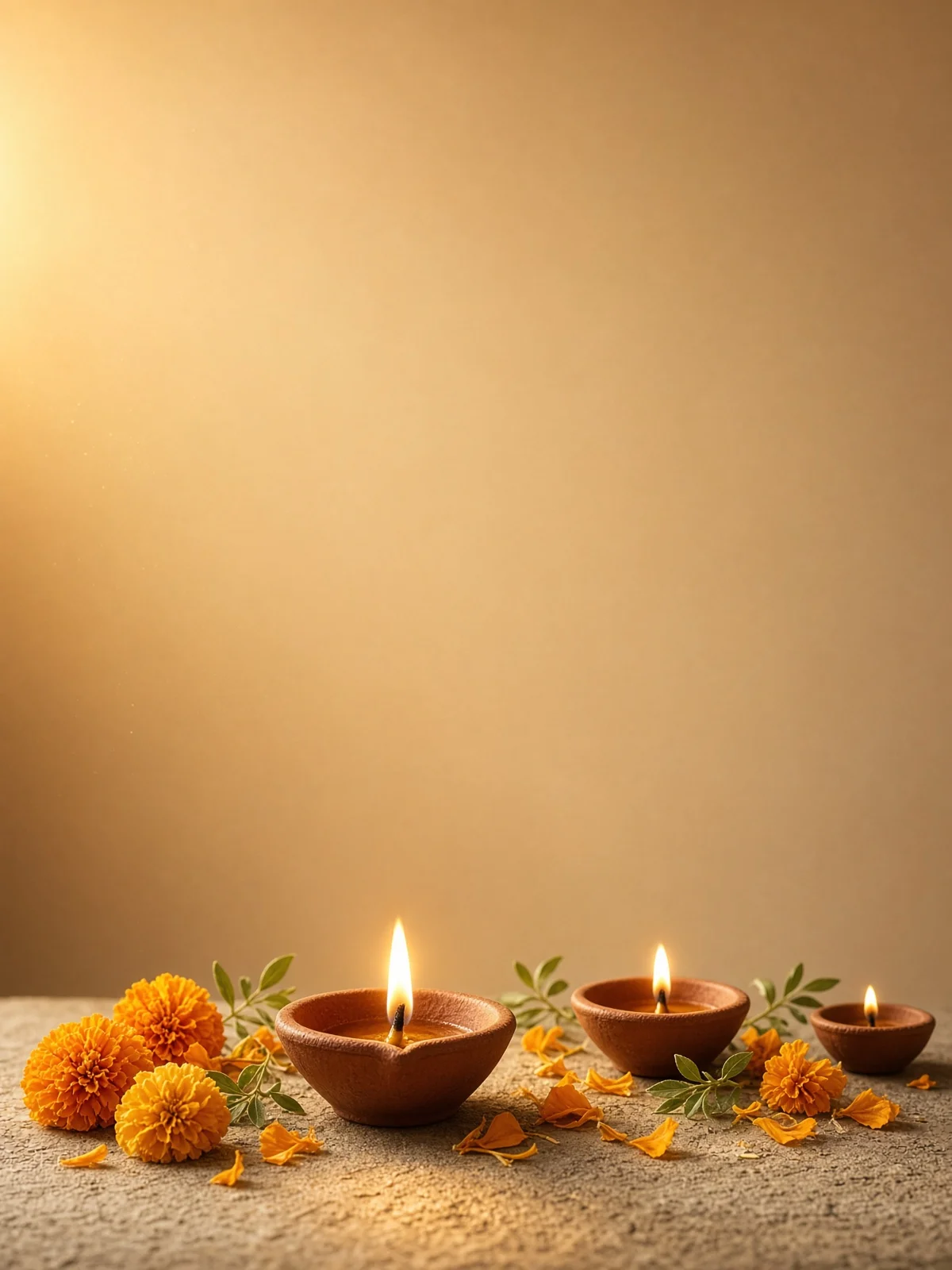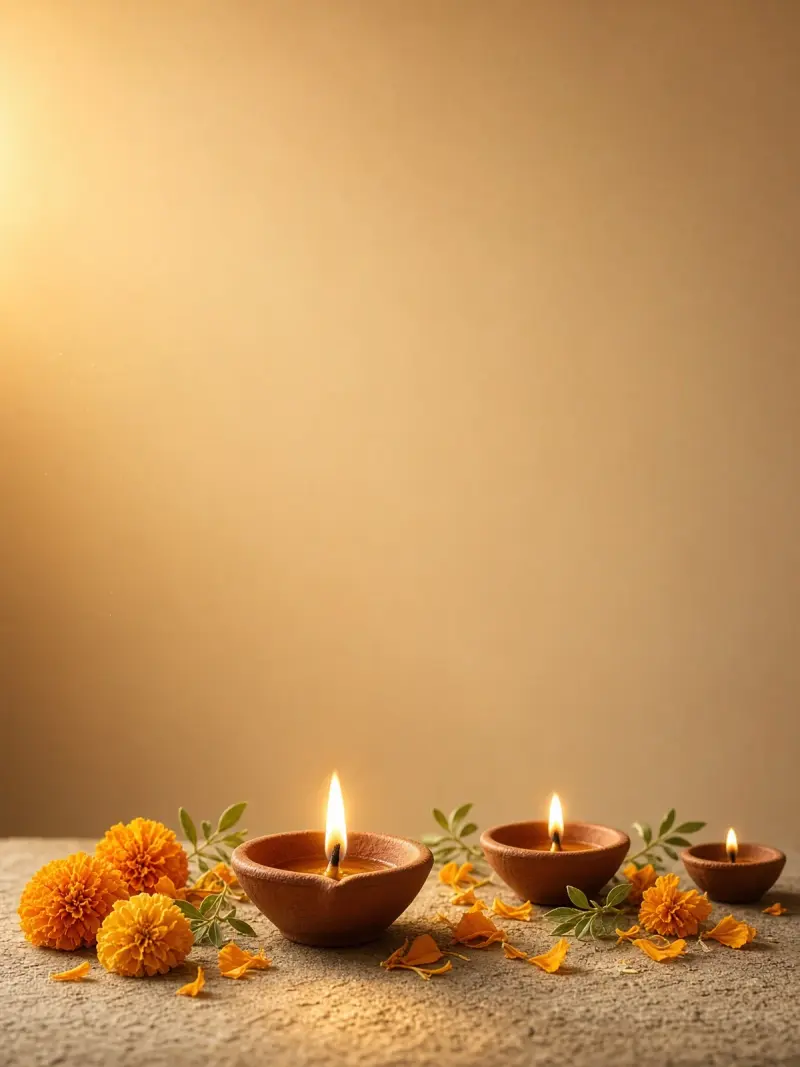
Gurpurab greeting card background (no text)
A text-free Gurpurab greeting background with glowing diyas and space to add your own message. Paste this prompt into ChatGPT, Gemini or Grok, change the parts in brackets to suit you, and generate.
- Written for
- ChatGPT, Gemini, Grok
- Occasion
- Guru Nanak Jayanti & Dev Deepawali · 24 Nov
- Status
- Tested 8 Nov 2026 in Grok Imagine
- Test settings
- No reference image. Default copy text unchanged. Aspect ratio 3:4, the closest available frame to vertical 4:5. First result used; only converted to WebP at 1200×1600, not upscaled.
- Variability
- Layout, colours and small details vary between runs.
Prompt
Scene: an elegant Guru Nanak Gurpurab greeting-card background: a few clay diyas and delicate marigold accents in the lower part, soft golden light and a calm, plain upper area; no religious figures, scripture, landmarks or symbols.
Moment or Pose: a still life with no people; leave a large empty area at the upper centre for the user's own greeting.
Light: warm golden glow, soft-focus highlights, realistic small flames.
Camera: straight-on, balanced composition with clear empty space.
Style: elegant photorealistic greeting-card design.
Format: vertical 4:5.
Avoid: any text, letters, numbers, Gurmukhi or invented script, placeholder text, people, Sikh Guru portraits or depictions, depictions of Guru Granth Sahib Ji, Gurmukhi or any other writing, logos, watermarks, unsafe fire, clutter, brands.
Customise
For example: upper centre.
For example: elegant photorealistic greeting-card design.
Fields start with illustrative values; replace them with your own facts. The prompt updates as you type. Copy prompt copies your version.
How to use it
- Open an external image tool named above. Check Status for the provider actually tested.
- Paste the prompt. Replace anything in [BRACKETS] first, or use Customise.
- Send, then ask for small changes in follow-up messages.
How to use this prompt
- This prompt makes a new picture. Check the AI app named above and the real test recorded in Status.
- Fill Customise with what you want, or replace [BRACKETS] with the right details. Press Copy prompt and paste it into the image app you chose.
- When the picture is ready, check objects, hands, faces, writing and any detail that matters. Ask for one clear correction if something is missing.
Good to know
- The model may still add fake lettering or fill the empty space; regenerate until the top area is clean, then add your message in any photo app.