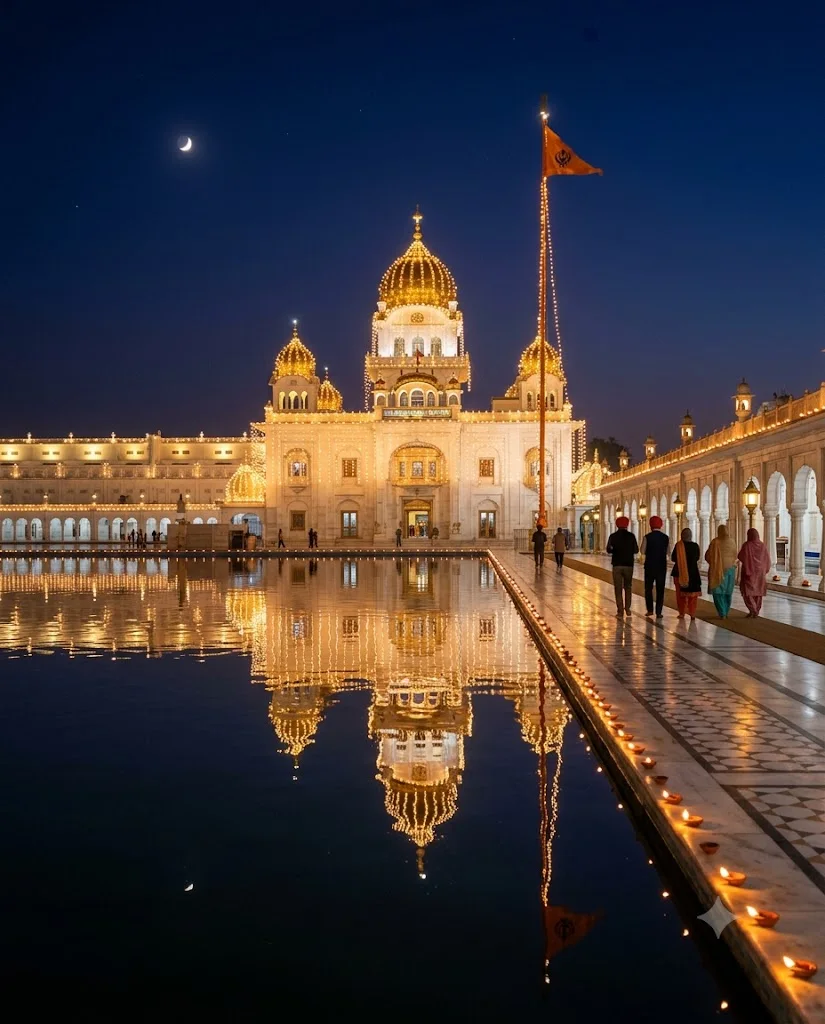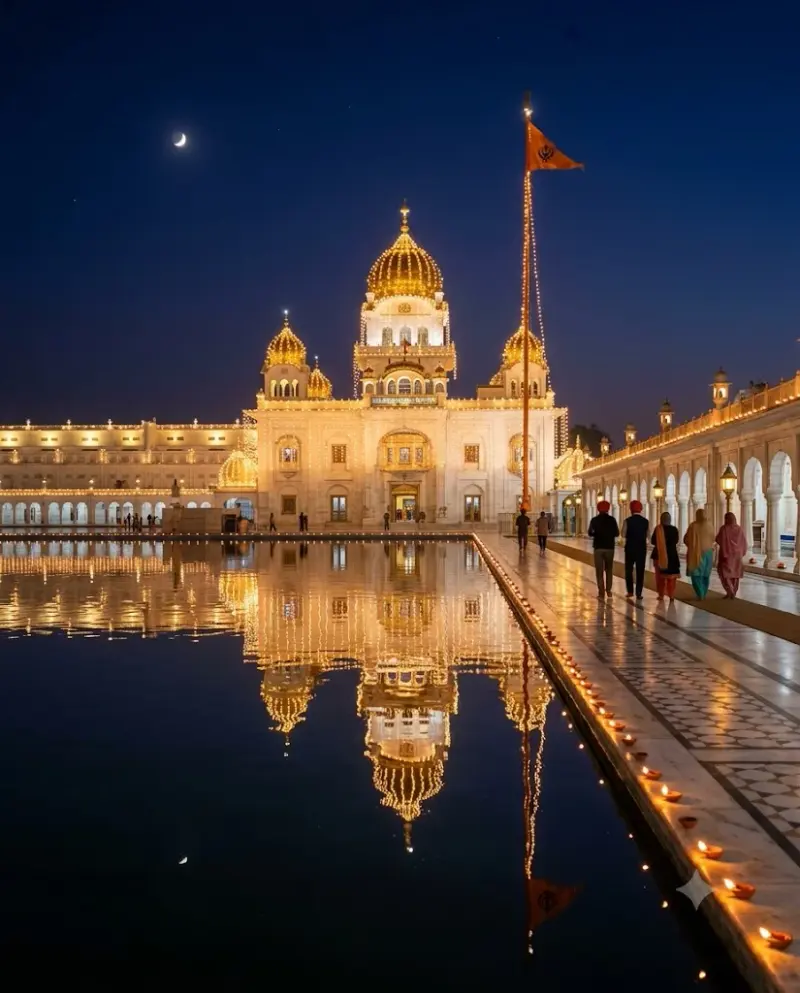
Gurpurab night at a lit gurdwara
A peaceful night image of a white gurdwara glowing with festive lights and lamps for Gurpurab. Paste this prompt into ChatGPT, Gemini or Grok, change the parts in brackets to suit you, and generate.
- Written for
- ChatGPT, Gemini, Grok
- Occasion
- Guru Nanak Jayanti & Dev Deepawali · 24 Nov
- Status
- Tested 29 Sep 2026 in Gemini app (web), Flash mode with built-in image generation
- Test settings
- Default copy text pasted unchanged into a new Gemini chat. No reference image. Second run used, because the first run's image was not saved correctly; only converted to WebP.
- Variability
- Layout, colours and small details change between runs. The building is AI-imagined and may resemble a well-known gurdwara; this run also drew a crescent moon, although Gurpurab falls on a full-moon night. Gemini adds a small sparkle watermark in the corner.
Prompt
Scene: a white marble gurdwara with golden domes on Guru Nanak Jayanti night, the whole building outlined in warm serial lights, rows of clay lamps along the sarovar edge and walkway, a Nishan Sahib flag on a tall pole, the lights reflected in the still water.
Moment or Pose: calm wide view across the water; a few devotees with covered heads walking along the parikrama in the distance, seen from behind.
Light: warm golden lights against a deep blue night sky, mirror-like reflections.
Camera: 24mm, f/4, eye level from across the water, perfect symmetry.
Style: serene night photography with gentle contrast.
Format: vertical 4:5.
Avoid: depictions of the Gurus' faces, text or Gurmukhi letters, fireworks, crowds, distorted domes, logos, watermarks.
Customise
For example: night photography with gentle contrast.
For example: vertical 4:5.
Fields start with illustrative values; replace them with your own facts. The prompt updates as you type. Copy prompt copies your version.
How to use it
- Open an external image tool named above. Check Status for the provider actually tested.
- Paste the prompt. Replace anything in [BRACKETS] first, or use Customise.
- Send, then ask for small changes in follow-up messages.
How to use this prompt
- This prompt makes a new picture. Check the AI app named above and the real test recorded in Status.
- Fill Customise with what you want, or replace [BRACKETS] with the right details. Press Copy prompt and paste it into the image app you chose.
- When the picture is ready, check objects, hands, faces, writing and any detail that matters. Ask for one clear correction if something is missing.
Good to know
- The building is AI-imagined and may look like a famous gurdwara; do not present it as a real photo of a specific place. Domes and railings may bend, so regenerate for cleaner symmetry.