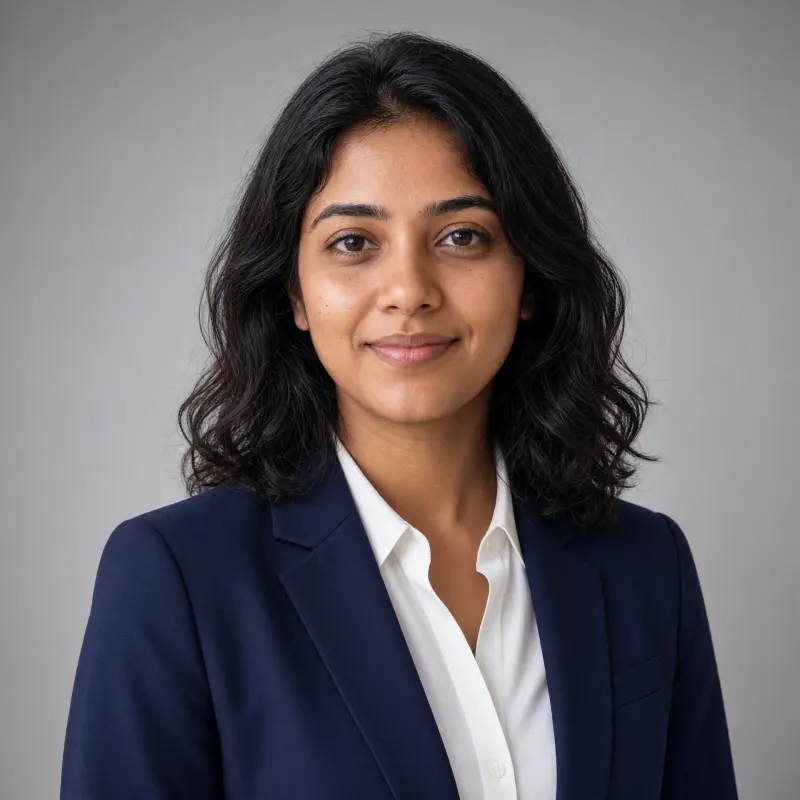
 Real example
Professional headshot on neutral grey
A clean, true-to-life work headshot on a plain grey background.
Make it yours
Viral trend
The professional headshot trend turns an everyday photo into a clean headshot for your work profile, website or CV. The face stays exactly yours, with natural skin texture; only the background, light and framing change.
Real exampleA clean, true-to-life work headshot on a plain grey background.
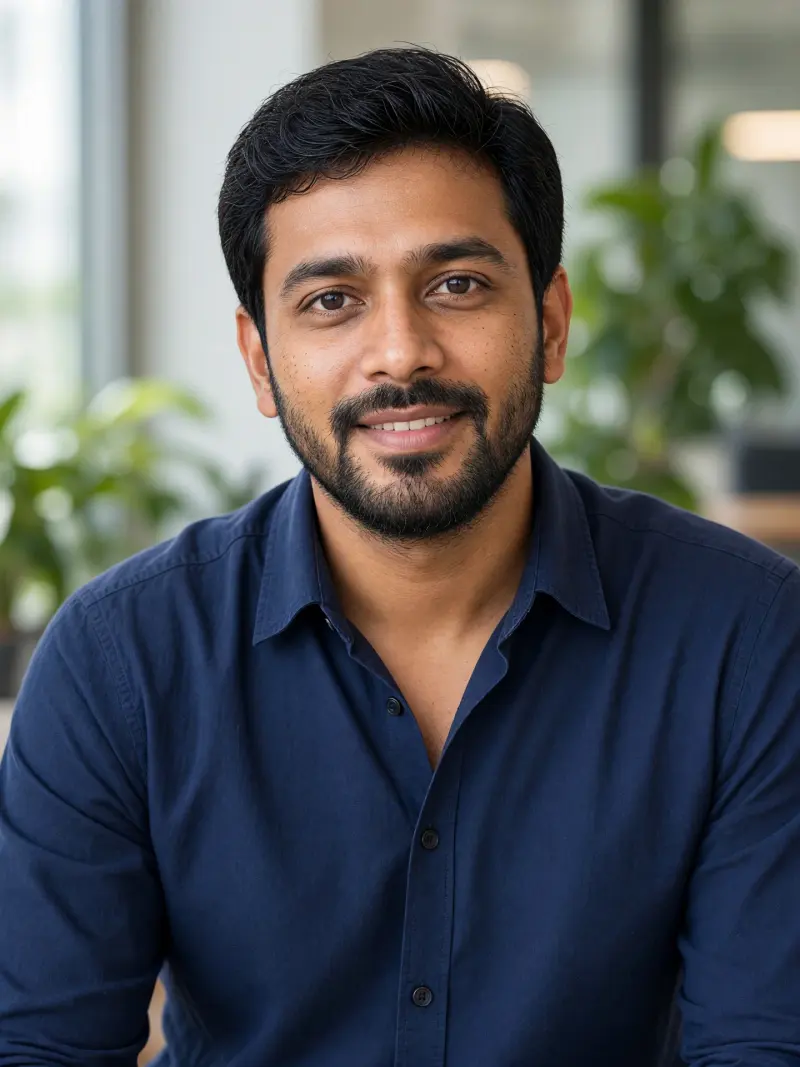 Real example
A work headshot with a softly blurred office behind you.
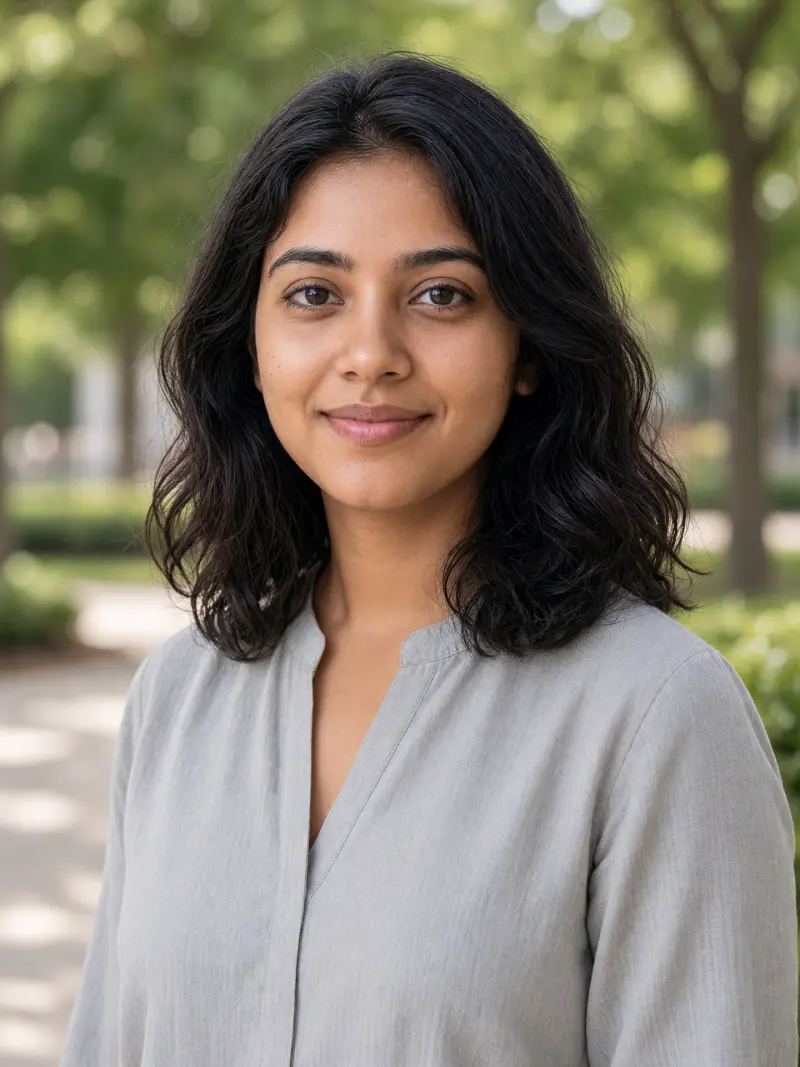 Real example
A friendly, professional headshot in soft outdoor light.
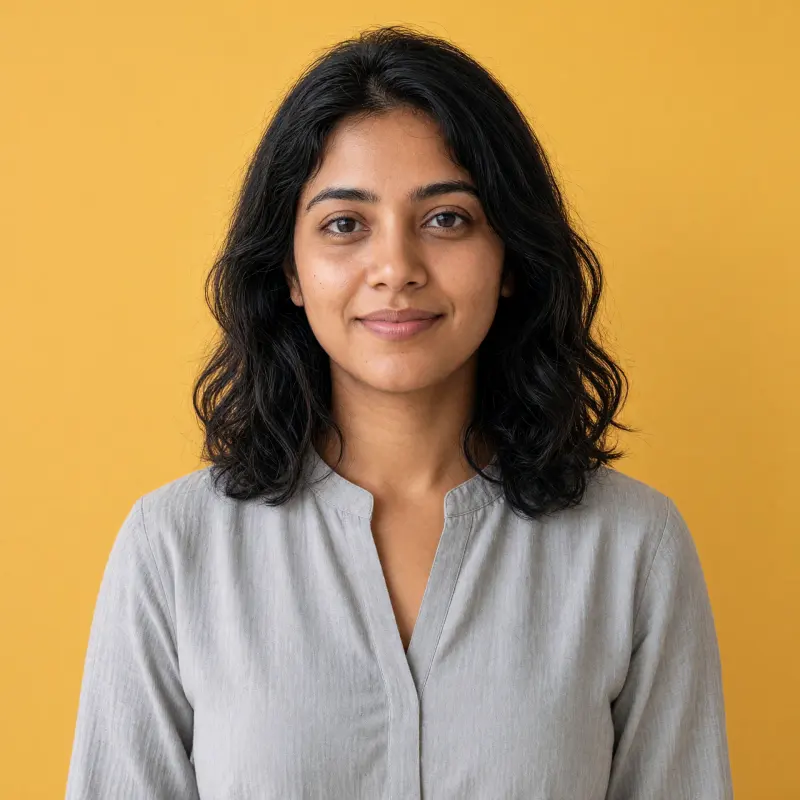 Real example
A modern headshot for creative work, on a bold solid colour.
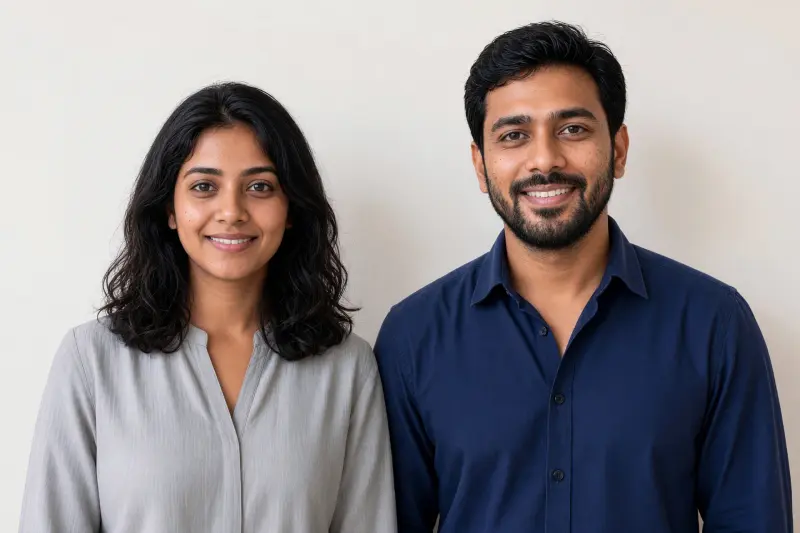 Real example
A matching professional portrait of two colleagues for a website or team page.
A good headshot makes a strong first impression, but a studio session isn't always possible. A careful edit gives you a tidy, consistent work photo while still looking like the person people will meet.
Your work photo should look like you, so the prompts forbid skin lightening, smoothing and reshaping. Don't use an AI-edited headshot where an unedited photo is required, such as official ID.
No. Official documents often need unedited photos. Use the passport-size photo trend's guidance and the issuing office's rules.
It shouldn't. The prompts keep your face exactly as it is; ask again if anything changes.
Yes. One prompt is a two-person portrait for co-founders or colleagues.