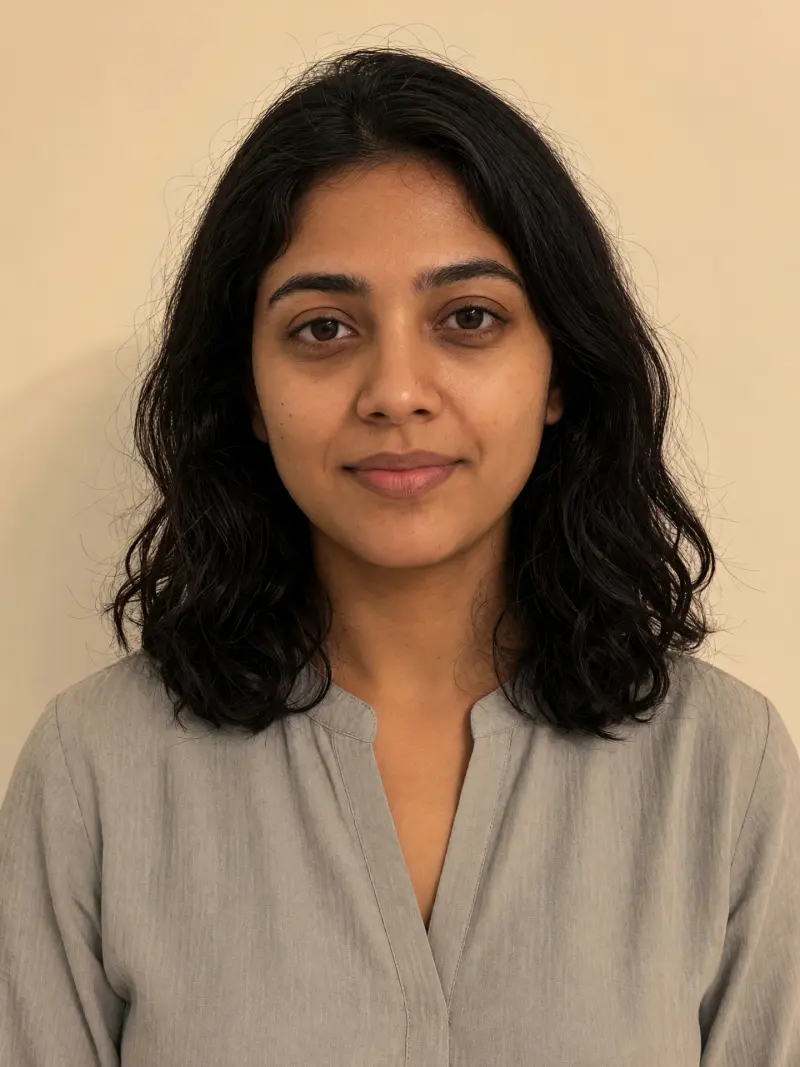
 Real example
Gently fix tired eyes
Your photo with softer dark circles and fresher eyes, while every pore and line stays real.
Make it yours
Viral trend
The natural retouch trend fixes small things, like tired eyes, a few temporary spots, dim yellow light or flyaway hairs, while keeping pores, fine lines and your true skin tone. The goal is a fresher photo, not a different face.
Real exampleYour photo with softer dark circles and fresher eyes, while every pore and line stays real.
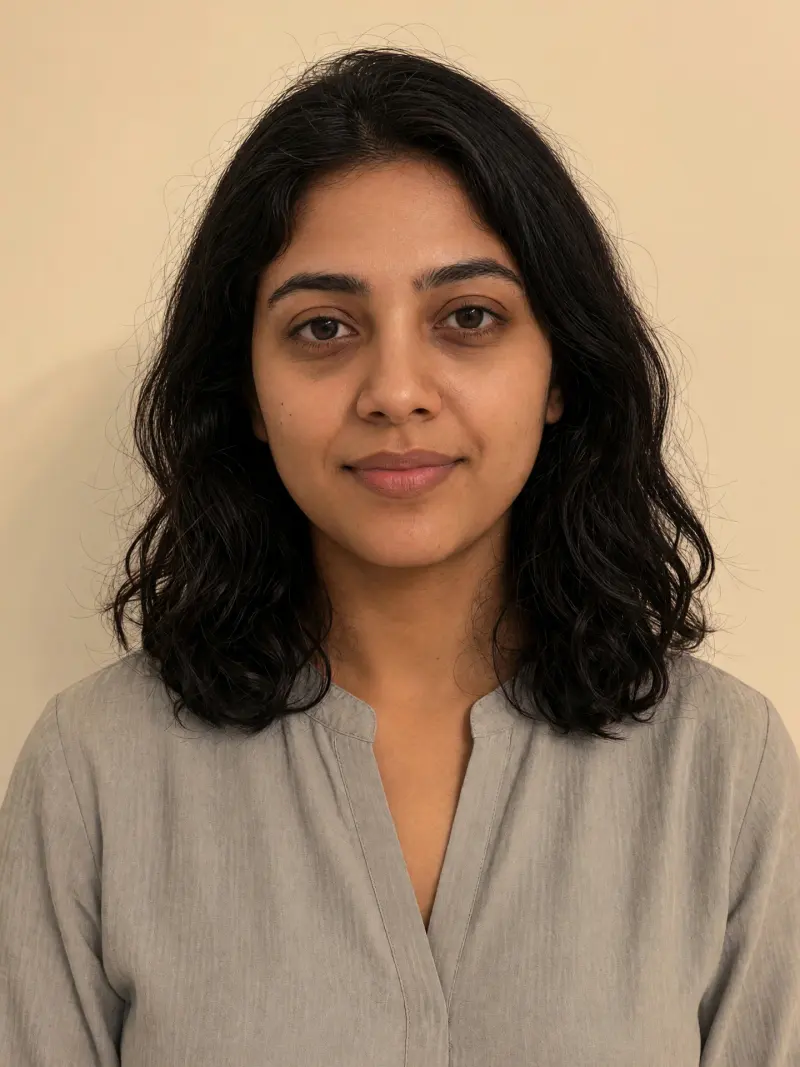 Real example
A light clean-up of temporary spots, with skin texture and permanent marks left as they are.
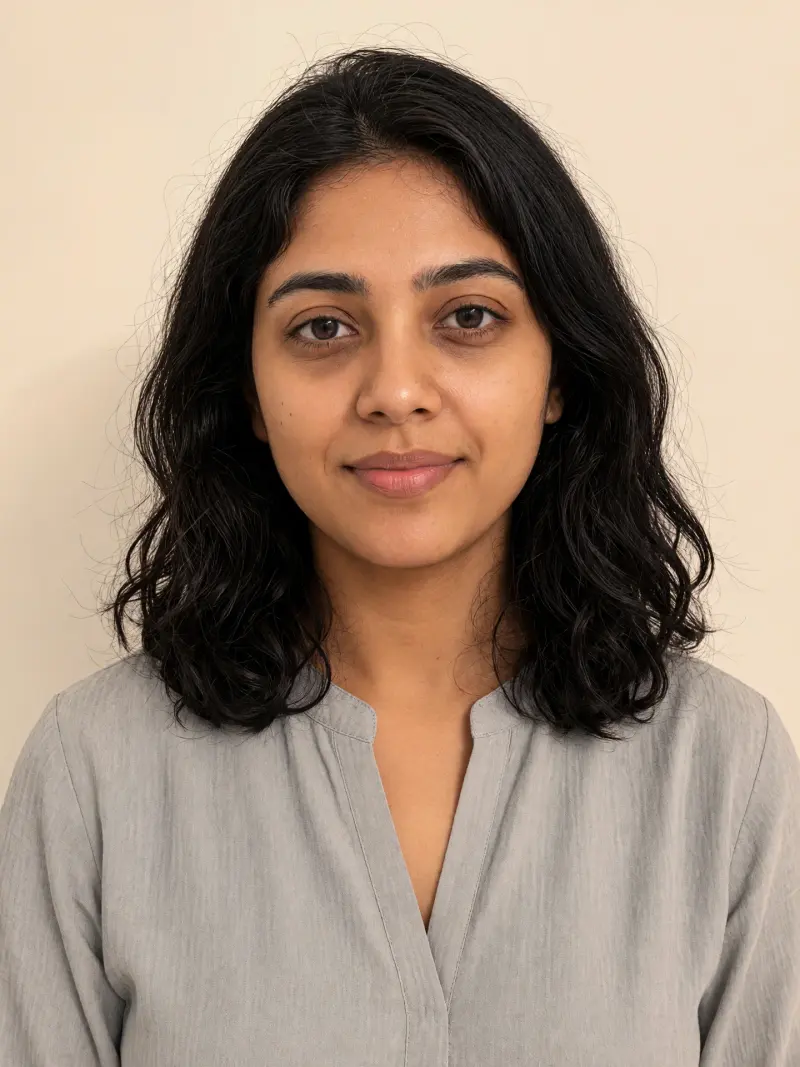 Real example
Your dim indoor photo brightened with natural colour, without touching your face.
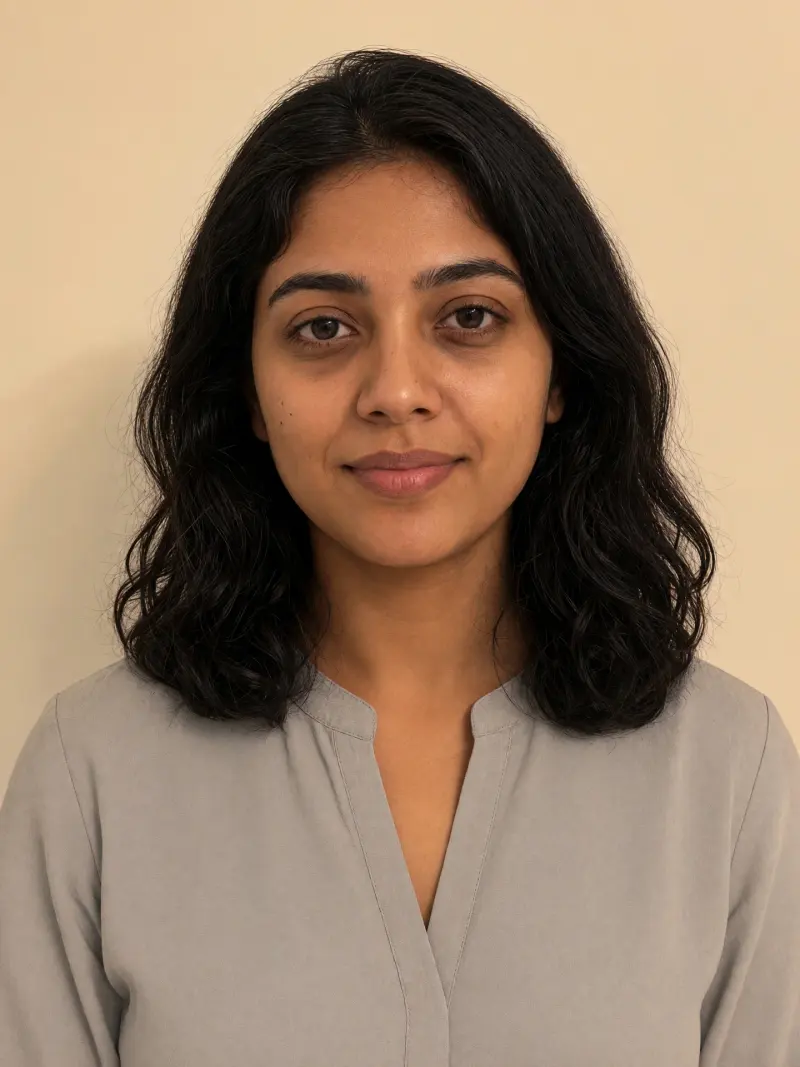 Real example
Your photo with flyaway hairs, lint and shirt creases tidied, nothing else changed.
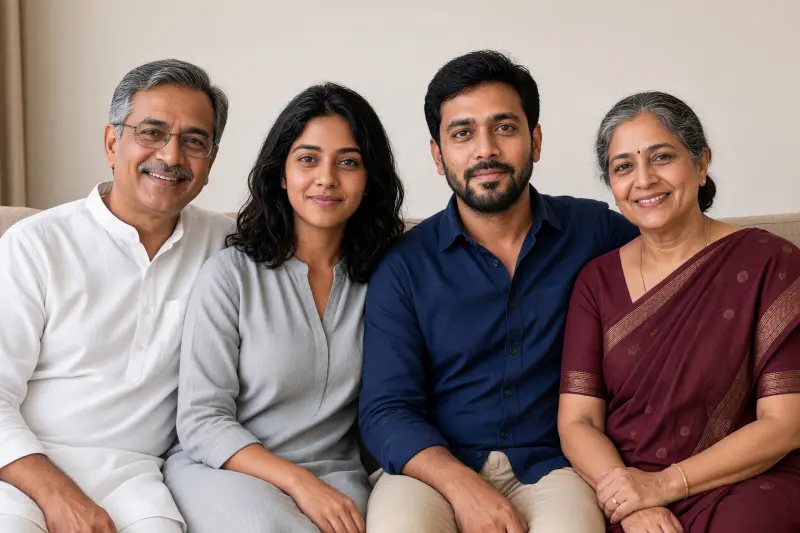 Real example
Your family photo with even light and small fixes for everyone, faces and ages untouched.
Heavy filters make people look plastic and unlike themselves. A light, honest touch-up keeps a photo believable while fixing the details that bother you.
Use your own photo or photos of people who have agreed. The prompts forbid skin lightening, slimming and removing permanent marks. A retouch should help you look like yourself on a good day, not someone else.
Some models over-smooth. Ask for pores and natural texture back, or lower the strength.
No. The prompts tell the model to keep permanent marks.
Yes. One prompt evens out the light on a group photo without changing anyone's face or age.