 Real example
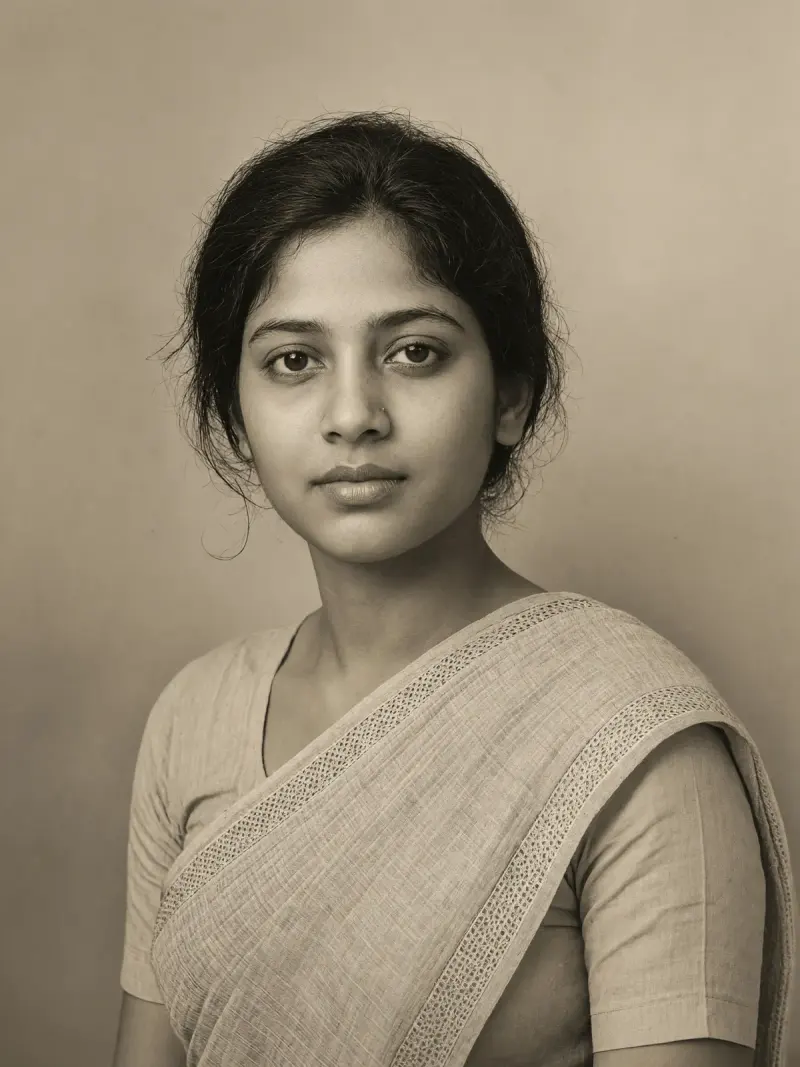
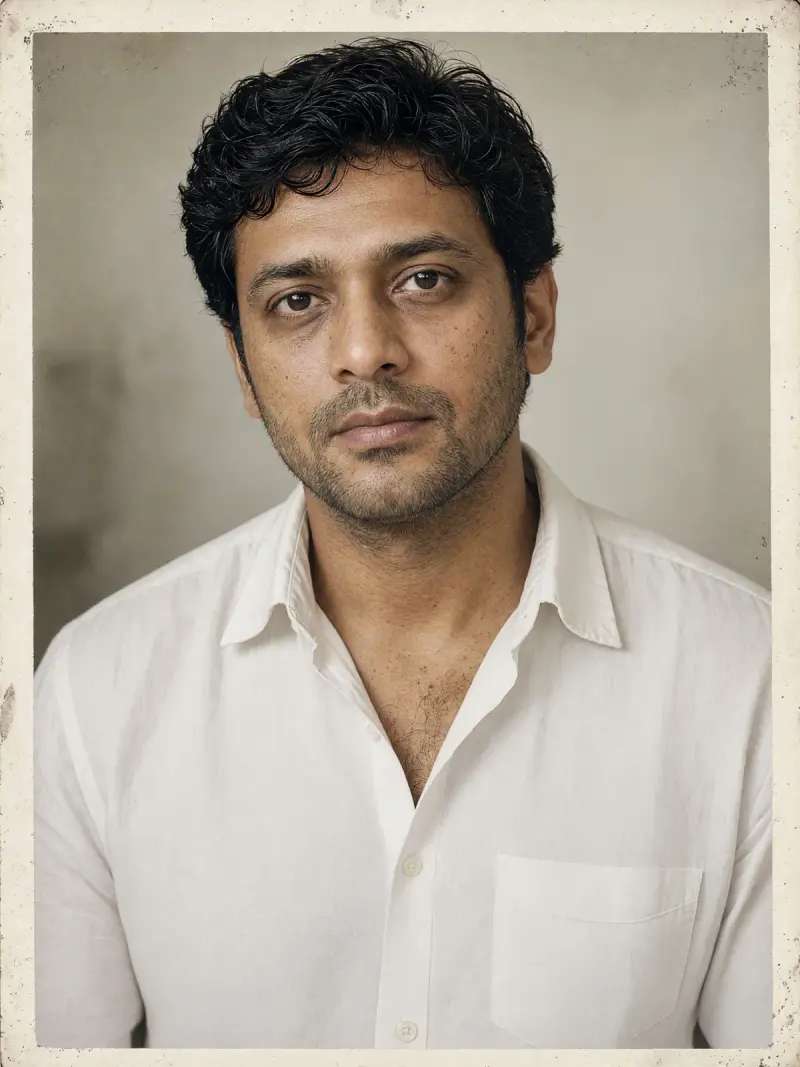
Restore an old portrait photo
A cleaned-up copy of an old single-person portrait with scratches and dust removed.
Make it yours
Viral trend
This trend uses AI to repair old family photos: scratches, creases, tears, stains and fading. The prompts ask the model to fix the damage only and leave every face exactly as it is.
Real exampleA cleaned-up copy of an old single-person portrait with scratches and dust removed.
 Real example
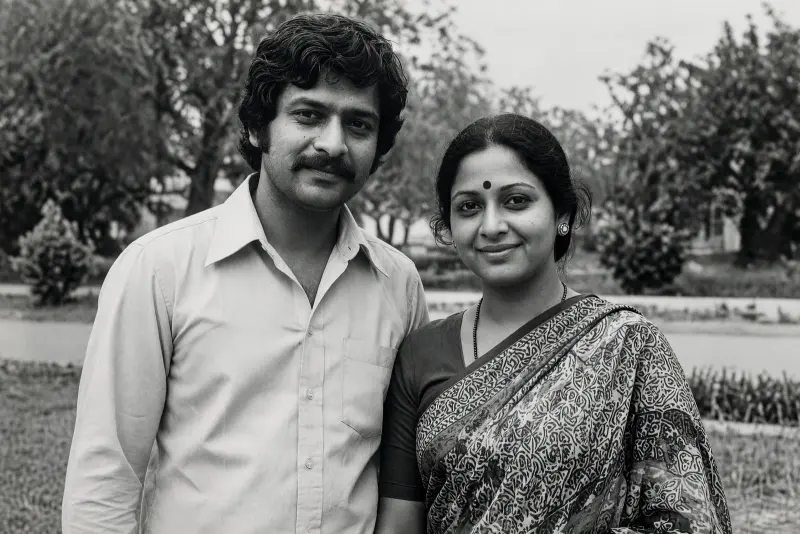
A repaired copy of a photo with fold lines, cracks and torn corners filled in.
 Real example
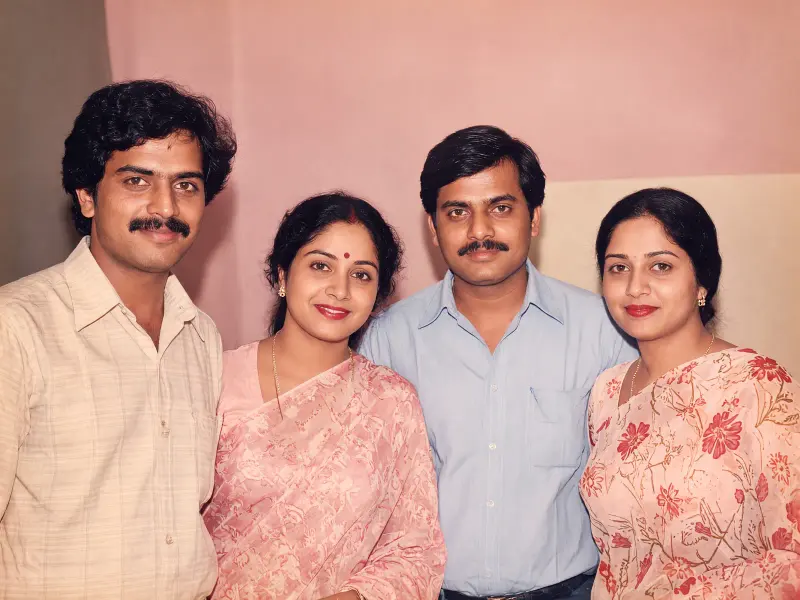
A family group photo with faded tones and lost contrast brought back.
 Real example
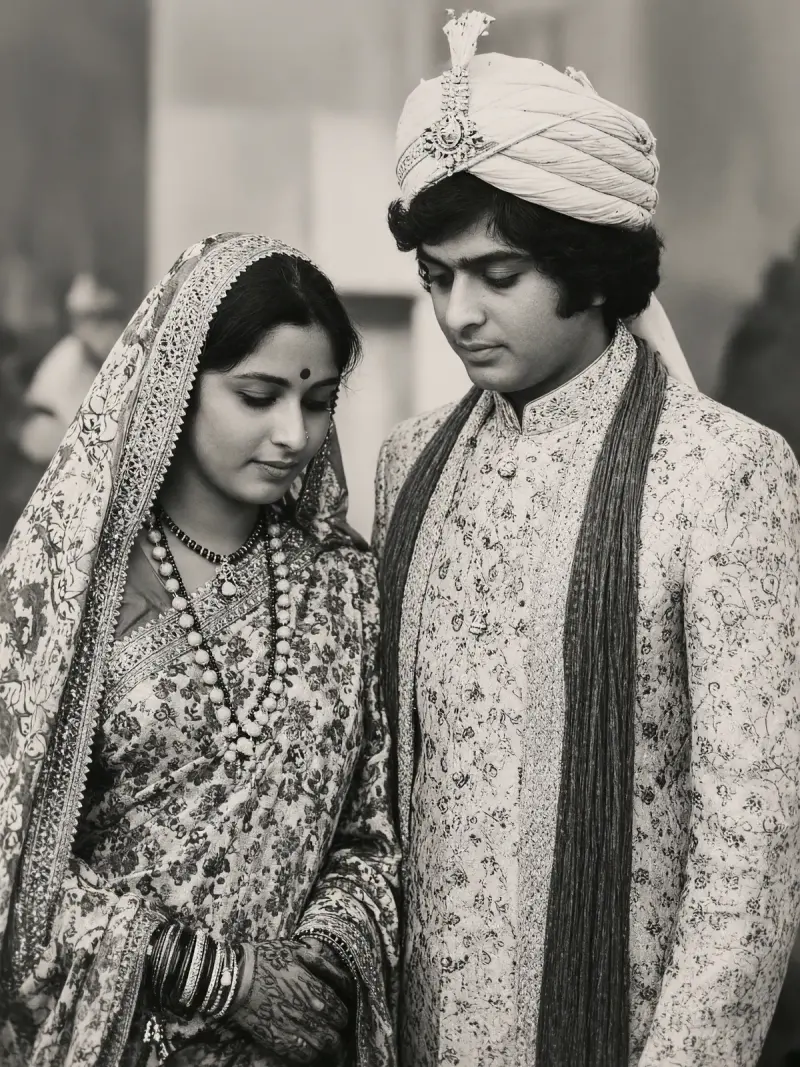
An old wedding photo of a couple cleaned of spots, stains and blur.
 Real example
A copy of a photo with water marks, tide lines and patchy colour cleaned up.
Many families have old prints that are torn, faded or stuck in albums. A cleaned-up digital copy is easier to share with relatives and keep safe, and the original stays untouched.
Only restore photos of your own family, or photos you have permission to edit. The AI fills in missing parts by guessing, so the result should not be treated as a true record in place of the original photo. Keep the original scan, and check every face against it.
It can. The prompts tell the model to keep every face exactly as it is, but always compare the result with the original and regenerate if a face looks different.
It will guess what was there, and the guess can be wrong. Treat filled-in areas as an estimate, not as a record of what the photo showed.
No. Keep the original print and scan. The restored version is a copy made by AI and is not a replacement for the original.