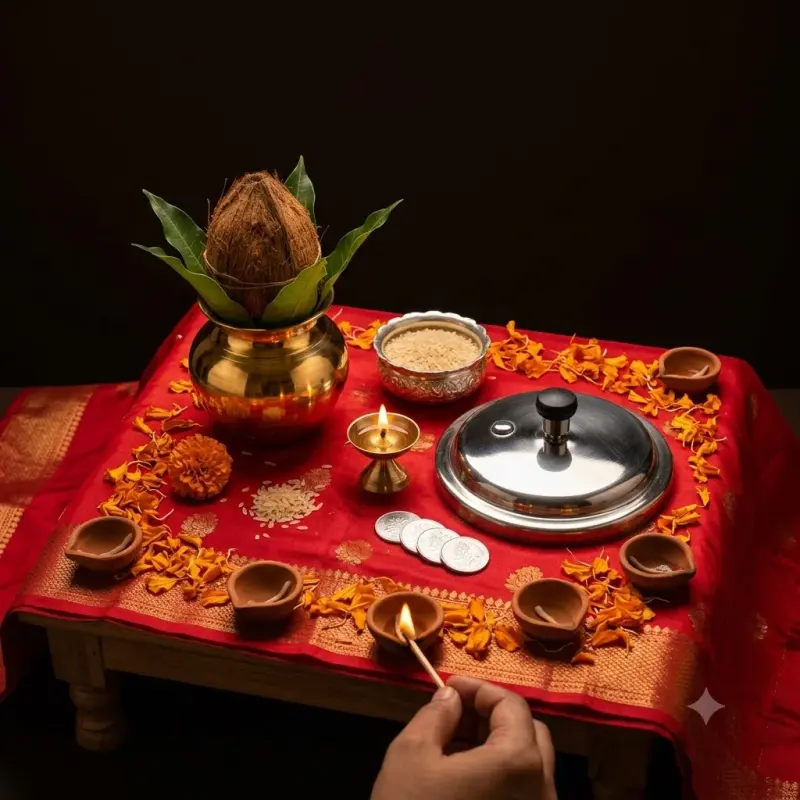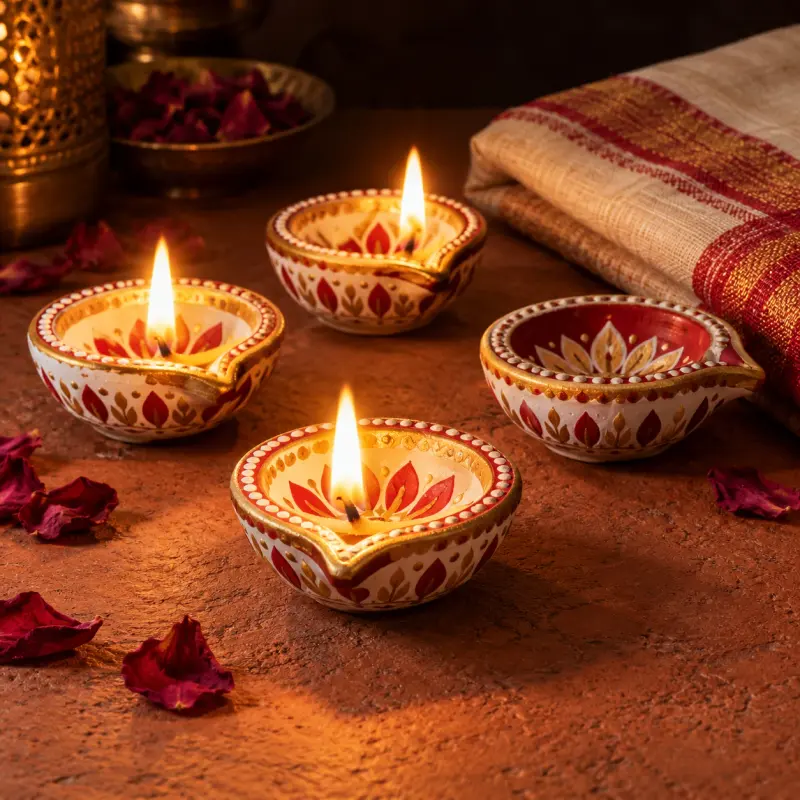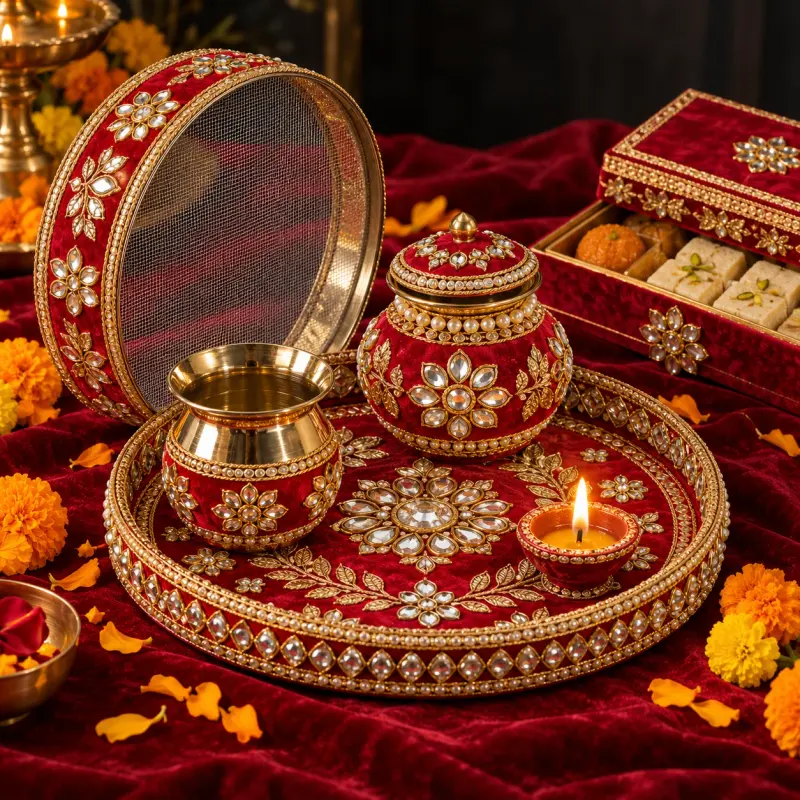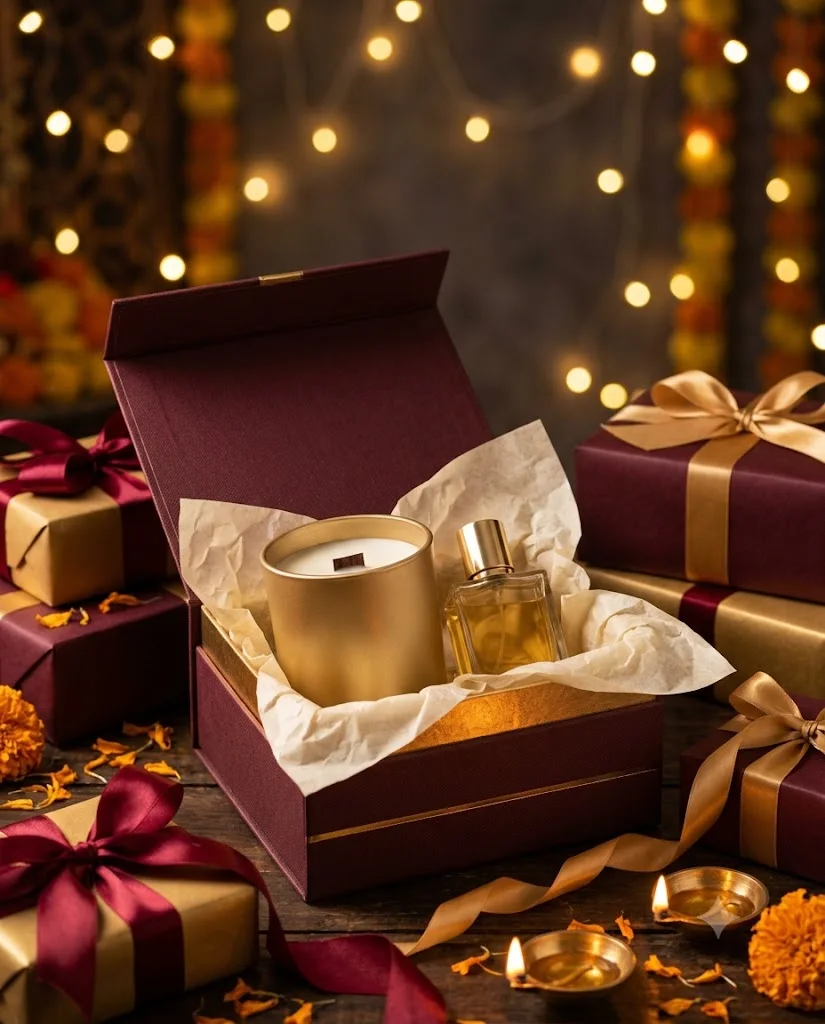
Festive Gift Packaging Shot
A warm festive product image with gift wrap, ribbons and soft lights for Diwali, Christmas or Eid sales. Paste this prompt into ChatGPT, Gemini or Grok, change the parts in brackets to suit you, and generate.
- Written for
- ChatGPT, Gemini, Grok
- Status
- Tested 27 Sep 2026 in Gemini app (web), Flash mode with built-in image generation
- Test settings
- Default copy text pasted unchanged into a new Gemini chat. No reference image. First result used; only converted to WebP.
- Variability
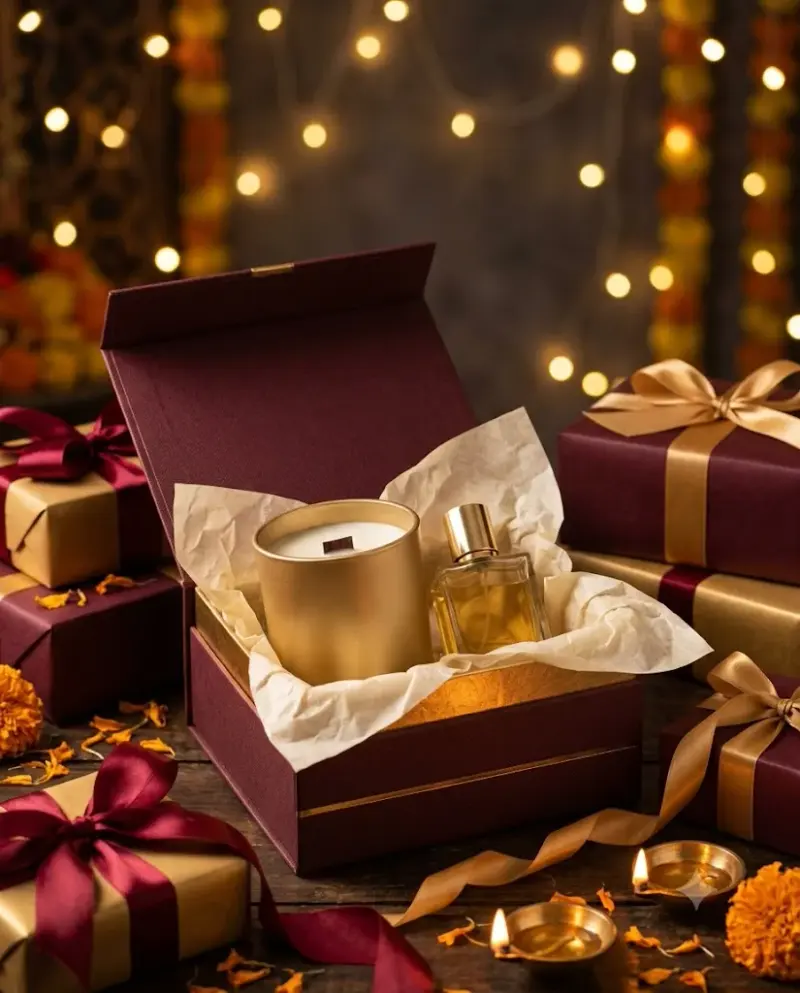
- Layout, colours and small details change between runs. Gemini adds a small sparkle watermark in the corner.
Prompt
Scene: an open premium gift box lined with tissue paper holding a matte gold candle jar and a small perfume bottle, surrounded by wrapped boxes in deep maroon and gold, satin ribbons and a few scattered marigold petals and small brass diyas.
Background: soft blurred bokeh of warm string lights on a dark wall.
Light: warm key light from the front right, gentle golden glow on the box edges, rich deep shadows.
Camera: 70mm, f/2.8, three-quarter angle slightly above, product sharp, background dreamy.
Style: luxury festive catalogue, warm and inviting, no brand names.
Format: vertical 4:5 with calm space at the top for sale text.
Avoid: logos or brand names, readable text on boxes, cluttered piles, melted-looking ribbons, watermarks.
Customise
For example: a matte gold candle jar and a small perfume bottle.
For example: deep maroon and gold.
For example: marigold petals and small brass diyas.
Fields start with illustrative values; replace them with your own facts. The prompt updates as you type. Copy prompt copies your version.
How to use it
- Open an external image tool named above. Check Status for the provider actually tested.
- Paste the prompt. Replace anything in [BRACKETS] first, or use Customise.
- Send, then ask for small changes in follow-up messages.
How to use this prompt
- This prompt makes a new picture. Check the AI app named above and the real test recorded in Status.
- Fill Customise with what you want, or replace [BRACKETS] with the right details. Press Copy prompt and paste it into the image app you chose.
- When the picture is ready, check objects, hands, faces, writing and any detail that matters. Ask for one clear correction if something is missing.
Good to know
- Ribbons and bows can tangle unrealistically; regenerate or simplify the props if they look messy.