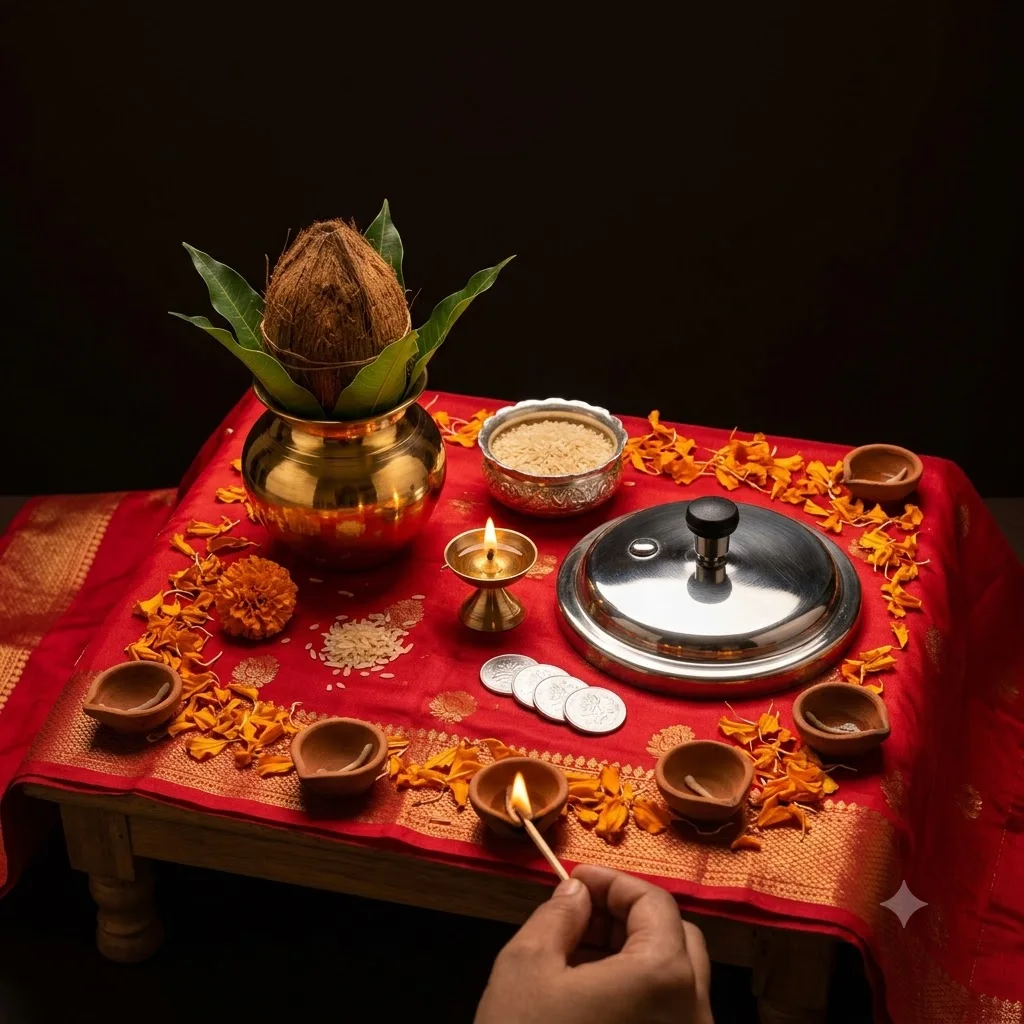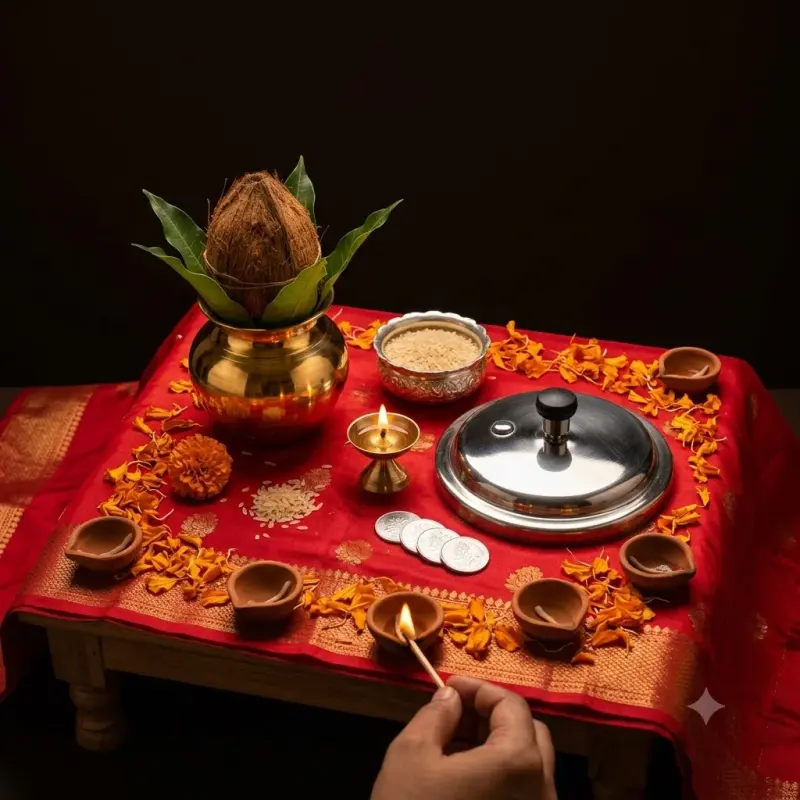
Dhanteras brass, silver and diya still life
A rich still life of new brass and silver pieces, coins and diyas for Dhanteras greetings or shop posts. Paste this prompt into ChatGPT, Gemini or Grok, change the parts in brackets to suit you, and generate.
- Written for
- ChatGPT, Gemini, Grok
- Occasion
- Dhanteras · 6 Nov
- Status
- Tested 29 Sep 2026 in Gemini app (web), Flash mode with built-in image generation
- Test settings
- Default copy text pasted unchanged into a new Gemini chat. No reference image. First result used; only converted to WebP.
- Variability
- Layout, colours and small details change between runs. Gemini adds a small sparkle watermark in the corner.
Prompt
Scene: a low wooden chowki draped with red silk for Dhanteras, a new polished brass kalash, a small silver bowl, a new steel pressure cooker lid and a small brass lamp and a few silver coins with plain floral designs arranged on it; marigold petals, rice grains and five clay diyas around them.
Moment or Pose: tabletop arrangement, one diya being lit at the edge of the frame by a hand holding a match.
Light: warm diya light as the key, soft gold reflections on the brass, a dark background falling to near black.
Camera: 50mm macro-style, three-quarter top angle, f/4, sharp metal texture and tiny scratches visible.
Style: premium product still life, deep warm tones, clean composition with space at the top for a greeting.
Format: square 1:1.
Avoid: deity faces on coins, brand logos, currency notes, warped metal, melted diyas, extra fingers, text, watermarks.
Customise
For example: a new steel pressure cooker lid and a small brass lamp.
Fields start with illustrative values; replace them with your own facts. The prompt updates as you type. Copy prompt copies your version.
How to use it
- Open an external image tool named above. Check Status for the provider actually tested.
- Paste the prompt. Replace anything in [BRACKETS] first, or use Customise.
- Send, then ask for small changes in follow-up messages.
How to use this prompt
- This prompt makes a new picture. Check the AI app named above and the real test recorded in Status.
- Fill Customise with what you want, or replace [BRACKETS] with the right details. Press Copy prompt and paste it into the image app you chose.
- When the picture is ready, check objects, hands, faces, writing and any detail that matters. Ask for one clear correction if something is missing.
Good to know
- Metal reflections can look plastic; regenerate for crisper brass. Coins may pick up random markings, so check before using for a shop.