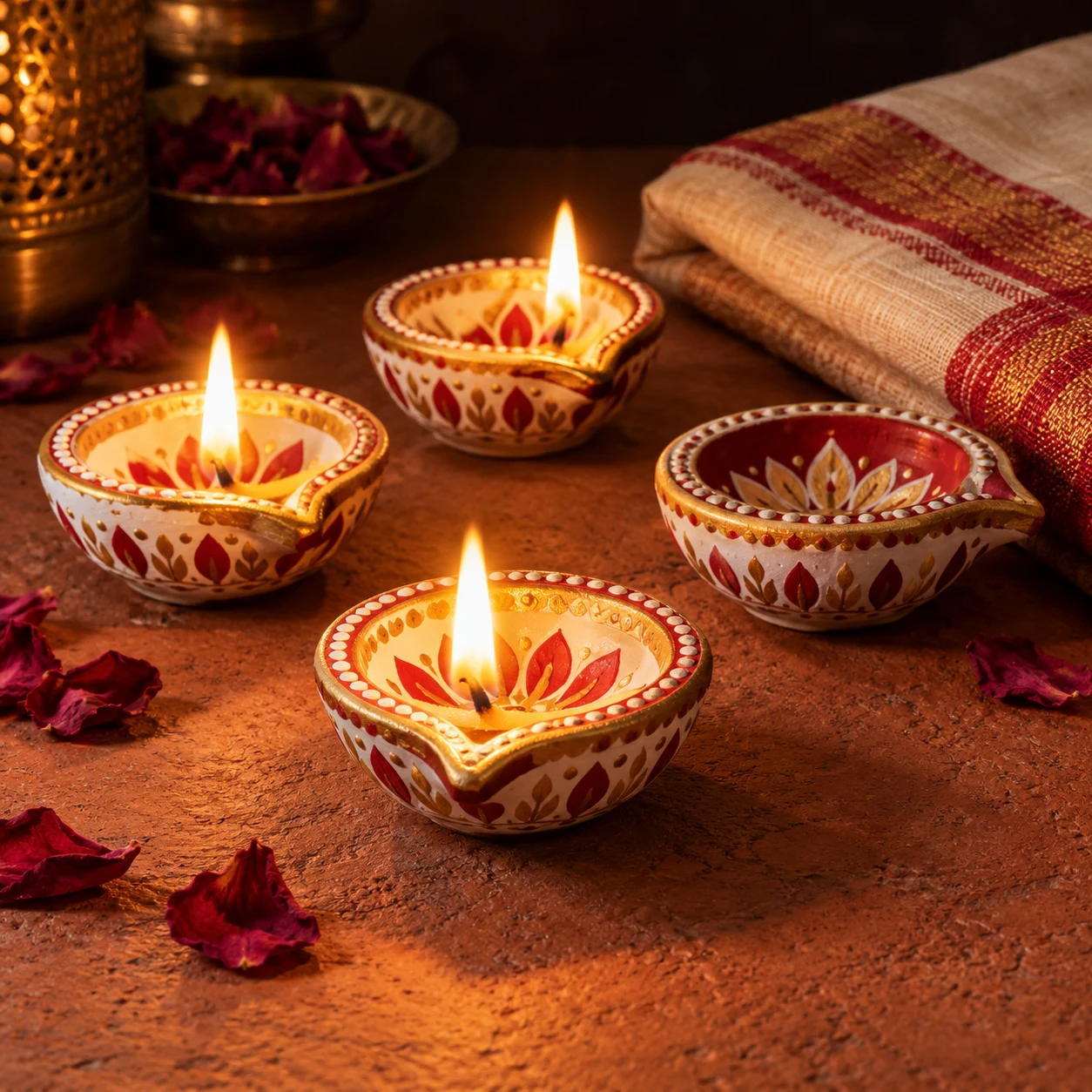
Handmade diya product photo for sellers
A clean, premium product shot of handmade diyas for an online shop or catalogue. Paste this prompt into ChatGPT, Gemini or Grok, change the parts in brackets to suit you, and generate.
- Written for
- ChatGPT, Gemini, Grok
- Occasion
- Diwali · 8 Nov
- Status
- Tested 6 Oct 2026 in ChatGPT built-in image generation (underlying model identifier not exposed)
- Test settings
- Exact website default prompt; one generated output; no reference image supplied; WebP export quality 88, original dimensions retained.
- Variability
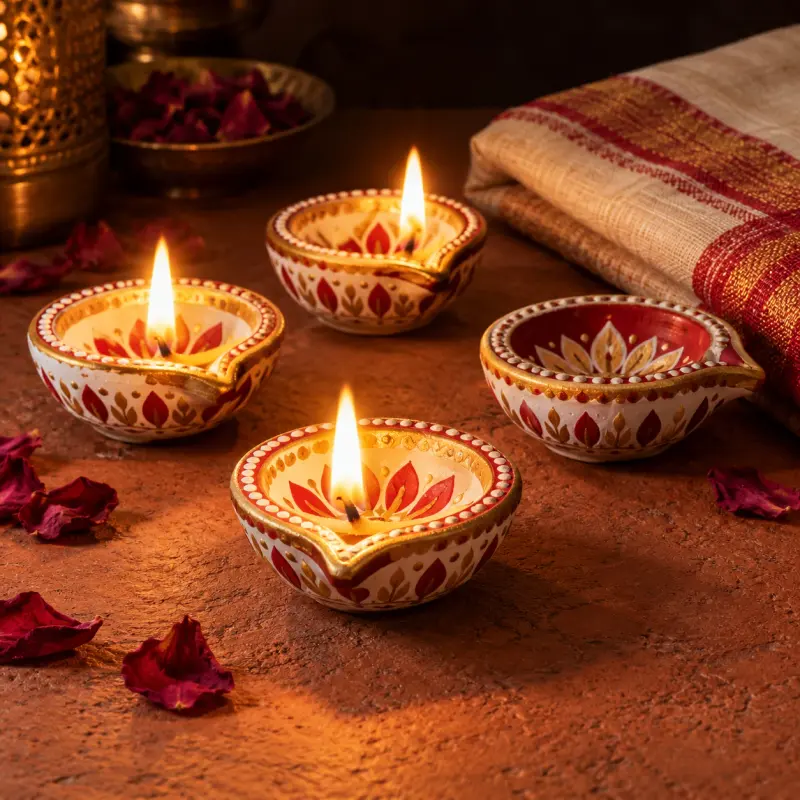
- Single run reviewed visually; repeatability not tested. AI output, hands, expressions, lighting and likeness may vary. Observed deviation: four diyas are visible (three lit and one unlit), although the prompt requests five (three lit and two unlit).
Prompt
Scene: a set of five hand-painted clay diyas in white, red and gold patterns arranged on a textured terracotta-coloured surface, three lit and two unlit so the design is visible, a few dried rose petals and a folded handloom cloth beside them.
Moment or Pose: product arrangement at a three-quarter angle with one diya in the front centre.
Light: soft warm side light with the flames adding glow, gentle shadows, dark background falling off.
Camera: 70mm, f/5.6, painted details sharp.
Style: premium handmade-product photography, warm, earthy and clean.
Format: square 1:1.
Avoid: brand logos, price tags, text, melted wax, watermarks.
Customise
For example: five hand-painted clay diyas in white, red and gold patterns.
Fields start with illustrative values; replace them with your own facts. The prompt updates as you type. Copy prompt copies your version.
How to use it
- Open an external image tool named above. Check Status for the provider actually tested.
- Paste the prompt. Replace anything in [BRACKETS] first, or use Customise.
- Send, then ask for small changes in follow-up messages.
How to use this prompt
- This prompt makes a new picture. Check the AI app named above and the real test recorded in Status.
- Fill Customise with what you want, or replace [BRACKETS] with the right details. Press Copy prompt and paste it into the image app you chose.
- When the picture is ready, check objects, hands, faces, writing and any detail that matters. Ask for one clear correction if something is missing.
Good to know
- For a real listing, use a photo of your actual product; use this for mood and layout ideas.