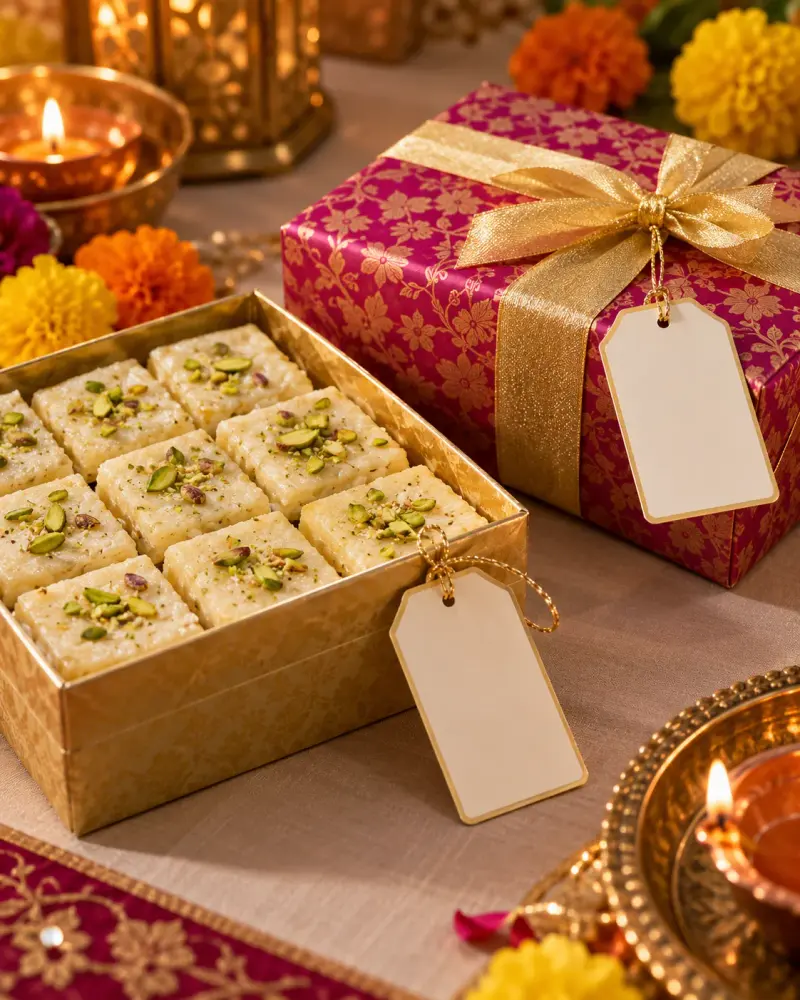
Diwali mithai ingredient cards from actual labels
Copy the ingredient cards from the packet labels, note any missing supplier details, and check that each packet matches its card. Paste this prompt into ChatGPT, Gemini, Claude or Grok, change the parts in brackets to suit you, and generate.
- Written for
- ChatGPT, Gemini, Claude, Grok
- Occasion
- Diwali · 8 Nov
- Status
- Tested 9 Oct 2026 in Grok, 9 Oct 2026 (one run; model id not exposed)
- Test settings
- The page's exact default prompt, including its illustrative notes, was run once in Grok on 9 Oct 2026. The notes are examples, not a real event. ChatGPT and Gemini were not used. No second run was kept.
- Variability
- A different set of notes, or another run, will change the wording. This is the first result for the default notes on this page.
Prompt
Format my actual supplier labels into plain-text ingredient cards for Diwali mithai gifts. Preserve ingredient names and every supplied allergen or cross-contact statement without weakening or replacing them. Clearly identify which supplier label each card uses and mark missing information for supplier confirmation. Add a gift-box packing check that matches each sweet to the correct card. If labels are absent, ask for them rather than inferring ingredients from a sweet’s name. Do not claim medical suitability, allergen-free status or regulatory compliance.

My details:
Sweet A supplier label: ingredients milk, sugar, pistachio; allergen statement contains milk and tree nuts. Sweet B label not yet received. Two separate packets, cards must not be swapped.

Use only supplied facts. The default details are fictional examples, not a real event. Ask for essential missing input or mark it unknown. Do not invent names, dates, prices, permissions or commitments. Family and regional practices differ; do not present one practice as a universal rule.
Customise
Paste the real details. Leave out anything you do not want repeated.
Fields start with illustrative values; replace them with your own facts. The prompt updates as you type. Copy prompt copies your version.
Example output
Actual tested output. The notes used for this result are an example, not a real event. This box is not copied. Replace the notes above with your own before you paste the prompt.
Card A — from the supplier label supplied for Sweet A
Sweet: Sweet A
Ingredients, as labelled: milk, sugar, pistachio
Allergen statement, as labelled: contains milk and tree nuts
This card is only for Sweet A's packet. Do not put it on Sweet B.

Card B — Sweet B
No supplier label was received. Ingredients are not inferred from the name. Please send Sweet B's label before a card is written.

Packing check
Two packets stay separate. Sweet A's card goes only with Sweet A's packet. Sweet B has no card until its label arrives.

No medical suitability, allergen-free status, or compliance is claimed. The milk and tree-nut statement is copied, not softened.
How to use it
- Open ChatGPT, Gemini, Grok or Claude.
- Paste the prompt and replace the [BRACKETS] with your details.
- Review names, facts and the requested format; follow up with corrections or missing details.
How to use this prompt
- Fill Customise with your real details. Do not let the tool guess a missing fact. Write the missing information clearly if you need to.
- Press Copy prompt and paste it into the AI app named above. This page copies the prompt. The answer is created in the external app.
- Check names, facts, numbers, language and the format you asked for. If something is wrong or incomplete, ask for a correction.
Good to know
- Default details are illustrative. Review the generated draft against your actual information before use. Run once in Grok on 9 Oct 2026 using the illustrative default notes.
- Check facts before you rely on the answer.