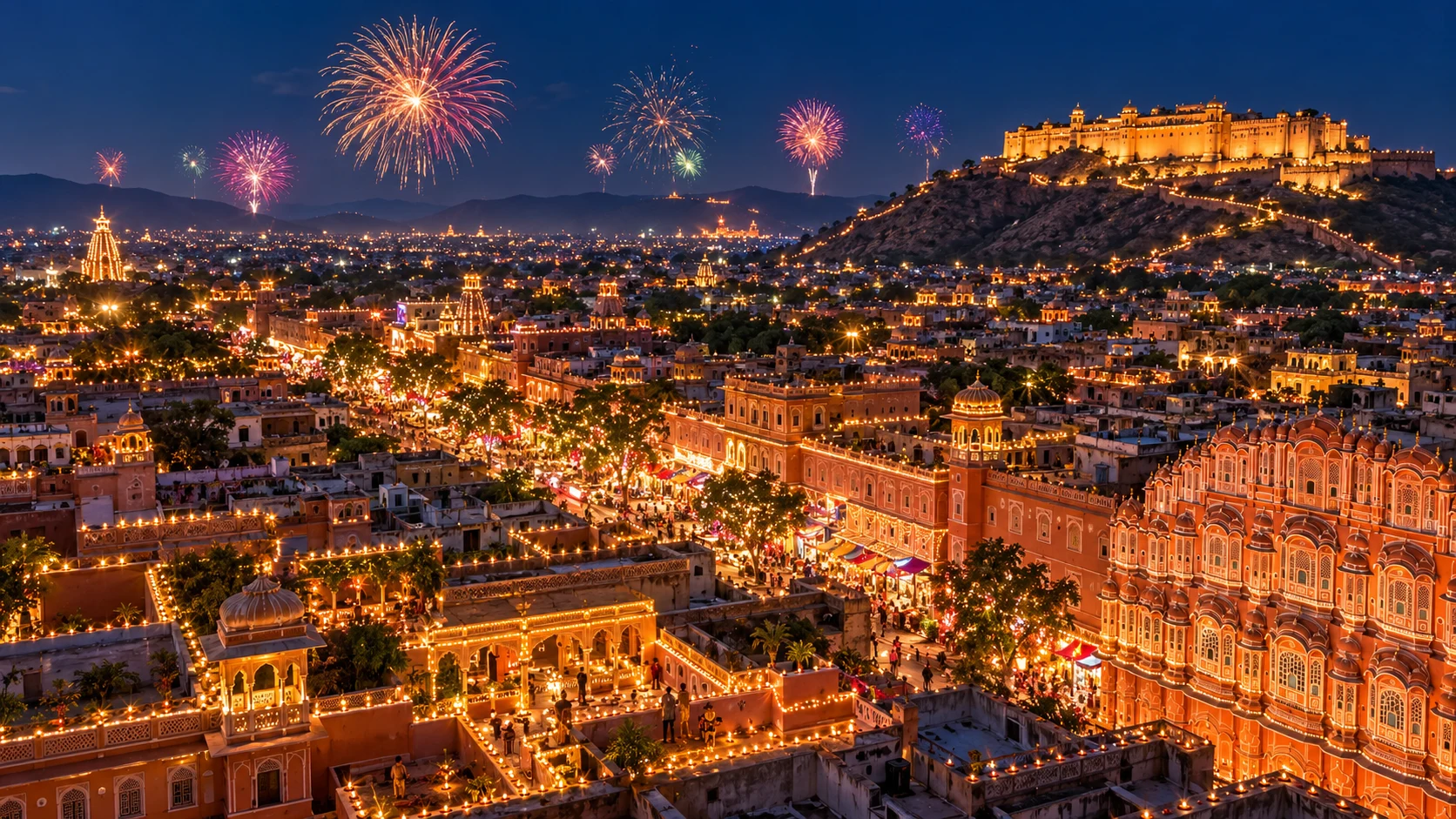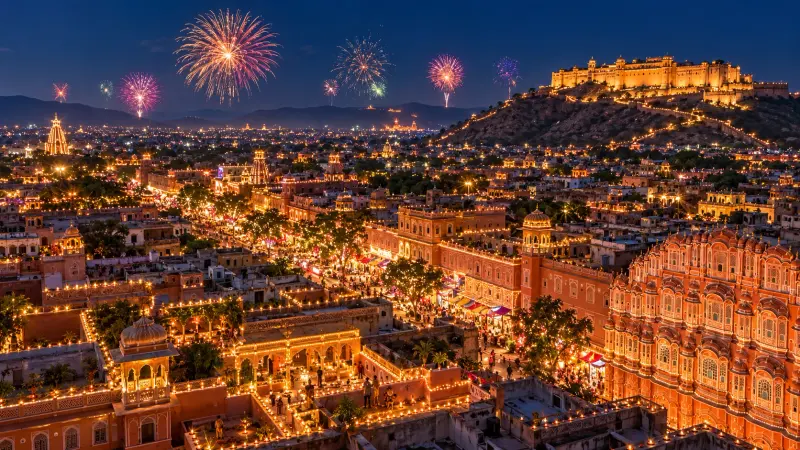
Diwali city lights and fireworks from above
A sweeping aerial view of a city glowing with lamps and fireworks on Diwali night. Paste this prompt into ChatGPT, Gemini or Grok, change the parts in brackets to suit you, and generate.
- Written for
- ChatGPT, Gemini, Grok
- Occasion
- Diwali · 8 Nov
- Status
- Tested 6 Oct 2026 in ChatGPT built-in image generation (underlying model identifier not exposed)
- Test settings
- Exact website default prompt; one generated output; no reference image supplied; WebP export quality 88, original dimensions retained.
- Variability
- Single run reviewed visually; repeatability not tested. AI output, hands, expressions, lighting and likeness may vary.
Prompt
Scene: an aerial view of the old city of Jaipur on Diwali night, rooftops and havelis outlined in warm lights, lanes glowing with diyas and lanterns, a fort on the hill lit in gold, several fireworks bursting over the skyline.
Moment or Pose: wide drone view at about 150 metres, looking out toward the horizon.
Light: deep blue night sky, warm city lights, bright but not blown-out fireworks.
Camera: 24mm, f/2.8, slight long-exposure smoothness, city detail sharp.
Style: cinematic travel photography, rich and festive.
Format: horizontal 16:9.
Avoid: smoke hiding the city, logos, text, watermarks.
Customise
For example: Jaipur.
Fields start with illustrative values; replace them with your own facts. The prompt updates as you type. Copy prompt copies your version.
How to use it
- Open an external image tool named above. Check Status for the provider actually tested.
- Paste the prompt. Replace anything in [BRACKETS] first, or use Customise.
- Send, then ask for small changes in follow-up messages.
How to use this prompt
- This prompt makes a new picture. Check the AI app named above and the real test recorded in Status.
- Fill Customise with what you want, or replace [BRACKETS] with the right details. Press Copy prompt and paste it into the image app you chose.
- When the picture is ready, check objects, hands, faces, writing and any detail that matters. Ask for one clear correction if something is missing.
Good to know
- The city layout is AI-imagined; do not present it as a real photo of that city.