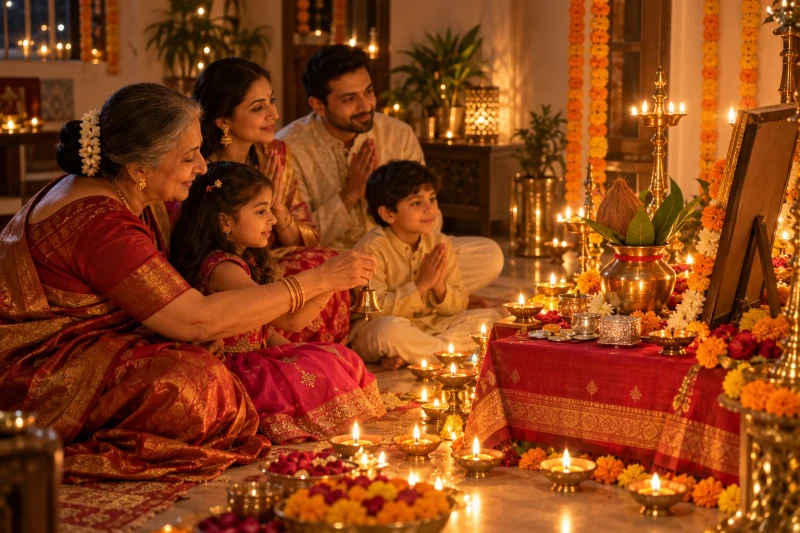
Diwali Lakshmi puja family moment
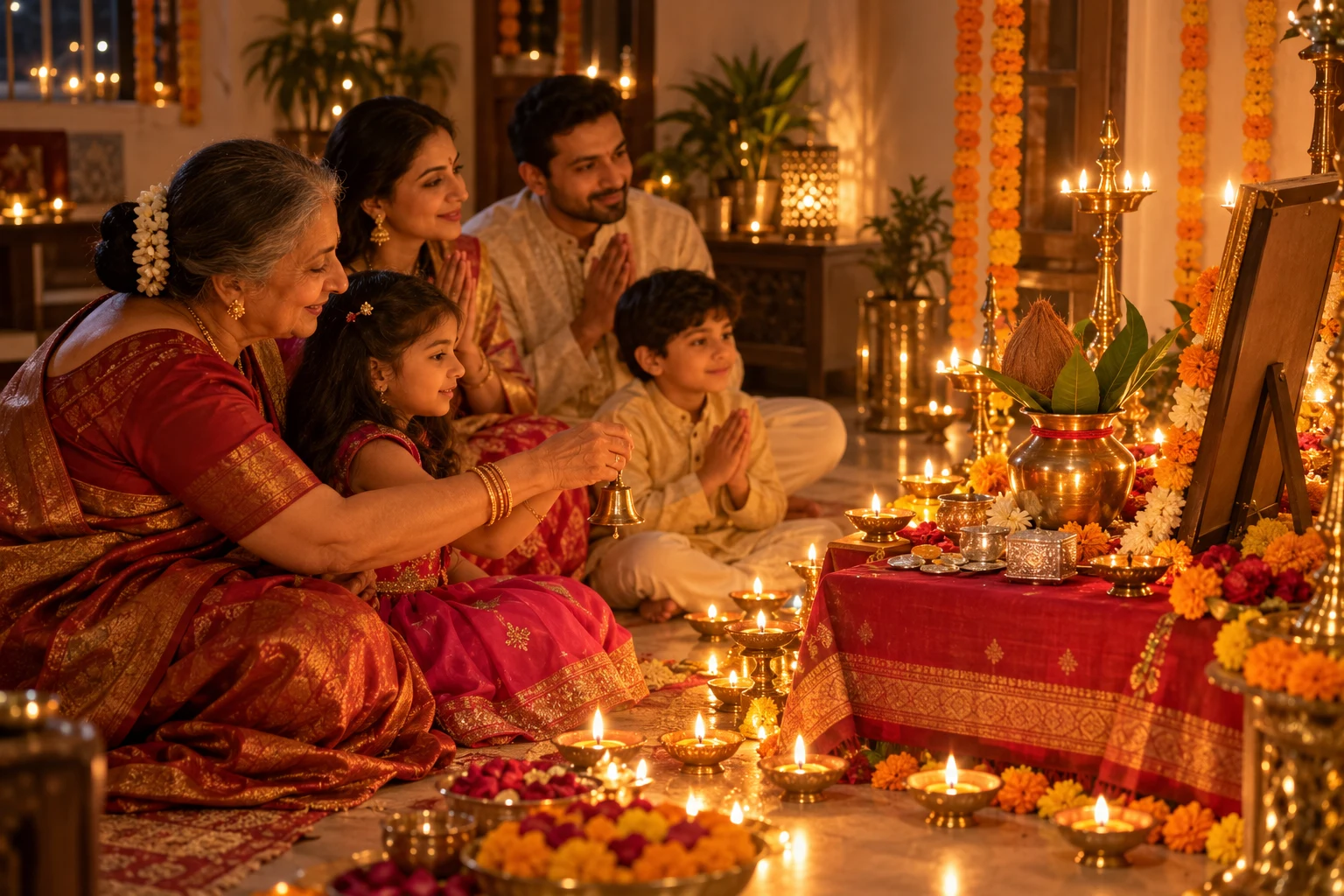
A warm candid scene of a family doing Lakshmi puja together on Diwali night. Paste this prompt into ChatGPT, Gemini or Grok and generate.
- Written for
- ChatGPT, Gemini, Grok
- Occasion
- Diwali · 8 Nov
- Status
- Tested 6 Oct 2026 in ChatGPT built-in image generation (underlying model identifier not exposed)
- Test settings
- Exact website default prompt; one generated output; no reference image supplied; WebP export quality 88, original dimensions retained.
- Variability
- Single run reviewed visually; repeatability not tested. AI output, hands, expressions, lighting and likeness may vary.
Prompt
Scene: a home puja corner on Diwali night, a low chowki with a red cloth, a brass kalash with mango leaves, small silver coins, sweets, marigold garlands and many diyas; a framed picture on the chowki seen only from behind or at an angle so no deity face is visible.
Moment or Pose: three generations — grandparents, parents and two children — sit on the floor, the grandmother guiding a child to ring a small bell, everyone's faces lit by the lamps and turned toward the altar.
Light: many diyas as the main warm light, soft shadows on the walls.
Camera: 35mm, f/2, from slightly behind and to the side.
Style: intimate documentary family photography, warm and devotional.
Format: horizontal 3:2.
Avoid: deity faces, extra limbs, children too close to flames, text, watermarks.
How to use it
- Open an external image tool named above. Check Status for the provider actually tested.
- Paste the prompt. Replace anything in [BRACKETS] first, or use Customise.
- Send, then ask for small changes in follow-up messages.
How to use this prompt
- This prompt makes a new picture. Check the AI app named above and the real test recorded in Status.
- Fill Customise with what you want, or replace [BRACKETS] with the right details. Press Copy prompt and paste it into the image app you chose.
- When the picture is ready, check objects, hands, faces, writing and any detail that matters. Ask for one clear correction if something is missing.
Good to know
- Large groups can gain or lose a person; count everyone and regenerate if needed.