 Real example
Film grain portrait with a light leak
A soft analog-style portrait of you with grain and a warm light leak at the edge.
Make it yours
Viral trend
The film grain trend, sometimes called the anti-AI look, makes a photo deliberately imperfect: visible grain, light leaks, a little blur and the soft colour of an analog print. It looks more like a real moment and less like a polished edit.
Real exampleA soft analog-style portrait of you with grain and a warm light leak at the edge.
 Real example
A quiet, imperfect portrait of you in window light with grain and a soft haze.
 Real example
A candid, grainy photo of you on a train with blurred fields rushing past.
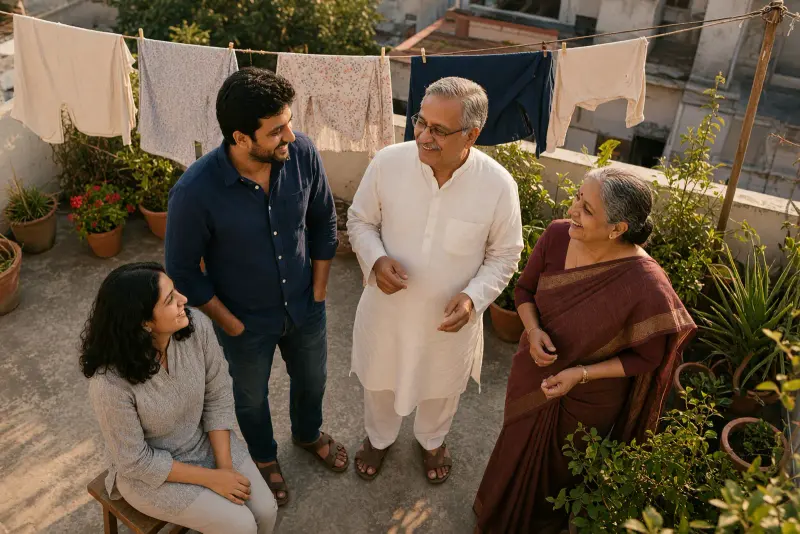 Real example
An unposed, grainy family photo on a terrace in soft evening light.
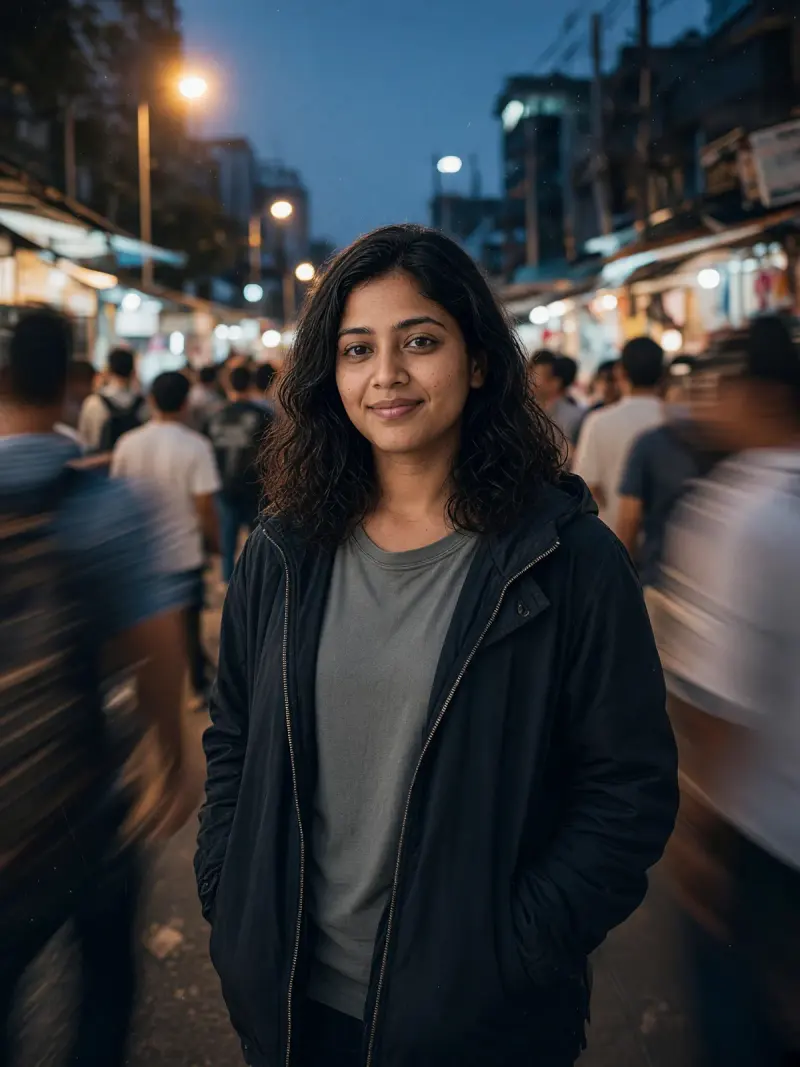 Real example
A moody grainy photo of you standing still while the street rushes past in blur.
Many AI pictures look glossy and too perfect. Grain, slight blur and uneven light make an image feel human and lived-in, which is why people are choosing this look on purpose.
Use only your own photo, or photos of people who have agreed to be edited. An imperfect look does not make an edited photo real; do not present it as an unedited picture where that matters. Check faces before sharing.
No. It is only a visual style. The photo is still an AI edit, and you should say so where it matters.
The prompts ask for blur at the edges and in motion, not on the face. Ask the model to keep the face in focus if it softens.
Yes. Any clear photo works; the prompts add the grain and analog look.