YouTube thumbnail prompt with a short title
A 16:9 thumbnail prompt with room for a short title. Paste this prompt into ChatGPT, Gemini or Grok, change the parts in brackets to suit you, and generate.
- Written for
- ChatGPT, Gemini, Grok
- Status
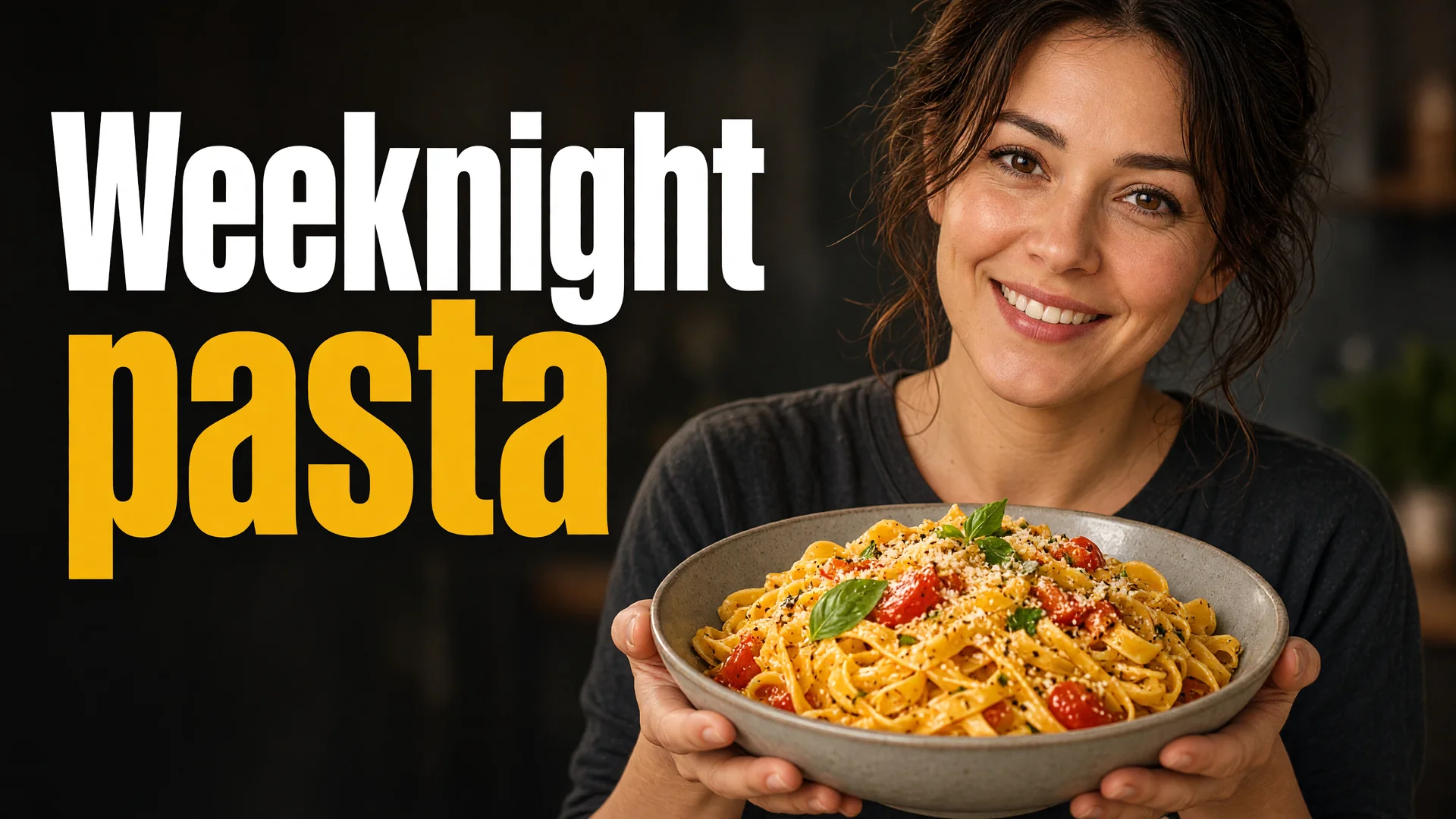
- Tested 20 Oct 2026 in grok-imagine-image-2.0
- Test settings
- No reference photo; text-to-image with the default copy text unchanged. Aspect ratio 16:9. First result used; long side resized to 1920 px and converted to WebP.
- Variability
- Text inside the picture can come out wrong; check the spelling before you use it.
Prompt
Make a YouTube thumbnail, 1280 by 720, 16:9.
Subject: a home cook holding a bowl of pasta, large in the frame, with a clear face or a clear dish if that is the subject.
Words on the image, four words at most: Weeknight pasta. Use large, high-contrast type and leave the words away from the edges.
Background: simple and darker than the subject, so the words stay readable.
Do not add a play button, a subscribe badge, a logo the channel does not own, or extra sentences.
Avoid: tiny text, more than four words, clutter, watermarks, a fake view count.
Customise
For example: a home cook holding a bowl of pasta.
For example: Weeknight pasta.
Fields start with illustrative values; replace them with your own facts. The prompt updates as you type. Copy prompt copies your version.
How to use it
- Open an external image tool named above. Check Status for the provider actually tested.
- Paste the prompt. Replace anything in [BRACKETS] first, or use Customise.
- Send, then ask for small changes in follow-up messages.
Make it yours
- Use the real dish or the real person in the video. Replace the example subject.
- If the tool spells the words wrong, shorten them and try once more.
Common mistakes
- Do not put a paragraph on the thumbnail.
- Do not add a face that is not yours, or a person who has not agreed to be shown.
How to use this prompt
- This prompt makes a new picture. Check the AI app named above and the real test recorded in Status.
- Fill Customise with what you want, or replace [BRACKETS] with the right details. Press Copy prompt and paste it into the image app you chose.
- When the picture is ready, check objects, hands, faces, writing and any detail that matters. Ask for one clear correction if something is missing.
Good to know
- Text inside the picture often comes out wrong. If it does, use fewer words and try again. The subject and title in the boxes are examples. Replace them with the video you are actually making.
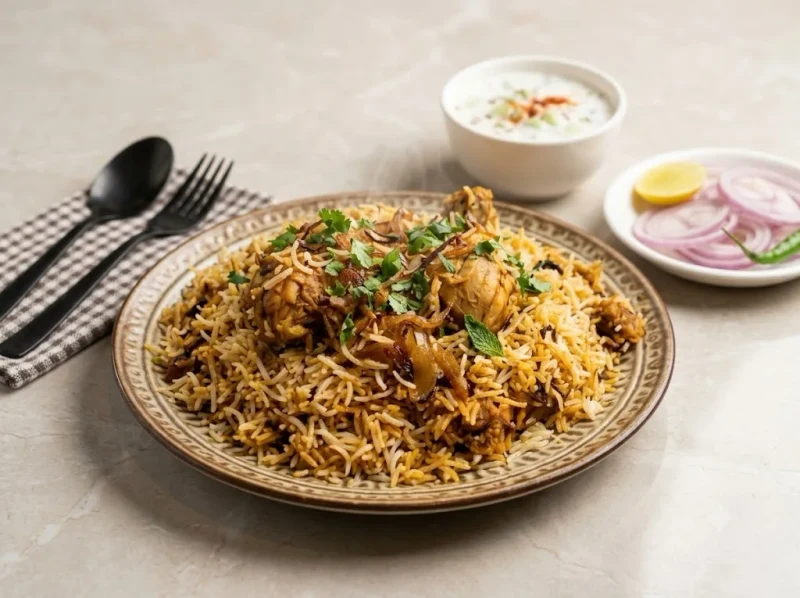 02 · Cook
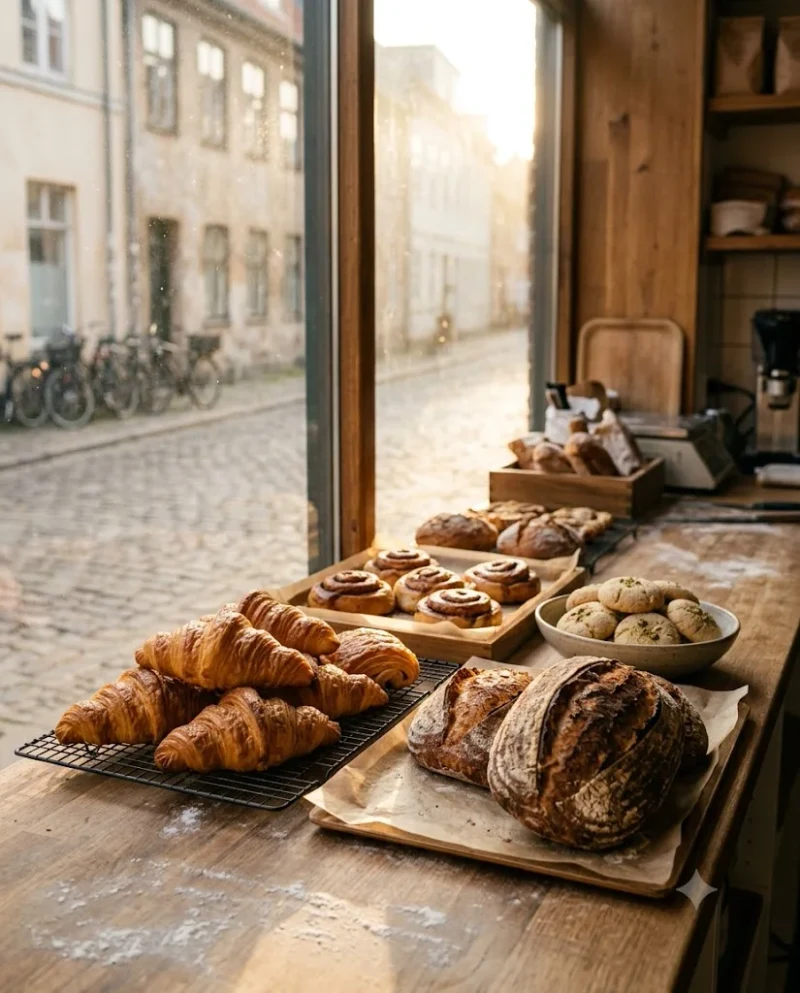 03 · Serve