YouTube Shorts script (under 60 seconds)
A tight vertical-video script: hook, three beats and a payoff, with on-screen text. Paste this prompt into ChatGPT, Gemini, Grok or Claude, change the parts in brackets to suit you, and generate.
- Written for
- ChatGPT, Gemini, Grok, Claude
- Status
- Tested 9 Oct 2026 in Grok, 9 Oct 2026 (one run; model id not exposed)
- Test settings
- The page's exact default prompt was run once in Grok on 9 Oct 2026. The default details already written on the page were the input. They are illustrative, not a record of a real event. ChatGPT and Gemini were not used. The first result was kept.
- Variability
- A different set of details, or another run, will change the wording. This is the first result for the defaults on this page.
Prompt
Write a YouTube Shorts script, 45 seconds, vertical 9:16.

Topic: why your UPI payment can fail and what to do
Audience: everyday UPI users
One key takeaway: check the bank's status before paying twice

Format as: time | spoken line | on-screen text | visual.
- Hook in the first 2 seconds: a surprising fact from my topic, a question, or the result first.
- Three fast beats, one idea each.
- Payoff line that restates the takeaway; make the last line flow back into the first if natural (for replays).
- Spoken lines short enough to say comfortably.

Then give 3 title options under 50 characters. Use only facts I can back up; flag any that need a source.

Use contiguous non-overlapping time ranges starting at 0 and ending at the supplied duration; show the total. For a duration too short for all requested beats, reduce the number of beats rather than exceeding it. Do not invent a surprising fact for the hook. Speech pacing is estimated and needs a read-aloud check.
Customise
For example: 45.
For example: why your UPI payment can fail and what to do.
For example: a private note to family, in plain words.
For example: check the bank's status before paying twice.
Fields start with illustrative values; replace them with your own facts. The prompt updates as you type. Copy prompt copies your version.
Example output
Actual tested output. The notes used for this result are an example, not a real event. This box is not copied. Replace the notes above with your own before you paste the prompt.
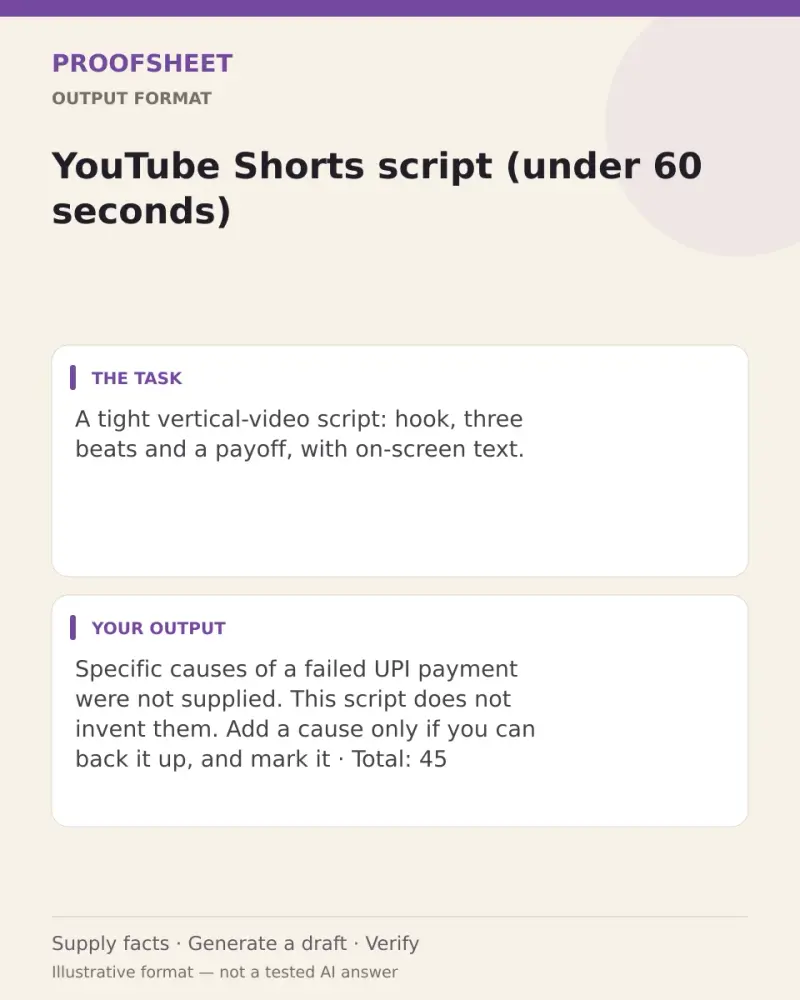
Specific causes of a failed UPI payment were not supplied. This script does not invent them. Add a cause only if you can back it up, and mark it [source needed] until then. Speech pacing below is an estimate. Read it aloud.

Total: 45 seconds. Ranges are contiguous and do not overlap.

| Time | Spoken line | On-screen text | Visual |
| 0:00-0:02 | Payment failed. Pay again? | Do not pay twice yet | Phone in hand, failed UPI screen, thumb paused |
| 0:02-0:15 | A failed payment is not a reason to send the money again straight away. | Failed is not pay again | Same screen, finger moves away from the button |
| 0:15-0:28 | First check the bank's status. See if the bank is having trouble. | Check the bank status | Generic bank-status screen, no brand name |
| 0:28-0:38 | Only after you know that status should you try again, once. | Then retry once | One calm tap, then stop |
| 0:38-0:45 | Check the bank's status before paying twice. If it failed, pause there. | Check status before paying twice | Back to the failed screen, so the loop can replay |

Title options:
- UPI failed? Check status before a retry (39 characters)
- Do not pay twice when a UPI payment fails (41 characters)
- Check the bank status before paying twice (41 characters)
How to use it
- Open ChatGPT, Gemini, Grok or Claude.
- Paste the prompt and replace the [BRACKETS] with your details.
- Review names, facts and the requested format; follow up with corrections or missing details.
How to use this prompt
- Fill Customise with your real details. Do not let the tool guess a missing fact. Write the missing information clearly if you need to.
- Press Copy prompt and paste it into the AI app named above. This page copies the prompt. The answer is created in the external app.
- Check names, facts, numbers, language and the format you asked for. If something is wrong or incomplete, ask for a correction.
Good to know
- Flagged facts need a source before you publish. For money topics, keep it general, not personal advice. Run once in Grok on 9 Oct 2026 using the illustrative defaults on this page. Check the draft against your own facts before you use it.
- Check facts before you rely on the answer.