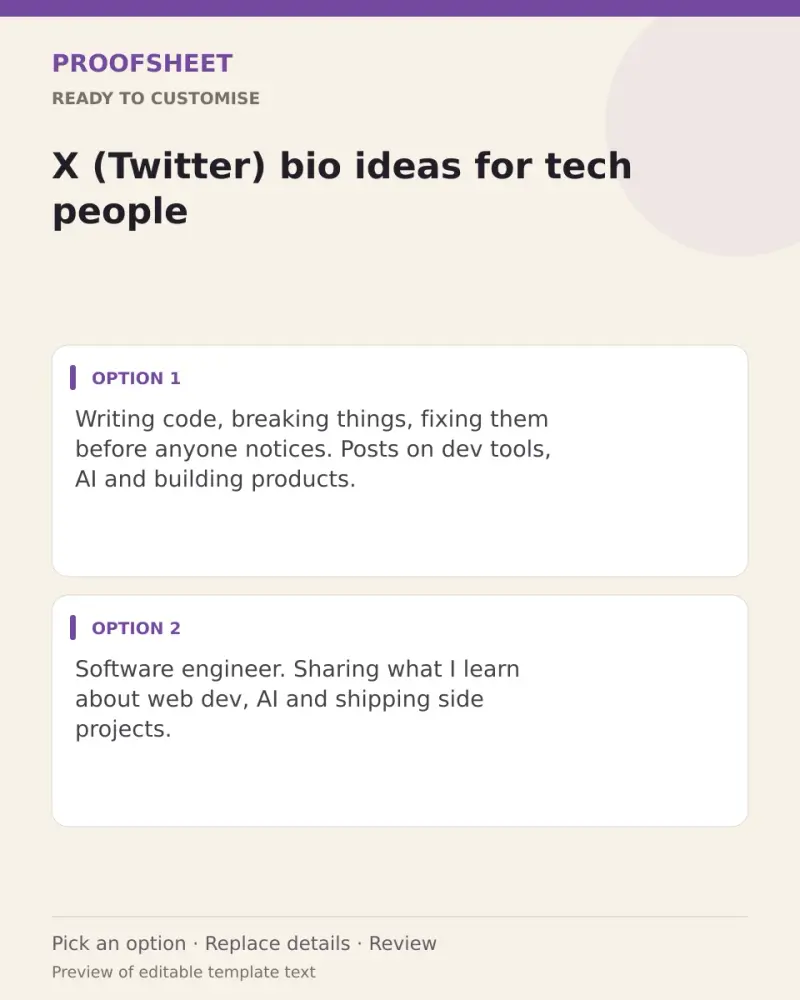
X (Twitter) bio ideas for tech people
10 ready X bios for tech people — pick one, copy and paste. Replace any bracketed details and review before using. No AI tool needed.
- Written for
- No AI needed
- Status
- Ready-to-use template — no AI tool needed
10 ready optionsTap Copy, then paste · limit 160 characters
Writing code, breaking things, fixing them before anyone notices. Posts on dev tools, AI and building products.
Top pick · 111 / 160 characters
Software engineer. Sharing what I learn about web dev, AI and shipping side projects.
85 / 160 characters
Tech, simplified. Daily notes on gadgets, apps and the tools that save time.
76 / 160 characters
Building on the internet 💻 | JavaScript, Python and too many open tabs
70 / 160 characters
Developer by profession, tinkerer by nature. Threads on coding, careers and productivity.
89 / 160 characters
Following AI so you don't have to read every paper. Plain-English takes.
72 / 160 characters
Product builder. Thinking about design, tech and why some apps just feel right.
79 / 160 characters
Cloud, DevOps and the occasional rant about YAML ☁️
51 / 160 characters
Learning in public: code, projects and the bugs that taught me the most.
72 / 160 characters
Tech enthusiast from [your city] | Startups, AI and India's digital story
73 / 160 characters
Prompt
Writing code, breaking things, fixing them before anyone notices. Posts on dev tools, AI and building products.
How to use it
- Read the options and pick the one that sounds most like you.
- Tap Copy under it.
- Paste into the intended message, document or profile editor.
- Change any word that isn't true for you before saving.
How to use this prompt
- Read the ready options and choose the message that fits. Where you see [BRACKETS], fill in your own details.
- Press Copy, then paste the message into your own message or profile. A finished message does not need an AI tool.
- Before you send it, check the name, the relationship and the language.
Good to know
- Keep only what is true for you and add your one main topic first — people decide to follow in about two seconds.
- Read it once before posting and adjust the wording so it sounds like you.