Diwali wishes for colleagues
10 ready work wishes — pick one, copy and send. Replace any bracketed details and review before using. No AI tool needed.
- Written for
- No AI needed
- Occasion
- Diwali · 8 Nov
- Status
- Ready-to-use template — no AI tool needed
10 ready optionsTap Copy, then paste
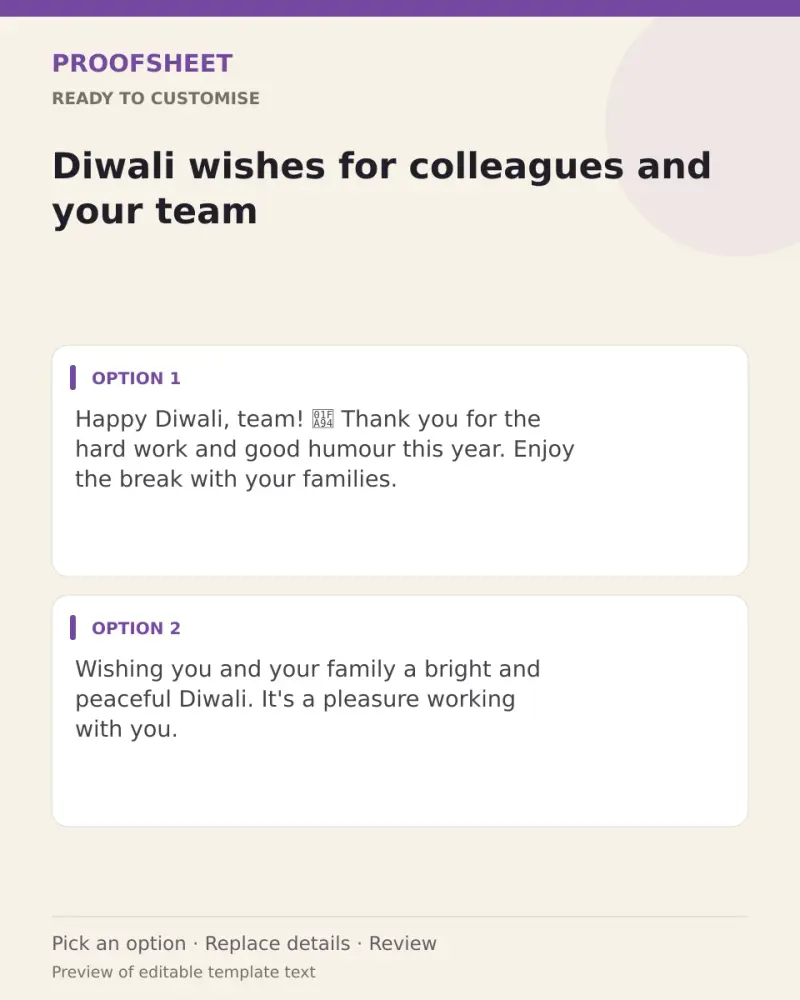
Happy Diwali, team! 🪔 Thank you for the hard work and good humour this year. Enjoy the break with your families.
Top pick · 112 characters
Wishing you and your family a bright and peaceful Diwali. It's a pleasure working with you.
91 characters
Happy Diwali to the people who make Mondays easier! Have a wonderful festival and come back refreshed. ✨
104 characters
May this Diwali bring you rest, joy and time with the people you love. Warm wishes from me and my family.
105 characters
Deadlines can wait — sweets can't. Happy Diwali, everyone! 😄🪔
61 characters
Thank you for your support and teamwork this year. Wishing you a Diwali full of light and a new year full of success.
117 characters
Happy Diwali! May the festival of lights bring clarity to every plan and success to every project. 🌟
100 characters
Wishing all my colleagues a safe, happy and prosperous Diwali. Looking forward to a great year together.
104 characters
To a team that shines all year: Happy Diwali! May your homes glow as brightly as your ideas. 🪔
94 characters
Happy Diwali! Switch off the laptop, light the diyas and enjoy every moment with your family. See you after the festival. 🙏
123 characters
Prompt
Happy Diwali, team! 🪔 Thank you for the hard work and good humour this year. Enjoy the break with your families.
How to use it
- Read the options and pick the one that sounds most like you.
- Tap Copy under it.
- Paste into the intended message, document or profile editor.
- Change any word that isn't true for you before saving.
How to use this prompt
- Read the ready options and choose the message that fits. Where you see [BRACKETS], fill in your own details.
- Press Copy, then paste the message into your own message or profile. A finished message does not need an AI tool.
- Before you send it, check the name, the relationship and the language.
Good to know
- Add the person's name at the start to make it feel personal.
- Read it once before posting and adjust the wording so it sounds like you.