WhatsApp Business greeting and away messages
10 ready WhatsApp Business greeting and away messages — pick one, copy and paste. Replace any bracketed details and review before using. No AI tool needed.
- Written for
- No AI needed
- Status
- Ready-to-use template — no AI tool needed
10 ready optionsTap Copy, then paste
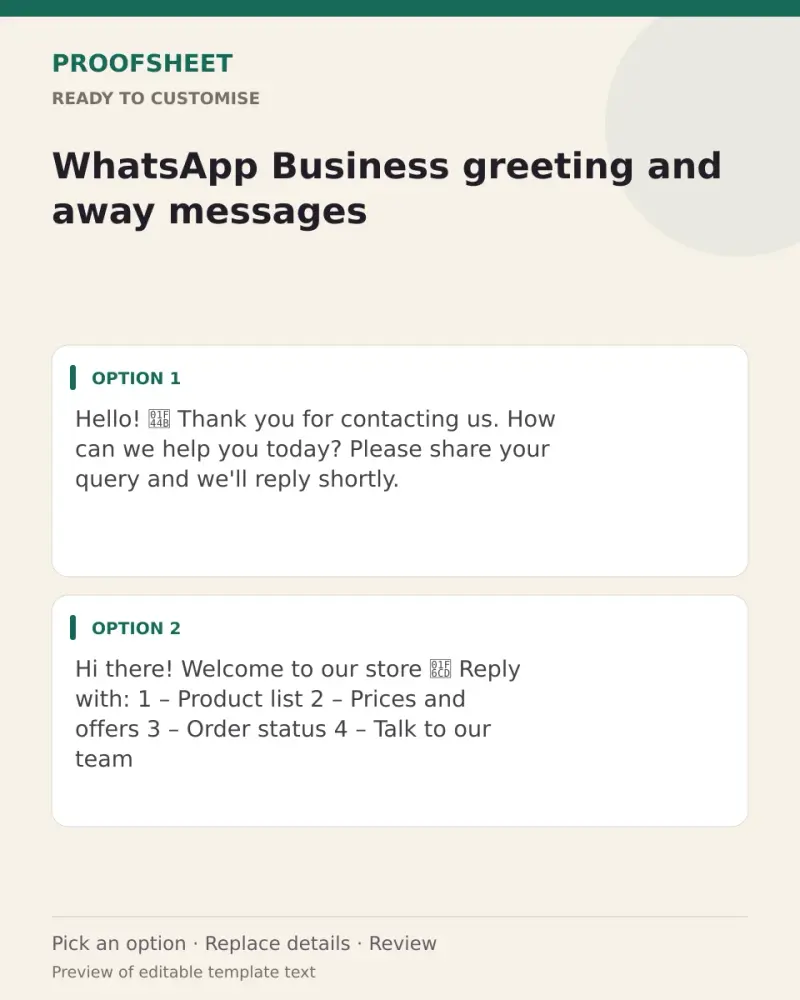
Hello! 👋 Thank you for contacting us. How can we help you today? Please share your query and we'll reply shortly.
Top pick · 113 characters
Hi there! Welcome to our store 🛍️ Reply with:
1 – Product list
2 – Prices and offers
3 – Order status
4 – Talk to our team
122 characters
Namaste! 🙏 Thanks for reaching out. Please share your name and requirement, and our team will get back to you soon.
115 characters
Hello and welcome! 😊 Looking to book an appointment? Send your preferred date and time and we'll confirm it for you.
116 characters
Hi! Thanks for your message. For faster help, please tell us your order number or the product you're interested in.
115 characters
Thank you for messaging us! We're currently closed. Our working hours are 10 am to 8 pm, Monday to Saturday. We'll reply as soon as we're back 🙏
144 characters
Hi! We're away right now but your message is important to us. We'll get back to you first thing tomorrow morning ☀️
115 characters
Thanks for reaching out! Our team is offline for the day. Please leave your query and contact details, and we'll call or message you soon.
138 characters
Hello! We're closed today for a holiday 🎉 We'll reply to all messages when we reopen tomorrow. Thank you for your patience.
123 characters
Hi there! We're busy serving customers at the moment. We'll reply within a few hours. Thanks for waiting 😊
106 characters
Prompt
Hello! 👋 Thank you for contacting us. How can we help you today? Please share your query and we'll reply shortly.
How to use it
- Read the options and pick the one that sounds most like you.
- Tap Copy under it.
- Paste into the intended message, document or profile editor.
- Change any word that isn't true for you before saving.
How to use this prompt
- Read the ready options and choose the message that fits. Where you see [BRACKETS], fill in your own details.
- Press Copy, then paste the message into your own message or profile. A finished message does not need an AI tool.
- Before you send it, check the name, the relationship and the language.
Good to know
- Set one as your greeting and one as your away message in WhatsApp Business → Business tools; update the hours to match yours.
- Read it once before posting and adjust the wording so it sounds like you.