Diwali wishes for clients
10 ready business wishes — pick one, copy and send. Replace any bracketed details and review before using. No AI tool needed.
- Written for
- No AI needed
- Occasion
- Diwali · 8 Nov
- Status
- Ready-to-use template — no AI tool needed
10 ready optionsTap Copy, then paste
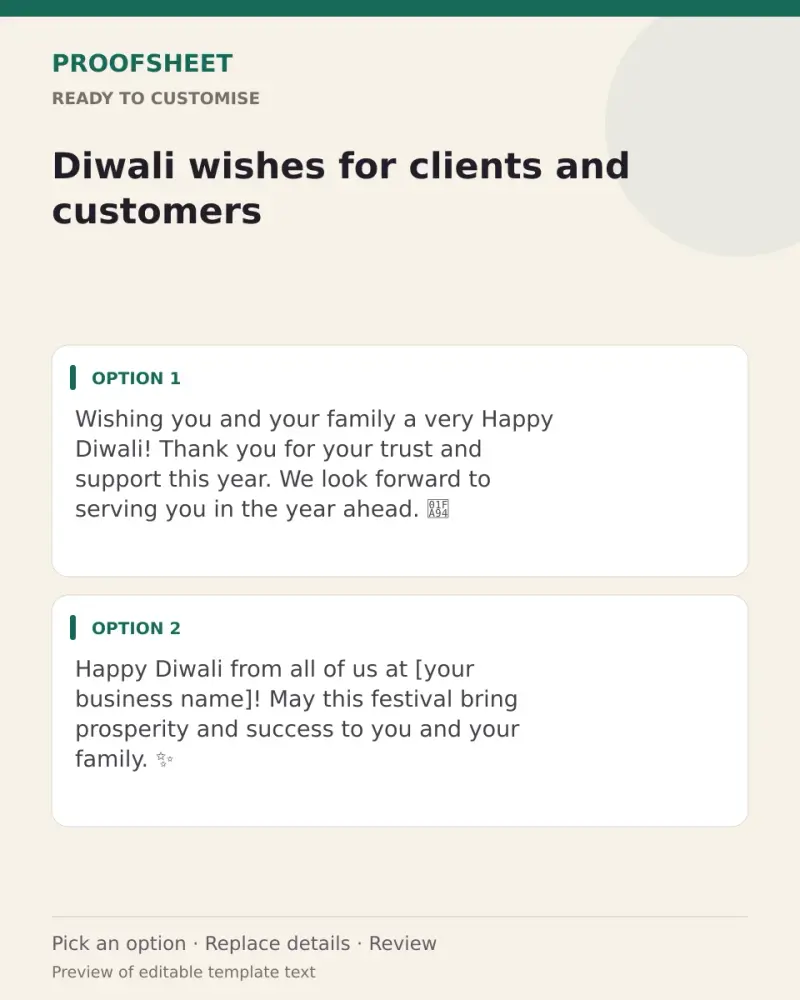
Wishing you and your family a very Happy Diwali! Thank you for your trust and support this year. We look forward to serving you in the year ahead. 🪔
Top pick · 148 characters
Happy Diwali from all of us at [your business name]! May this festival bring prosperity and success to you and your family. ✨
125 characters
Thank you for being part of our journey. Wishing you a bright and prosperous Diwali and a wonderful new year ahead. 🙏
117 characters
This Diwali, we are grateful for customers like you. May your home be filled with light and your business with growth. Happy Diwali!
132 characters
Warm Diwali greetings! May the festival of lights bring new opportunities and lasting success. It is a pleasure working with you.
129 characters
Happy Diwali and Shubh Labh! 🪔 Wishing you a year of good health, good business and great partnerships.
103 characters
Your support keeps our lamps burning bright. Thank you, and Happy Diwali to you and your loved ones. 💛
102 characters
Season's greetings on Diwali! May this new year bring you prosperity, peace and many reasons to celebrate. — Team [your business name]
134 characters
Wishing you a safe and joyful Diwali. Our store will be open with special festive hours — we would love to see you. 🪔
117 characters
Happy Diwali! Thank you for a wonderful year together. Here's to more growth, more trust and more celebrations ahead. ✨
119 characters
Prompt
Wishing you and your family a very Happy Diwali! Thank you for your trust and support this year. We look forward to serving you in the year ahead. 🪔
How to use it
- Read the options and pick the one that sounds most like you.
- Tap Copy under it.
- Paste into the intended message, document or profile editor.
- Change any word that isn't true for you before saving.
How to use this prompt
- Read the ready options and choose the message that fits. Where you see [BRACKETS], fill in your own details.
- Press Copy, then paste the message into your own message or profile. A finished message does not need an AI tool.
- Before you send it, check the name, the relationship and the language.
Good to know
- Replace [your business name] and keep only true details, such as real store hours or offers.
- Read it once before posting and adjust the wording so it sounds like you.