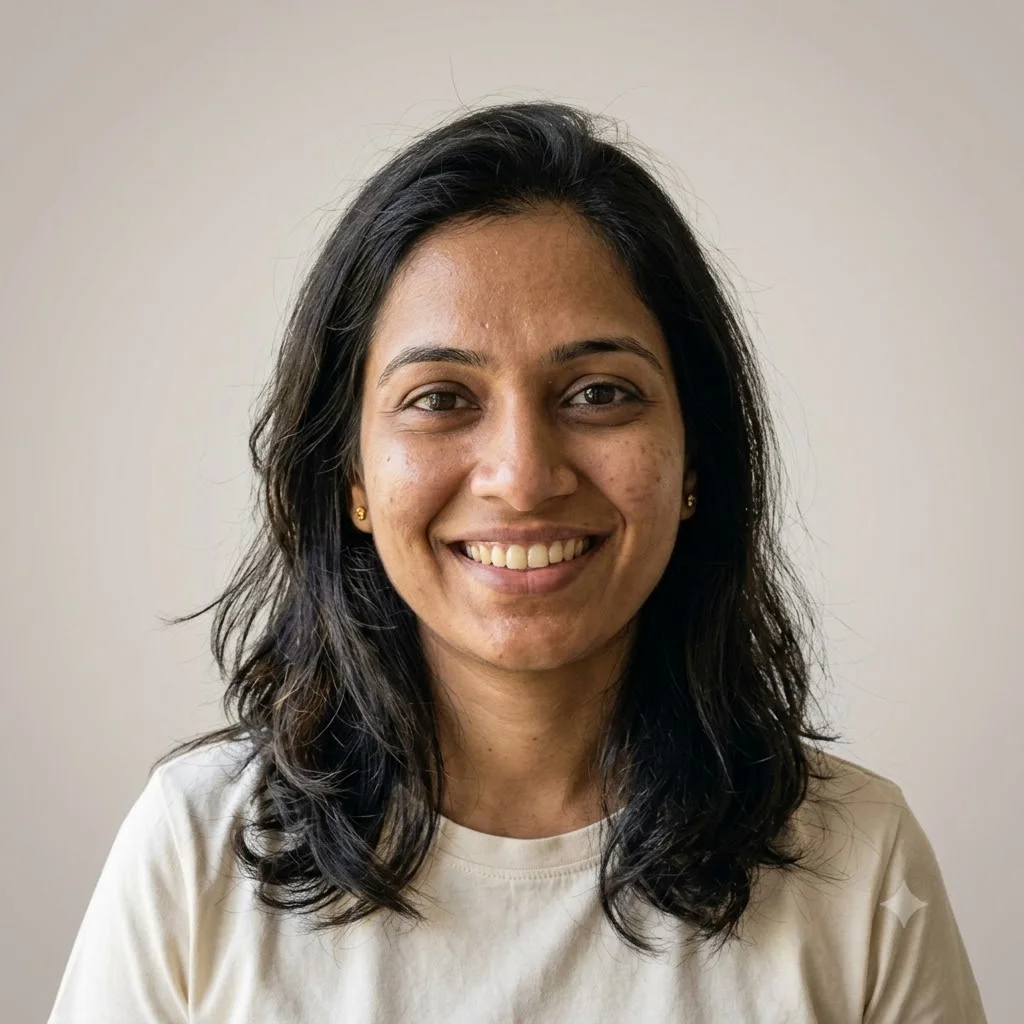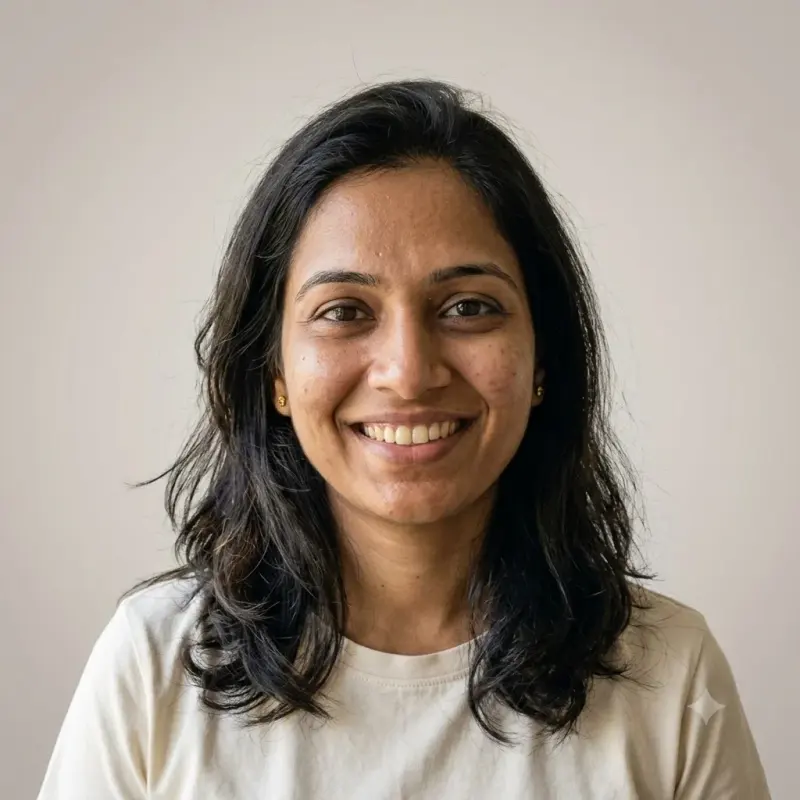
Professional profile photo for every platform
A clean, friendly headshot from your own photo, framed for round profile crops. Upload a clear photo, paste this prompt into ChatGPT, Gemini or Grok, change the parts in brackets to suit you, and generate.
- Written for
- ChatGPT, Gemini, Grok
- You'll need
- A clear photo to upload
- Status
- Tested 28 Sep 2026 in Gemini app (web), Flash mode with built-in image generation
- Test settings
- Reference photo: an AI-generated picture of a fictional woman (not a real person), made in Gemini for this test. Uploaded with the default copy text unchanged in a new Gemini chat. First result used; only converted to WebP.
- Variability
- Faces, poses and small details vary between runs; always compare the result with your own photo. Gemini adds a small sparkle watermark in the corner.
Prompt
Use my uploaded photo as the only reference for my face. Create a square profile picture suitable for LinkedIn, X, Instagram and YouTube.

Preserve my recognisable face, natural skin tone, hairstyle and glasses (if any) as closely as the model permits. No beautifying, slimming or age change.

Framing: head and top of shoulders, face centred and filling about 60% of the frame, so it still works when cropped to a circle.
Background: soft, plain light warm grey with a gentle gradient.
Light: soft, even, flattering light from the front-left; natural catchlights in the eyes.
Clothing: keep my clothing from the photo.
Expression: relaxed, approachable, natural smile.
Format: square 1:1, sharp focus on the eyes.

Avoid: text, logos, busy backgrounds, heavy retouching, plastic skin.
Customise
For example: light warm grey.
For example: keep my clothing from the photo.
Fields start with illustrative values; replace them with your own facts. The prompt updates as you type. Copy prompt copies your version.
How to use it
- Open an external image tool listed above. The tested model, if any, is named in Status.
- Upload a clear reference photo of the subject. If it includes identifiable people, get their consent and check each face.
- Customise the fields, copy your version, paste it with the photo and generate.
- Compare the result with the reference. If a face, pose or detail changes, ask for one correction or try again; an exact match is not guaranteed.
How to use this prompt
- This prompt changes your own photo. Choose a clear reference photo, and get permission from people who can be identified.
- Upload the photo in the external AI app you chose. Fill Customise, press Copy prompt and paste the prompt with the photo.
- Compare the new picture with the original. Face, hands, clothes and pose can change. An exact likeness is not guaranteed.
Good to know
- Check the likeness carefully. Many platforms show profile photos as a small circle, so preview it before saving. Not for official ID.
- Use reference photos you have the right to use; get consent from identifiable people.