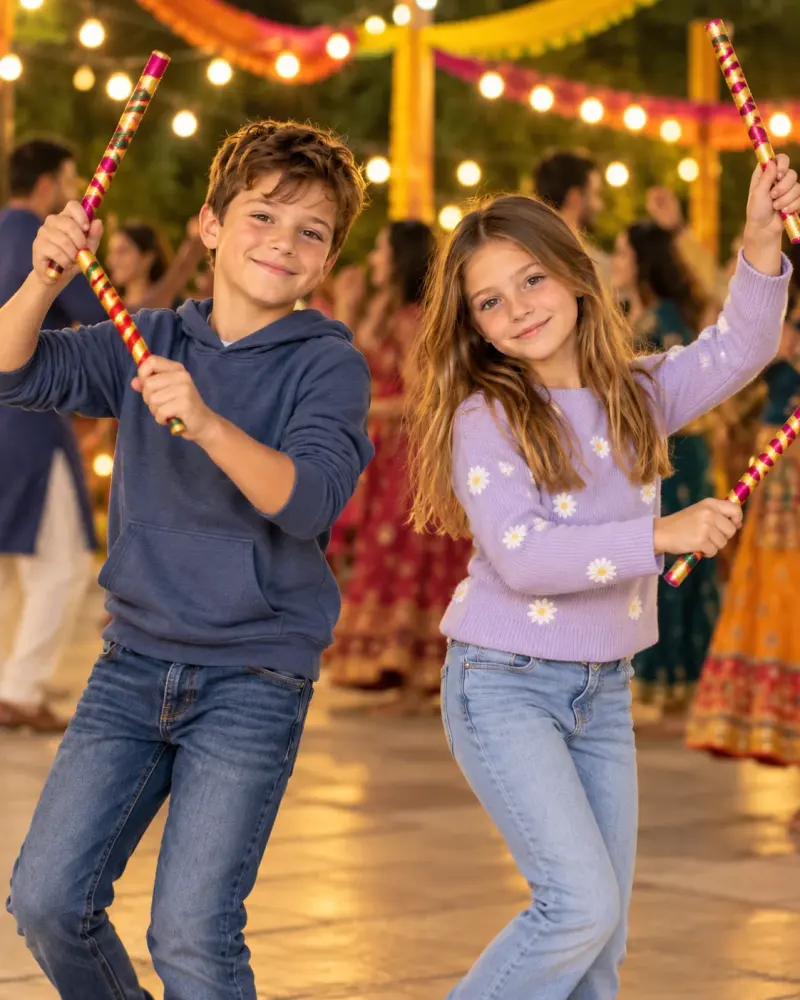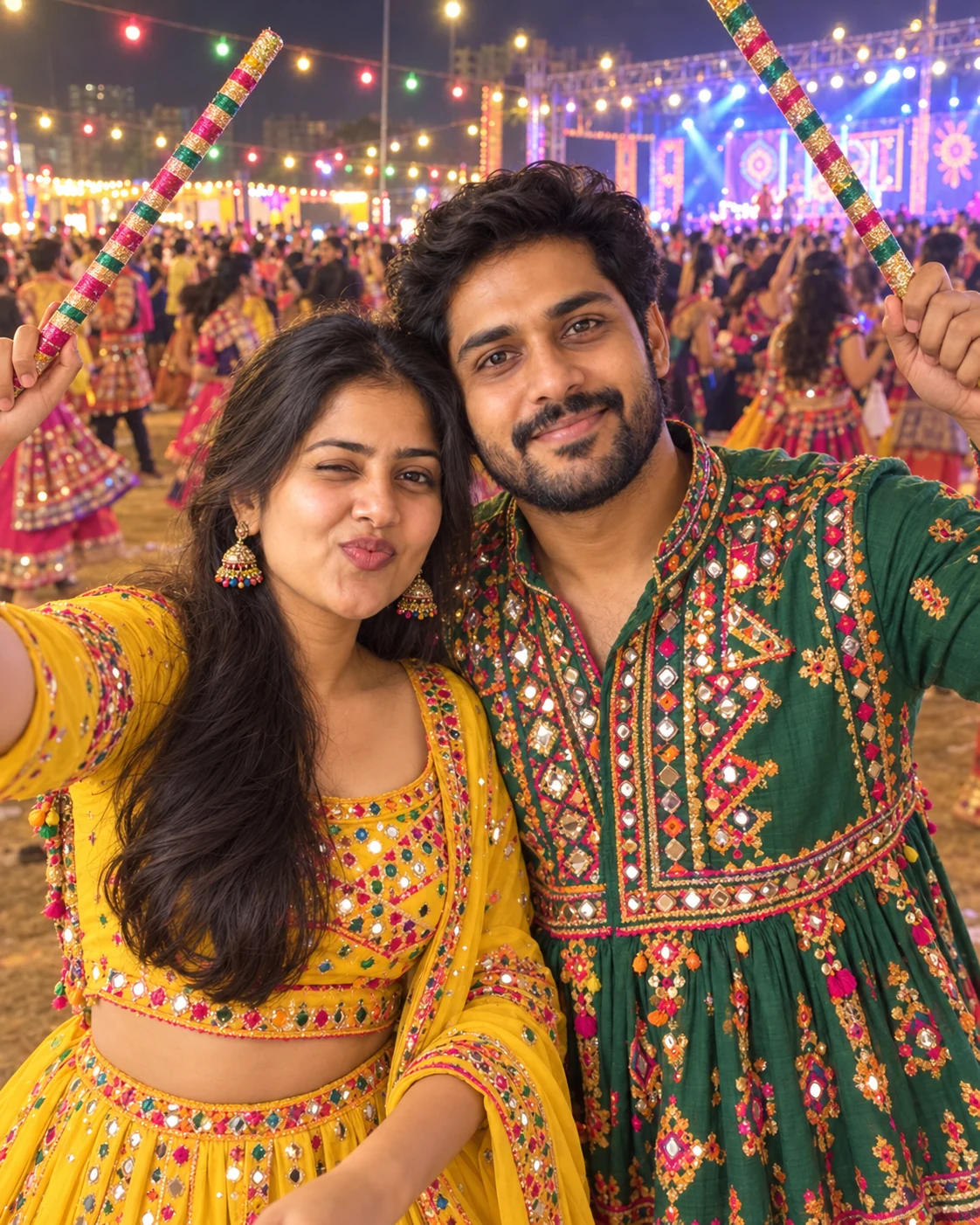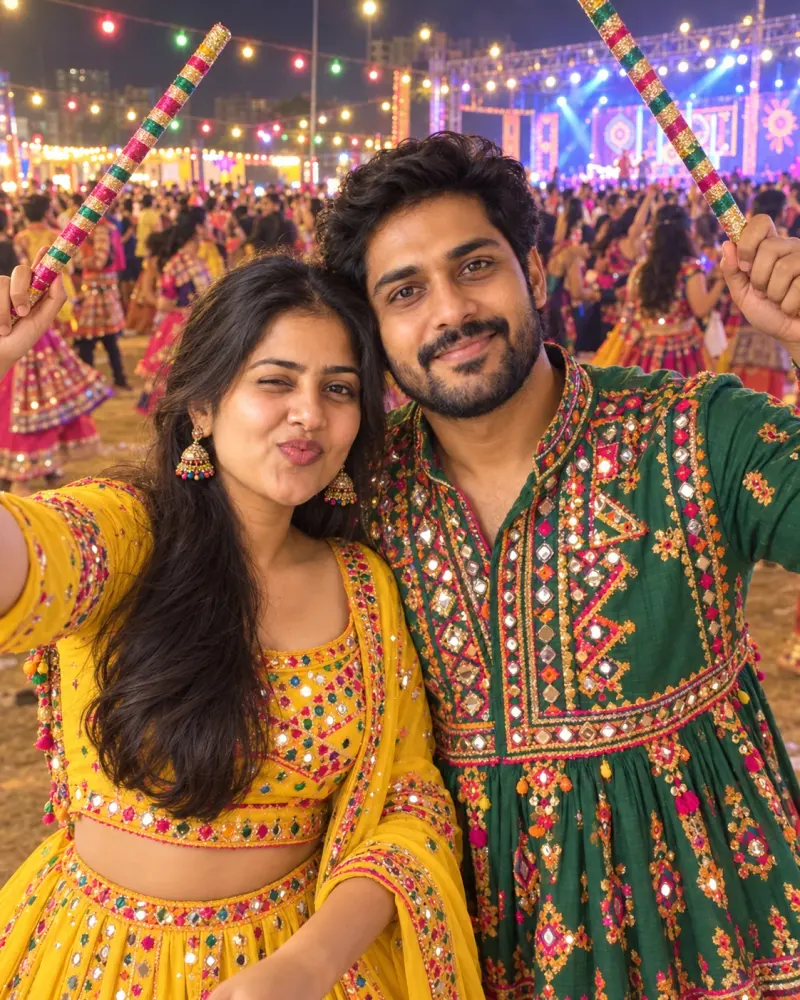
Siblings' dandiya night selfie
A fun phone-selfie style photo of you and your sibling in festive outfits at dandiya night. Upload a clear photo, paste this prompt into ChatGPT, Gemini or Grok, change the parts in brackets to suit you, and generate.
- Written for
- ChatGPT, Gemini, Grok
- You'll need
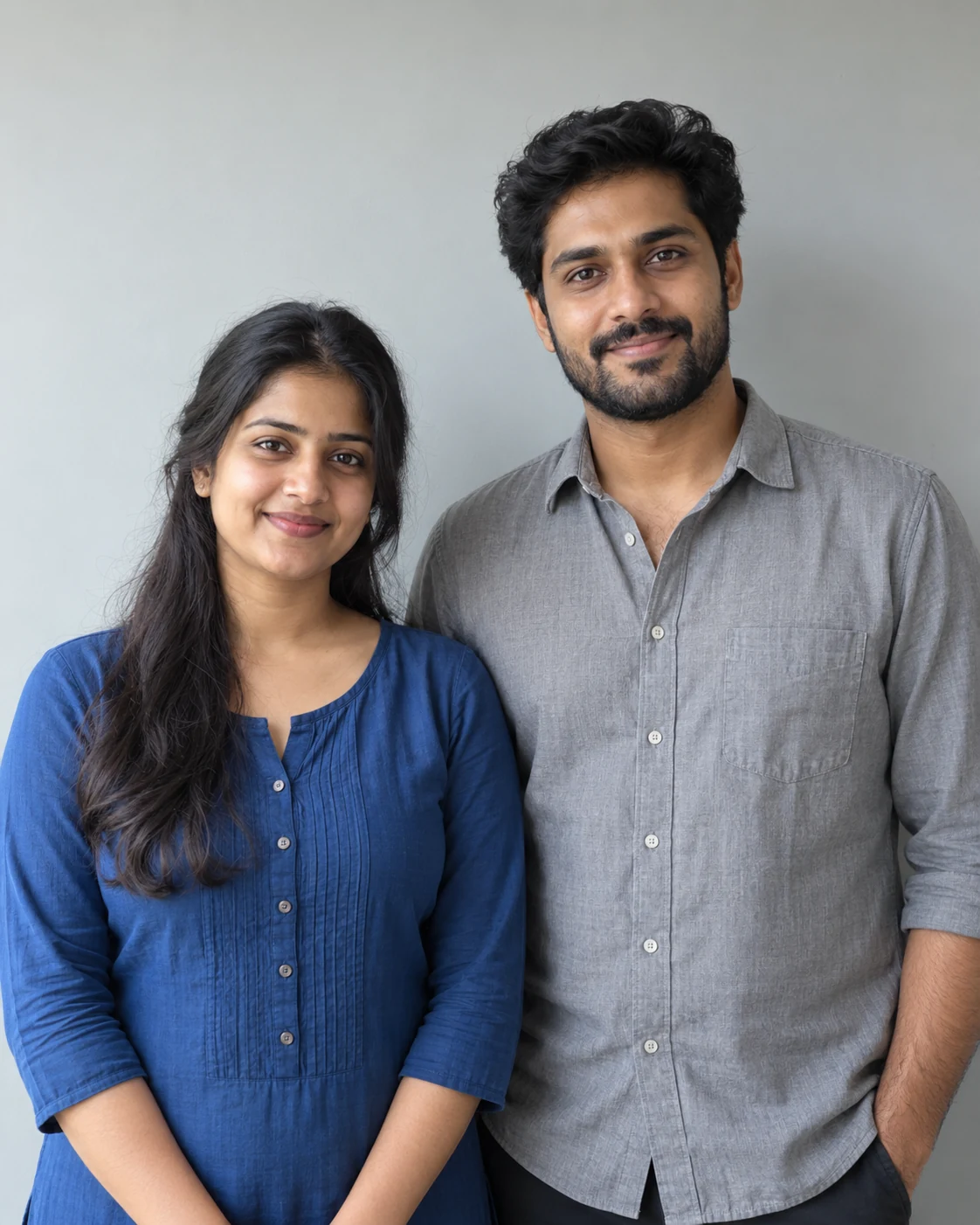
- A clear photo to upload
- Occasion
- Navratri, Durga Puja & Dussehra · 11 – 19 Oct · Dussehra 20 Oct
- Status
- Tested 5 Oct 2026 in ChatGPT built-in image generation (underlying model identifier not exposed)
- Test settings
- Exact website default prompt; one generated output; synthetic adult reference photograph supplied; WebP export quality 88, original dimensions retained.
- Variability
- Single run reviewed visually; repeatability not tested. AI output, hands, expressions, lighting and likeness may vary.
Prompt
Use the uploaded photo as the reference for both siblings. Preserve each person's recognisable face, natural skin tone, age and relative height as closely as the model permits; check each person against the reference.
Scene: a busy dandiya night ground in Pune, coloured bulbs, a big dancing crowd and a stage behind.
Moment or Pose: a close selfie taken by one sibling at arm's length, both cheek to cheek, one pulling a playful face, the other laughing, dandiya sticks raised in a V behind them.
Clothing: a yellow chaniya choli for the sister and a green kediyu for the brother.
Light: mixed warm bulb light and a soft phone-screen glow on faces.
Camera: wide phone front camera look, 24mm, slight distortion at the edges, faces sharp.
Style: authentic social-media selfie, fun and bright.
Format: vertical 4:5.
Avoid: changed faces, a visible phone or arm across a face, extra fingers, plastic skin, text, watermarks.
Customise
For example: Jaipur.
For example: a yellow chaniya choli for the sister and a green kediyu for the brother.
Fields start with illustrative values; replace them with your own facts. The prompt updates as you type. Copy prompt copies your version.
How to use it
- Open an external image tool listed above. The tested model, if any, is named in Status.
- Upload a clear reference photo of the subject. If it includes identifiable people, get their consent and check each face.
- Customise the fields, copy your version, paste it with the photo and generate.
- Compare the result with the reference. If a face, pose or detail changes, ask for one correction or try again; an exact match is not guaranteed.
How to use this prompt
- This prompt changes your own photo. Choose a clear reference photo, and get permission from people who can be identified.
- Upload the photo in the external AI app you chose. Fill Customise, press Copy prompt and paste the prompt with the photo.
- Compare the new picture with the original. Face, hands, clothes and pose can change. An exact likeness is not guaranteed.
Good to know
- Wide-angle selfies can stretch faces; regenerate if features look distorted.
- Use reference photos you have the right to use; get consent from identifiable people.