Your Family at a Durga Puja Pandal
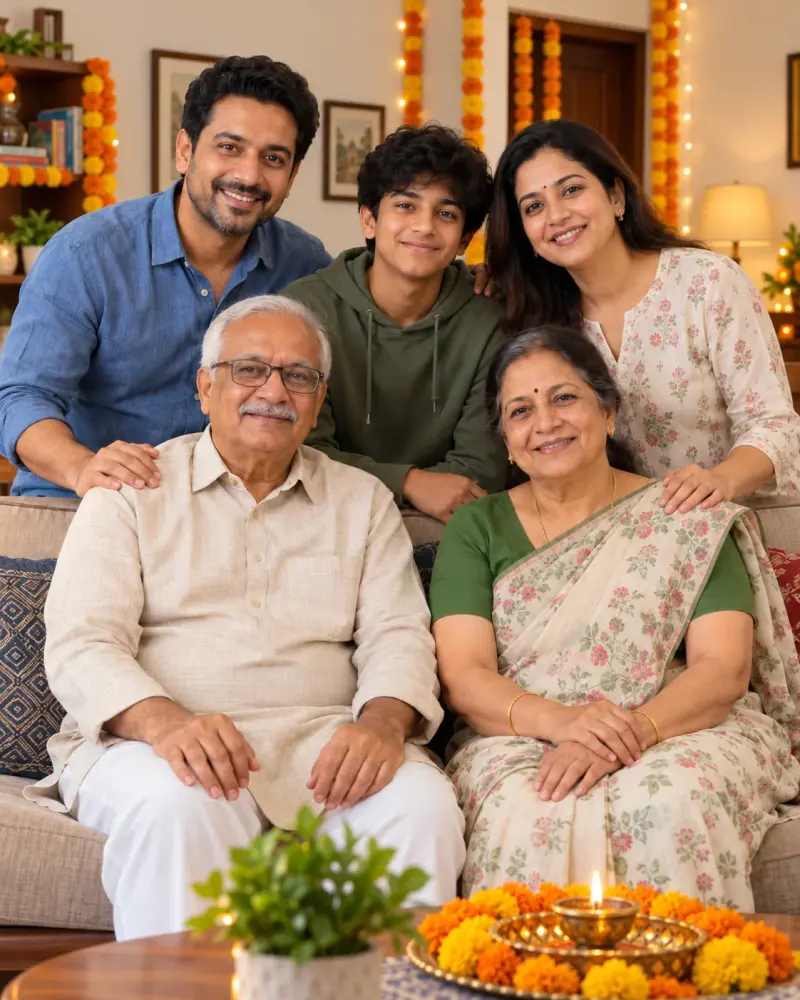
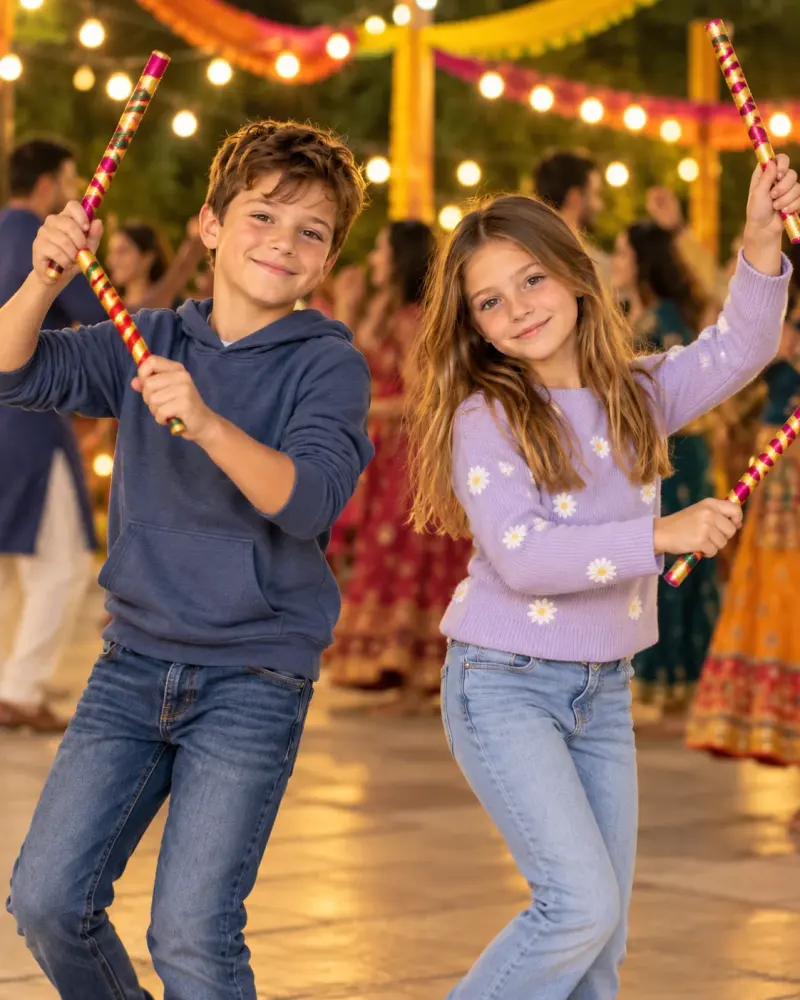
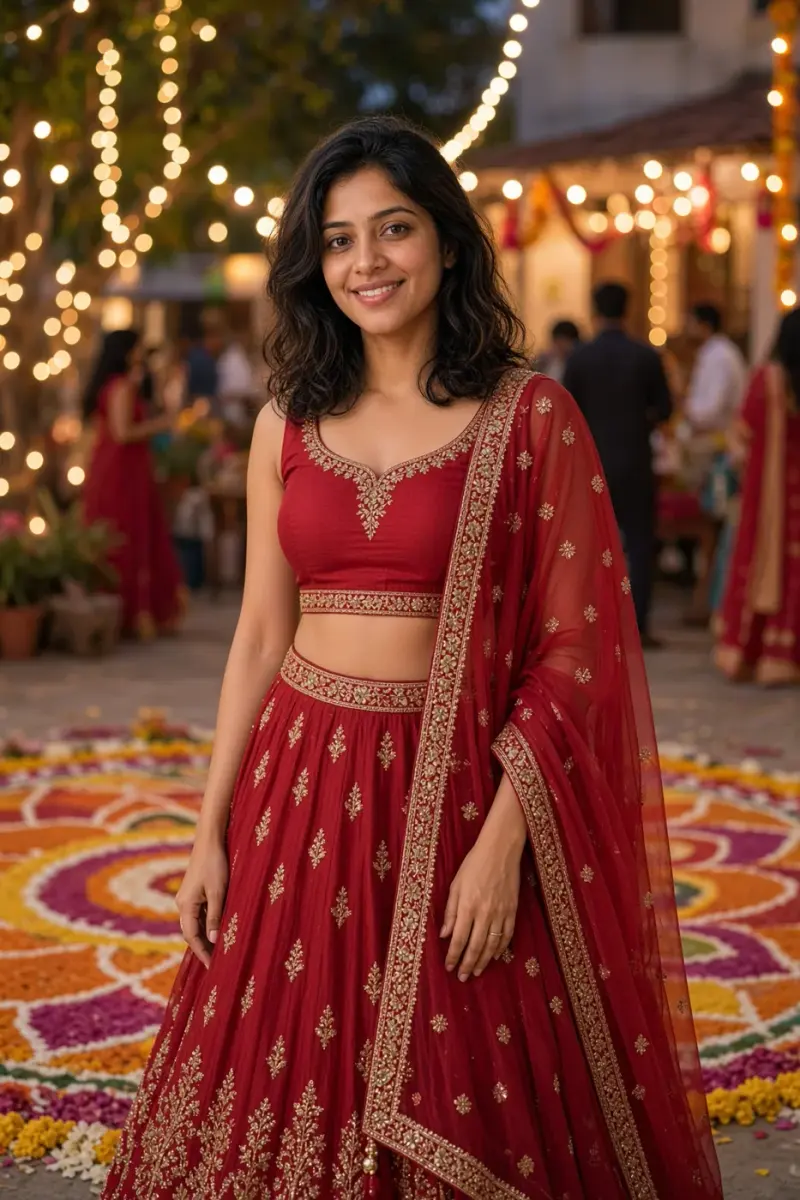
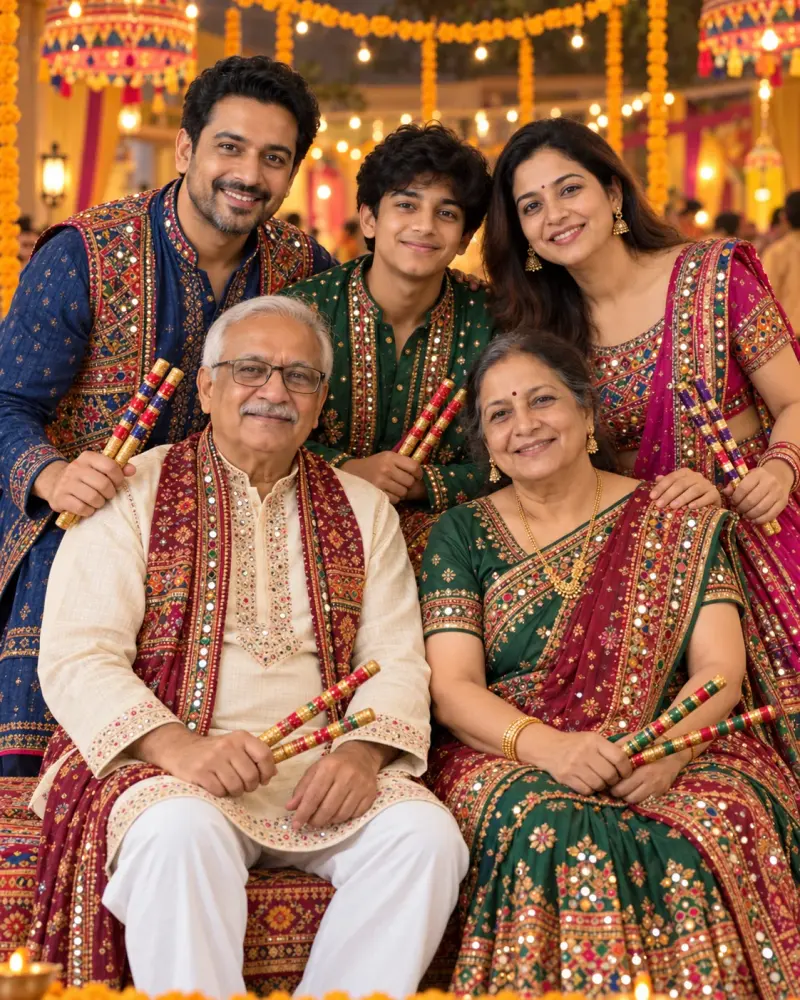
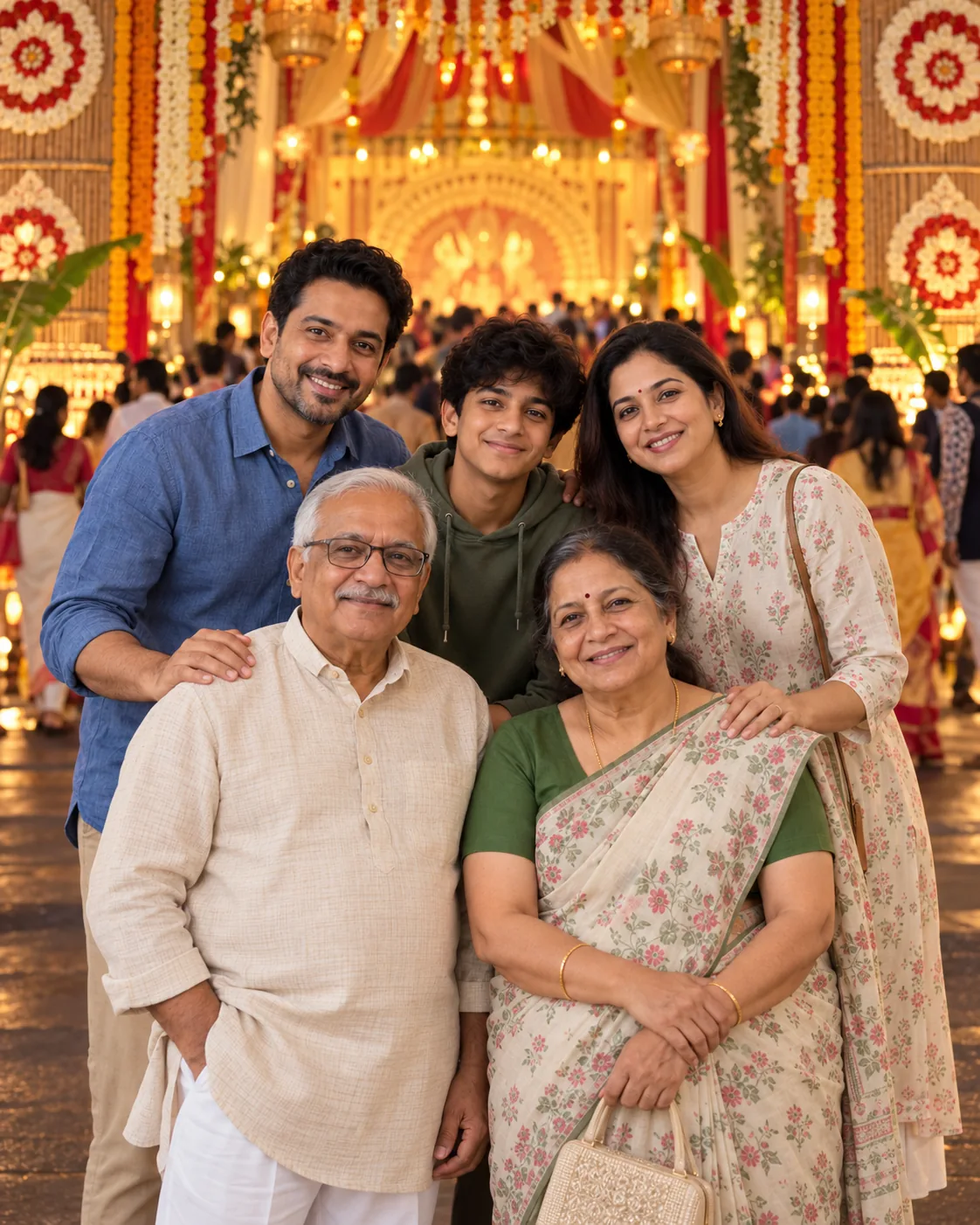
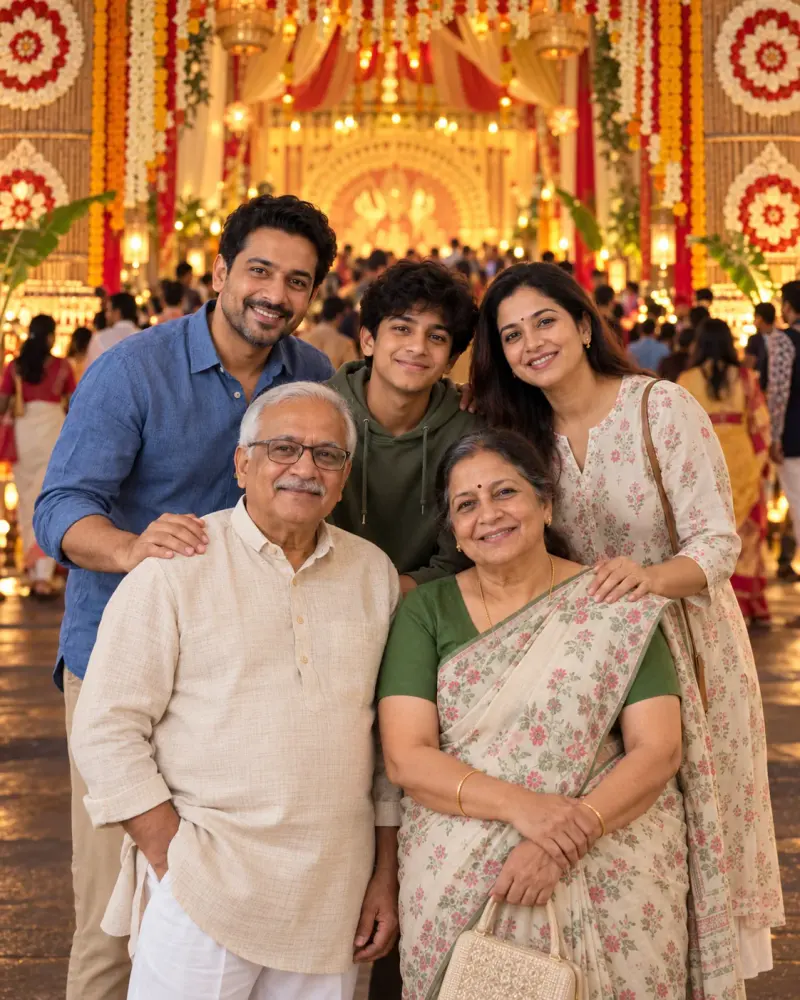
Your Family at a Durga Puja Pandal. Upload a clear photo, paste this prompt into ChatGPT or Gemini and generate.
- Written for
- ChatGPT, Gemini
- You'll need
- A clear photo to upload
- Occasion
- Navratri, Durga Puja & Dussehra · 11 – 19 Oct · Dussehra 20 Oct
- Status
- Tested 5 Oct 2026 in OpenAI built-in image generator (model version not exposed)
- Test settings
- Exact default copy text used. Synthetic AI-generated reference photo supplied as image input. One output selected; no seed or generation controls exposed. ChatGPT and Gemini app compatibility not separately tested.
- Variability
- Later runs and other uploaded photos may change identity, hands, objects or composition.
Prompt
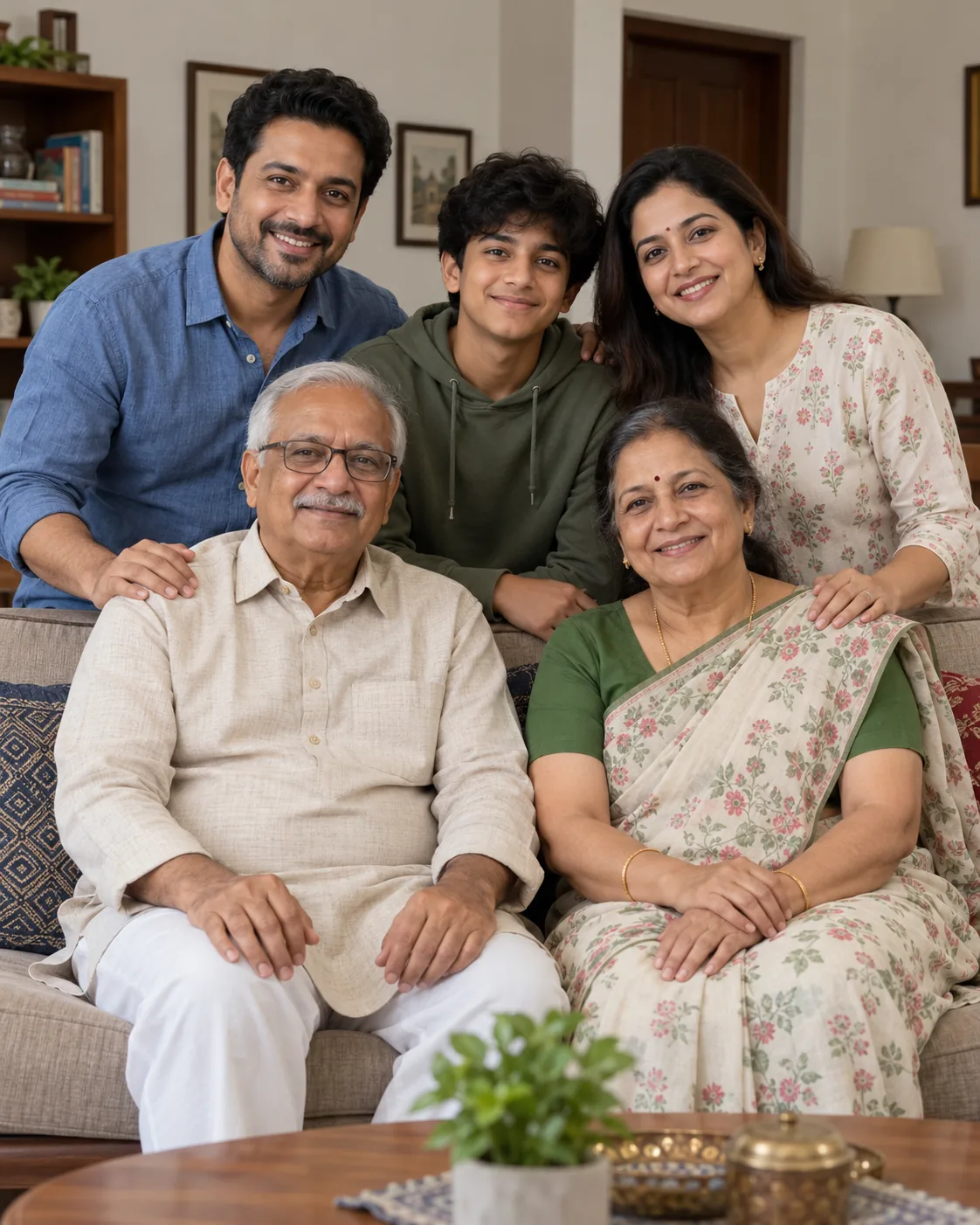
Use the uploaded photo of my family as the identity reference. Preserve the number of people and each face, age, skin tone, hairstyle, outfit and relative height. Place us together at the entrance to a respectfully decorated Durga Puja pandal in Kolkata at early evening. Keep the family clearly visible and the crowd softly blurred; show crafted lighting and floral details without recreating a specific real pandal or deity idol. Natural 35mm travel photograph, vertical 4:5. Avoid altered identities, extra relatives, distorted hands, invented signs, logos or text.
How to use it
- Open an external image tool listed above. The tested model, if any, is named in Status.
- Upload a clear reference photo of the subject. If it includes identifiable people, get their consent and check each face.
- Customise the fields, copy your version, paste it with the photo and generate.
- Compare the result with the reference. If a face, pose or detail changes, ask for one correction or try again; an exact match is not guaranteed.
How to use this prompt
- This prompt changes your own photo. Choose a clear reference photo, and get permission from people who can be identified.
- Upload the photo in the external AI app you chose. Fill Customise, press Copy prompt and paste the prompt with the photo.
- Compare the new picture with the original. Face, hands, clothes and pose can change. An exact likeness is not guaranteed.
Good to know
- A new location may change poses and faces; check every person before sharing.
- Use reference photos you have the right to use; get consent from identifiable people.