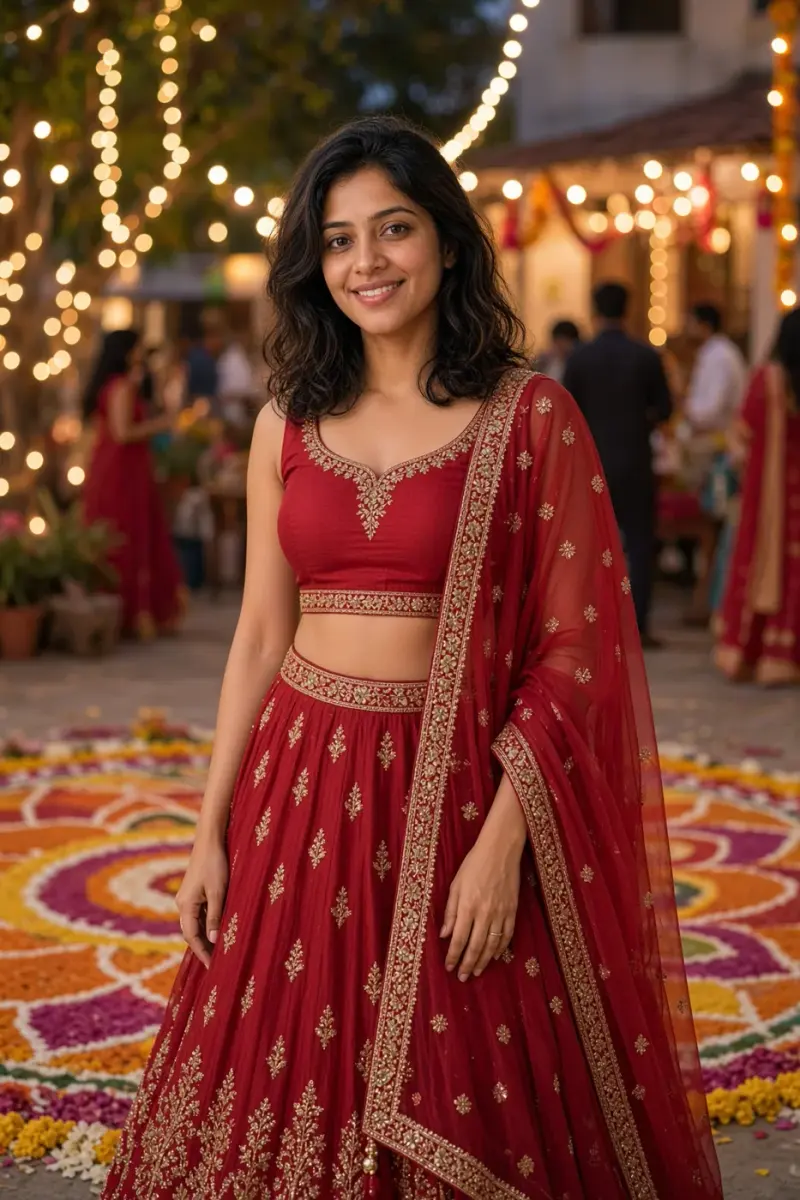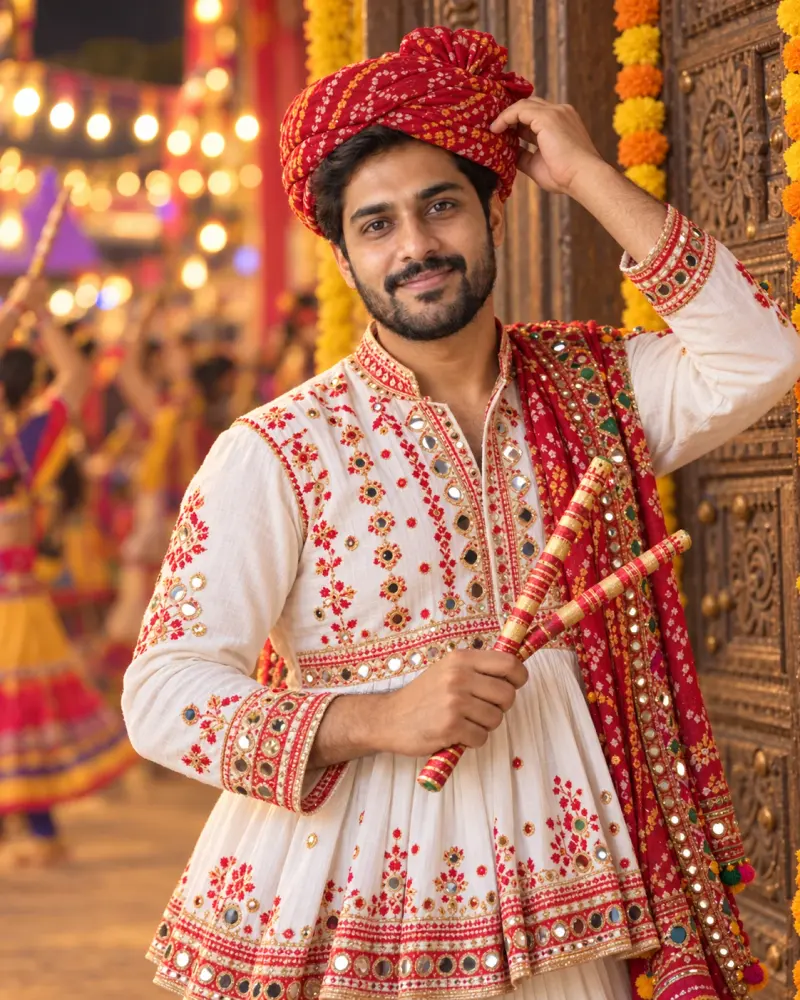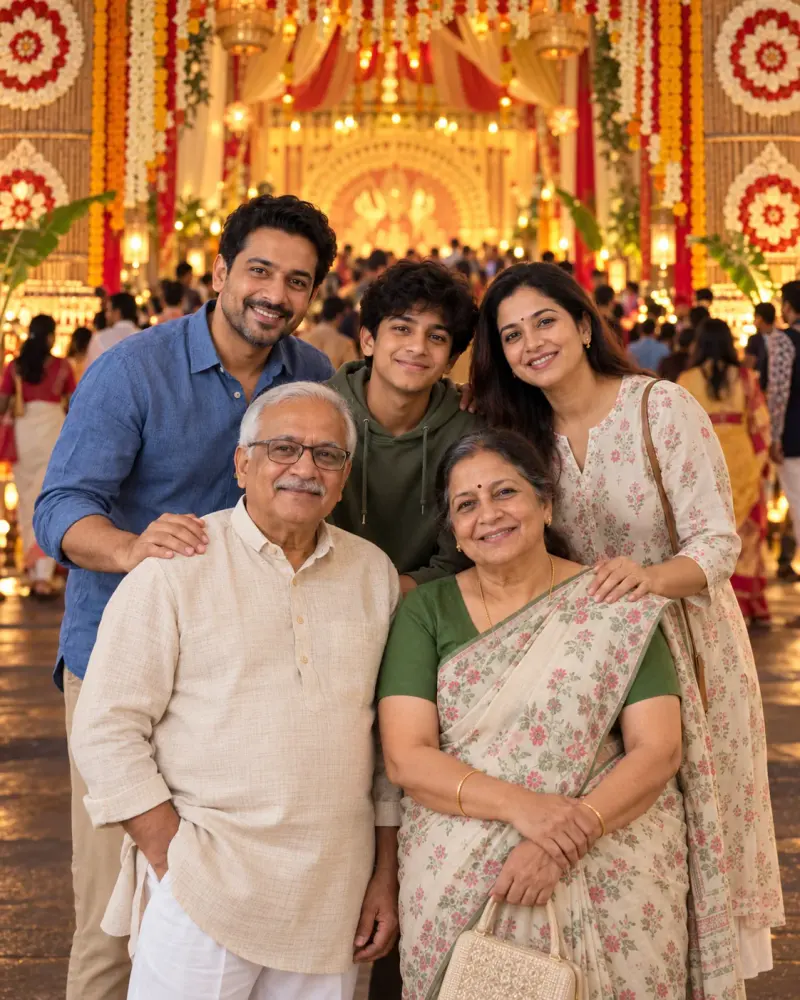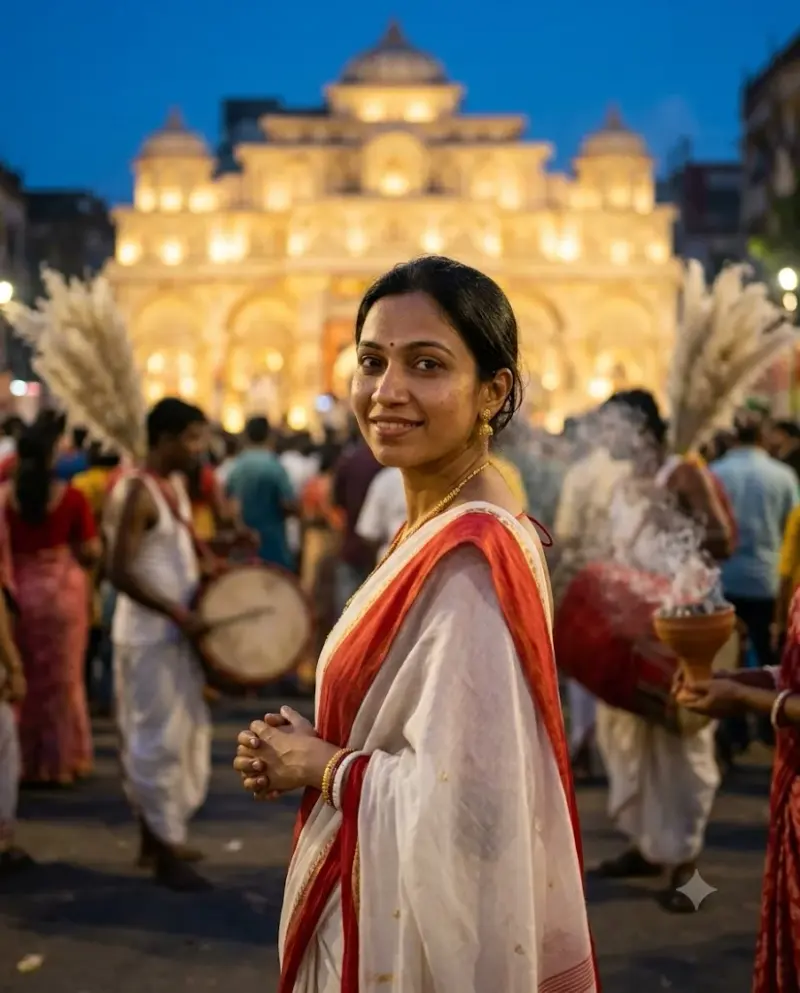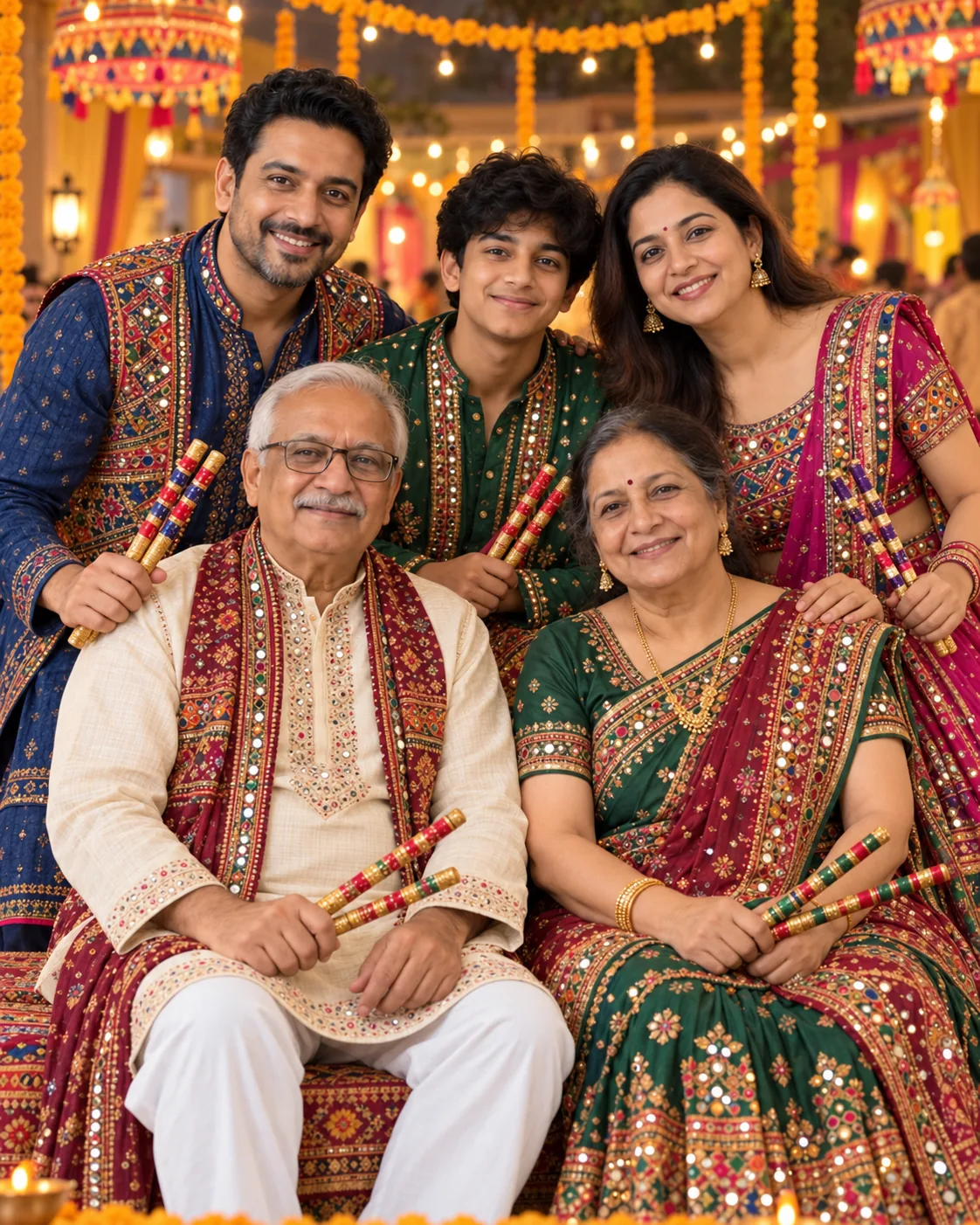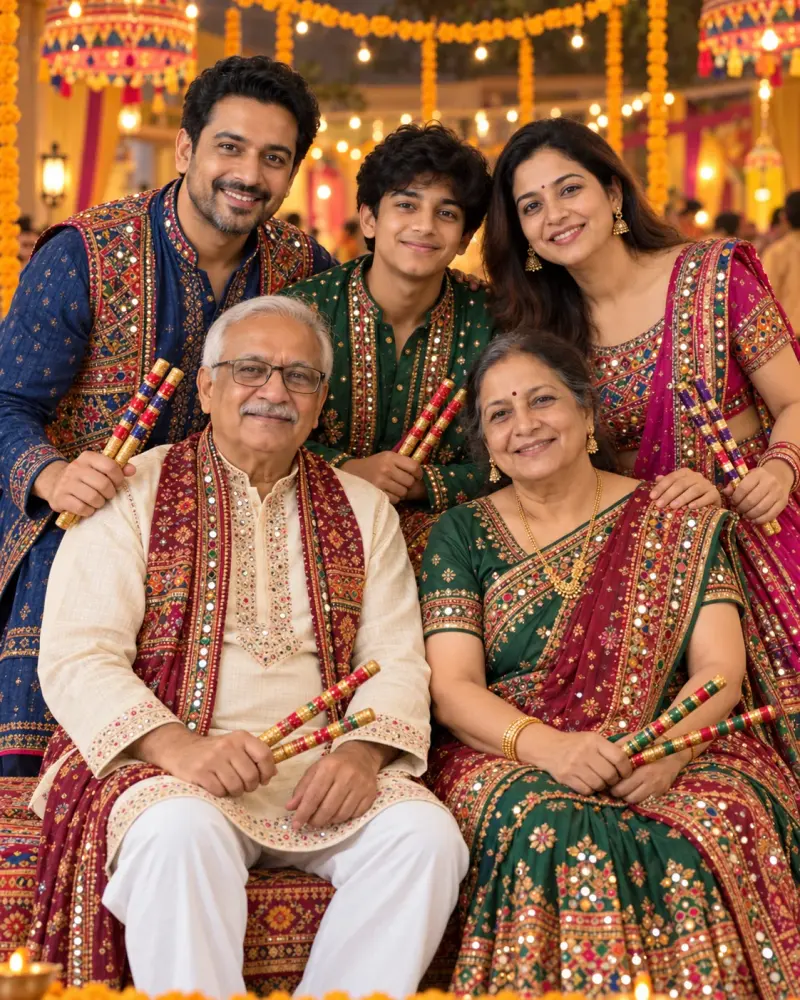
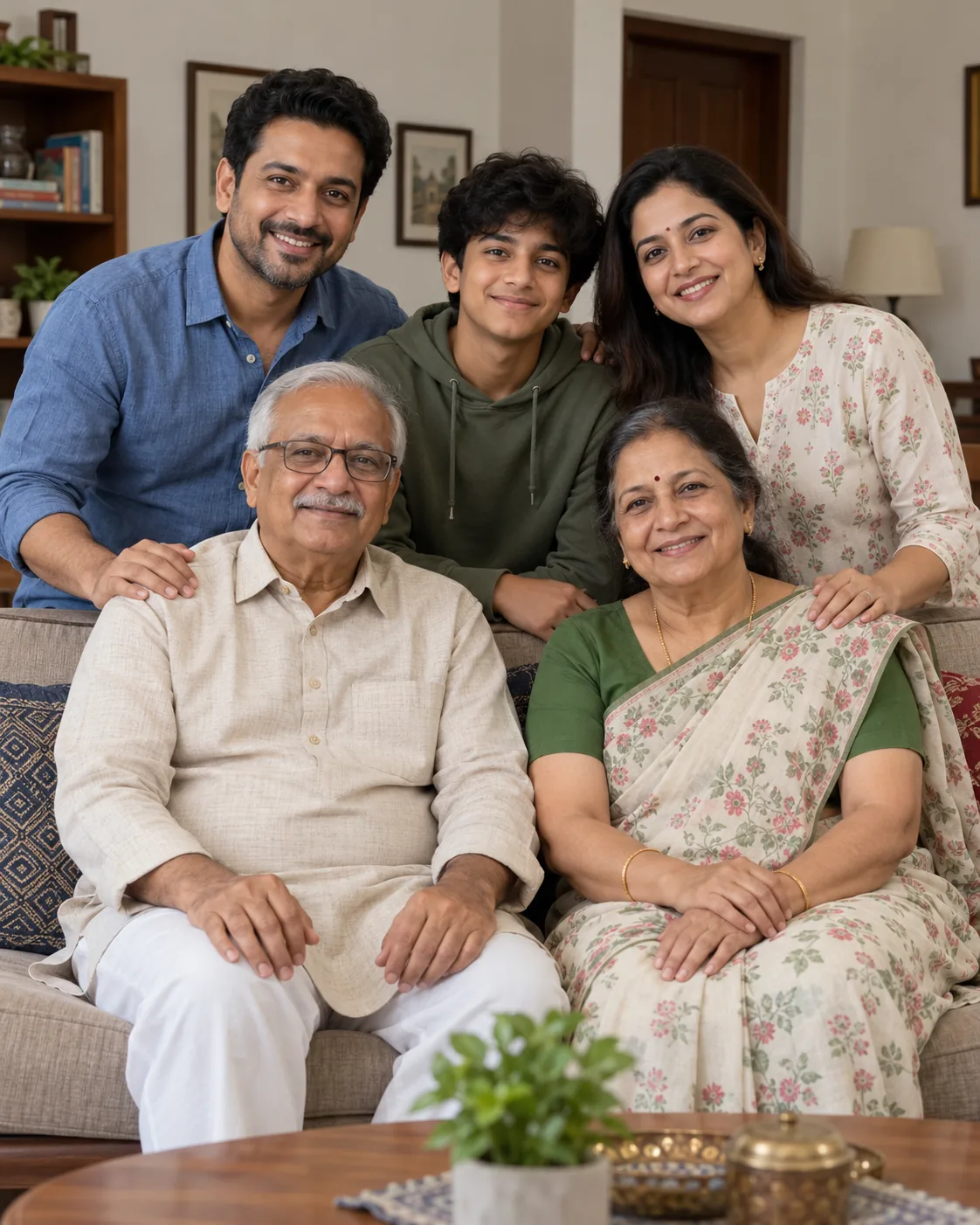
Three-generation Garba portrait from your family photo
Turn a consented family photo into a warm Navratri garba portrait while keeping each person recognisable. Upload a clear photo, paste this prompt into ChatGPT, Gemini or Grok, change the parts in brackets to suit you, and generate.
- Written for
- ChatGPT, Gemini, Grok
- You'll need
- A clear photo to upload
- Occasion
- Navratri, Durga Puja & Dussehra · 11 – 19 Oct · Dussehra 20 Oct
- Status
- Tested 5 Oct 2026 in OpenAI built-in image generator (model version not exposed)
- Test settings
- Exact default copy text used. Synthetic AI-generated reference photo supplied as image input. One output selected; no seed or generation controls exposed. ChatGPT and Gemini app compatibility not separately tested.
- Variability
- Later runs and other uploaded photos may change identity, hands, objects or composition.
Prompt
Edit the uploaded family photo into a natural Navratri garba portrait. Use only the people visible in the reference photo; obtain their permission before uploading it. Preserve each person's recognisable face, age, skin tone, hairstyle, body proportions and relationship to the others as closely as the model permits. Keep the same number of people and make every face visible.

Scene: a warmly lit community courtyard with marigold strings and a subtle rangoli, just before garba begins. Arrange the family together in a relaxed group pose, with the older family members comfortably at the centre and the others beside them. Dandiya sticks may be held naturally at waist height; do not put a stick across a face.
Clothing: dress each person in a distinct, tasteful colour-coordinated chaniya cholis, sarees and kurtas outfit appropriate to their age and preference. Preserve visible religious or cultural garments from the reference unless the user asks to change them.
Light and camera: warm festival string lights, soft fill on every face, natural skin texture, eye-level camera, 50 mm portrait look, gentle background blur. Rich jewel tones without neon saturation. Vertical 4:5 frame, enough room around heads and hands for a social post crop.
Avoid: adding or removing people, face swaps, younger-looking elders, altered skin tone, extra limbs or fingers, merged hands, floating sticks, unreadable text, logos or watermarks. If identity, people count or hands are wrong, try a closer crop or simpler pose and compare the result with the original.
Customise
For example: a warmly lit community courtyard with marigold strings and a subtle rangoli.
For example: colour-coordinated chaniya cholis, sarees and kurtas.
Fields start with illustrative values; replace them with your own facts. The prompt updates as you type. Copy prompt copies your version.
How to use it
- Open an external image tool listed above. The tested model, if any, is named in Status.
- Upload a clear reference photo of the subject. If it includes identifiable people, get their consent and check each face.
- Customise the fields, copy your version, paste it with the photo and generate.
- Compare the result with the reference. If a face, pose or detail changes, ask for one correction or try again; an exact match is not guaranteed.
How to use this prompt
- This prompt changes your own photo. Choose a clear reference photo, and get permission from people who can be identified.
- Upload the photo in the external AI app you chose. Fill Customise, press Copy prompt and paste the prompt with the photo.
- Compare the new picture with the original. Face, hands, clothes and pose can change. An exact likeness is not guaranteed.
Good to know
- Group edits can change faces, people count or hands. Compare every person with the reference; simpler poses and good-quality source photos usually give the model a clearer task. No exact identity match is guaranteed.
- Use reference photos you have the right to use; get consent from identifiable people.