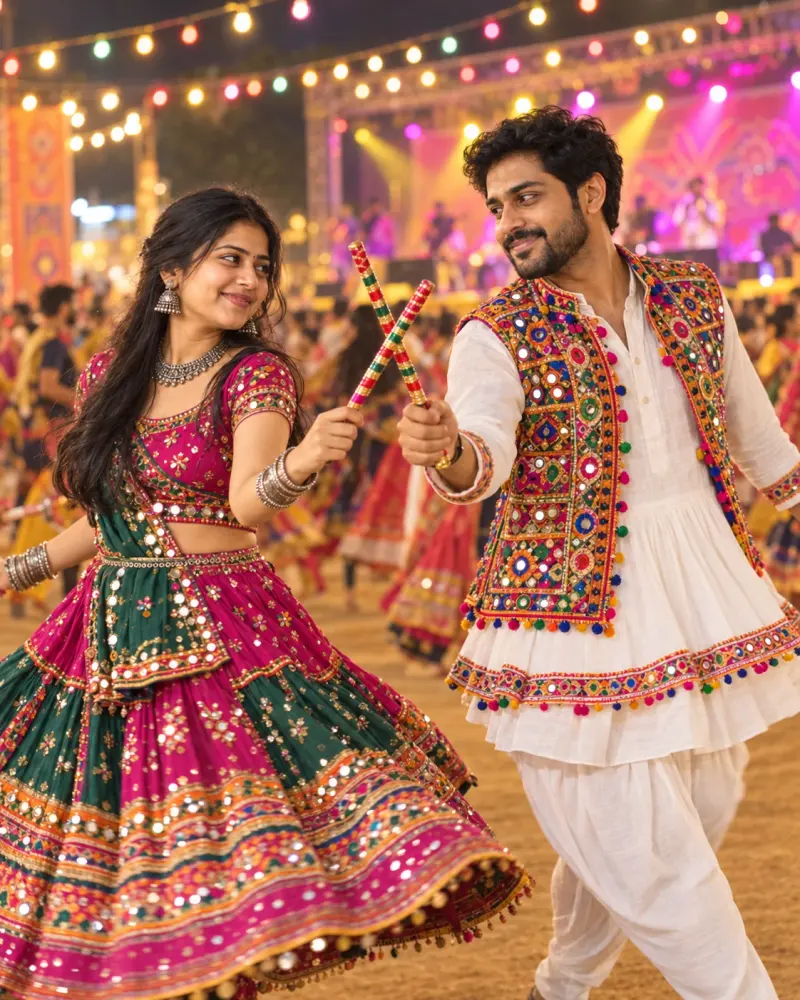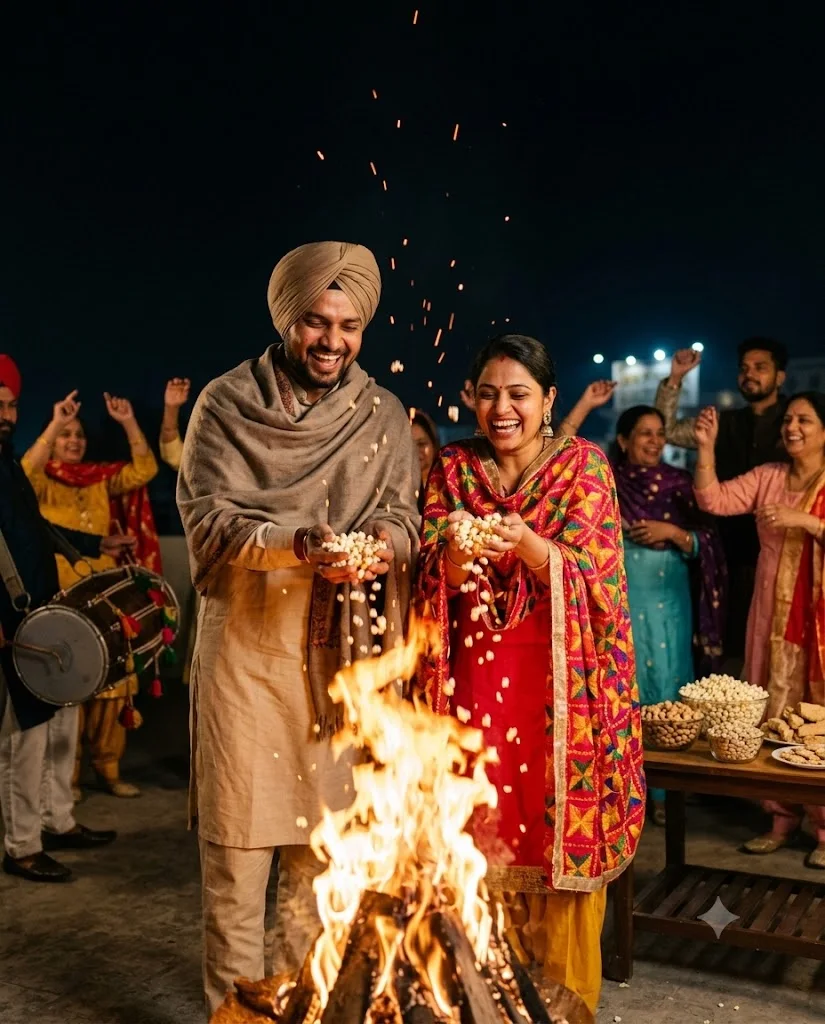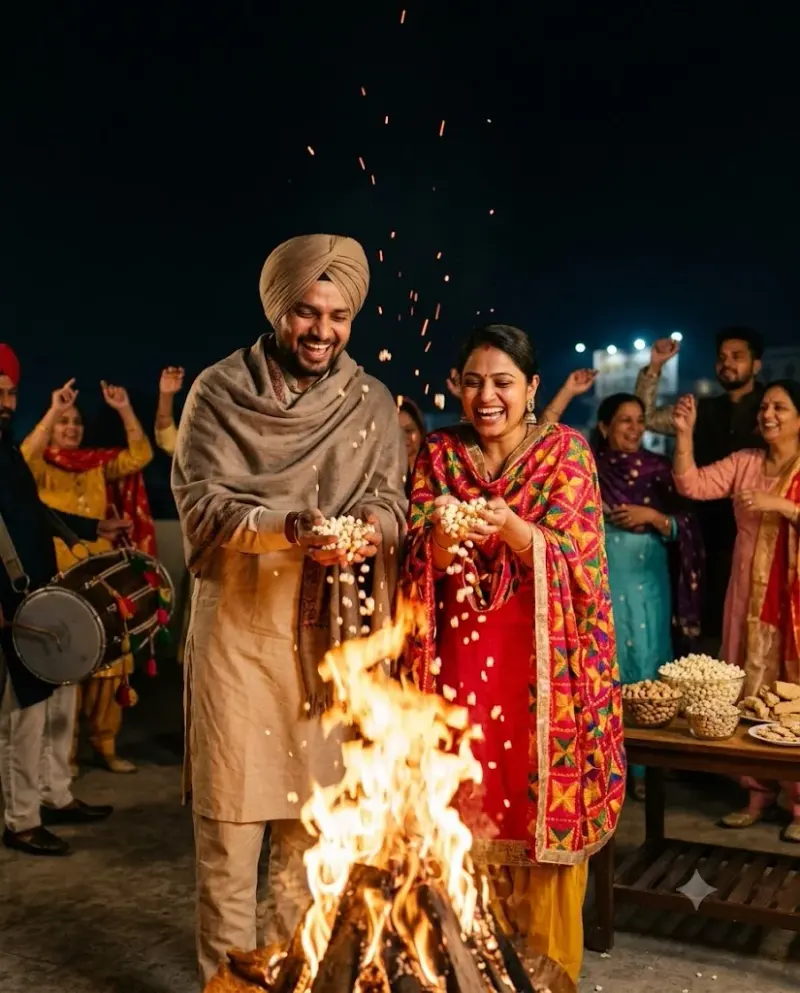
Lohri bonfire night couple portrait
A lively photo of the two of you by a Lohri bonfire with sparks and dhol in the background. Upload a clear photo, paste this prompt into ChatGPT, Gemini or Grok, change the parts in brackets to suit you, and generate.
- Written for
- ChatGPT, Gemini, Grok
- You'll need
- A clear photo to upload
- Occasion
- Lohri, Makar Sankranti & Pongal · 13 – 15 Jan (varies by region)
- Status
- Tested 29 Sep 2026 in Gemini app (web), Flash mode with built-in image generation
- Test settings
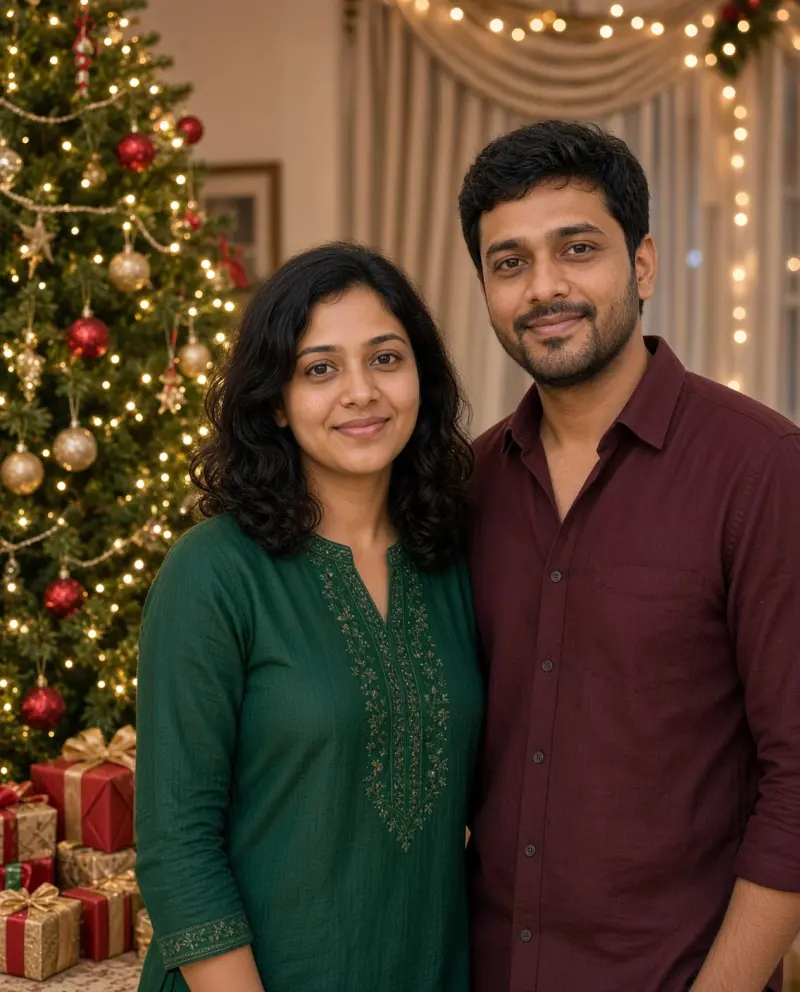
- Reference photo: an AI-generated picture of a fictional couple (not real people), made in Gemini for this test. Uploaded with the default copy text unchanged in a new Gemini chat. First result used; only converted to WebP.
- Variability
- Faces, poses and small details vary between runs; always compare the result with your own photo. The man was given a turban in this run, which the prompt allows but the reference photo did not show. Gemini adds a small sparkle watermark in the corner.
Prompt
Use the uploaded photo as the reference for both people. Preserve both people's recognisable faces, natural skin tones and relative heights as closely as the model permits; check each person against the reference.
Scene: a Lohri celebration in a courtyard in Amritsar on a cold January night, a big bonfire in the centre, family and friends dancing around it in the background, a dhol player, bowls of popcorn, peanuts, rewri and gajak on a table.
Moment or Pose: the couple stands close to each other near (not too close to) the fire, throwing a handful of popcorn into the flames and laughing; faces lit warmly and clearly visible.
Clothing: a phulkari dupatta with a bright suit for her and a kurta with a turban or woollen cap for him, plus a warm shawl.
Light: orange firelight as the key, sparks floating up, deep dark sky.
Camera: 50mm, f/1.8, eye level, dancers blurred behind.
Style: candid festive photograph, warm and energetic, natural skin texture.
Format: vertical 4:5.
Avoid: changed faces, people too close to the fire, extra fingers, plastic skin, text, watermarks.
Customise
For example: Jaipur.
For example: your own outfits.
Fields start with illustrative values; replace them with your own facts. The prompt updates as you type. Copy prompt copies your version.
How to use it
- Open an external image tool listed above. The tested model, if any, is named in Status.
- Upload a clear reference photo of the subject. If it includes identifiable people, get their consent and check each face.
- Customise the fields, copy your version, paste it with the photo and generate.
- Compare the result with the reference. If a face, pose or detail changes, ask for one correction or try again; an exact match is not guaranteed.
How to use this prompt
- This prompt changes your own photo. Choose a clear reference photo, and get permission from people who can be identified.
- Upload the photo in the external AI app you chose. Fill Customise, press Copy prompt and paste the prompt with the photo.
- Compare the new picture with the original. Face, hands, clothes and pose can change. An exact likeness is not guaranteed.
Good to know
- Firelight can shift skin tones warm; compare with your photo and regenerate if faces look too orange.
- Use reference photos you have the right to use; get consent from identifiable people.