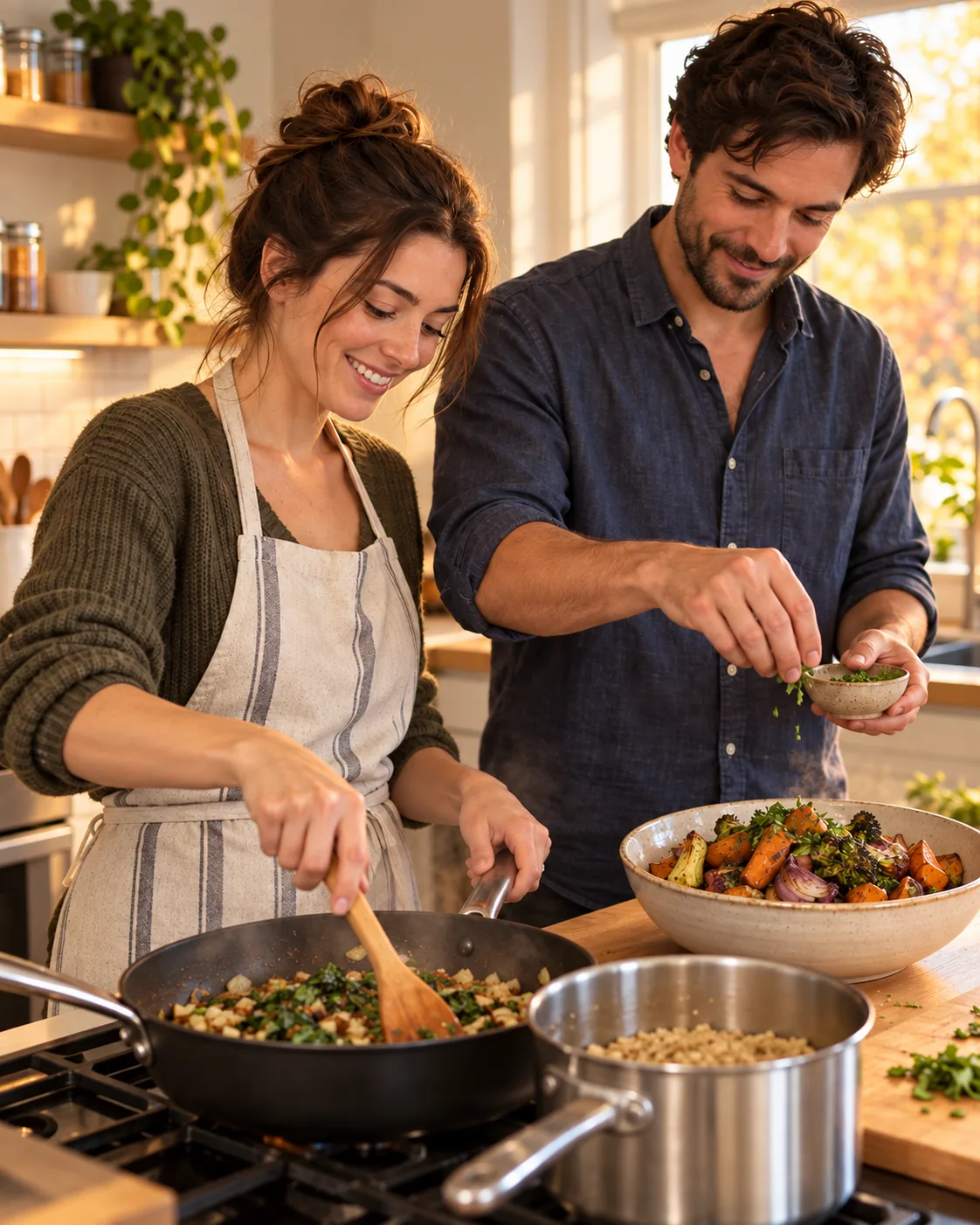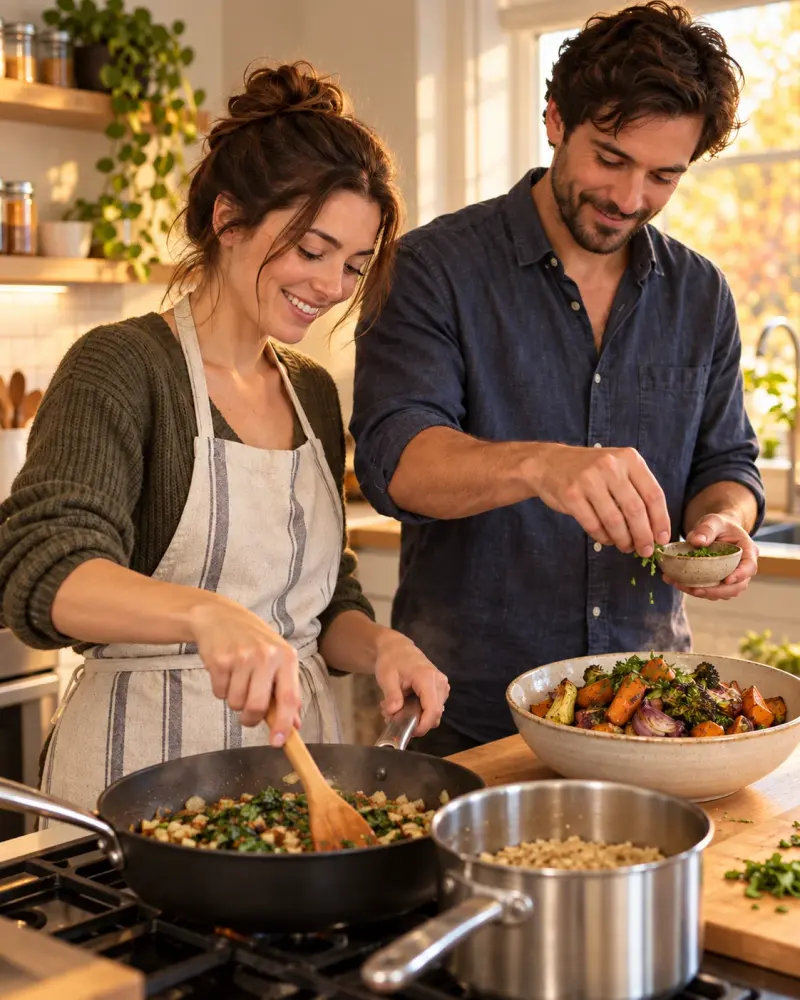
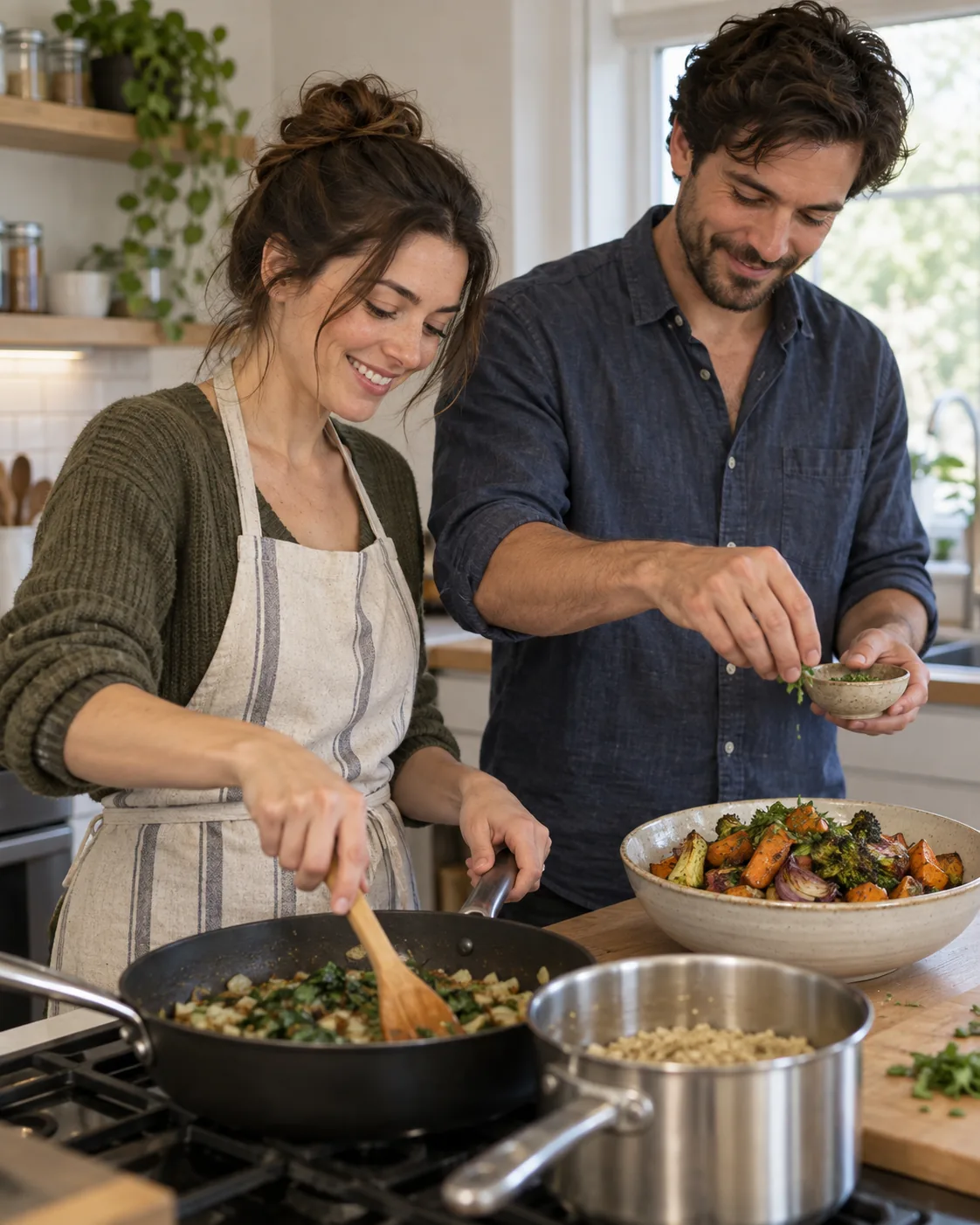
Couple Cooking Together at Home
A candid edit of a real couple making dinner. Upload a clear photo, paste this prompt into ChatGPT or Gemini and generate.
- Written for
- ChatGPT, Gemini
- You'll need
- A clear photo to upload
- Occasion
- Thanksgiving (Canada) · 12 Oct
- Status
- Tested 4 Oct 2026 in OpenAI built-in image generator (model version not exposed)
- Test settings
- Exact default copy text used. Synthetic AI-generated reference supplied as image input (/media/canada-thanksgiving-couple-kitchen-reference.webp). First result used. No seed or generation controls exposed; converted to WebP without creative edits. ChatGPT and Gemini app compatibility not separately tested.
- Variability
- A different uploaded photo can change faces, hands, objects and crop. The one synthetic-source result shown is not a guarantee of identity preservation.
Prompt
Edit the uploaded photo of us cooking together. Preserve both faces, body proportions, clothing, kitchen layout and the food actually visible. Create a candid Canadian Thanksgiving preparation mood using warm side light from the existing window and a slightly tighter 4:5 composition. Keep steam subtle and only where a hot dish exists. Do not invent a turkey, a third person, extra fingers, new cookware or writing.
How to use it
- Open an external image tool listed above. The tested model, if any, is named in Status.
- Upload a clear reference photo of the subject. If it includes identifiable people, get their consent and check each face.
- Customise the fields, copy your version, paste it with the photo and generate.
- Compare the result with the reference. If a face, pose or detail changes, ask for one correction or try again; an exact match is not guaranteed.
How to use this prompt
- This prompt changes your own photo. Choose a clear reference photo, and get permission from people who can be identified.
- Upload the photo in the external AI app you chose. Fill Customise, press Copy prompt and paste the prompt with the photo.
- Compare the new picture with the original. Face, hands, clothes and pose can change. An exact likeness is not guaranteed.
Good to know
- Food, utensils and hands may drift; inspect the result closely.
- Use reference photos you have the right to use; get consent from identifiable people.