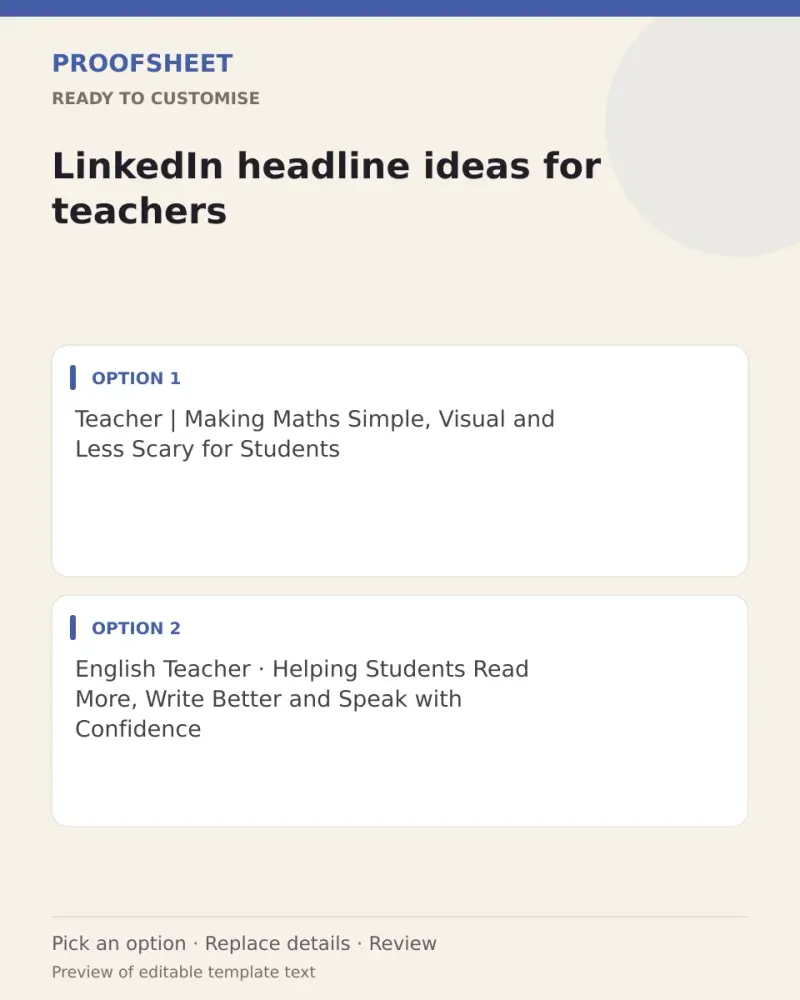
LinkedIn headline ideas for teachers
10 ready LinkedIn headlines for teachers — pick one, copy and paste. Replace any bracketed details and review before using. No AI tool needed.
- Written for
- No AI needed
- Status
- Ready-to-use template — no AI tool needed
10 ready optionsTap Copy, then paste · limit 220 characters
Teacher | Making Maths Simple, Visual and Less Scary for Students
Top pick · 65 / 220 characters
English Teacher · Helping Students Read More, Write Better and Speak with Confidence
84 / 220 characters
Educator | Classroom Innovation, Activity-Based Learning and Student Well-Being
79 / 220 characters
Science Teacher | Experiments, Curiosity and Concepts That Stick
64 / 220 characters
Primary School Teacher | Building Strong Basics in Reading, Numbers and Kindness
80 / 220 characters
Teacher and Lifelong Learner | Sharing Classroom Ideas, Lesson Plans and Teaching Tips
86 / 220 characters
Online Tutor | Board Exam Preparation · Concept Clarity · Regular Practice
74 / 220 characters
Educator · Curriculum Design · EdTech Tools · Helping Every Student Keep Up
75 / 220 characters
Teaching [your subject] | Helping Students Move from Memorising to Understanding
80 / 220 characters
School Teacher | Parent Communication, Classroom Management and Patient Mentoring
81 / 220 characters
Prompt
Teacher | Making Maths Simple, Visual and Less Scary for Students
How to use it
- Read the options and pick the one that sounds most like you.
- Tap Copy under it.
- Paste into the intended message, document or profile editor.
- Change any word that isn't true for you before saving.
How to use this prompt
- Read the ready options and choose the message that fits. Where you see [BRACKETS], fill in your own details.
- Press Copy, then paste the message into your own message or profile. A finished message does not need an AI tool.
- Before you send it, check the name, the relationship and the language.
Good to know
- Pick the one closest to your real skills; LinkedIn shows only the first ~60 characters in search, so lead with your main role.
- Read it once before posting and adjust the wording so it sounds like you.