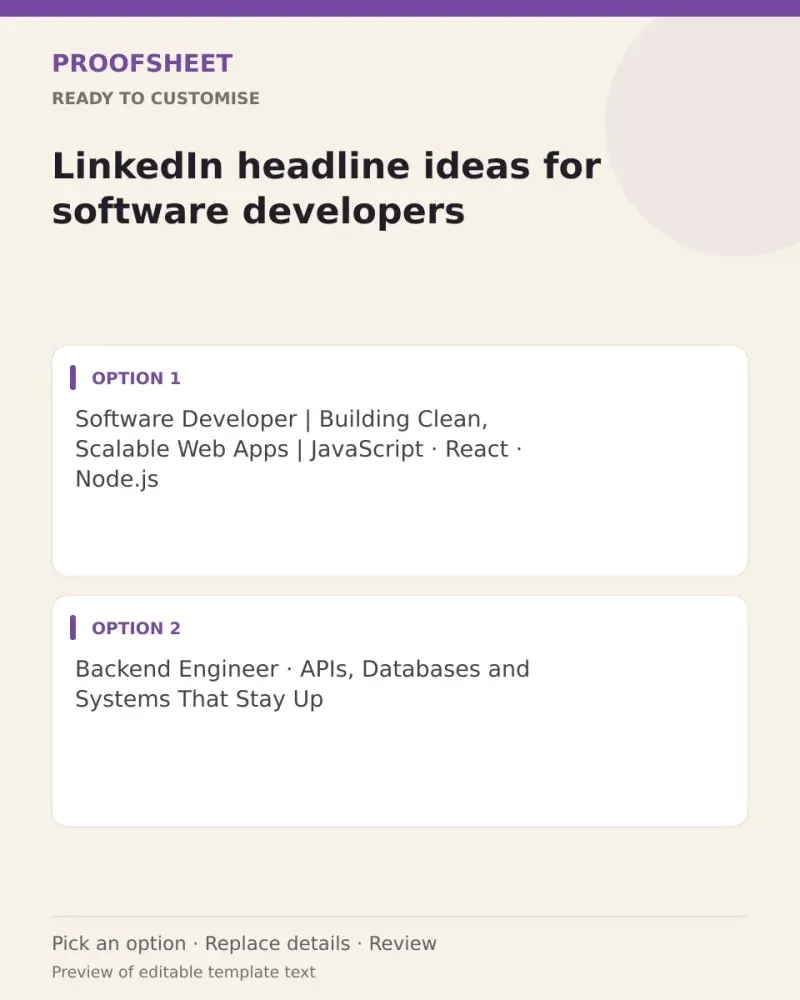
LinkedIn headline ideas for software developers
10 ready LinkedIn headlines for software developers — pick one, copy and paste. Replace any bracketed details and review before using. No AI tool needed.
- Written for
- No AI needed
- Status
- Ready-to-use template — no AI tool needed
10 ready optionsTap Copy, then paste · limit 220 characters
Software Developer | Building Clean, Scalable Web Apps | JavaScript · React · Node.js
Top pick · 85 / 220 characters
Backend Engineer · APIs, Databases and Systems That Stay Up
59 / 220 characters
Full-Stack Developer | Turning Ideas into Working Products | React, Node, SQL
77 / 220 characters
Java Developer | Spring Boot · Microservices · Cloud | Writing Code Teams Can Maintain
86 / 220 characters
Frontend Developer Who Cares About Speed, Accessibility and the Small Details
77 / 220 characters
Python Developer | Automation, APIs and Data Pipelines | Making Repetitive Work Disappear
89 / 220 characters
Mobile App Developer | Android · Flutter | Building Apps People Actually Keep
77 / 220 characters
Software Engineer | Shipping Features, Fixing Bugs, Writing Docs Nobody Else Will
81 / 220 characters
Developer · Learning Cloud and DevOps · Sharing Notes on Code, Tools and Careers
80 / 220 characters
Software Engineer at [company] | Web Performance · Testing · Developer Experience
81 / 220 characters
Prompt
Software Developer | Building Clean, Scalable Web Apps | JavaScript · React · Node.js
How to use it
- Read the options and pick the one that sounds most like you.
- Tap Copy under it.
- Paste into the intended message, document or profile editor.
- Change any word that isn't true for you before saving.
How to use this prompt
- Read the ready options and choose the message that fits. Where you see [BRACKETS], fill in your own details.
- Press Copy, then paste the message into your own message or profile. A finished message does not need an AI tool.
- Before you send it, check the name, the relationship and the language.
Good to know
- Pick the one closest to your real skills; LinkedIn shows only the first ~60 characters in search, so lead with your main role.
- Read it once before posting and adjust the wording so it sounds like you.