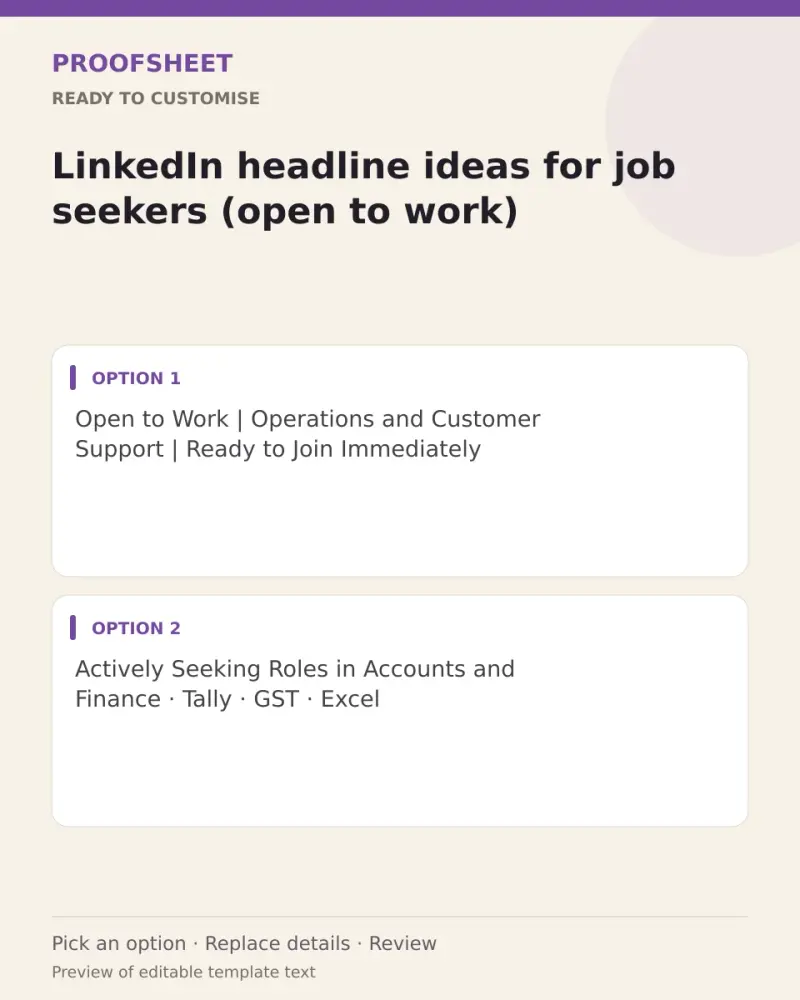
LinkedIn headline ideas for job seekers (open to work)
10 ready LinkedIn headlines for job seekers (open to work) — pick one, copy and paste. Replace any bracketed details and review before using. No AI tool needed.
- Written for
- No AI needed
- Status
- Ready-to-use template — no AI tool needed
10 ready optionsTap Copy, then paste · limit 220 characters
Open to Work | Operations and Customer Support | Ready to Join Immediately
Top pick · 74 / 220 characters
Actively Seeking Roles in Accounts and Finance · Tally · GST · Excel
68 / 220 characters
Open to Opportunities | Marketing Executive with Content and Social Media Experience
84 / 220 characters
Looking for My Next Role in Software Development | JavaScript · Python · SQL
76 / 220 characters
Experienced Sales Professional · Open to Field and Inside Sales Roles
69 / 220 characters
Open to Work · Data Entry, Back Office and Admin Roles · Accurate and Reliable
78 / 220 characters
Seeking HR and Recruitment Roles | Sourcing, Screening and Onboarding
69 / 220 characters
Available for Full-Time, Remote or Hybrid Roles | Project Coordination and Reporting
84 / 220 characters
Returning to Work After a Career Break | Ready to Learn, Contribute and Grow
76 / 220 characters
Open to Work in [your field] | Let's Connect if Your Team Is Hiring
67 / 220 characters
Prompt
Open to Work | Operations and Customer Support | Ready to Join Immediately
How to use it
- Read the options and pick the one that sounds most like you.
- Tap Copy under it.
- Paste into the intended message, document or profile editor.
- Change any word that isn't true for you before saving.
How to use this prompt
- Read the ready options and choose the message that fits. Where you see [BRACKETS], fill in your own details.
- Press Copy, then paste the message into your own message or profile. A finished message does not need an AI tool.
- Before you send it, check the name, the relationship and the language.
Good to know
- Pick the one closest to your real skills; LinkedIn shows only the first ~60 characters in search, so lead with your main role.
- Read it once before posting and adjust the wording so it sounds like you.