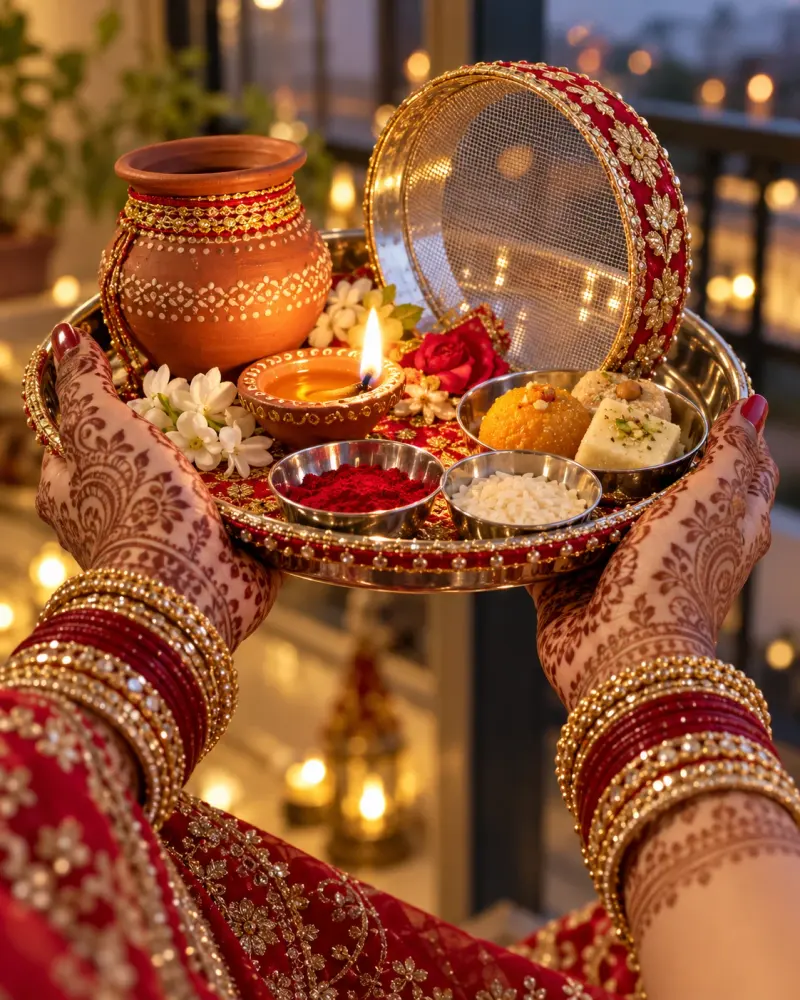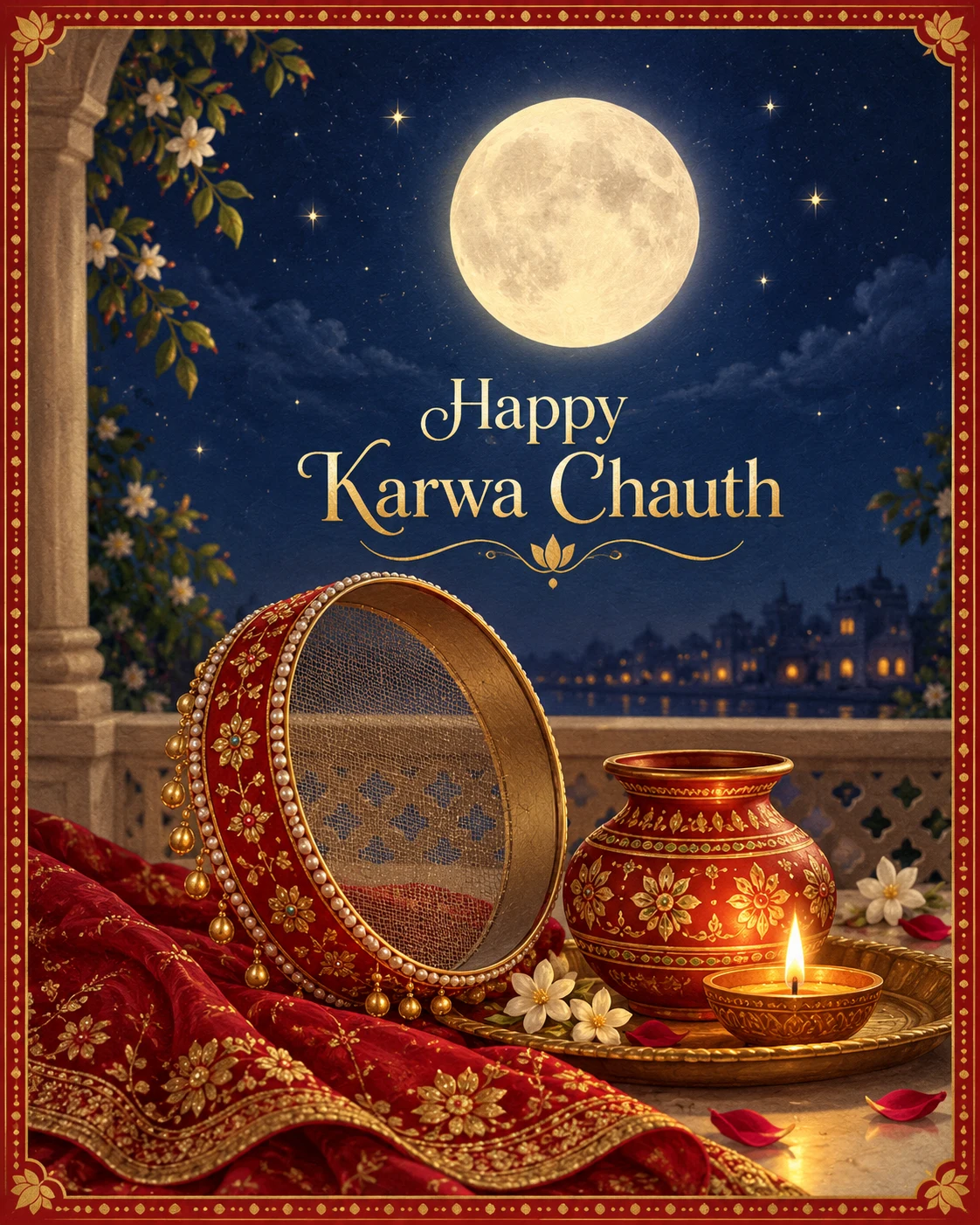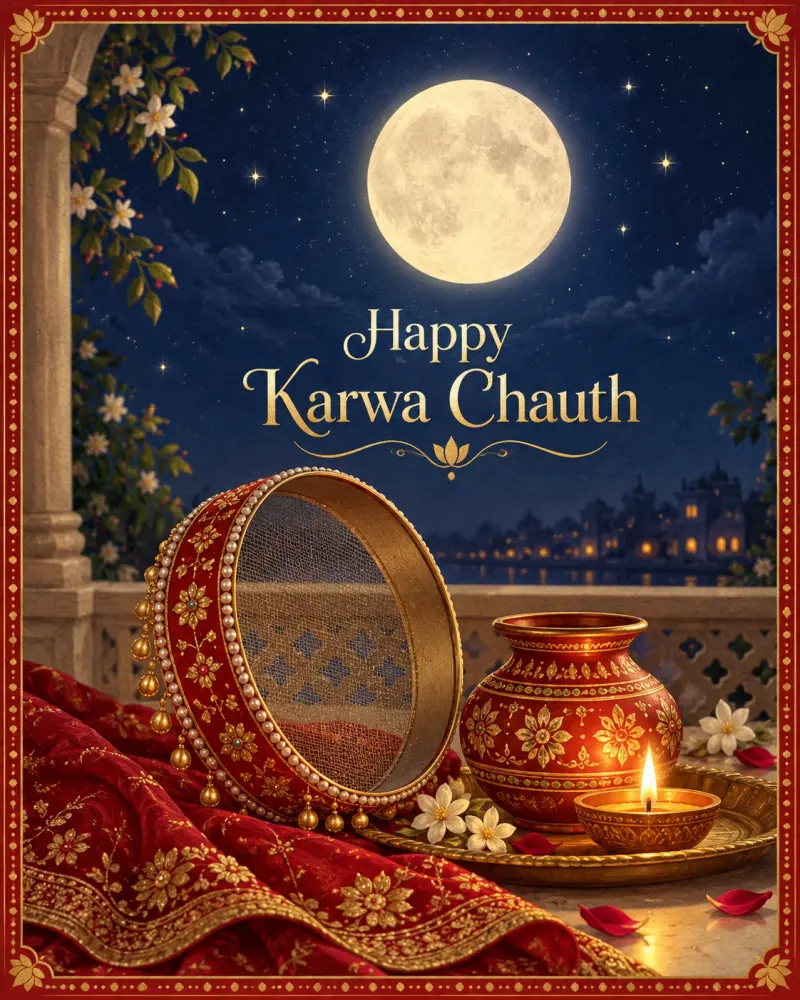
Karwa Chauth greeting card with moon and sieve
A ready-to-send Karwa Chauth greeting with your short message. Paste this prompt into ChatGPT, Gemini or Grok, change the parts in brackets to suit you, and generate.
- Written for
- ChatGPT, Gemini, Grok
- Occasion
- Karwa Chauth · 29 Oct
- Status
- Tested 6 Oct 2026 in ChatGPT built-in image generation (underlying model identifier not exposed)
- Test settings
- Exact website default prompt; one generated output; no reference image supplied; WebP export quality 88, original dimensions retained.
- Variability
- Single run reviewed visually; repeatability not tested. AI output, hands, expressions, lighting and likeness may vary.
Prompt
Create a Karwa Chauth greeting card illustration.
Scene: a deep indigo night sky with a large glowing full moon, a decorated sieve and a clay karwa with a small diya in the foreground, soft stars and a thin red-and-gold mandala border.
Text: write "Happy Karwa Chauth" in elegant gold letters below the moon; spell it exactly and add no other text.
Style: refined digital illustration with a soft paper texture.
Format: vertical 4:5.
Avoid: misspelled or extra text, faces, deity figures, clutter, watermarks.
Customise
For example: Happy Karwa Chauth.
For example: refined digital illustration with a soft paper texture.
Fields start with illustrative values; replace them with your own facts. The prompt updates as you type. Copy prompt copies your version.
How to use it
- Open an external image tool named above. Check Status for the provider actually tested.
- Paste the prompt. Replace anything in [BRACKETS] first, or use Customise.
- Send, then ask for small changes in follow-up messages.
How to use this prompt
- This prompt makes a new picture. Check the AI app named above and the real test recorded in Status.
- Fill Customise with what you want, or replace [BRACKETS] with the right details. Press Copy prompt and paste it into the image app you chose.
- When the picture is ready, check objects, hands, faces, writing and any detail that matters. Ask for one clear correction if something is missing.
Good to know
- Keep the message short; longer lines are often misspelled.