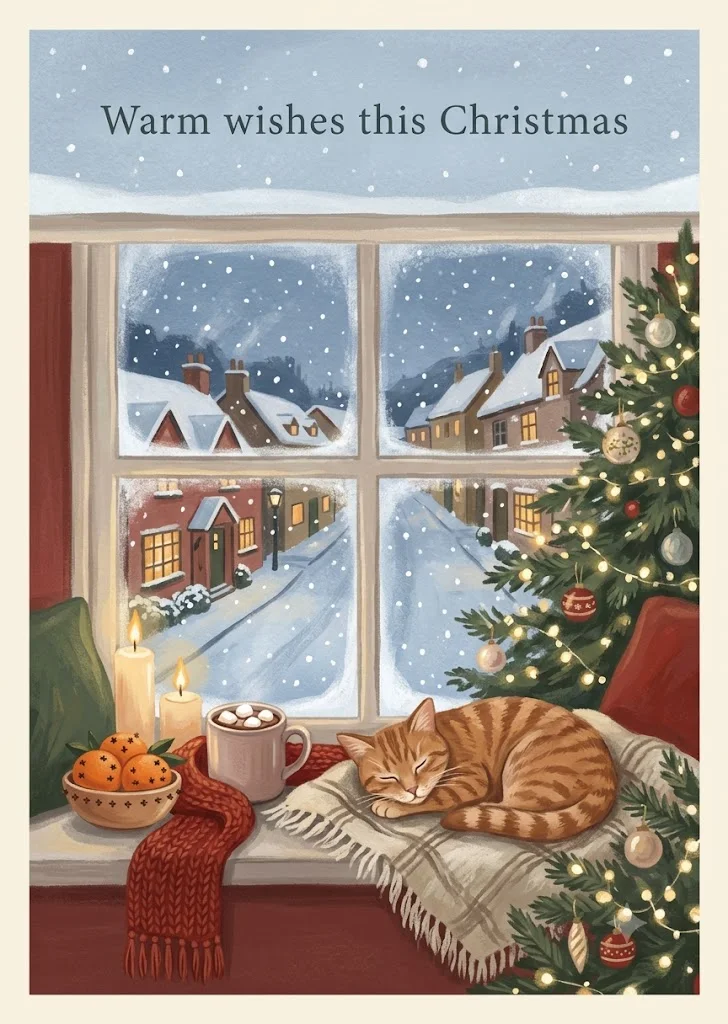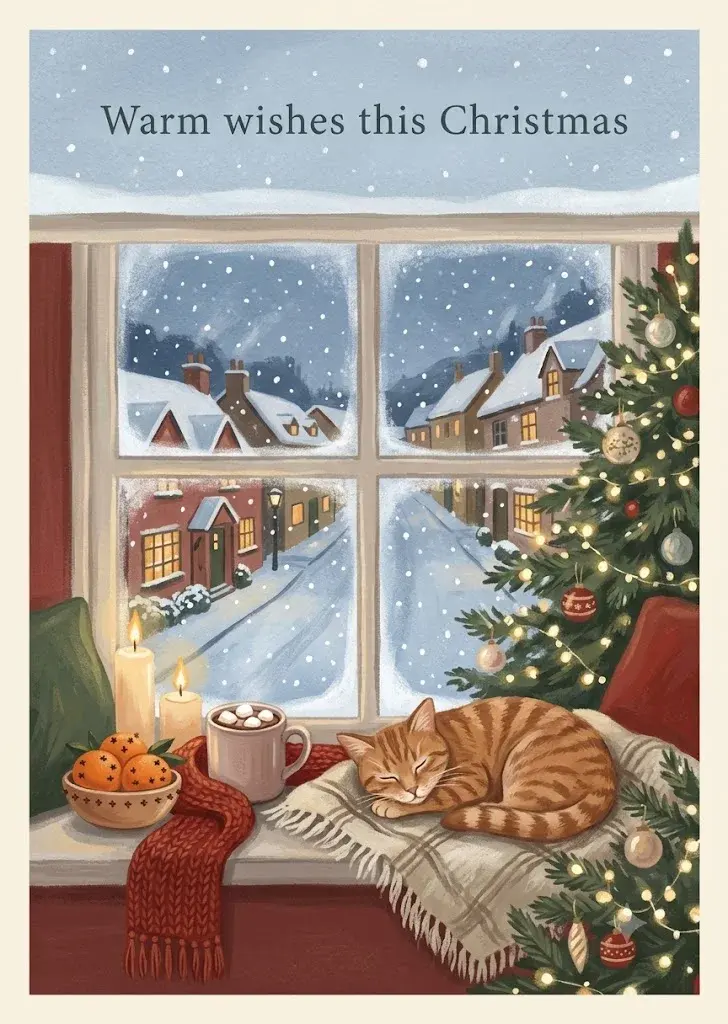
Cosy Christmas greeting card illustration
A warm gouache-style Christmas card of a snowy window nook with cocoa, candles and a lit tree. Paste this prompt into ChatGPT, Gemini or Grok, change the parts in brackets to suit you, and generate.
- Written for
- ChatGPT, Gemini, Grok
- Status
- Tested 27 Sep 2026 in Gemini app (web), Flash mode with built-in image generation
- Test settings
- Default copy text pasted unchanged into a new Gemini chat. No reference image. First result used; only converted to WebP.
- Variability
- Layout, colours and small details change between runs. Gemini adds a small sparkle watermark in the corner.
Prompt
Scene: a cosy window nook on Christmas Eve, snow falling outside the frosted panes over a quiet hill-town street with warm-lit cottages; on the sill a mug of hot cocoa with marshmallows, a knitted red scarf, a small bowl of oranges studded with cloves and two lit candles; a softly glowing decorated tree just inside the frame.
Moment or Pose: no people; a sleeping ginger cat curled on a woolly blanket on the window seat.
Light: warm candle and fairy-light glow inside against cool blue snowy dusk outside.
Style: hand-painted gouache illustration, soft brush texture, muted reds, pine greens and cream, a thin cream border like a printed card.
Text: leave a calm snowy area at the top of the card and write "Warm wishes this Christmas" there in simple hand-lettered serif, spelled exactly.
Format: vertical 5:7 greeting card.
Avoid: misspelled or extra text, brand names or logos, cartoon characters, clutter, distorted animal anatomy, watermarks.
Customise
For example: a quiet hill-town street with warm-lit cottages.
For example: ginger cat.
For example: Warm wishes this Christmas.
Fields start with illustrative values; replace them with your own facts. The prompt updates as you type. Copy prompt copies your version.
How to use it
- Open an external image tool named above. Check Status for the provider actually tested.
- Paste the prompt. Replace anything in [BRACKETS] first, or use Customise.
- Send, then ask for small changes in follow-up messages.
How to use this prompt
- This prompt makes a new picture. Check the AI app named above and the real test recorded in Status.
- Fill Customise with what you want, or replace [BRACKETS] with the right details. Press Copy prompt and paste it into the image app you chose.
- When the picture is ready, check objects, hands, faces, writing and any detail that matters. Ask for one clear correction if something is missing.
Good to know
- Lettering may still come out misspelled; regenerate or remove the Text line and add the greeting yourself. Keep the greeting short for the best results.