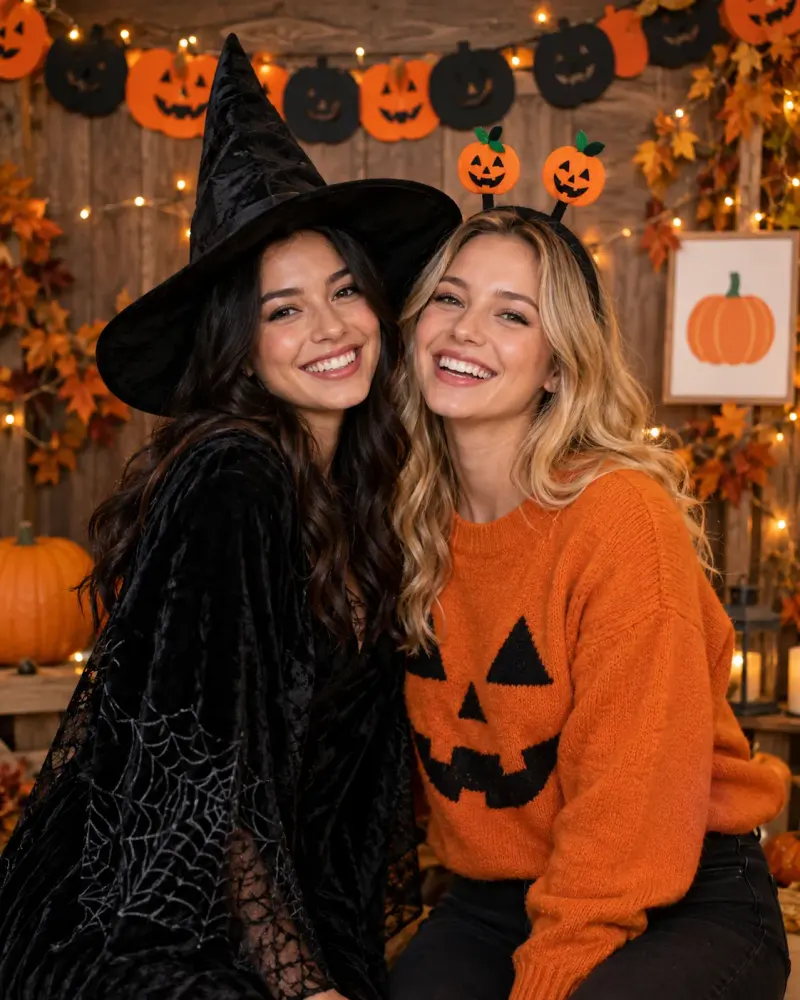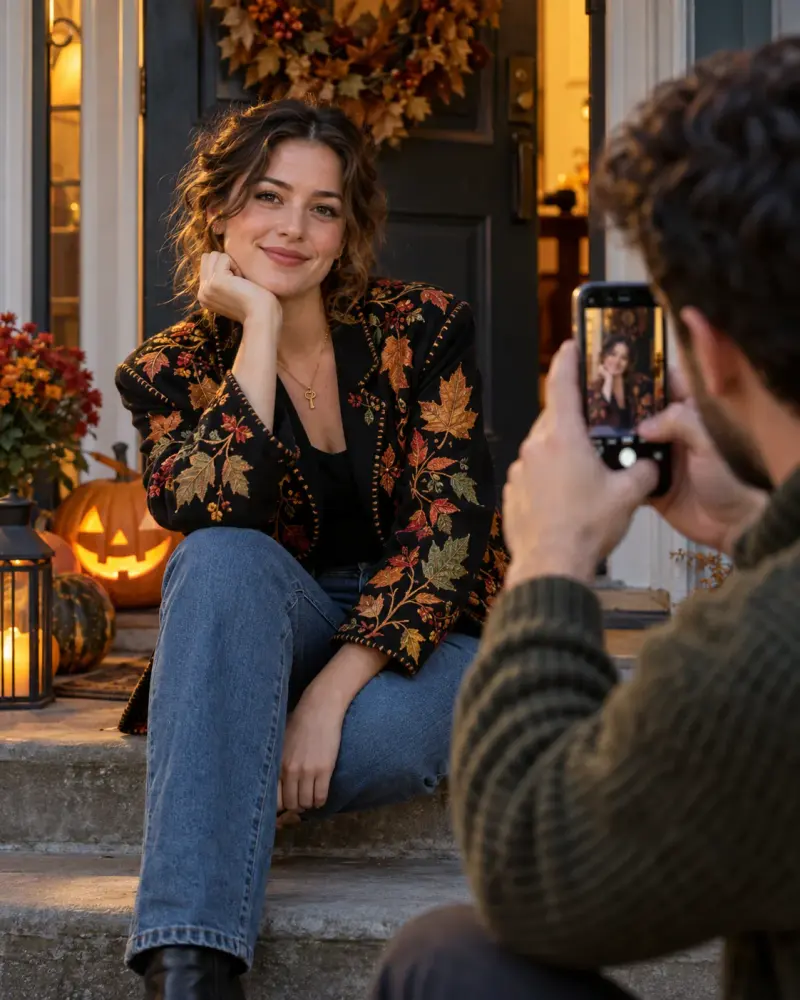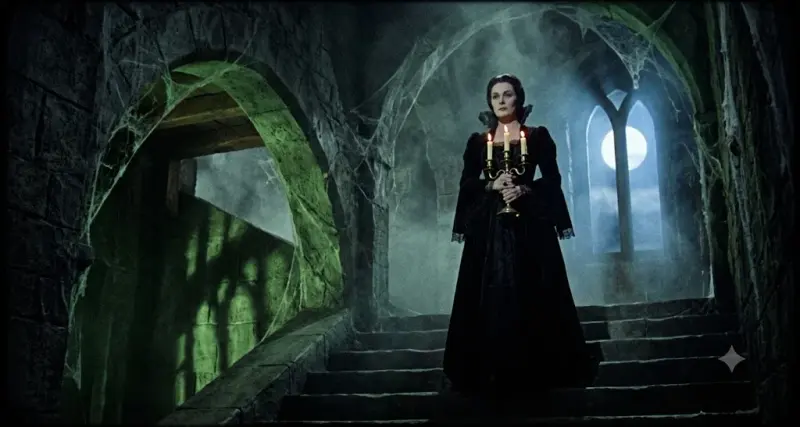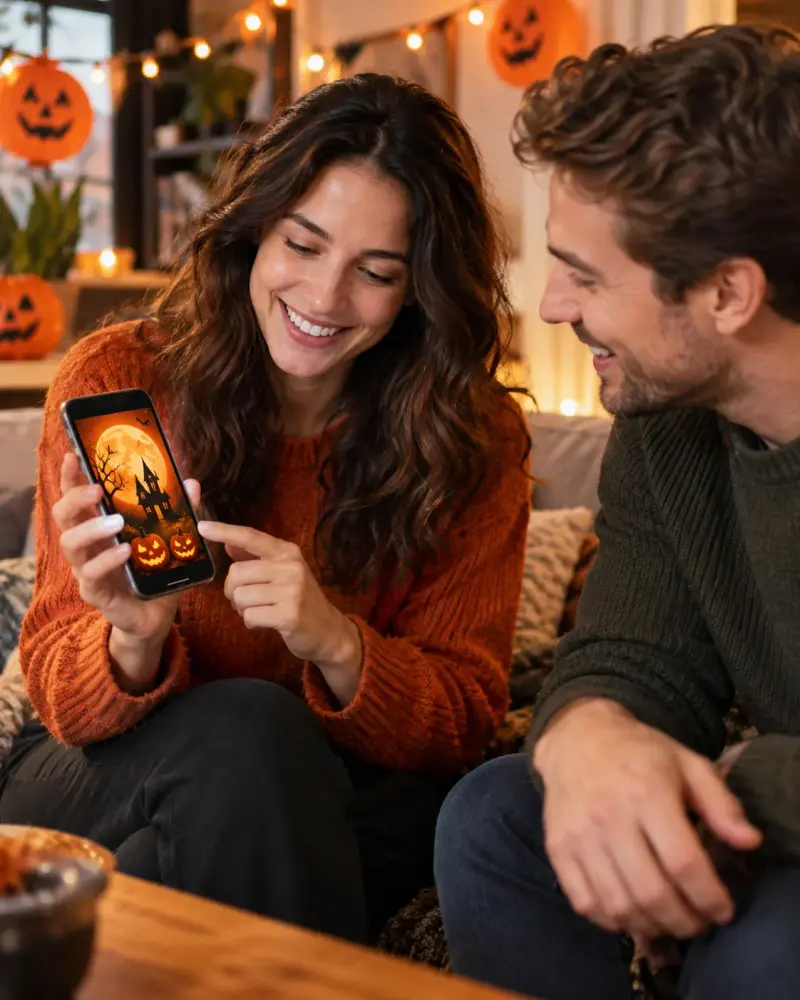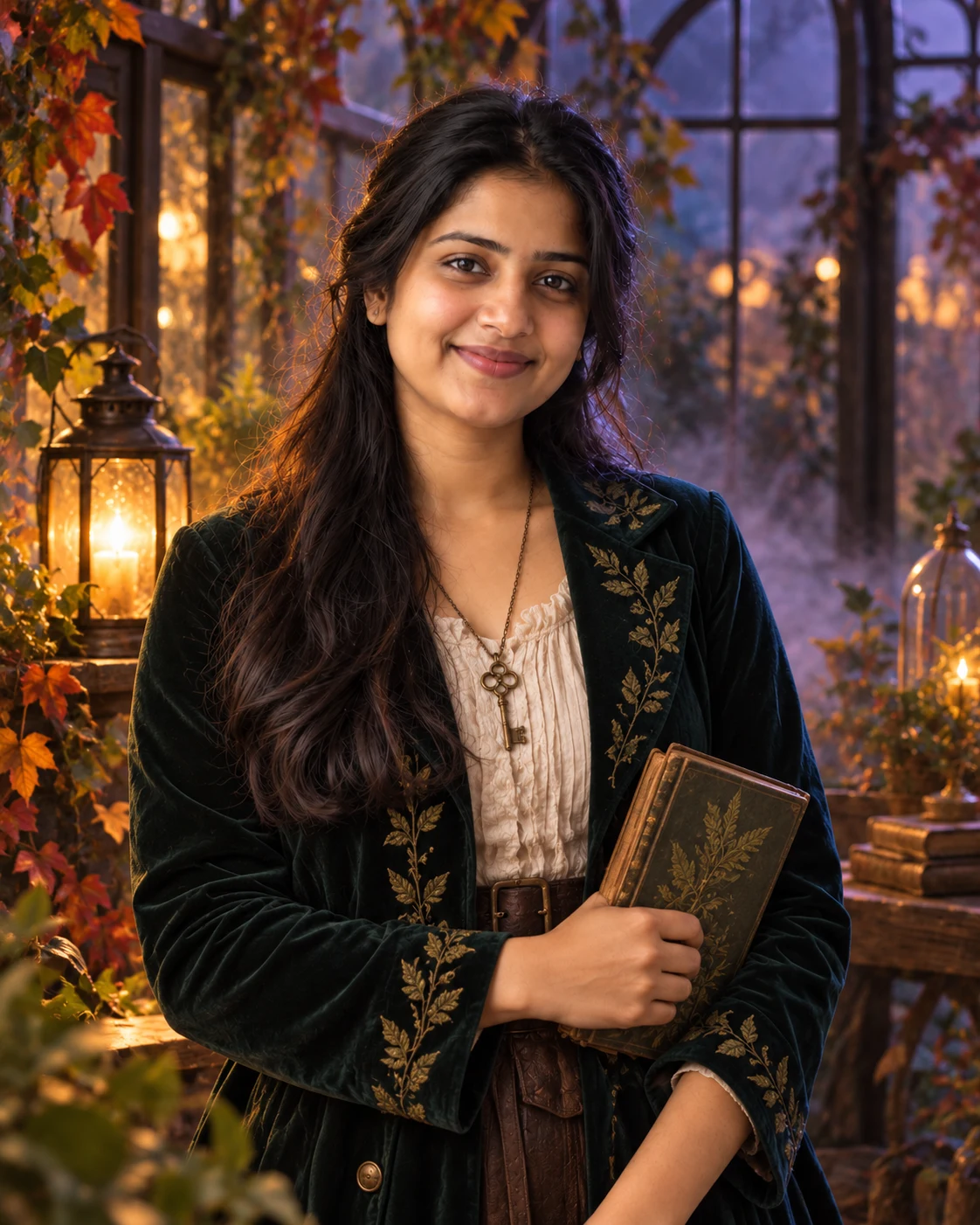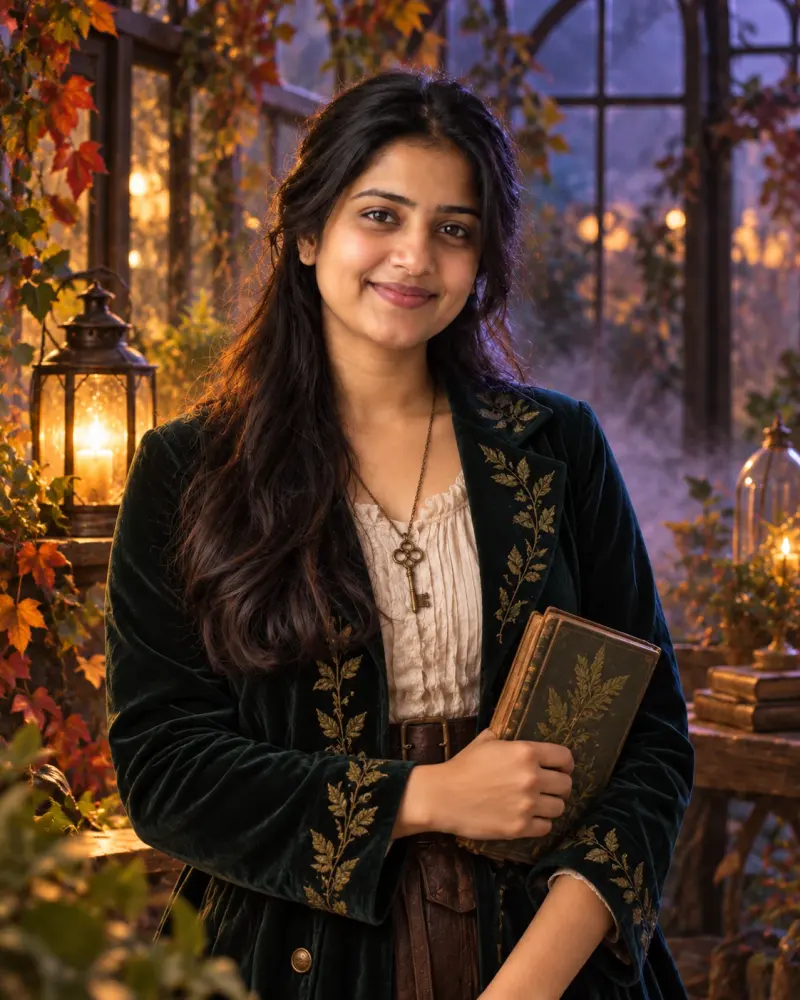
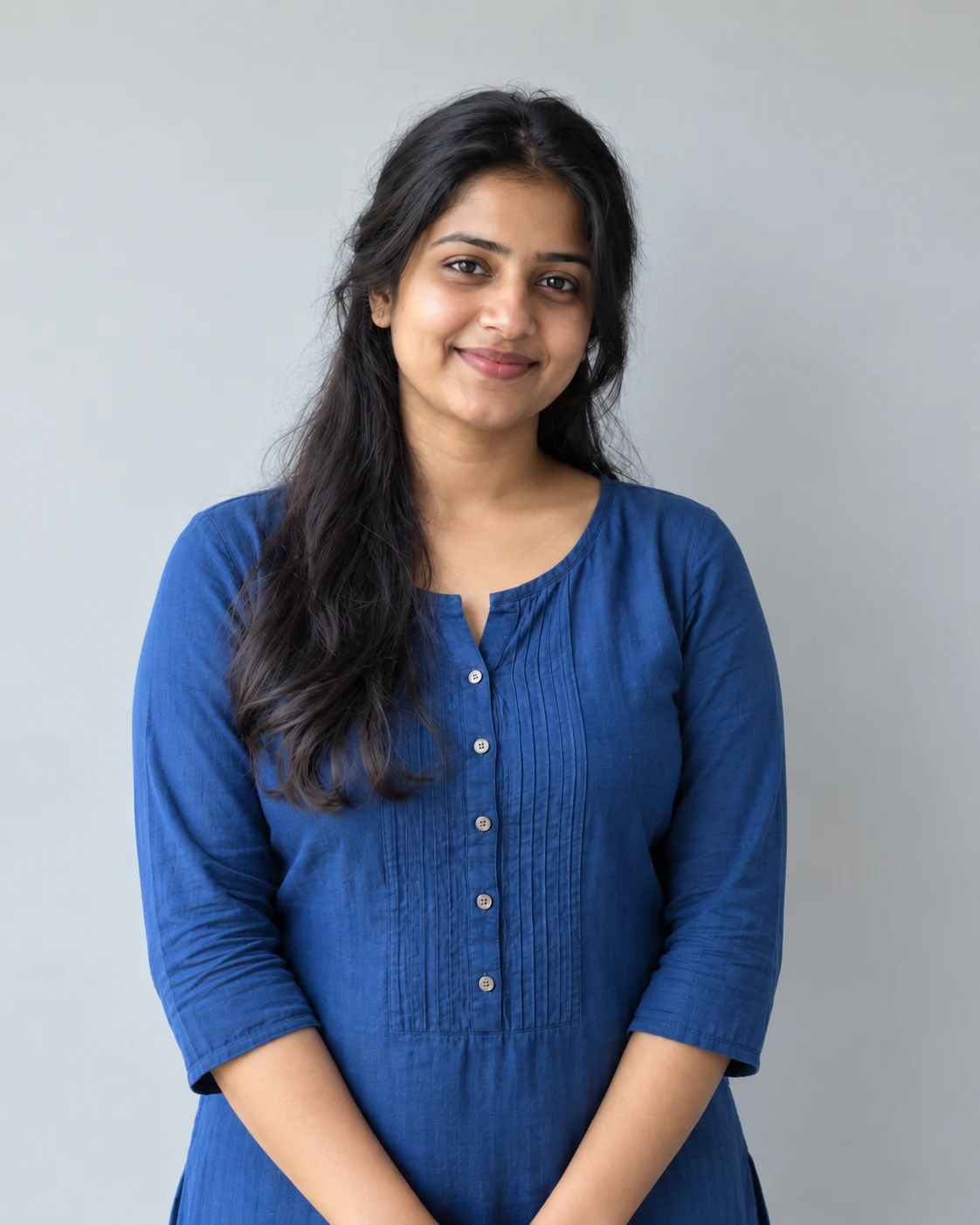
Halloween costume portrait from your own photo
Try an original Halloween costume and cinematic lighting on your portrait before dressing up. Upload a clear photo, paste this prompt into ChatGPT, Gemini or Grok, change the parts in brackets to suit you, and generate.
- Written for
- ChatGPT, Gemini, Grok
- You'll need
- A clear photo to upload
- Occasion
- Halloween · 31 Oct
- Status
- Tested 6 Oct 2026 in ChatGPT built-in image generation (underlying model identifier not exposed)
- Test settings
- Exact website default prompt; one generated output; synthetic reference photograph supplied; WebP export quality 88, original dimensions retained.
- Variability
- Single run reviewed visually; repeatability not tested. AI output, hands, expressions, lighting and likeness may vary.
Prompt
Edit my uploaded portrait into a Halloween costume concept using my photo as the reference. Use a photo I own or have permission to upload. Keep my recognisable face, age, skin tone, hairstyle and body proportions as closely as the model permits; change the outfit, surroundings and light. Show only the person in the reference photo.

Original costume concept: a midnight botanist with a dark velvet coat, antique key necklace and subtle leaf embroidery. Build it with believable fabric, accessories and makeup that someone could actually recreate. Keep my face unobstructed and avoid copying a named actor, franchise character or real person's likeness.
Scene: a lantern-lit greenhouse with autumn leaves and soft mist. Use soft amber practical light on my face and cool violet-blue edge light; moody but readable shadows, natural skin texture, crisp eyes, waist-up composition, 50 mm portrait look, vertical 4:5. Leave clean space above one shoulder if I later add my own caption.
Avoid: face changes, full masks, extra people, extra fingers, gore, excessive skin smoothing, text, logos and watermarks. Inspect face and hands against the original and simplify accessories if the model distorts them.
Customise
For example: your own costume.
For example: a lantern-lit greenhouse with autumn leaves and soft mist.
Fields start with illustrative values; replace them with your own facts. The prompt updates as you type. Copy prompt copies your version.
How to use it
- Open an external image tool listed above. The tested model, if any, is named in Status.
- Upload a clear reference photo of the subject. If it includes identifiable people, get their consent and check each face.
- Customise the fields, copy your version, paste it with the photo and generate.
- Compare the result with the reference. If a face, pose or detail changes, ask for one correction or try again; an exact match is not guaranteed.
How to use this prompt
- This prompt changes your own photo. Choose a clear reference photo, and get permission from people who can be identified.
- Upload the photo in the external AI app you chose. Fill Customise, press Copy prompt and paste the prompt with the photo.
- Compare the new picture with the original. Face, hands, clothes and pose can change. An exact likeness is not guaranteed.
Good to know
- This is a costume concept, not a guaranteed likeness or an exact outfit pattern. External image models can alter faces and hands; compare the result with your photo before sharing.
- Use reference photos you have the right to use; get consent from identifiable people.