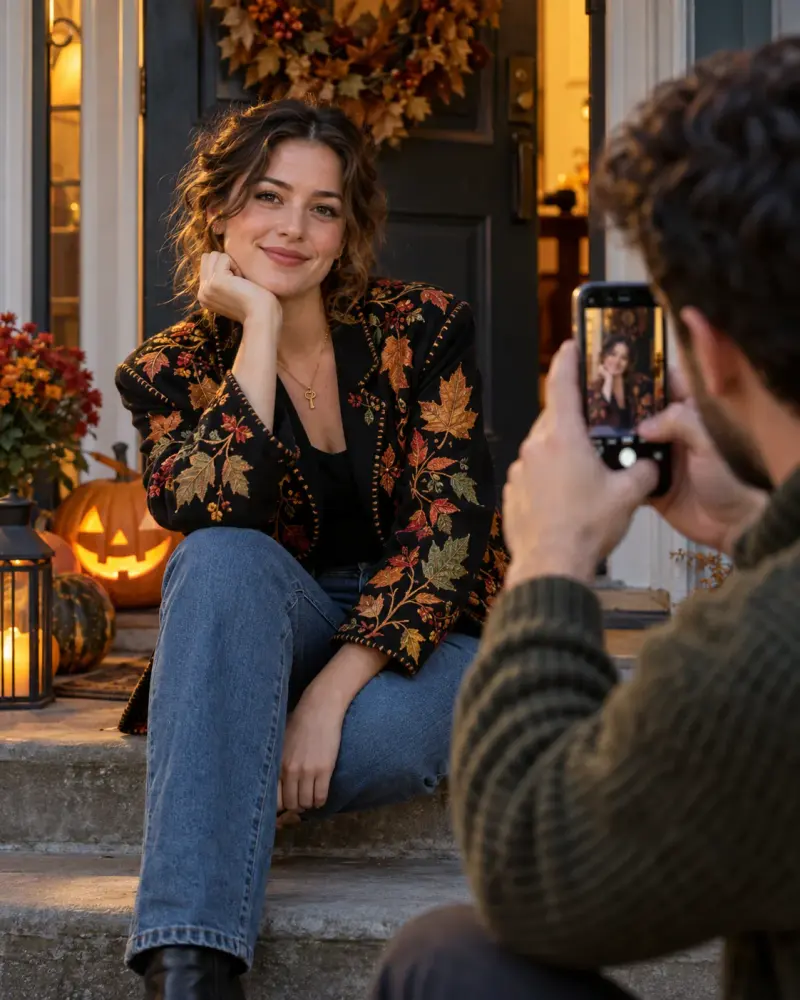
Halloween portrait shot list for your own camera
A practical costume portrait plan for available light and equipment. Paste this prompt into ChatGPT, Gemini, Claude or Grok, change the parts in brackets to suit you, and generate.
- Written for
- ChatGPT, Gemini, Claude, Grok
- Occasion
- Halloween · 31 Oct
- Status
- Tested 9 Oct 2026 in Grok, 9 Oct 2026 (one run; model id not exposed)
- Test settings
- The page's exact default prompt was run once in Grok on 9 Oct 2026. The default details already written on the page were the input. They are illustrative, not a record of a real event. ChatGPT and Gemini were not used. The first result was kept.
- Variability
- A different set of details, or another run, will change the wording. This is the first result for the defaults on this page.
Prompt
Make a shot list for photographing my Halloween costume.
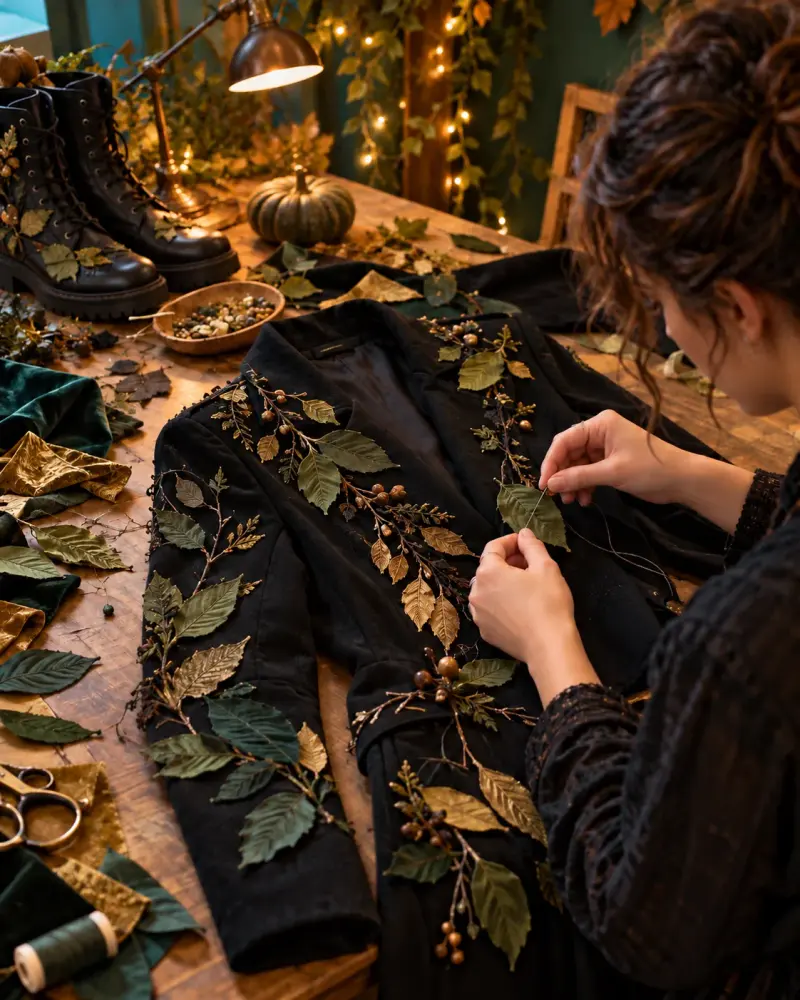
Costume details: a handmade leaf-embroidered jacket and key necklace
Equipment and location: phone camera; doorway with evening natural light
Comfort preferences: seated or standing poses; no face-covering props

Suggest 6 distinct compositions: framing, viewpoint, light direction, focus point and a simple pose cue. Use available equipment only and describe exposure adjustments as things to try, not guaranteed camera settings. Keep the face visible, avoid body-shape assumptions and identify one close-up that shows costume craftsmanship. End with a selection checklist for focus, expression and distractions. This is a photography plan; do not generate or pretend to inspect a photo.
Customise
For example: a handmade leaf-embroidered jacket and key necklace.
For example: phone camera; doorway with evening natural light.
For example: seated or standing poses; no face-covering props.
Fields start with illustrative values; replace them with your own facts. The prompt updates as you type. Copy prompt copies your version.
Example output
Actual tested output. The notes used for this result are an example, not a real event. This box is not copied. Replace the notes above with your own before you paste the prompt.
Phone only, in a doorway, with evening natural light. Seated or standing. No prop over the face. The jacket is the handmade leaf-embroidered one, with the key necklace. These are shots to take, not a photo I have seen.

1. Standing, full figure
Framing: the whole figure inside the door frame, with space above the head and the boots in frame.
Viewpoint: phone about chest height, a few steps back, straight on.
Light direction: evening light from outside the doorway, onto the front or the open side. Face the light so you are not a silhouette.
Focus point: the face.
Pose cue: stand, arms relaxed, key visible, face uncovered.

2. Seated on the threshold
Framing: from the knees upward, door frame at both edges.
Viewpoint: phone slightly above the eyes, looking gently down.
Light direction: evening light from one side of the doorway.
Focus point: the eyes.
Pose cue: sit, face toward the phone, nothing across the face.

3. Standing, three-quarter
Framing: from about the knees to above the head.
Viewpoint: phone a step to one side, not dead centre.
Light direction: evening light from outside, behind one shoulder. Turn the face toward the opening so the features stay readable. If the face goes dark, take a half-step into the light.
Focus point: the face, with the key still in frame.
Pose cue: stand, one shoulder a little nearer the phone.

4. Craft close-up (this is the one for the handmade work)
Framing: tight on the leaf embroidery at the chest or collar, and include the chin and mouth so part of the face stays in frame.
Viewpoint: phone close and level with the stitches.
Light direction: evening light from the side, across the thread, so the leaves are easier to see. Try this angle; it is not a fixed camera setting.
Focus point: the leaf stitches.
Pose cue: stand or sit, chin slightly lifted, face uncovered.

5. Key, with the face still there
Framing: from the chest to just above the head.
Viewpoint: phone at the height of the key, a short step away.
Light direction: evening light from the side, so the key is not lost in shade.
Focus point: the key, while the face remains clear enough to see.
Pose cue: stand or sit. A hand may rest near the key, but not over the face or over the leaves you want shown.

6. Seated inside the door frame
Framing: both doorway edges visible, you seated a little off centre.
Viewpoint: phone lower than the face, a small distance back.
Light direction: the bright opening behind and to one side. Turn the face toward the lighter side.
Focus point: the eyes.
Pose cue: sit, look toward the light, jacket leaves and key both in view.

Exposure, as things to try, not as guaranteed settings:
- Tap the face on the screen before the shot.
- If the opening is bright and the face is dark, try the exposure slider a little darker, then a second frame with the face tapped.
- Try without flash first. The light in this plan is the evening light in the doorway.
- Step closer instead of using digital zoom.

Selection checklist
- Focus: eyes sharp on the face shots; stitches sharp on shot 4.
- Expression: face visible and uncovered; discard a frame if the eyes closed by accident.
- Distractions: light switches, notices, bags, and any timer on the screen should not cover the jacket or the key.
How to use it
- Open ChatGPT, Gemini, Grok or Claude.
- Paste the prompt and replace the [BRACKETS] with your details.
- Review names, facts and the requested format; follow up with corrections or missing details.
How to use this prompt
- Fill Customise with your real details. Do not let the tool guess a missing fact. Write the missing information clearly if you need to.
- Press Copy prompt and paste it into the AI app named above. This page copies the prompt. The answer is created in the external app.
- Check names, facts, numbers, language and the format you asked for. If something is wrong or incomplete, ask for a correction.
Good to know
- A shot list cannot guarantee photo quality. Only photograph people with permission. Run once in Grok on 9 Oct 2026 using the illustrative defaults on this page. Check the draft against your own facts before you use it.
- Check facts before you rely on the answer.