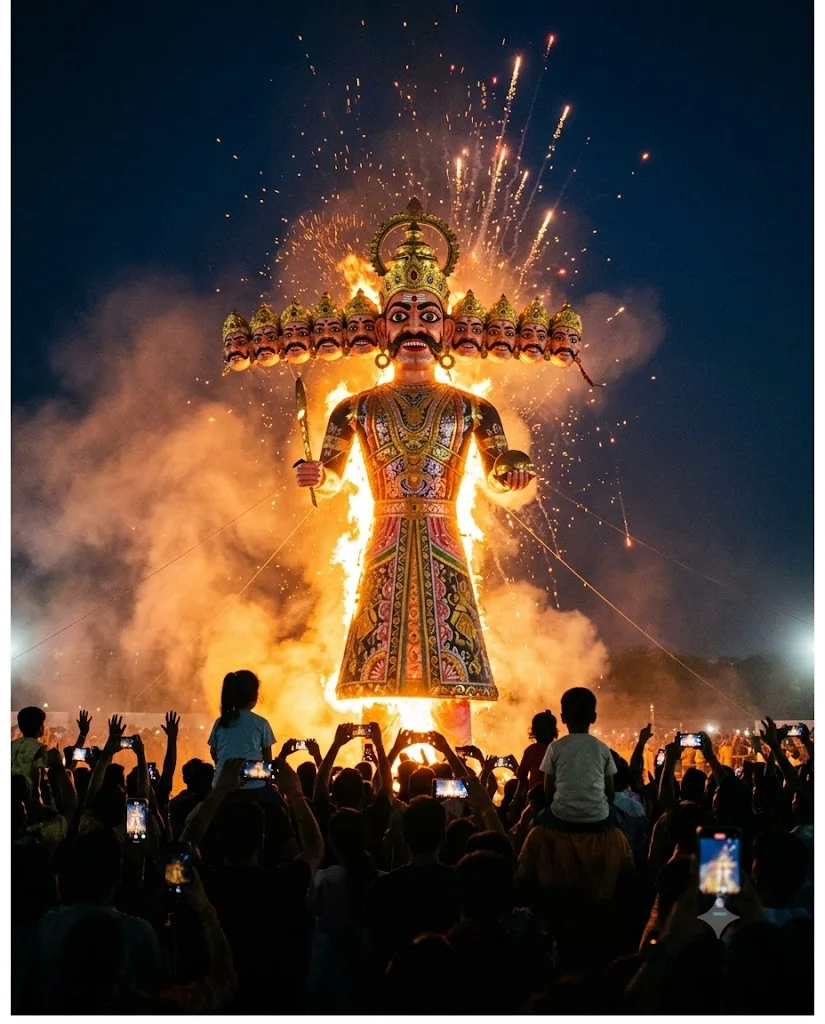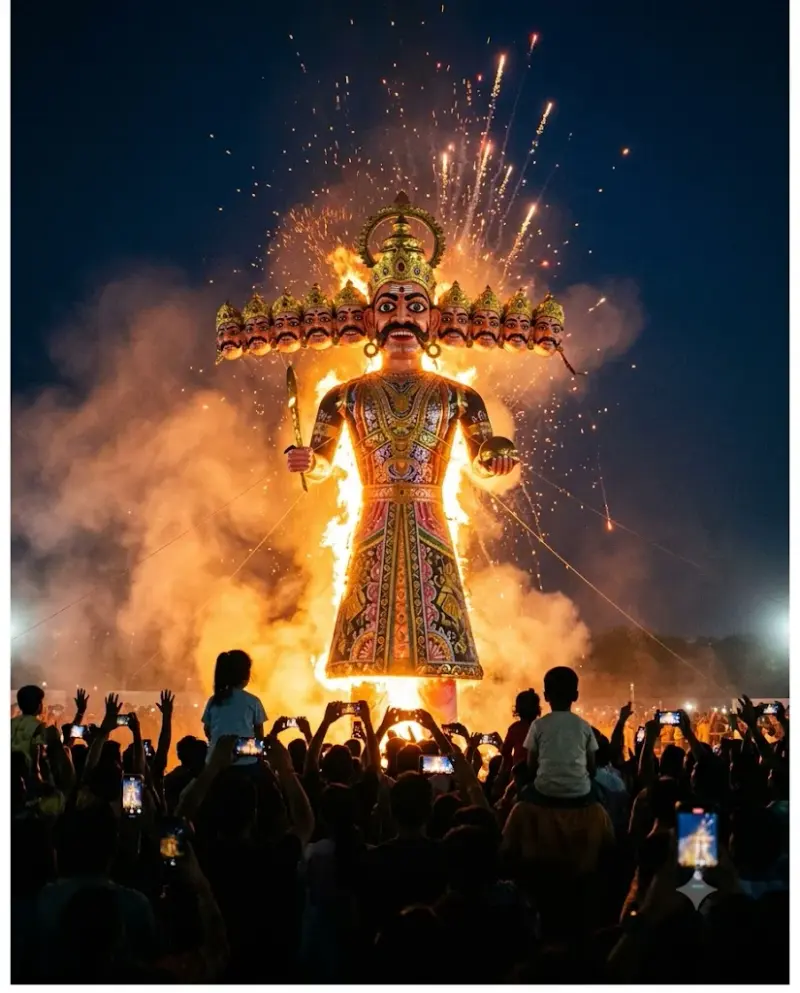
Dussehra effigy burning at night
A dramatic night scene of a towering Dussehra effigy catching fire over a cheering crowd. Paste this prompt into ChatGPT, Gemini or Grok, change the parts in brackets to suit you, and generate.
- Written for
- ChatGPT, Gemini, Grok
- Occasion
- Navratri, Durga Puja & Dussehra · 11 – 19 Oct · Dussehra 20 Oct
- Status
- Tested 29 Sep 2026 in Gemini app (web), Flash mode with built-in image generation
- Test settings
- Default copy text pasted unchanged into a new Gemini chat. No reference image. First result used; only converted to WebP.
- Variability
- Layout, colours and small details change between runs. Gemini adds a small sparkle watermark in the corner.
Prompt
Scene: an open maidan in Delhi on Dussehra night, a towering painted paper-and-bamboo effigy of the ten-headed Ravana, about 20 metres tall, just catching fire from the base; sparks and firecrackers bursting upward.
Moment or Pose: the flames climbing the effigy's robe, a crowd seen from behind in silhouette with raised phones and hands, a few children on parents' shoulders.
Light: orange firelight as the main light, glowing embers in the air, deep blue night sky, smoke lit from below.
Camera: wide 24mm from behind the crowd, slightly low angle, f/4, fast shutter so sparks read as streaks and points.
Style: cinematic festival photograph, rich warm contrast, true-to-life detail on the painted effigy.
Format: vertical 4:5.
Avoid: people close to the fire, injuries, faces in the crowd in focus, cartoon look, text, logos, watermarks.
Customise
For example: Jaipur.
For example: 4:5.
Fields start with illustrative values; replace them with your own facts. The prompt updates as you type. Copy prompt copies your version.
How to use it
- Open an external image tool named above. Check Status for the provider actually tested.
- Paste the prompt. Replace anything in [BRACKETS] first, or use Customise.
- Send, then ask for small changes in follow-up messages.
How to use this prompt
- This prompt makes a new picture. Check the AI app named above and the real test recorded in Status.
- Fill Customise with what you want, or replace [BRACKETS] with the right details. Press Copy prompt and paste it into the image app you chose.
- When the picture is ready, check objects, hands, faces, writing and any detail that matters. Ask for one clear correction if something is missing.
Good to know
- Effigy heads can merge or repeat oddly; regenerate if the ten heads look messy. Fire scale varies between runs.