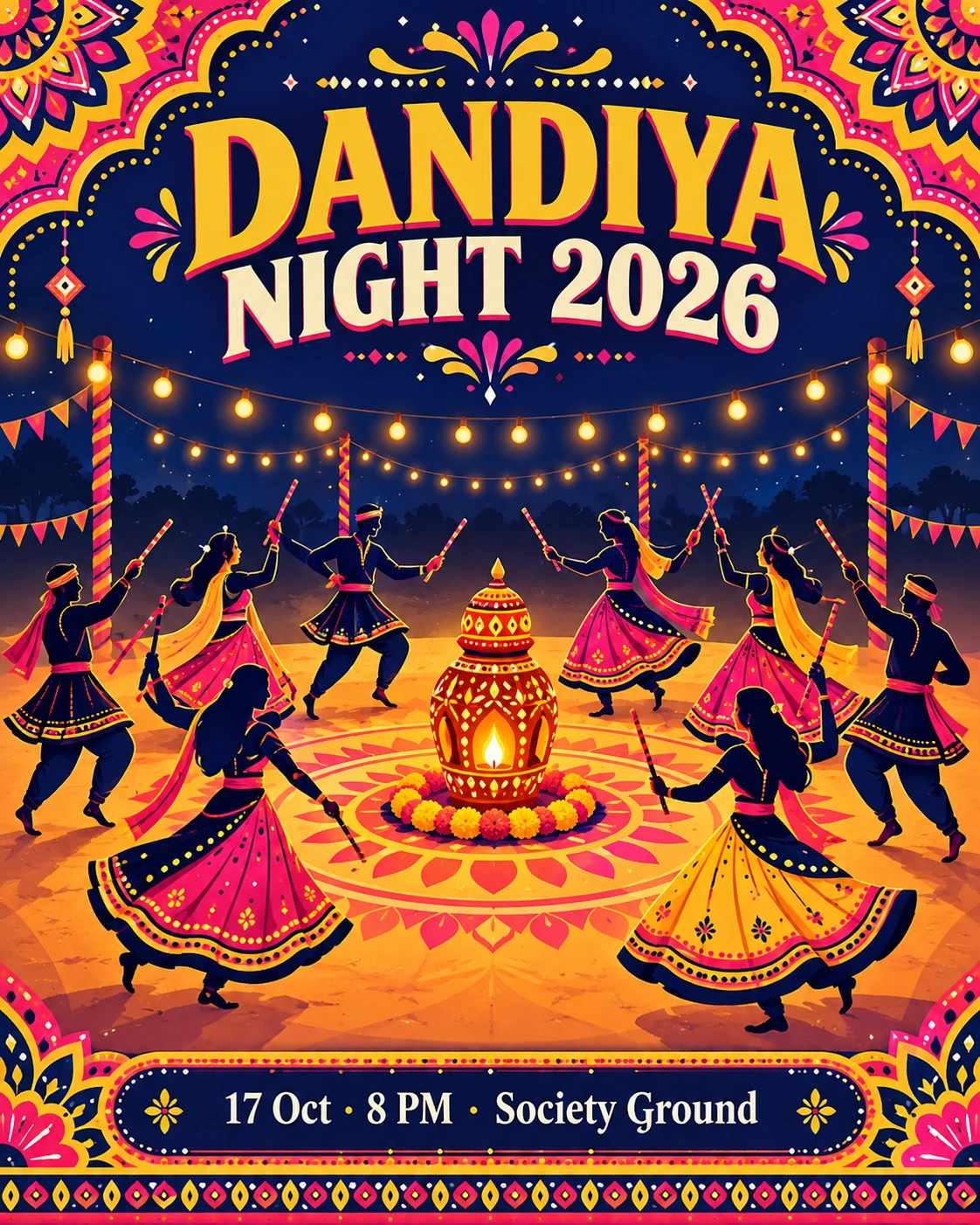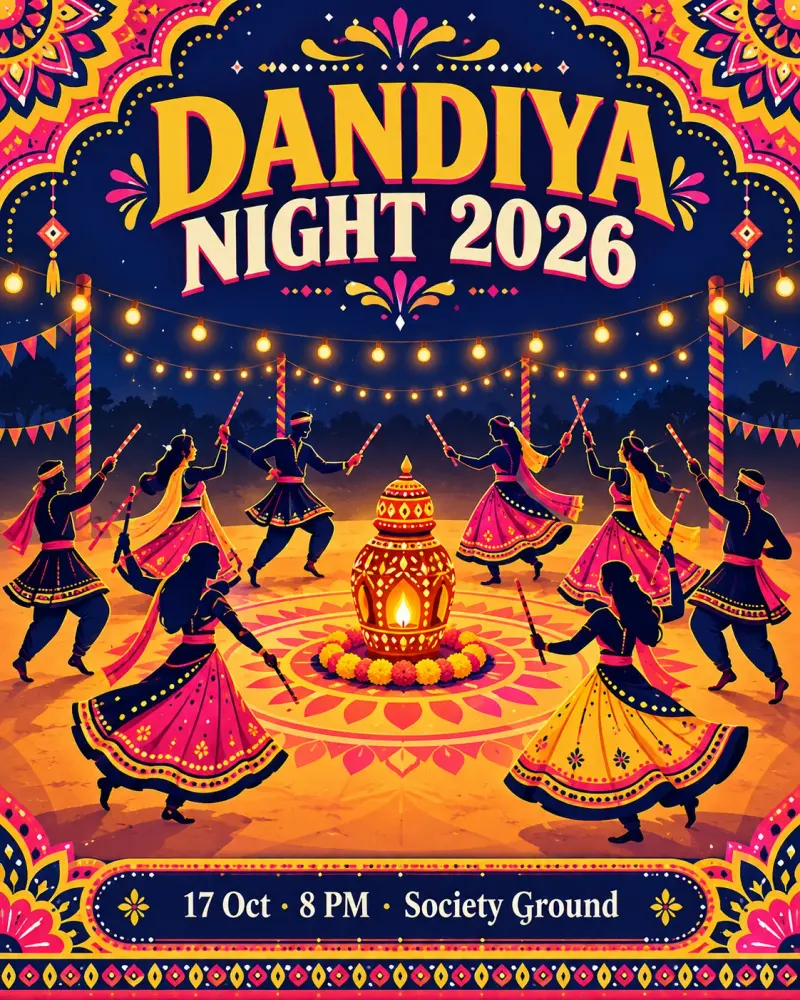
Dandiya night event poster
A bold, ready-to-share poster for your society or club dandiya night. Paste this prompt into ChatGPT, Gemini or Grok, change the parts in brackets to suit you, and generate.
- Written for
- ChatGPT, Gemini, Grok
- Occasion
- Navratri, Durga Puja & Dussehra · 11 – 19 Oct · Dussehra 20 Oct
- Status
- Tested 5 Oct 2026 in ChatGPT built-in image generation (underlying model identifier not exposed)
- Test settings
- Exact website default prompt; one generated output; no reference image; WebP export quality 88, original dimensions retained.
- Variability
- Single run reviewed visually; repeatability not tested. AI output, hands, expressions, lighting and likeness may vary.
Prompt
Create an event poster.
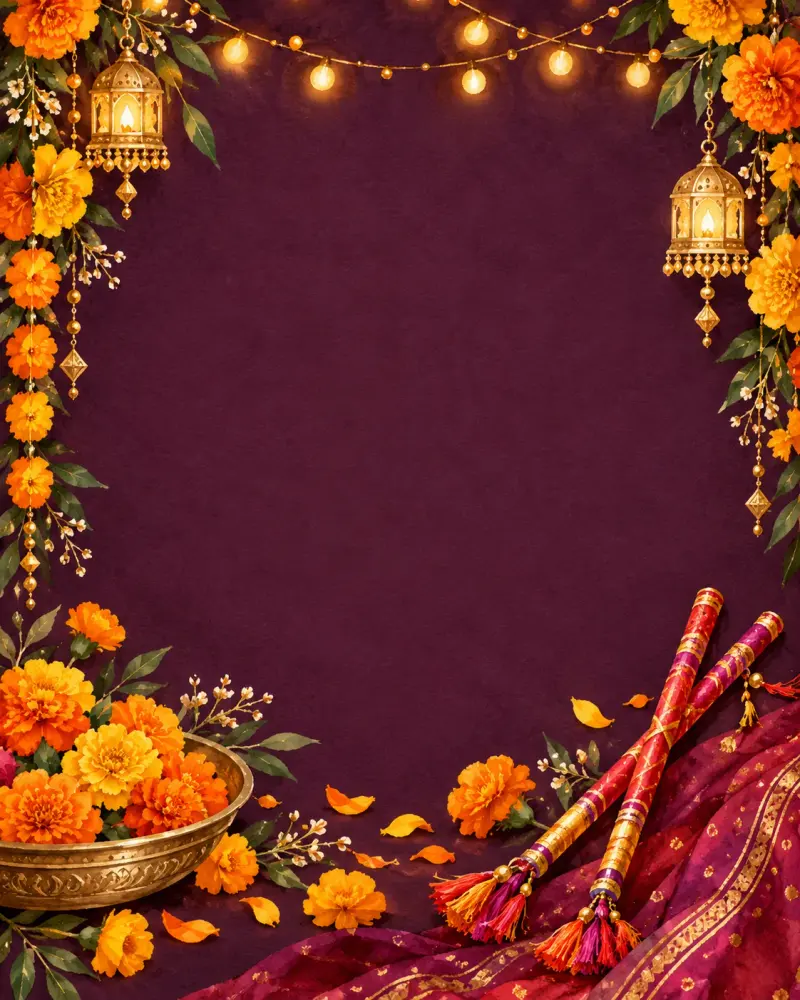
Scene: a festive illustration of silhouetted dancers with dandiya sticks in a circle, a decorated garbo lamp in the centre, strings of bulbs and mandala patterns around.
Text: a big headline "DANDIYA NIGHT 2026" at the top and a smaller line "17 Oct · 8 PM · Society Ground" at the bottom; spell both exactly, add no other text.
Style: modern flat illustration with Gujarati folk-art borders in pink, yellow and indigo, strong contrast, easy to read on a phone.
Format: vertical 4:5.
Avoid: misspelled or extra words, real brand logos, faces, clutter behind the text, watermarks.
Customise
For example: DANDIYA NIGHT 2026.
For example: 17 Oct · 8 PM · Society Ground.
For example: your own style.
Fields start with illustrative values; replace them with your own facts. The prompt updates as you type. Copy prompt copies your version.
How to use it
- Open an external image tool named above. Check Status for the provider actually tested.
- Paste the prompt. Replace anything in [BRACKETS] first, or use Customise.
- Send, then ask for small changes in follow-up messages.
How to use this prompt
- This prompt makes a new picture. Check the AI app named above and the real test recorded in Status.
- Fill Customise with what you want, or replace [BRACKETS] with the right details. Press Copy prompt and paste it into the image app you chose.
- When the picture is ready, check objects, hands, faces, writing and any detail that matters. Ask for one clear correction if something is missing.
Good to know
- Check every word, date and time; AI tools still misspell small text. Keep details short.