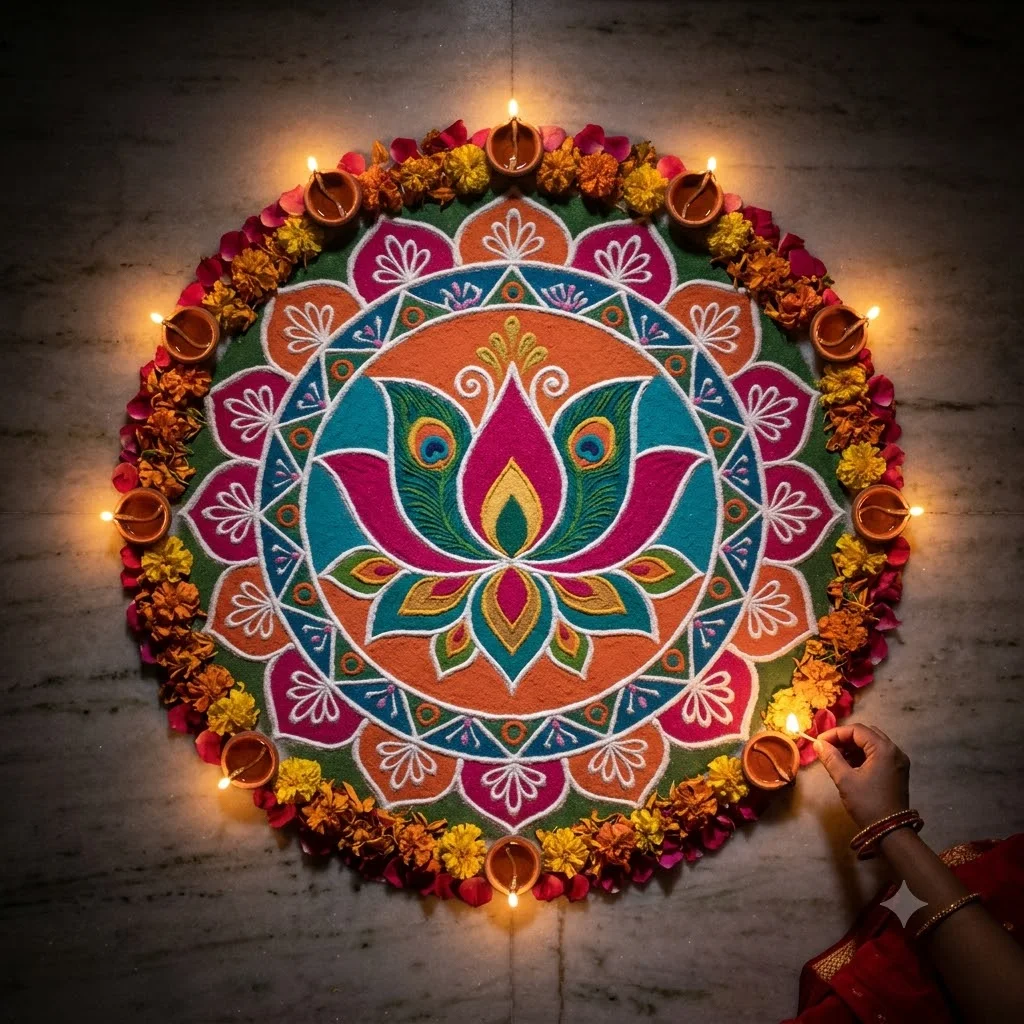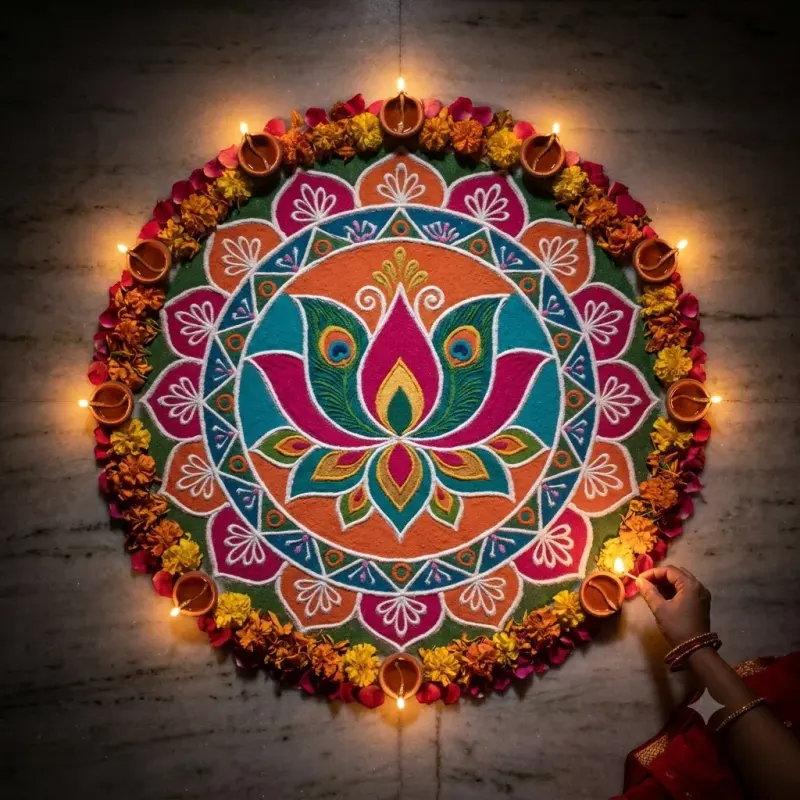
Diwali rangoli top-down with diyas
A top-down photo of a vibrant Diwali rangoli ringed with glowing clay diyas on a festival night. Paste this prompt into ChatGPT, Gemini or Grok, change the parts in brackets to suit you, and generate.
- Written for
- ChatGPT, Gemini, Grok
- Status
- Tested 27 Sep 2026 in Gemini app (web), Flash mode with built-in image generation
- Test settings
- Default copy text pasted unchanged into a new Gemini chat. No reference image. First result used; only converted to WebP.
- Variability
- Layout, colours and small details change between runs. Gemini adds a small sparkle watermark in the corner.
Prompt
Scene: a freshly made Diwali rangoli on the white marble floor of a home's central hall, about one metre across, in fine coloured powder: a central lotus with peacock-feather petals in deep pink, turquoise, saffron and gold, crisp white outlines drawn with rice flour, a ring of marigold and rose petals at the edge.
Moment or Pose: seen from directly above; eleven small clay diyas with steady flames placed evenly around the rim, one hand at the frame edge lighting the last diya with a long matchstick.
Light: night, the room lights dimmed so the diyas give the main warm glow, a little soft fill so the powder colours stay true.
Camera: top-down, 35mm equivalent, f/5.6, whole design sharp, fine powder texture visible.
Style: rich, clean still-life photography, deep shadows beyond the rangoli, warm festive mood.
Format: square 1:1.
Avoid: smudged or broken outlines, warped symmetry, melted-looking diyas, flames touching the powder, extra fingers, text, deity faces drawn in the design, logos or watermarks.
Customise
For example: white marble floor.
For example: central lotus with peacock-feather petals.
For example: deep pink, turquoise, saffron and gold.
Fields start with illustrative values; replace them with your own facts. The prompt updates as you type. Copy prompt copies your version.
How to use it
- Open an external image tool named above. Check Status for the provider actually tested.
- Paste the prompt. Replace anything in [BRACKETS] first, or use Customise.
- Send, then ask for small changes in follow-up messages.
How to use this prompt
- This prompt makes a new picture. Check the AI app named above and the real test recorded in Status.
- Fill Customise with what you want, or replace [BRACKETS] with the right details. Press Copy prompt and paste it into the image app you chose.
- When the picture is ready, check objects, hands, faces, writing and any detail that matters. Ask for one clear correction if something is missing.
Good to know
- Complex symmetry can drift; ask for a simpler design if lines look uneven. Diya counts may not match exactly.