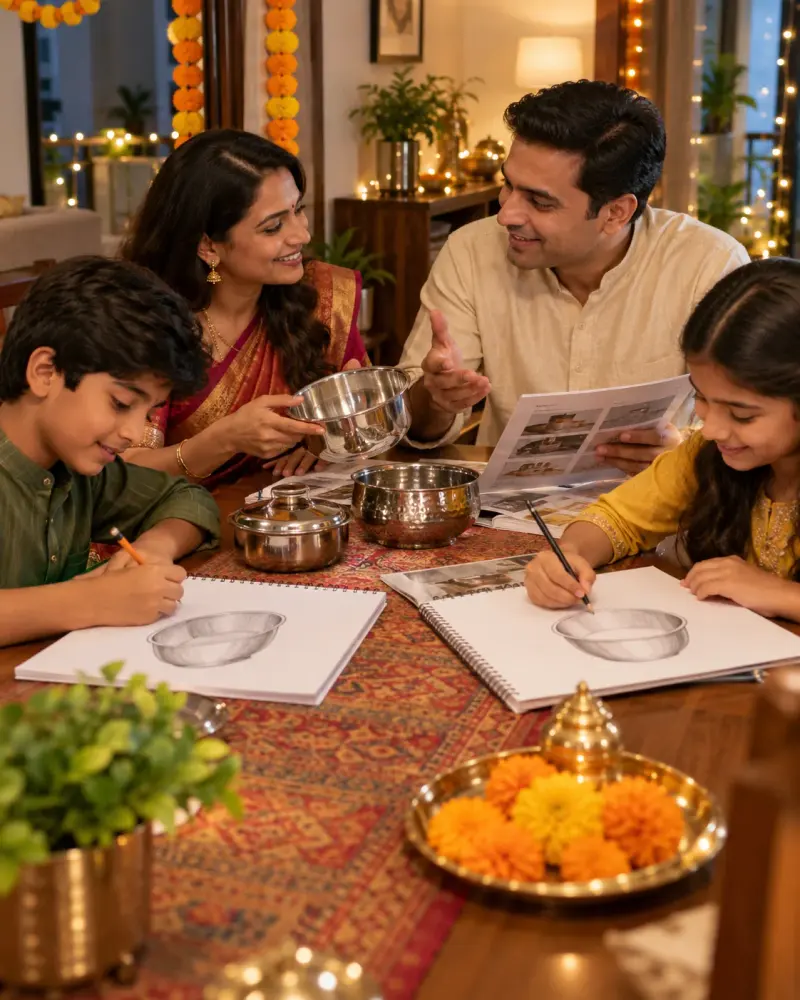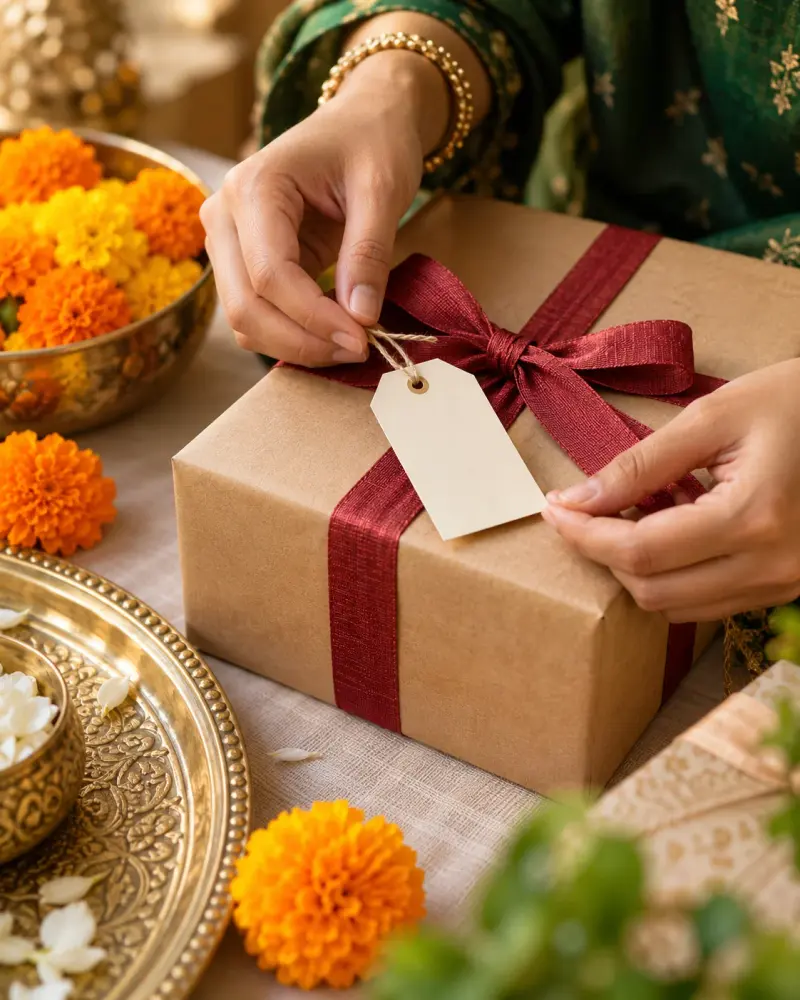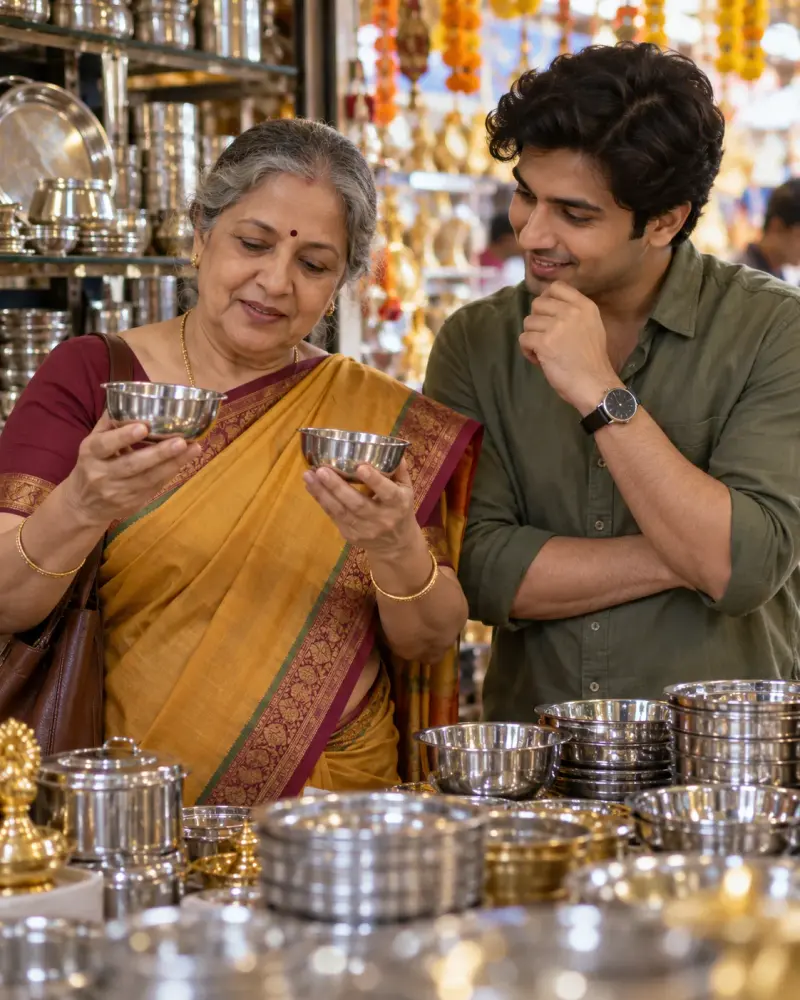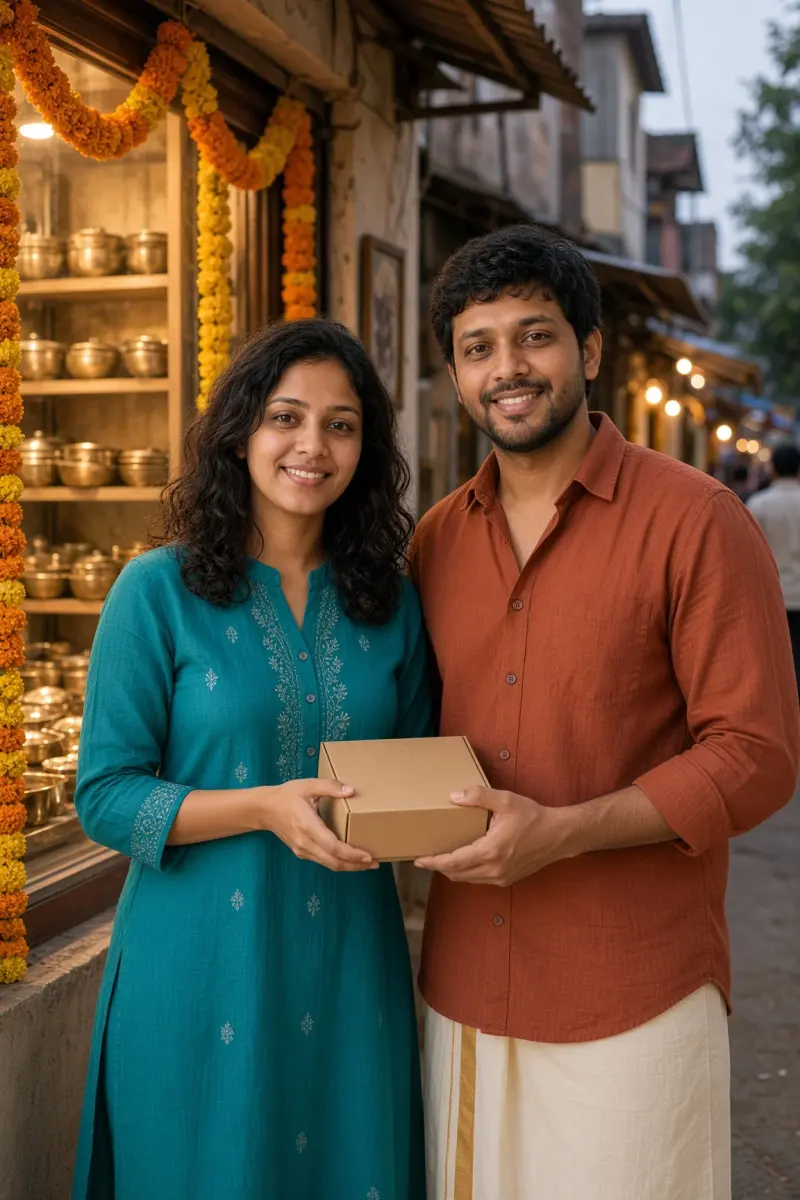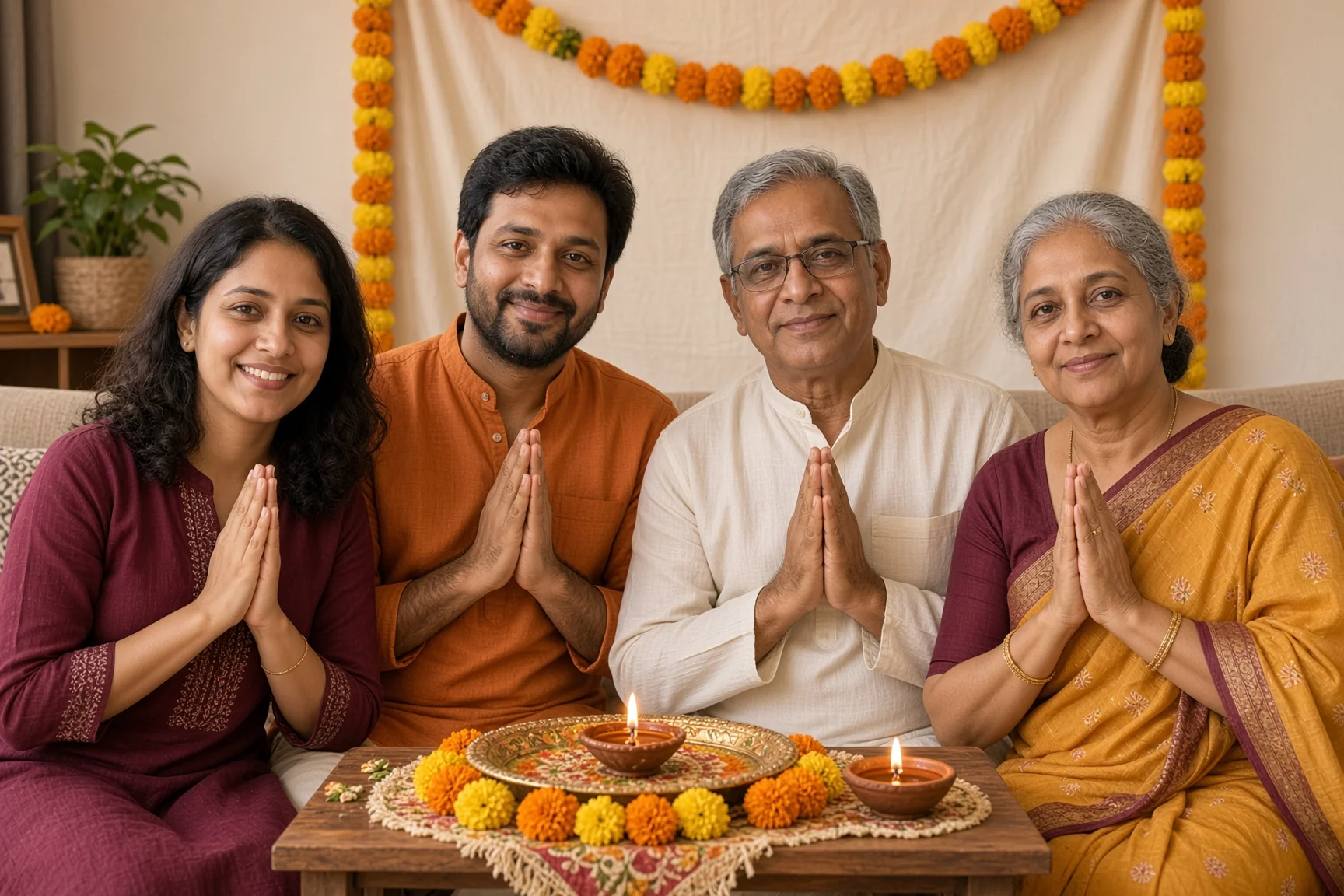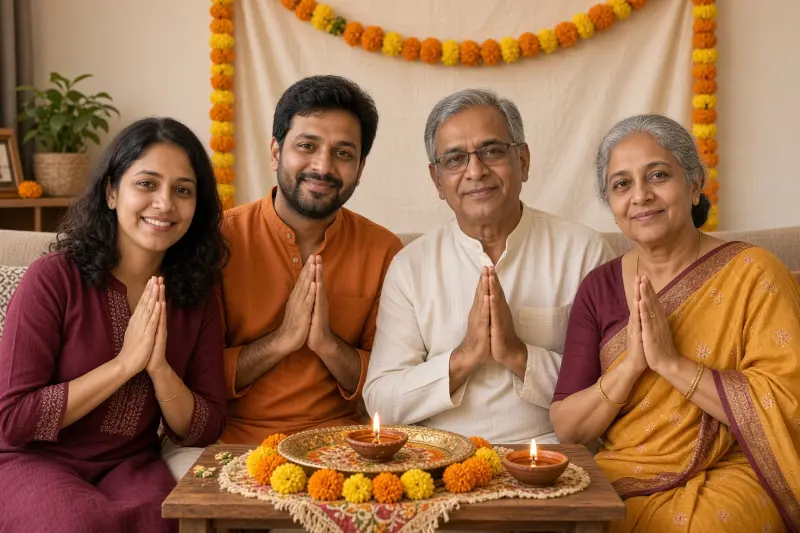
Dhanteras adult family puja photo edit
The same adult family gathered respectfully before a small home mandir for Dhanteras puja. Upload a clear photo, paste this prompt into ChatGPT, Gemini or Grok, change the parts in brackets to suit you, and generate.
- Written for
- ChatGPT, Gemini, Grok
- You'll need
- A clear photo to upload
- Occasion
- Dhanteras · 6 Nov
- Status
- Tested 27 Oct 2026 in grok-imagine-image-2.0
- Test settings
- Reference photo: an AI-generated picture of four fictional adults (not real persons), made in Grok for this test. Uploaded with the default copy text unchanged. Aspect ratio 3:2. First result used (1 try). Kept at 1728x1152, not upscaled, and converted to WebP.
- Variability
- Faces, poses and small details vary between runs; always compare the result with your own photo.
Prompt
Use an uploaded adults-only family photo as the reference. All people are adults; keep everyone's ages as they are in the photo and do not add anyone. Preserve each person's recognisable face, natural skin tone and relative height as closely as the model permits; match every person to the reference and keep exactly the same number of people.
Scene: a small home mandir on Dhanteras with marigolds, a puja thali and a lit diya safely on a separate stable shelf; a plain cream backdrop with a small marigold garland.
Moment or Pose: the reference family sits together facing slightly toward the mandir, hands joined below chest level and every face visible; keep everyone's ages as they are in the photo and do not add anyone.
Clothing: simple maroon, saffron and cream cotton kurtas and sarees, simple colourful festive clothing without branding; keep loose fabric away from the diya.
Light: warm mandir light with soft room fill so each face retains its natural skin tone.
Camera: 35mm, f/4, seated eye level, enough depth of field for all adult family members.
Style: respectful home festival photograph, lived-in surroundings and natural expressions.
Format: horizontal 3:2.
Avoid: changed faces, skin lightening, extra fingers, text, logos, watermarks, hands in the flame, burning clothes, celebrity likenesses.
Customise
For example: a plain cream backdrop with a small marigold garland.
For example: simple maroon, saffron and cream cotton kurtas and sarees.
Fields start with illustrative values; replace them with your own facts. The prompt updates as you type. Copy prompt copies your version.
How to use it
- Open an external image tool listed above. The tested model, if any, is named in Status.
- Upload a clear reference photo of the subject. If it includes identifiable people, get their consent and check each face.
- Customise the fields, copy your version, paste it with the photo and generate.
- Compare the result with the reference. If a face, pose or detail changes, ask for one correction or try again; an exact match is not guaranteed.
How to use this prompt
- This prompt changes your own photo. Choose a clear reference photo, and get permission from people who can be identified.
- Upload the photo in the external AI app you chose. Fill Customise, press Copy prompt and paste the prompt with the photo.
- Compare the new picture with the original. Face, hands, clothes and pose can change. An exact likeness is not guaranteed.
Good to know
- Group edits may swap faces or alter the number of people; compare every adult with the reference.
- Use reference photos you have the right to use; get consent from identifiable people.