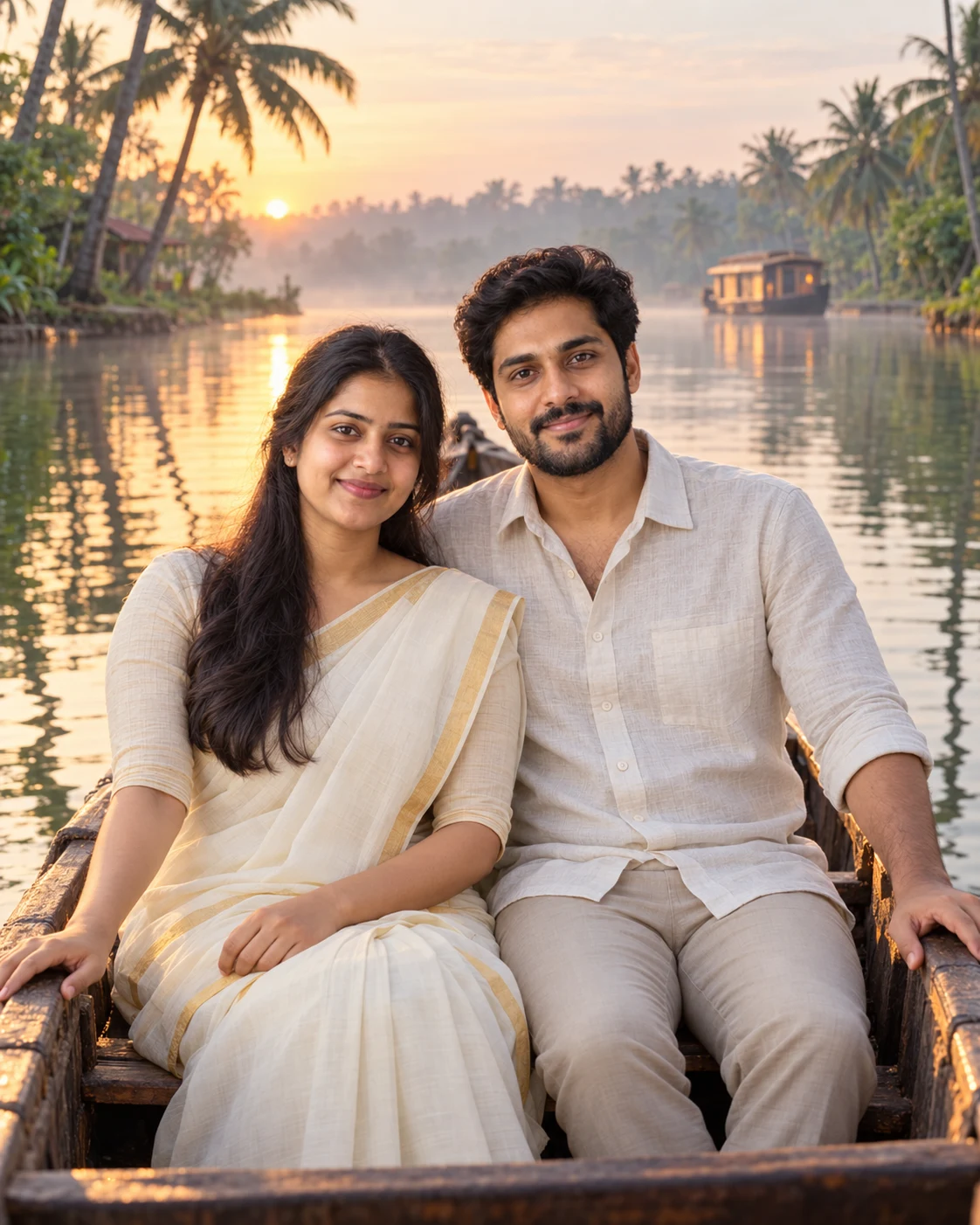
Your Couple Photo on a Kerala Backwaters Boat
Place both of you in a quiet dawn boat scene on the Kerala backwaters using your own couple photo. Upload a clear photo, paste this prompt into ChatGPT or Gemini, change the parts in brackets to suit you, and generate.
Make an original couple scene without uploading a photo →
- Written for
- ChatGPT, Gemini
- You'll need
- A clear photo to upload
- Status
- Tested 6 Oct 2026 in ChatGPT built-in image generation (underlying model identifier not exposed)
- Test settings
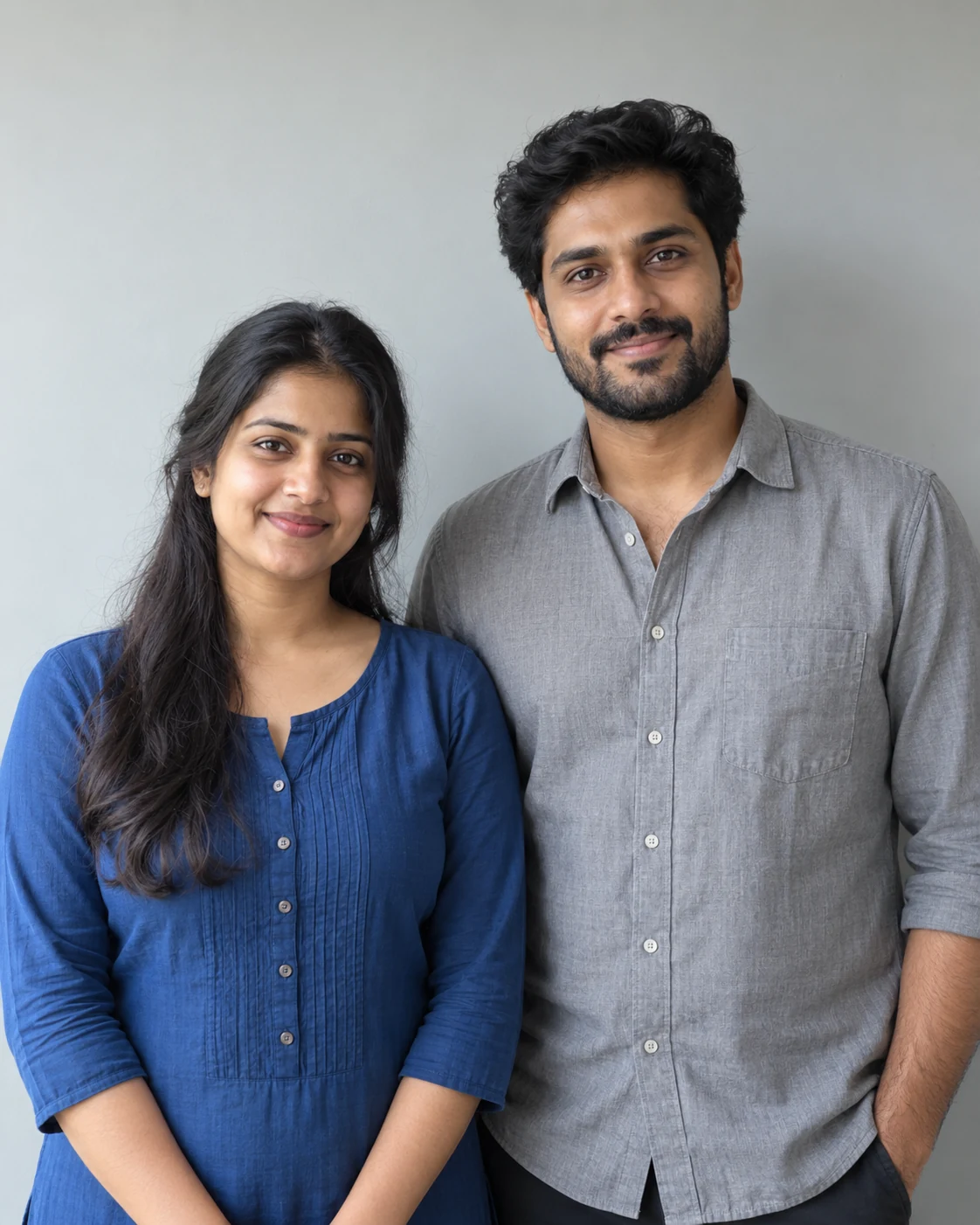
- Exact website default prompt; one generated output; synthetic reference photograph supplied; WebP export quality 88, original dimensions retained.
- Variability
- Single run reviewed visually; repeatability not tested. AI output, hands, expressions, lighting and likeness may vary.
Prompt
Use the uploaded photo of both adults as the identity reference. Keep each person's recognisable facial features, natural skin tone, age, hair and relative height as closely as the tool permits. Do not combine or swap faces. If the source photo shows only one person, ask for a photo of the second person before making a couple portrait.
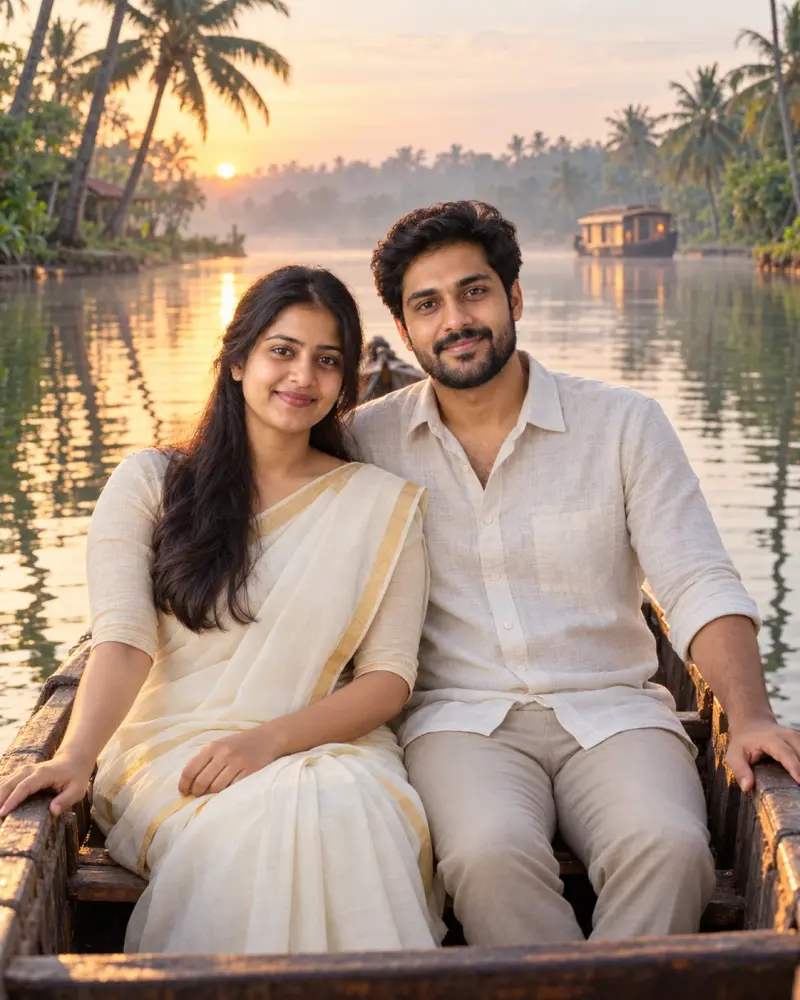
Scene: a small wooden country boat on the Kerala backwaters near Alleppey at dawn. Coconut palms line a narrow canal; still water reflects the trees, with thin mist and a distant houseboat.
Moment: both adults sit side by side in the boat, looking toward the camera with relaxed smiles. Keep their faces visible and unobstructed; hands rest naturally on the boat's edge. Show enough of the boat to make its shape believable.
Clothing: a cream cotton saree with a simple gold border and a light linen shirt with trousers. Keep the outfits plausible for the setting and preserve the people's body proportions.
Light and camera: soft peach dawn light from the side, gentle fill on both faces, eye-level view from the bank, 50mm portrait perspective, natural colour and subtle depth of field.
Style: realistic travel photograph, calm and unposed. Format: vertical 4:5.
Avoid: altered or blended faces, extra people, extra limbs or fingers, warped boat, duplicated palms or reflections, text, logos and artificial skin.
Customise
For example: Alleppey.
For example: your own outfits.
Fields start with illustrative values; replace them with your own facts. The prompt updates as you type. Copy prompt copies your version.
How to use it
- Open an external image tool listed above. The tested model, if any, is named in Status.
- Upload a clear reference photo of the subject. If it includes identifiable people, get their consent and check each face.
- Customise the fields, copy your version, paste it with the photo and generate.
- Compare the result with the reference. If a face, pose or detail changes, ask for one correction or try again; an exact match is not guaranteed.
How to use this prompt
- This prompt changes your own photo. Choose a clear reference photo, and get permission from people who can be identified.
- Upload the photo in the external AI app you chose. Fill Customise, press Copy prompt and paste the prompt with the photo.
- Compare the new picture with the original. Face, hands, clothes and pose can change. An exact likeness is not guaranteed.
Good to know
- The tool can change facial details, hands, reflections or boat shape; inspect both faces against the original photo and retry with a simpler pose if needed. Upload a photo you have the right to use and have both people's consent.
- Use reference photos you have the right to use; get consent from identifiable people.