YouTube channel description examples for tech review channels
5 ready YouTube channel descriptions for tech review channels — pick one, copy and paste. Replace any bracketed details and review before using. No AI tool needed.
- Written for
- No AI needed
- Status
- Ready-to-use template — no AI tool needed
5 ready optionsTap Copy, then paste · limit 1000 characters
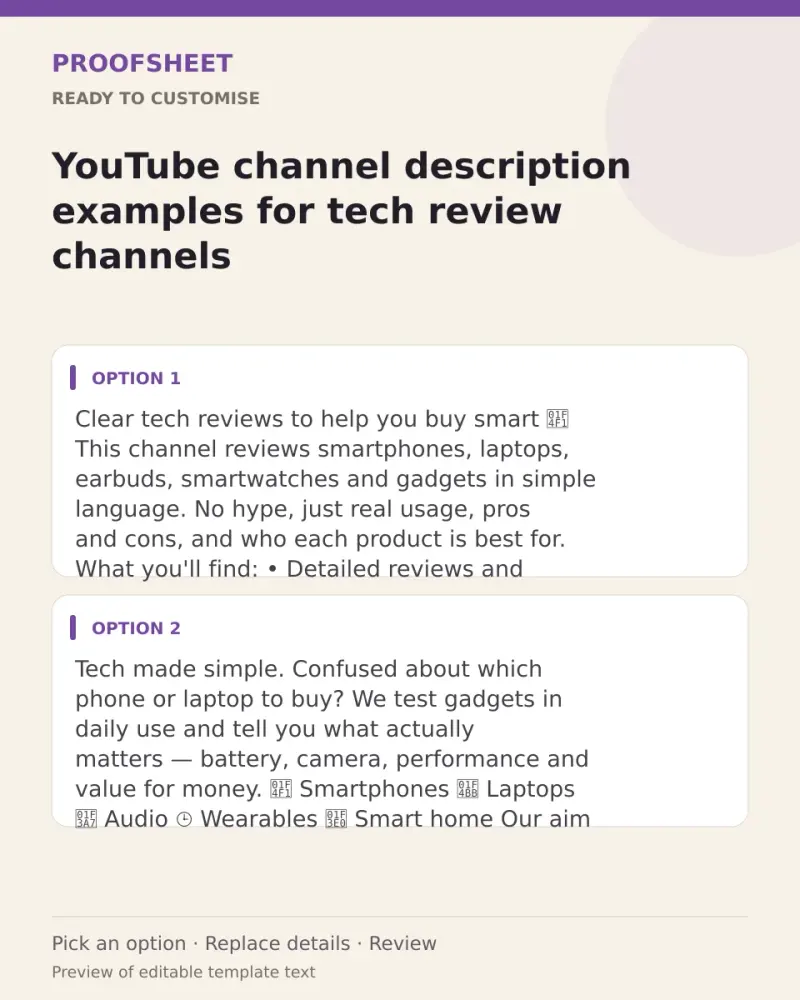
Clear tech reviews to help you buy smart 📱

This channel reviews smartphones, laptops, earbuds, smartwatches and gadgets in simple language. No hype, just real usage, pros and cons, and who each product is best for.

What you'll find:
• Detailed reviews and quick first impressions
• Comparisons and best-under-budget lists
• Tips, tricks and hidden features
• Unboxings of the latest launches

Subscribe for new videos every week and ask your buying questions in the comments!
Top pick · 477 / 1000 characters
Tech made simple.

Confused about which phone or laptop to buy? We test gadgets in daily use and tell you what actually matters — battery, camera, performance and value for money.

📱 Smartphones
💻 Laptops
🎧 Audio
⌚ Wearables
🏠 Smart home

Our aim is simple: help you spend your money on the right product. Subscribe and turn on notifications for launch-day reviews.
365 / 1000 characters
Honest opinions. Useful comparisons. Zero confusion.

We review the gadgets people actually buy — from budget picks to flagships — and explain everything in plain language so anyone can understand.

✔ Real-world testing
✔ Clear verdicts
✔ Budget buying guides

New reviews every [upload day]. Subscribe and stay updated!
320 / 1000 characters
Budget tech, tested properly 💡

We find the best gadgets at every price point so you get the most value for your money. Reviews, comparisons and buying guides in simple language.

Subscribe for weekly videos!
208 / 1000 characters
Tips, tricks and tutorials for the tech you already own 📲

Learn hidden phone features, laptop shortcuts, app settings and simple fixes for everyday tech problems.

Subscribe and get more out of your devices!
208 / 1000 characters
Prompt
Clear tech reviews to help you buy smart 📱

This channel reviews smartphones, laptops, earbuds, smartwatches and gadgets in simple language. No hype, just real usage, pros and cons, and who each product is best for.

What you'll find:
• Detailed reviews and quick first impressions
• Comparisons and best-under-budget lists
• Tips, tricks and hidden features
• Unboxings of the latest launches

Subscribe for new videos every week and ask your buying questions in the comments!
How to use it
- Read the options and pick the one that sounds most like you.
- Tap Copy under it.
- Paste into the intended message, document or profile editor.
- Change any word that isn't true for you before saving.
How to use this prompt
- Read the ready options and choose the message that fits. Where you see [BRACKETS], fill in your own details.
- Press Copy, then paste the message into your own message or profile. A finished message does not need an AI tool.
- Before you send it, check the name, the relationship and the language.
Good to know
- Put your main topic in the first line (search shows it), swap bracketed details for your own, and keep your upload days realistic.
- Read it once before posting and adjust the wording so it sounds like you.