Travel photo into a 3D parallax shot
Adds depth and slow camera drift to a holiday photo. Upload your starting image, paste this prompt into Gemini or Grok, change the parts in brackets to suit you, and generate.
- Written for
- Gemini, Grok, Other video models
- You'll need
- A starting photo
- Occasion
- World Tourism Day · 27 Sep
- Status
- Tested 9 Oct 2026 in Grok Imagine video (9 Oct 2026; model id not exposed)
- Test settings
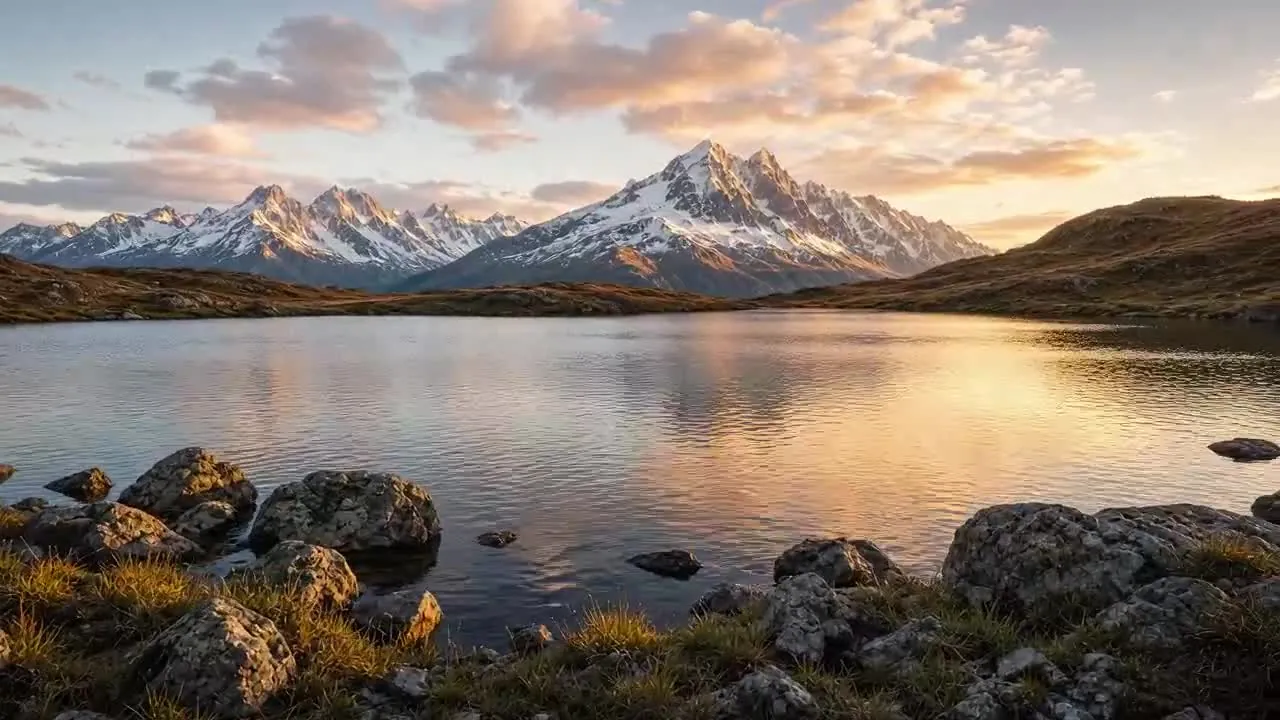
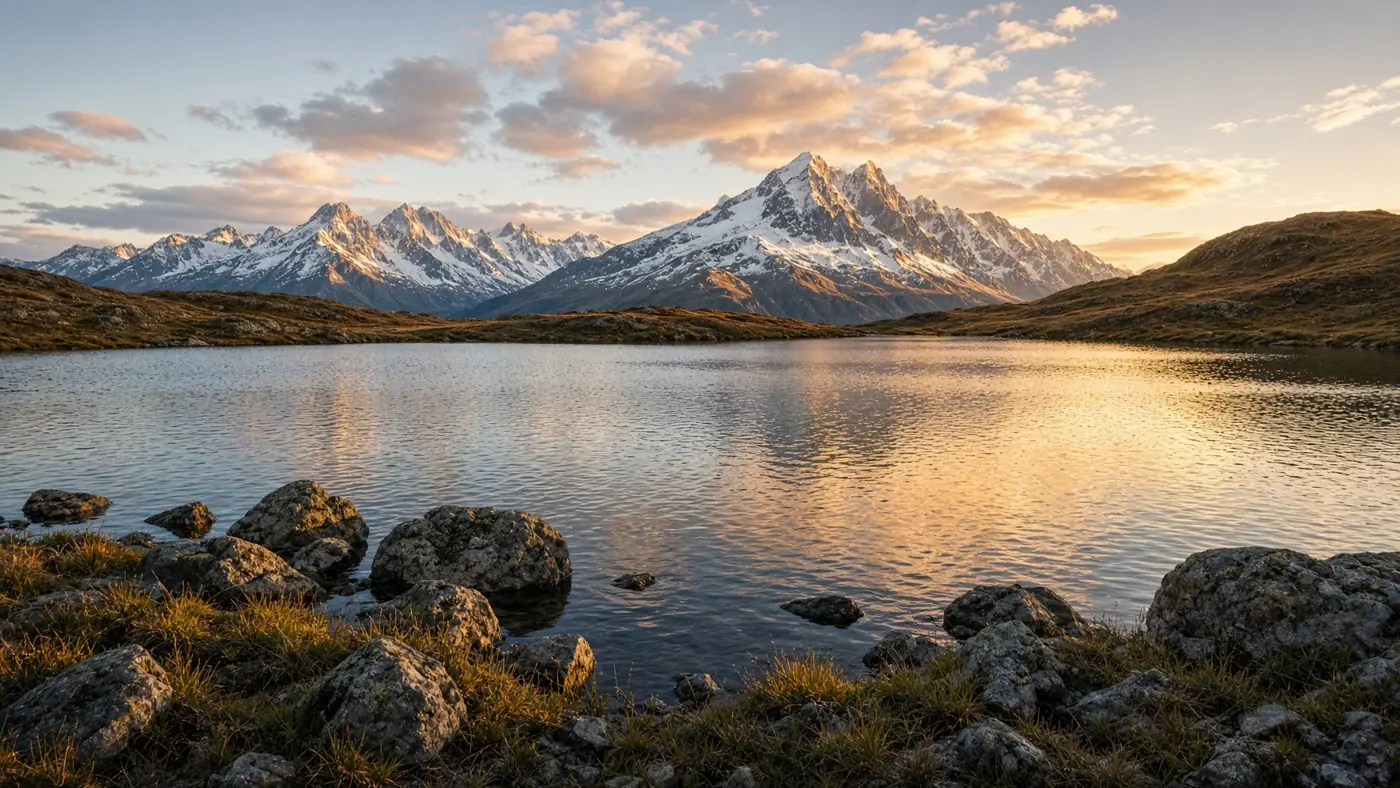
- Exact default prompt text, with both brackets set to their published defaults, was submitted on 9 Oct 2026 in Grok Imagine video. Synthetic travel photo used as the starting frame (/media/travel-photo-parallax-reference-tested-20261009.webp). The prompt asks for 5 seconds; this generator's shortest clip is 6 seconds, 16:9, 720p. First result kept. Re-encoded to H.264 with no creative edits. A still frame from the clip is the example image. ChatGPT and Gemini were not used.
- Variability
- Drift speed, cloud movement and edge stretch can change. This one clip is not a guarantee for a photo that contains people or buildings.
Prompt
Animate the uploaded travel photo into a 5-second parallax shot.

Starting frame: the uploaded image.
Depth: separate foreground, midground and background layers.
Camera: slow lateral drift to the right with a slight push-in.
Environment: clouds drift slowly, water sparkles.
Ending frame: a natural stop, no snap back.

Keep people and buildings stable, with as little distortion as the model permits. Check faces, edges and structures across every frame. Avoid: stretching at the edges, melting buildings, face changes, flicker.
Customise
For example: right.
For example: leaves moving slowly behind the subject.
Fields start with illustrative values; replace them with your own facts. The prompt updates as you type. Copy prompt copies your version.
How to use it
- Choose a video-generation tool that accepts the required input. Availability depends on the tool and your account.
- Upload your starting photo.
- Paste the prompt and generate. Make two or three takes and keep the best.
How to use this prompt
- Choose your starting photo. Get permission from people who can be identified, and use an app that accepts an image-to-video input.
- Upload the photo in the external app, copy the prompt with your details, paste it and generate the video.
- Play the whole video and check faces, objects, motion and the change from the first frame. The still shown here is not a real video test.
Good to know
- Photos with a clear foreground subject give the strongest depth effect.
- Use reference photos you have the right to use; get consent from identifiable people.