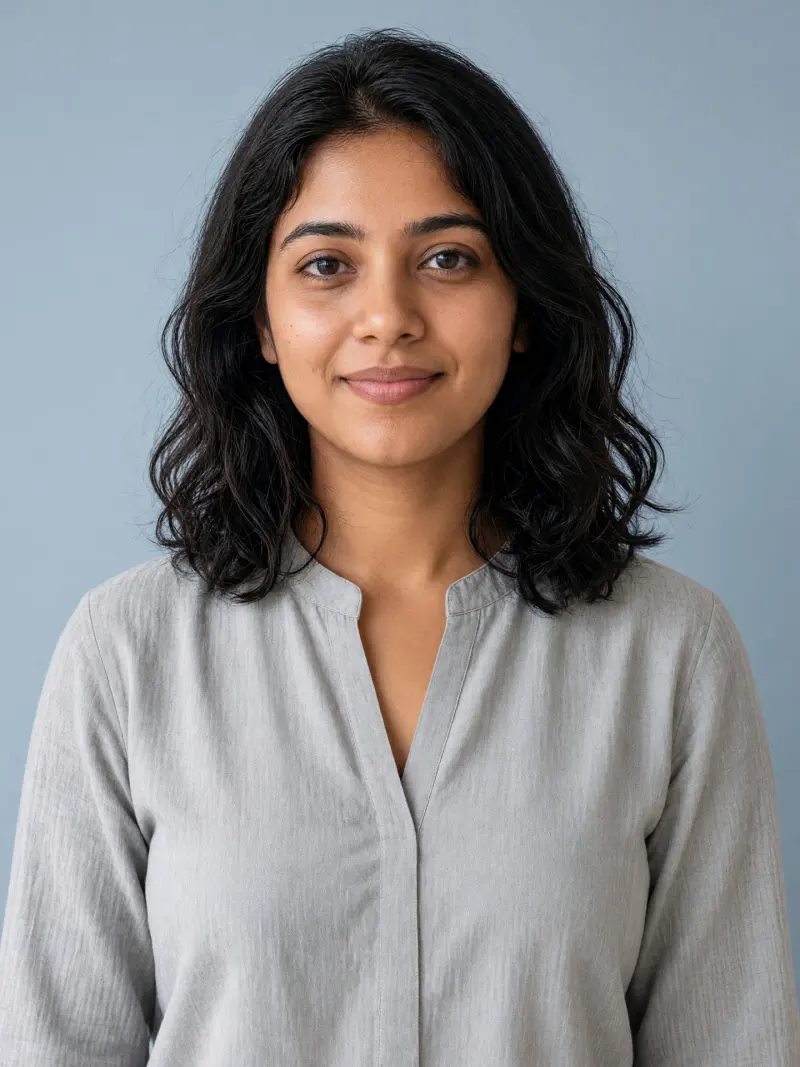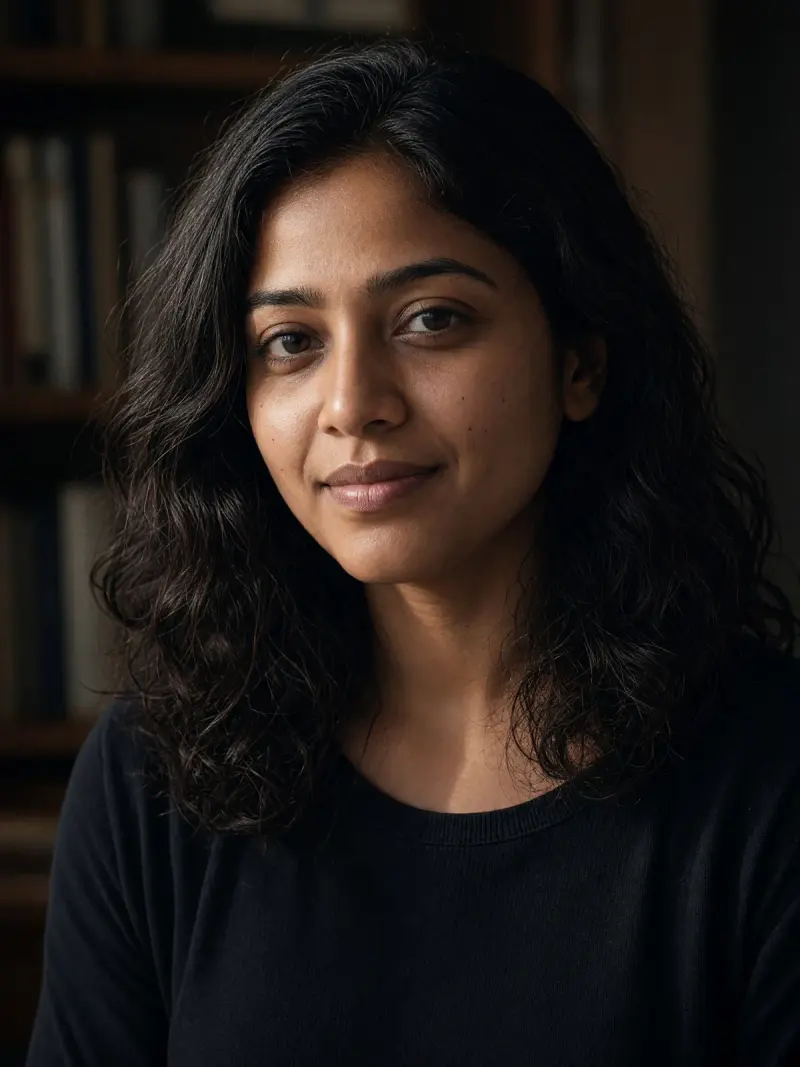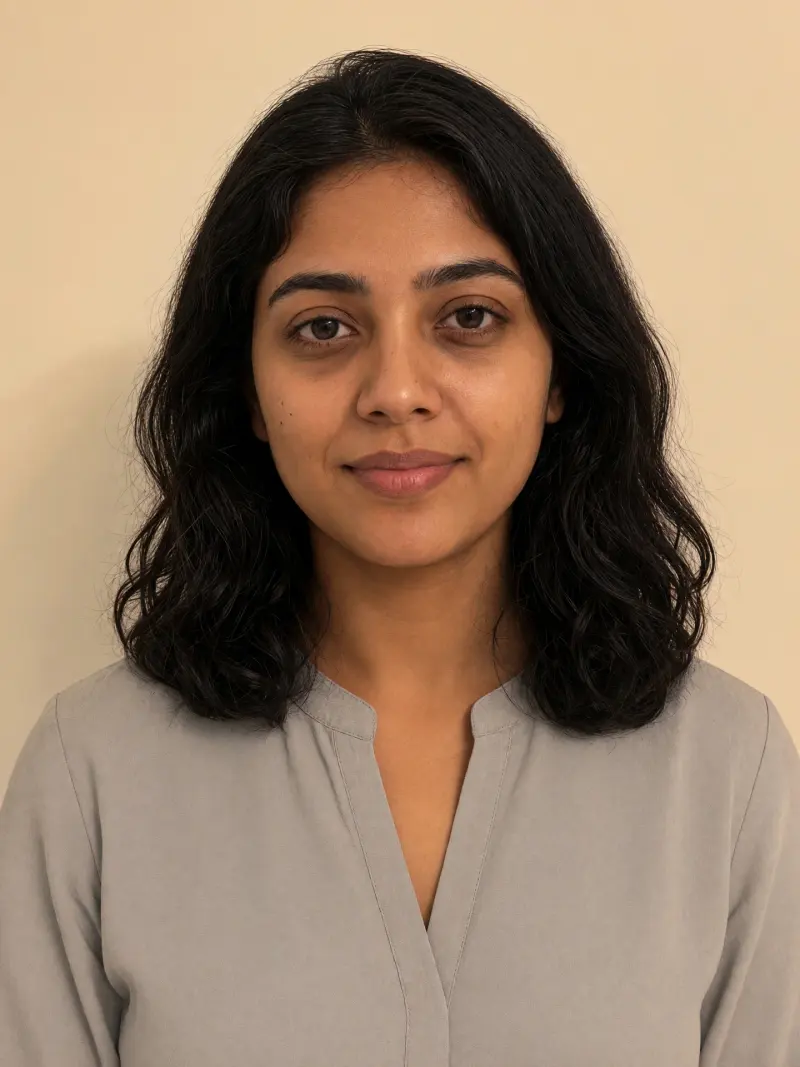
Editorial headshot for LinkedIn and CVs
A professional-looking headshot guided by your clear portrait photo; check the likeness before use. Upload a clear photo, paste this prompt into ChatGPT, Gemini or Grok, change the parts in brackets to suit you, and generate.
- Written for
- ChatGPT, Gemini, Grok
- You'll need
- A clear photo to upload
- Status
- Tested 28 Sep 2026 in Gemini app (web), Flash mode with built-in image generation
- Test settings
- Reference photo: an AI-generated picture of a fictional man (not a real person), made in Gemini for this test. Uploaded with the default copy text unchanged in a new Gemini chat. First result used; only converted to WebP.
- Variability
- Faces, poses and small details vary between runs; always compare the result with your own photo. Gemini adds a small sparkle watermark in the corner.
Prompt
Use the uploaded, well-lit photo of a consenting adult as the reference for a square (1:1) professional headshot. Keep the same person's recognisable facial structure, natural skin tone, hairline, hairstyle, glasses and visible features as closely as the model permits. Frame the head and shoulders at eye level, with the eyes in the upper third and sharp focus on the face. Use a seamless warm grey studio backdrop, a broad soft key light from one side, gentle fill and a natural shadow. Clothing: retain the original clothing. Keep the face and body shape as close to the reference as possible. Aim for a relaxed expression and natural skin texture. Avoid changing apparent age, facial proportions, teeth, identity, hairstyle or eyewear; avoid heavy retouching, plastic skin, text and logos. If the result does not resemble the reference, tell me to review it and try a smaller edit rather than claiming an exact match.
Customise
For example: warm grey.
For example: your own outfit.
Fields start with illustrative values; replace them with your own facts. The prompt updates as you type. Copy prompt copies your version.
How to use it
- Open an external image tool listed above. The tested model, if any, is named in Status.
- Upload a clear reference photo of the subject. If it includes identifiable people, get their consent and check each face.
- Customise the fields, copy your version, paste it with the photo and generate.
- Compare the result with the reference. If a face, pose or detail changes, ask for one correction or try again; an exact match is not guaranteed.
Make it yours
- Choose a sharp, evenly lit photo of just you, with your eyes and hairline visible. Avoid a tightly cropped face.
- Leave Outfit blank to retain the original clothing. If you change it, describe clothing you would actually wear at work.
- Compare the result at full size: check the eyes, glasses, hairline, collar and any visible hands before you use it.
Common mistakes
- Do not use a group-photo crop, a heavy beauty filter or a photo with deep shadows across your face.
- Do not add a uniform, badge or professional credential that does not represent you.
- Do not accept distorted glasses, changed facial features or broken fingers just because the background looks good.
How to use this prompt
- This prompt changes your own photo. Choose a clear reference photo, and get permission from people who can be identified.
- Upload the photo in the external AI app you chose. Fill Customise, press Copy prompt and paste the prompt with the photo.
- Compare the new picture with the original. Face, hands, clothes and pose can change. An exact likeness is not guaranteed.
Good to know
- Likeness and clothing details can vary across models and runs. Inspect the result against the original before using it professionally. This is not suitable for official ID or passport photos.
- Use reference photos you have the right to use; get consent from identifiable people.