Sincere apology message
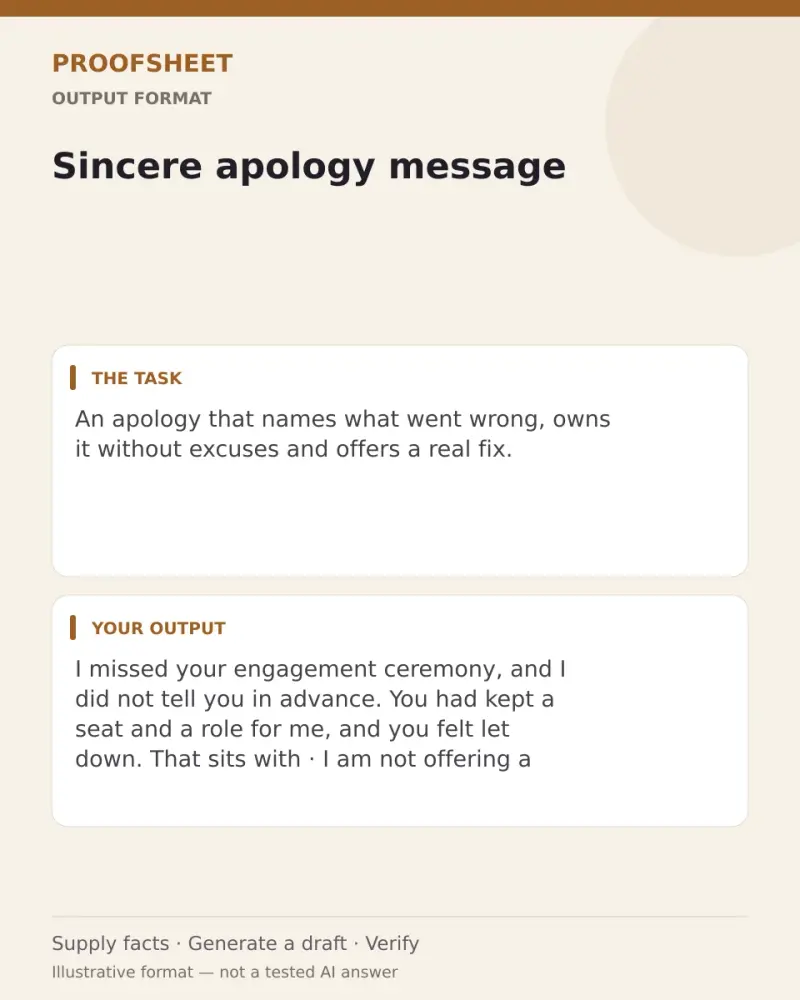
An apology that names what went wrong, owns it without excuses and offers a real fix. Paste this prompt into ChatGPT, Gemini, Grok or Claude, change the parts in brackets to suit you, and generate.
- Written for
- ChatGPT, Gemini, Grok, Claude
- Status
- Tested 9 Oct 2026 in Grok, 9 Oct 2026 (one run; model id not exposed)
- Test settings
- The page's exact default prompt was run once in Grok on 9 Oct 2026. The default details already written on the page were the input. They are illustrative, not a record of a real event. ChatGPT and Gemini were not used. The first result was kept.
- Variability
- A different set of details, or another run, will change the wording. This is the first result for the defaults on this page.
Help me write a sincere apology to my close friend.

What happened: I missed her engagement ceremony without telling her in advance
How it affected them: she had kept a seat and a role for me and felt let down
What I will do differently or to fix it: take her out this weekend and help with her wedding planning

Write one message (80–150 words) that:
- Names the specific thing I did, in plain words.
- Acknowledges how it affected them without guessing at feelings I did not mention.
- Takes responsibility with no "but", no excuses and no "sorry if you felt".
- States the concrete fix or change.
- Ends without demanding forgiveness or a quick reply.

Rules: Use only what I told you; do not invent details or promises I did not make. Keep the tone calm and human, not dramatic.

Then give me a shorter 2-line version for a text, and one line on whether this is better said in person or by message.
Customise
For example: close friend.
For example: I missed her engagement ceremony without telling her in advance.
For example: she had kept a seat and a role for me and felt let down.
For example: take her out this weekend and help with her wedding planning.
Fields start with illustrative values; replace them with your own facts. The prompt updates as you type. Copy prompt copies your version.
Actual tested output. The notes used for this result are an example, not a real event. This box is not copied. Replace the notes above with your own before you paste the prompt.
I missed your engagement ceremony, and I did not tell you in advance. You had kept a seat and a role for me, and you felt let down. That sits with me. I should have told you I was not coming.

I am not offering a softer version of it. There is no excuse from me, and I am not asking you to say it was fine. I left a gap where you had planned for me.

I will take you out this weekend, and I will help with your wedding planning. Tell me the task you want me to take, whenever you want to say it. I will wait. I am not asking you to forgive me on this message, and you do not owe me a quick reply.

Text:
I missed your engagement and did not tell you ahead. You kept a seat and a role, and you felt let down. I will take you out this weekend and help with wedding planning. No need to reply quickly.

Say this in person if she will see you. The text is only there to ask for that meeting if you cannot say it face to face yet.
How to use it
- Open ChatGPT, Gemini, Grok or Claude.
- Paste the prompt and replace the [BRACKETS] with your details.
- Review names, facts and the requested format; follow up with corrections or missing details.
How to use this prompt
- Fill Customise with your real details. Do not let the tool guess a missing fact. Write the missing information clearly if you need to.
- Press Copy prompt and paste it into the AI app named above. This page copies the prompt. The answer is created in the external app.
- Check names, facts, numbers, language and the format you asked for. If something is wrong or incomplete, ask for a correction.
Good to know
- A message cannot fix everything; for serious hurt, use it as a starting point for a real conversation. Run once in Grok on 9 Oct 2026 using the illustrative defaults on this page. Check the draft against your own facts before you use it.
- Check facts before you rely on the answer.