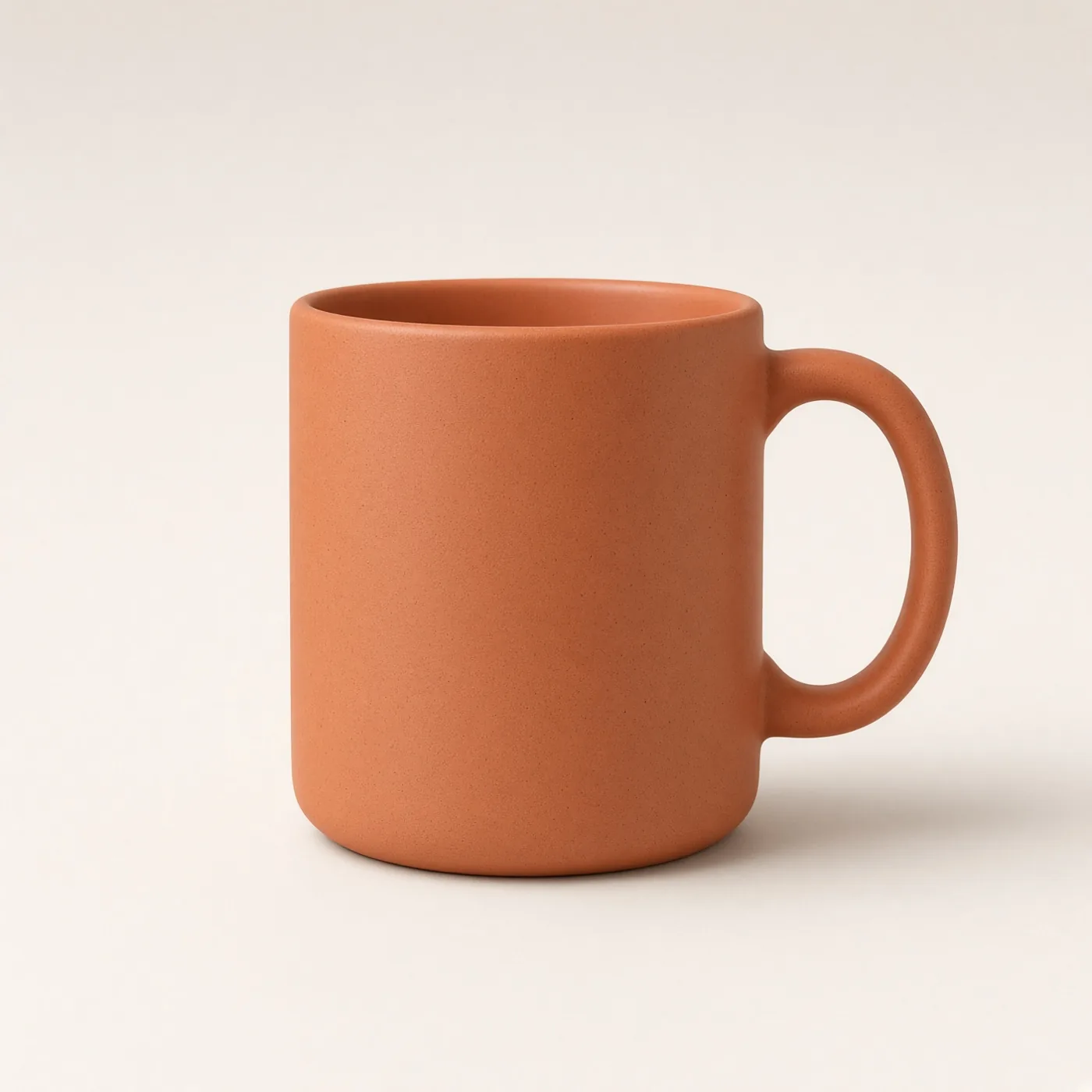
Front-view turntable product reveal
A short product clip from one front photo, with a gentle turntable motion. Upload your starting image, paste this prompt into Gemini or Grok, change the parts in brackets to suit you, and generate.
- Written for
- Gemini, Grok, Other video models
- You'll need
- A starting photo
- Status
- Tested 9 Oct 2026 in Grok Imagine video (9 Oct 2026; model id not exposed)
- Test settings
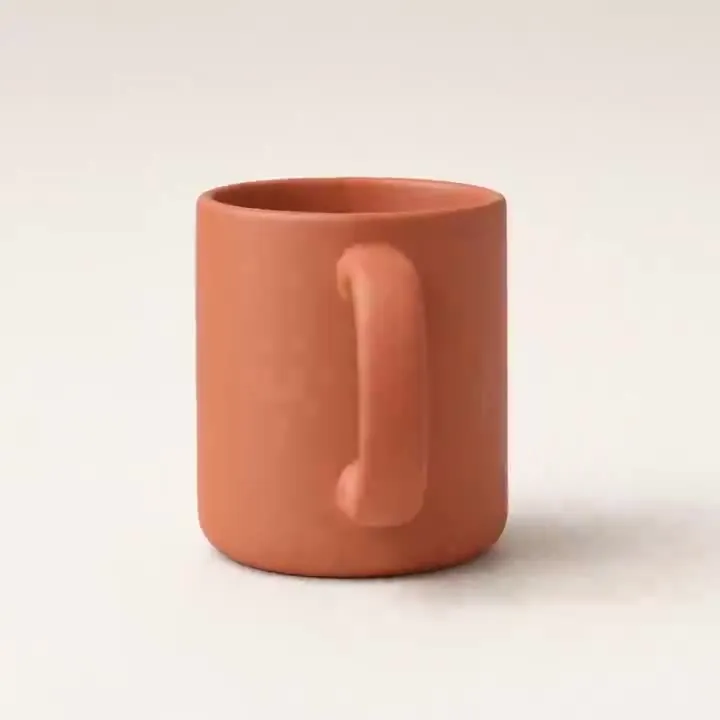
- Exact default prompt text, with the bracket set to its published default, was submitted on 9 Oct 2026 in Grok Imagine video. Synthetic front-view product photo used as the starting frame (/media/product-turntable-reference-tested-20261009.webp). Duration 6 seconds, first result kept, 720p. The mug has no label. Re-encoded to H.264 with no creative edits. A still frame from the clip is the example image. ChatGPT and Gemini were not used.
- Variability
- Turn amount, shadow and shape can drift. One front photo cannot show a real 360-degree product. This clip is a slight turn only.
Prompt
Animate the uploaded front-view product photo into a 6-second showroom clip. Use that image as the starting reference. Keep the camera locked and the product upright and centred on a matte turntable. Let the platform turn slowly; show only a slight change in viewing angle, then return to the front view. Keep the background seamless warm off-white, the contact shadow grounded and the light softly sweeping across the visible surface. Preserve the visible shape, colours and label as closely as the model permits. If the label begins to change, keep the product facing front and use platform and light movement instead. Avoid a full rotation, invented back view, melting edges, changing text, wobble, flicker and extra objects.
Customise
For example: warm off-white.
Fields start with illustrative values; replace them with your own facts. The prompt updates as you type. Copy prompt copies your version.
How to use it
- Choose a video-generation tool that accepts the required input. Availability depends on the tool and your account.
- Upload your starting photo.
- Paste the prompt and generate. Make two or three takes and keep the best.
How to use this prompt
- Choose your starting photo. Get permission from people who can be identified, and use an app that accepts an image-to-video input.
- Upload the photo in the external app, copy the prompt with your details, paste it and generate the video.
- Play the whole video and check faces, objects, motion and the change from the first frame. The still shown here is not a real video test.
Good to know
- One front photo does not show the sides or back. A genuine 360° showcase needs multiple views or real footage. Check label and shape in every frame; the motion plate is illustrative.
- Use reference photos you have the right to use; get consent from identifiable people.