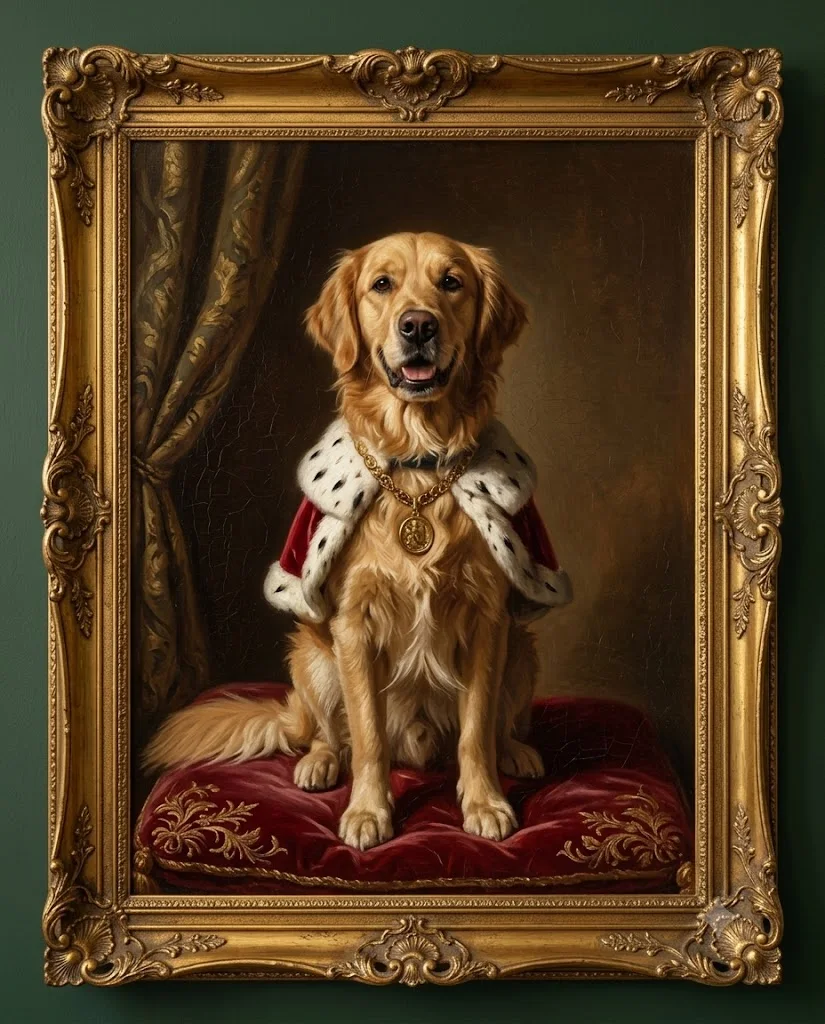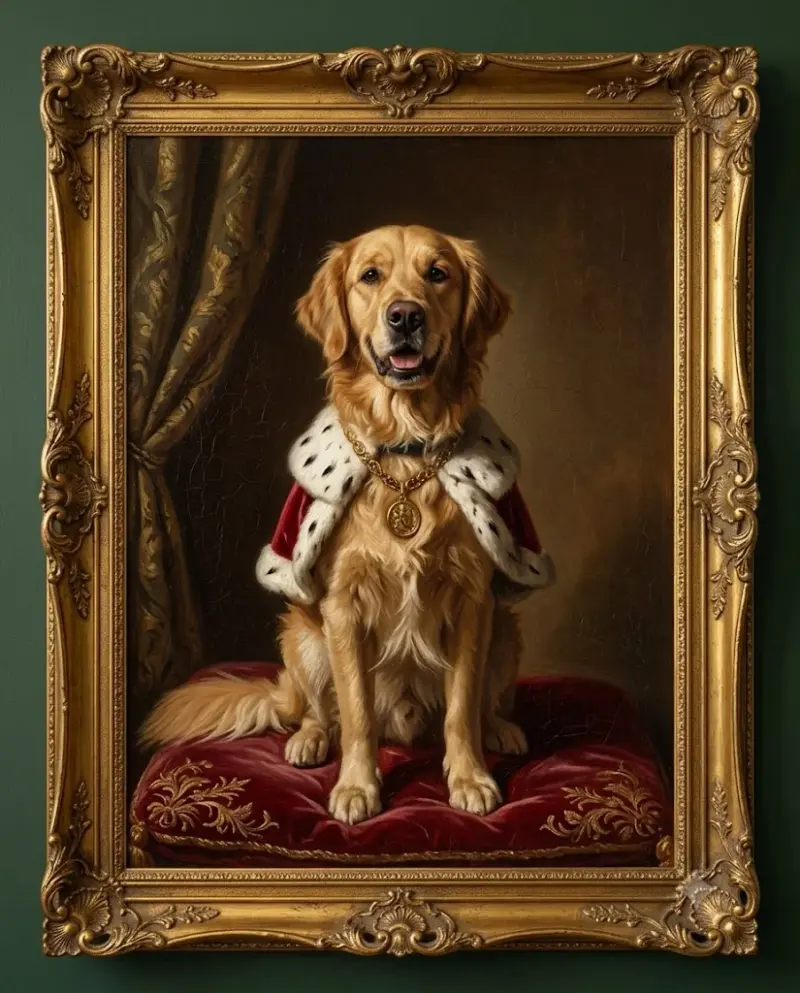
Your pet as an old-master royal portrait
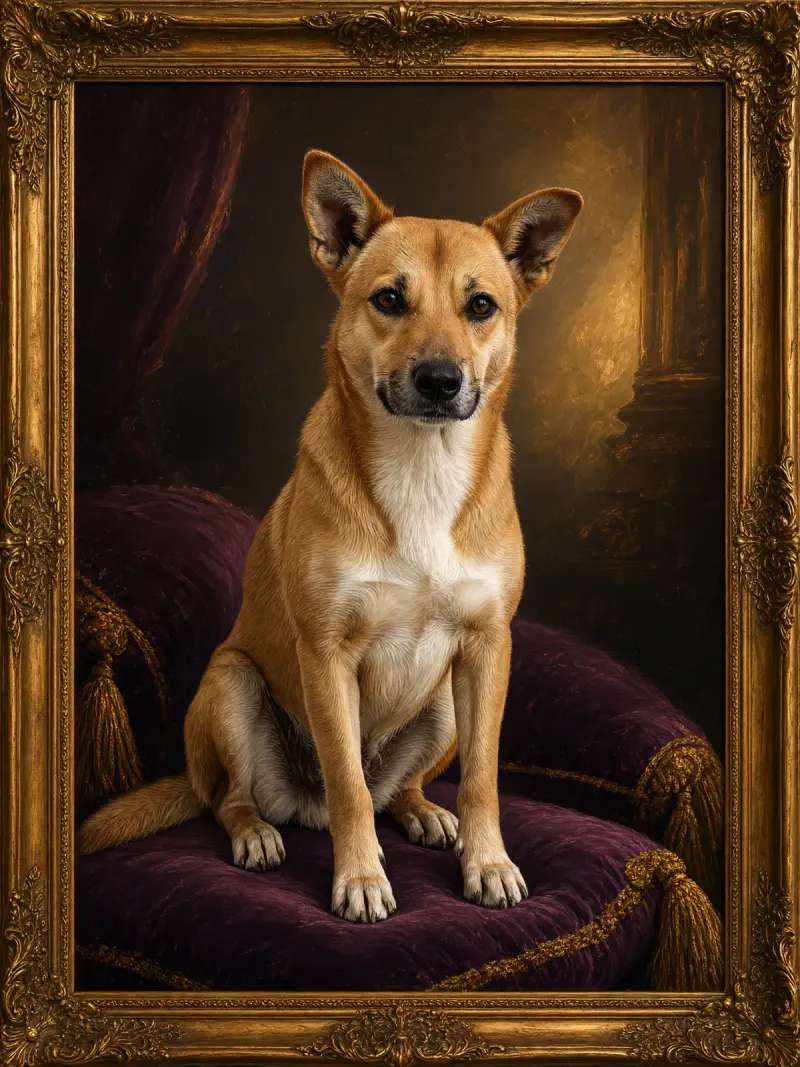
A regal oil-painting portrait of your dog or cat, museum style. Upload a clear photo, paste this prompt into ChatGPT, Gemini or Grok, change the parts in brackets to suit you, and generate.
- Written for
- ChatGPT, Gemini, Grok
- You'll need
- A clear photo to upload
- Status
- Tested 28 Sep 2026 in Gemini app (web), Flash mode with built-in image generation
- Test settings
- Reference photo: an AI-generated picture of a golden retriever, made in Gemini for this test. Uploaded with the default copy text unchanged in a new Gemini chat. First result used; only converted to WebP.
- Variability
- Shape, colours and small details can vary between runs; compare with your own photo. Gemini adds a small sparkle watermark in the corner.
Prompt
Use the uploaded photo of my pet as the reference. Preserve the pet's breed, fur colours, distinctive markings and eye colour as closely as the model permits; check the result against the photo.

Paint it as a 17th-century oil portrait of a noble. The pet sits upright on a velvet cushion wearing a small ermine-trimmed red cape and gold medallion.
Background: dark, warm brown with a heavy drape on one side.
Lighting: single window light from the upper left, deep shadows.
Texture: visible brushstrokes, fine craquelure, varnish sheen.
Frame: ornate gilded frame hanging on a deep green wall.
Format: vertical 4:5.

Avoid: human hands, human face, text, cartoon style.
Customise
For example: a small ermine-trimmed red cape and gold medallion.
For example: deep green.
Fields start with illustrative values; replace them with your own facts. The prompt updates as you type. Copy prompt copies your version.
How to use it
- Open an external image tool listed above. The tested model, if any, is named in Status.
- Upload a clear reference photo of the subject. If it includes identifiable people, get their consent and check each face.
- Customise the fields, copy your version, paste it with the photo and generate.
- Compare the result with the reference. If a face, pose or detail changes, ask for one correction or try again; an exact match is not guaranteed.
How to use this prompt
- This prompt changes your own photo. Choose a clear reference photo, and get permission from people who can be identified.
- Upload the photo in the external AI app you chose. Fill Customise, press Copy prompt and paste the prompt with the photo.
- Compare the new picture with the original. Face, hands, clothes and pose can change. An exact likeness is not guaranteed.
Good to know
- Unusual markings may drift across runs. Check the fur pattern against the reference and try a smaller edit if it changes.
- Use reference photos you have the right to use; get consent from identifiable people.