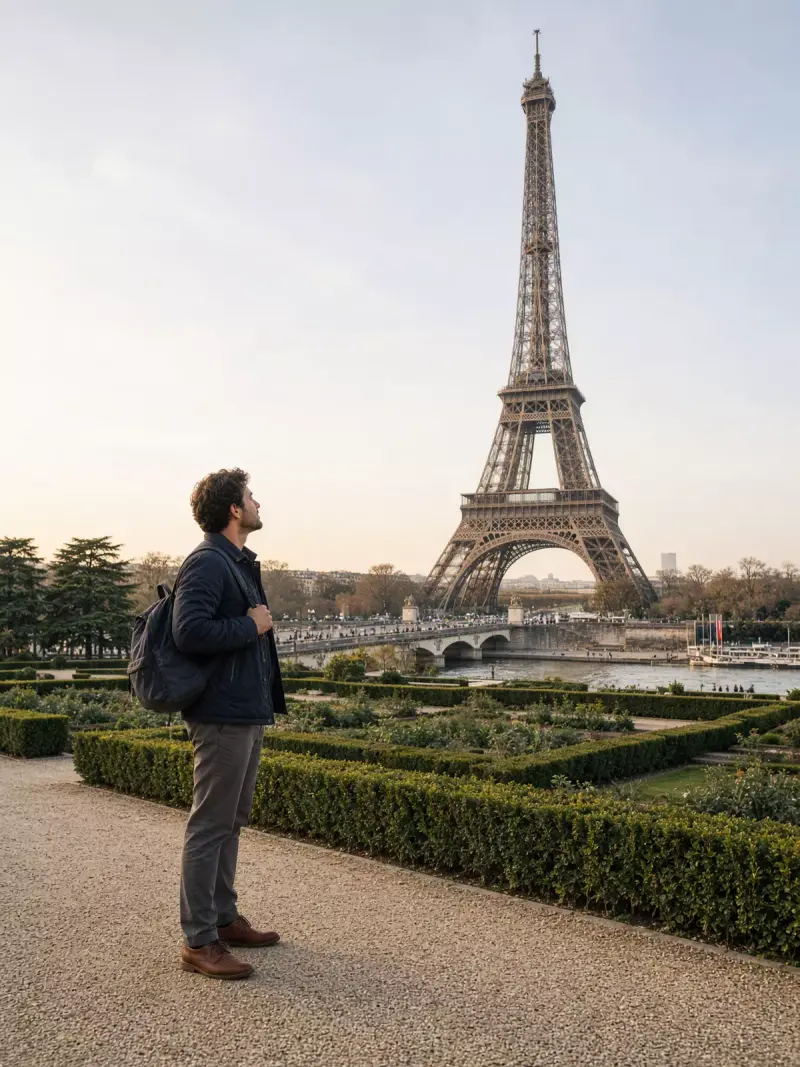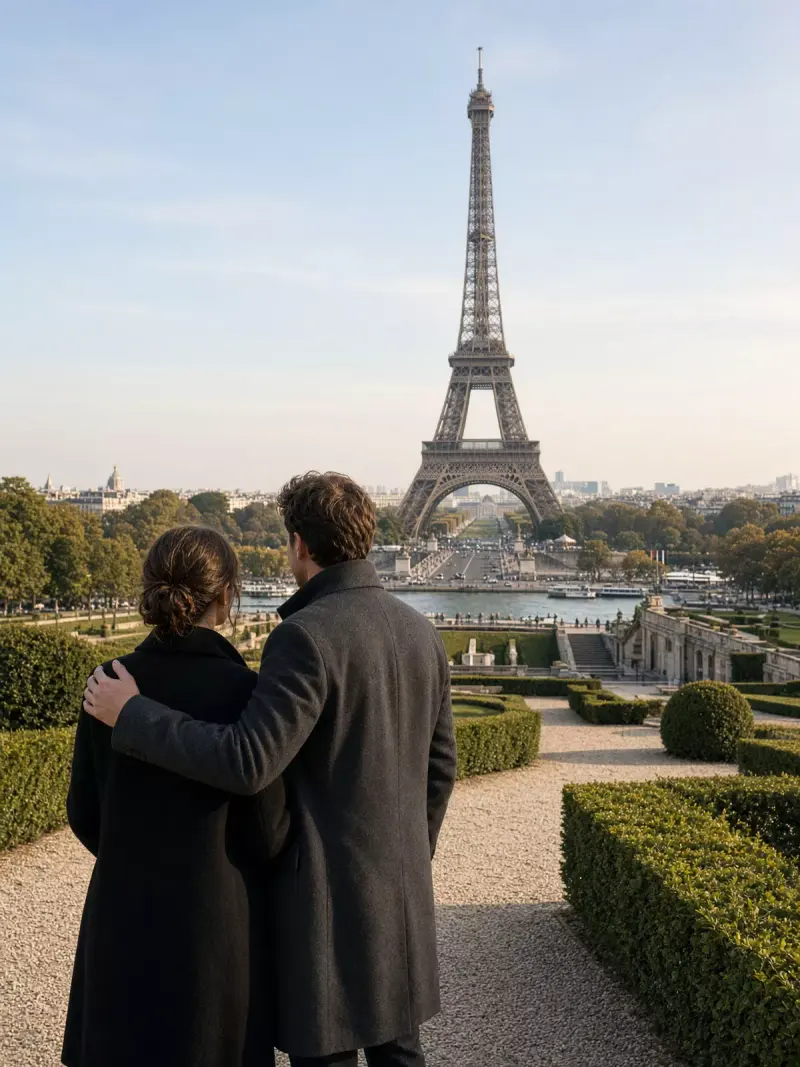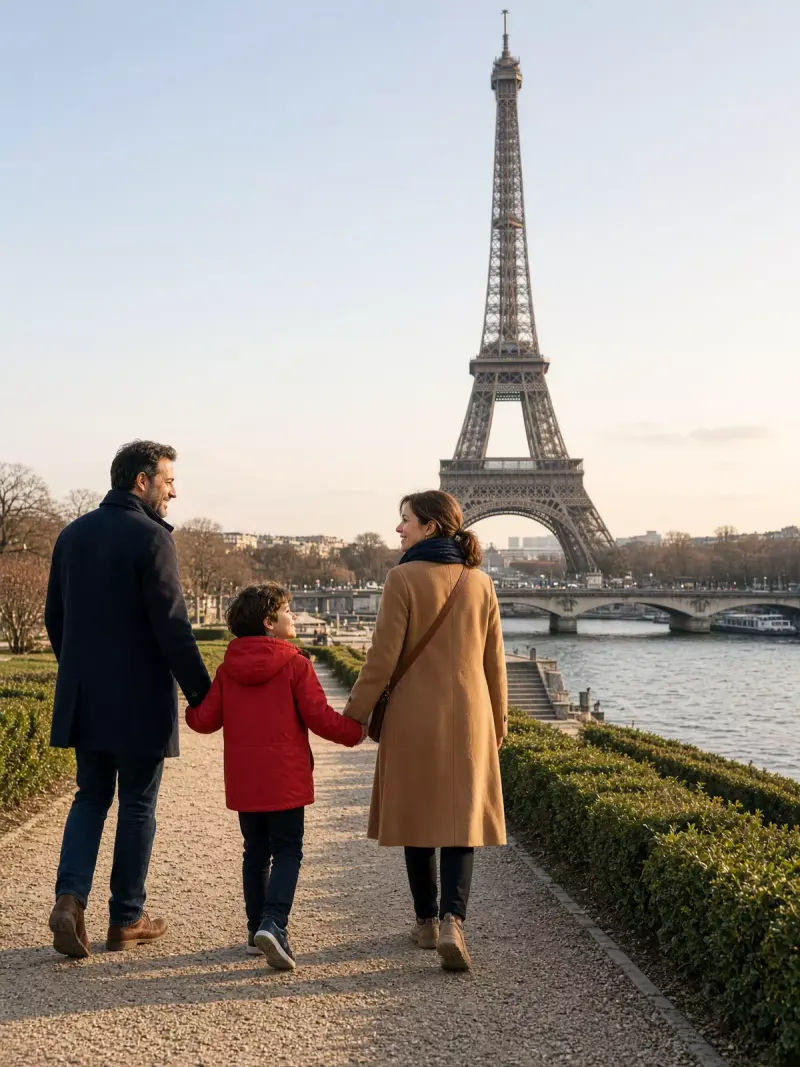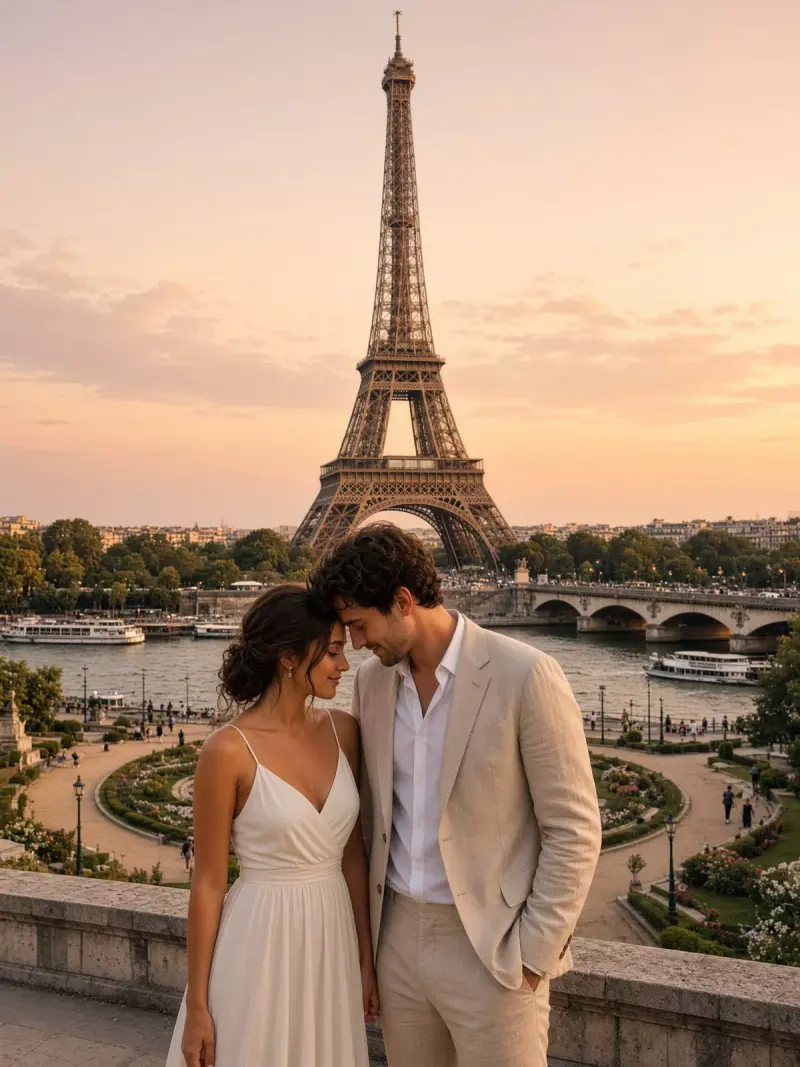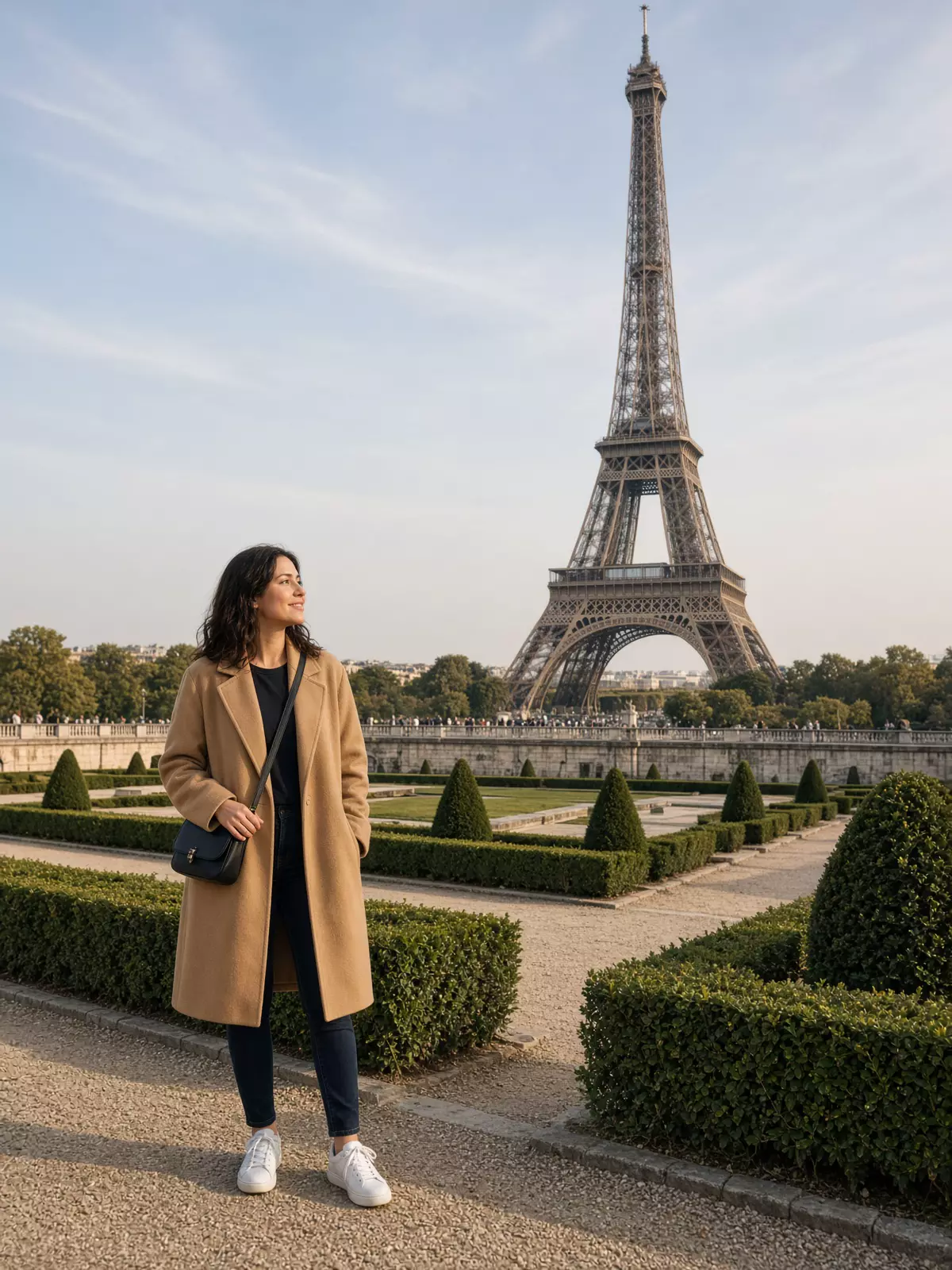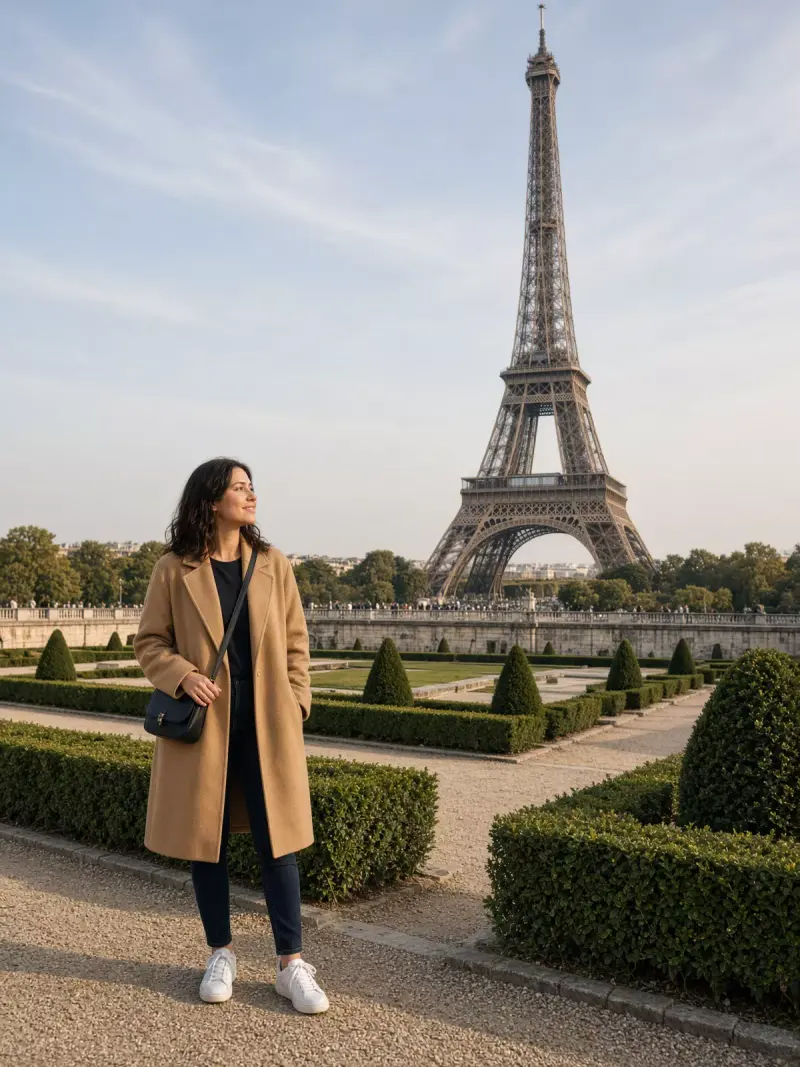
Eiffel Tower, woman travelling solo
A vertical travel photo of a woman alone in the Trocadéro gardens, with the Eiffel Tower across the Seine. Paste this prompt into ChatGPT, Gemini or Grok and generate.
- Written for
- ChatGPT, Gemini, Grok
- Status
- Tested 13 Oct 2026 in Grok Imagine
- Test settings
- Generated in Grok Imagine from this default prompt. The image tool expands the wording before it draws. First result kept; only converted to WebP. The people are fictional, not a photograph of a real traveller.
- Variability
- Faces, hands, clothing details and framing change between runs and between ChatGPT, Gemini and Grok. This photo is one saved result, not a guarantee. For your own face, use a photo-edit prompt instead.
Prompt
Create an original travel photograph of fictional people only, not a recognisable real person. Scene: the Eiffel Tower across the Seine from the Trocadéro gardens in Paris, iron lattice sharp against a pale sky, gravel path and trimmed hedges in the foreground. Who: one adult woman travelling alone. Pose: standing three-quarter view, one hand on a small crossbody bag, looking toward the tower with a relaxed smile. Clothing: a camel coat, dark jeans and white trainers. Light: clear late-afternoon sun, soft shadows. Camera: 35mm lens, eye level, vertical 3:4, the tower fully in frame. Style: natural-colour travel photograph, realistic skin, no illustration. Avoid: extra fingers, extra limbs, warped face, readable signs, logos, watermarks, text.
How to use it
- Open an external image tool named above. Check Status for the provider actually tested.
- Paste the prompt. Replace anything in [BRACKETS] first, or use Customise.
- Send, then ask for small changes in follow-up messages.
How to use this prompt
- This prompt makes a new picture. Check the AI app named above and the real test recorded in Status.
- Fill Customise with what you want, or replace [BRACKETS] with the right details. Press Copy prompt and paste it into the image app you chose.
- When the picture is ready, check objects, hands, faces, writing and any detail that matters. Ask for one clear correction if something is missing.
Good to know
- Fictional travellers only. Hands can still warp, and the landmark is recognisable rather than a measured postcard. Do not present the result as a photo of a real person.